Rapid AI prototypes
Turn a workflow idea into an interactive proof of concept before investing in a conventional application.
Independent tool overview
Opal is an experimental Google Labs builder for creating, editing, remixing, and sharing multi-step AI mini-apps with natural language and a visual workflow editor.
Visit the official Opal site ↗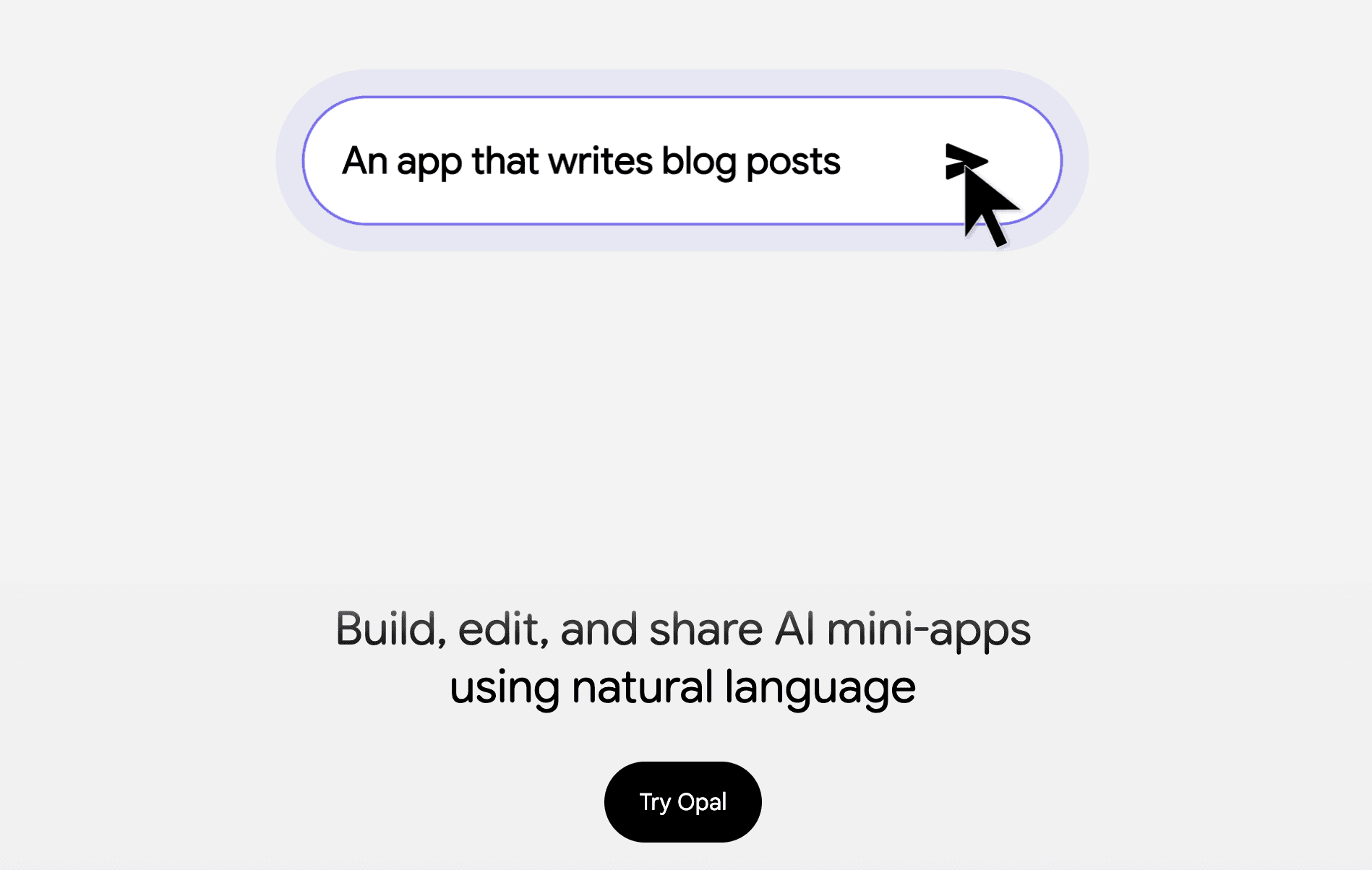
Overview
Google Opal turns a plain-language app idea into a visual sequence of prompts, model calls, and tools. Creators can refine that sequence conversationally or edit its nodes directly, preview the result, and publish a small interactive app without writing conventional application code.
Opal also powers Gems from Google Labs in the Gemini web app. Those workflows can combine text, image, video, and music models, and users can start from Google's gallery or remix an existing mini-app. It remains a Google Labs experiment, so it is best suited to prototypes and personal workflows rather than business-critical production software.
Use cases
The strongest fit depends on the job you need the product to complete, not the size of its feature list.
Turn a workflow idea into an interactive proof of concept before investing in a conventional application.
Bundle repeated prompting and multimodal generation steps into a one-click mini-app.
Build and refine a multi-step experience with descriptions and a visual graph instead of source code.
Capabilities
Generates an initial mini-app and its workflow from a written description.
Shows the app as editable steps that connect prompts, models, and tools.
Lets creators request changes in plain language instead of manually updating every node.
Gems from Google Labs can use multiple model types, including text, image, video, and music generation.
Provides premade mini-apps that can be copied and adapted to a different workflow.
Supports private access, specific recipients, link sharing, or public availability for eligible apps.
Process
Step 1
Explain the mini-app or custom workflow you want Opal to create.
Step 2
Review the prompts, models, tools, and interface that Opal assembles.
Step 3
Request changes conversationally or open the advanced visual editor for direct control.
Step 4
Run the app, check its output, and choose private, recipient, link, or public access.
Cost
Google does not list a separate paid Opal subscription. Access is provided as a Google Labs experiment through Opal and Gems from Google Labs for eligible personal Google Accounts, with experimental availability and usage limits that can change.
No separate price listed
Create and run eligible Opal mini-apps with a personal Google Account.
Pricing checked . Check current pricing at the source ↗
Assessment
Compare
The right alternative depends on the specific output, workflow, controls and budget your project requires.
Coding
Choose Google AI Studio Build for a more code-oriented Gemini app-building environment.
Explore Google AI Studio Build →Coding
Choose Lovable when the goal is a deployable database-backed website or web application.
Explore Lovable →Business Operations
Choose n8n for operational automations with extensive app integrations and self-hosting options.
Explore n8n →Questions
Opal is a Google Labs experiment that creates shareable AI mini-apps by chaining prompts, models, and tools in a visual workflow.
No. You can create and edit a workflow with natural language, though an advanced visual editor provides more direct control over its steps.
Opal powers Gems from Google Labs inside the Gemini web experience, but Google states that Opal itself is a separate Labs experiment and its data is not governed by Gemini Apps Activity.
Yes. Current sharing choices include private access, specific email recipients, anyone with the link, and public access.
Google's current help page says Gems from Google Labs are not available to work or school accounts; an eligible personal Google Account is required.
Bottom line
Opal is one of the easiest ways to demonstrate a multimodal AI workflow as a small interactive app. It is compelling for prototypes, education, and personal productivity, but its experimental status and account restrictions make a production app builder or automation platform a better choice for durable business systems.
Visit Opal website ↗
Get access to all our AI courses, hundreds of real-world AI use cases, live expert-led workshops, an exclusive network of AI early adopters, and more.
Get unlimited access to all of our current & upcoming industry-specific AI courses for the duration of your subscription.
To keep up with the rapid pace of AI, our team publishes AI implementation guides daily. Our library contains 300+ practical use cases to automate real-world work.
Join weekly, live, interactive sessions with industry leaders who are at the forefront of AI for hands-on implementation guidance and exclusive insights.
Network with an exclusive community of AI-first professionals who are working smarter with AI. Learn how early adopters are using AI in their work and businesses.


