Product designers
Generating first-pass motion for onboarding, UI transitions, feature demos, empty states and interaction concepts from existing Figma work.
Independent tool overview
Magic Animator is Lottielab's active AI motion-design tool for turning static layouts into editable animation ideas. Its current site labels the product Magic Animator 2.0 and beta testing, while Lottielab's official Figma page links to the live plugin. It is strongest for quickly animating UI frames, ads, social graphics, logos and icons, then refining the result and exporting it as Lottie, GIF or MP4. Start on Lottielab's free plan; the published Pro price is $12 per editor per month when billed annually. Treat the AI pass as a draft, test every exported asset in its destination, and do not send confidential client designs until your team has approved the service's data handling.
Visit the official Magic Animator site ↗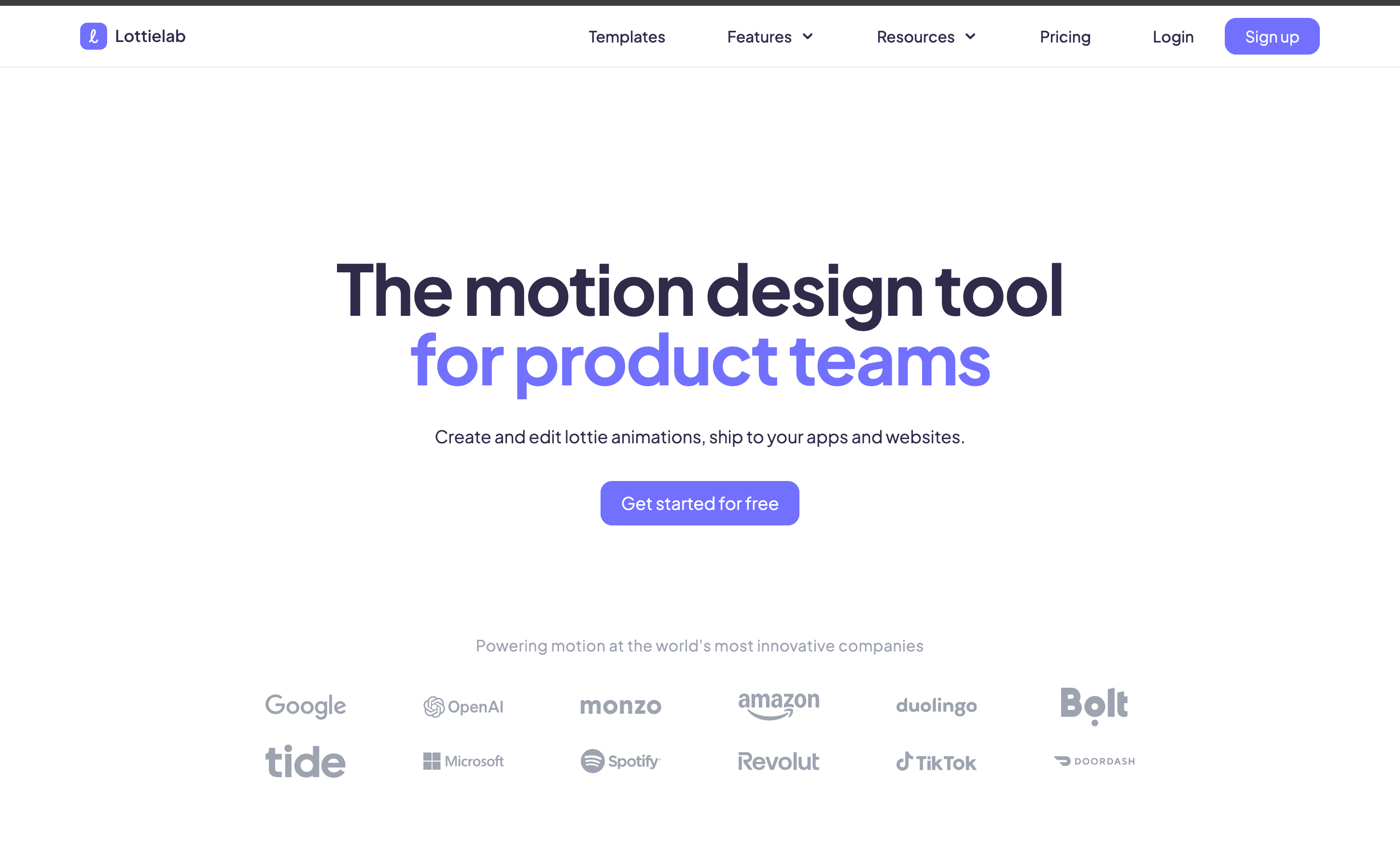
Overview
Magic Animator is made by Lottielab, the browser-based motion-design company. The current standalone site calls the product Magic Animator 2.0 and marks it as beta testing, so teams should expect the feature set and generation behavior to keep changing.
The core promise is one-click animation from an existing design. Rather than producing only a flattened text-to-video result, Magic Animator generates motion that can feed an editable design workflow, including layers, timing, keyframes and easing in Lottielab's motion editor.
The live Figma plugin is the clearest current entry point. Select a frame or component, ask the plugin to generate animation directions, compare the results and continue editing the chosen version. Lottielab also markets the tool for visuals created in Canva and Adobe Express, but its official get-started link currently points to Figma.
Exports cover MP4 for video delivery, GIF for lightweight previews and social use, and Lottie for code-ready vector animation. Format support does not guarantee visual parity: fonts, masks, effects, blend modes, image assets and complex vector operations can behave differently after export.
Lottielab has a free plan with unlimited files, Lottie and SVG uploads, Figma import, and GIF and MP4 export. Its Pro plan adds Lottie export, HD and 4K video, shared libraries, comments, file optimization and hosted delivery. The pricing page does not publish a separate Magic Animator credit allowance, so confirm AI-generation limits in the plugin before planning volume work.
The product is useful for ideation and production acceleration, not unattended publishing. A designer should still review motion hierarchy, timing, accessibility, performance, brand consistency, content rights and the final implementation on real devices.
Lottielab's public privacy policy describes collection of account, device, usage and submitted content data and permits sharing with service providers. It does not clearly document a Magic Animator-specific retention period or model-training rule for private design inputs. Keep unreleased campaigns, customer data, product road maps and regulated information out of the beta unless your organization has approved the terms and received any needed contractual assurances.
Use cases
The strongest fit depends on the job you need the product to complete, not the size of its feature list.
Generating first-pass motion for onboarding, UI transitions, feature demos, empty states and interaction concepts from existing Figma work.
Turning campaign layouts, product cards, ads and social graphics into several motion directions without beginning on a blank timeline.
Exploring simple logo reveals, animated icons and reusable micro-interactions that can be polished and exported as lightweight assets.
Creating a useful starting point before a designer reviews timing, hierarchy, export compatibility and brand quality.
Capabilities
Analyzes a selected design and proposes motion without requiring the user to keyframe every layer from scratch.
The plugin describes returning four animation variations, making it useful for concept comparison rather than a single take-it-or-leave-it result.
Uses the selected frame's hierarchy, layout and layers as context for the generated animation.
Moves the chosen result into Lottielab's motion workflow so designers can adjust layers, properties, keyframes, timing, presets and easing.
Starts directly from a Figma frame or component through the live community plugin.
Exports MP4, with HD and 4K video listed as Pro capabilities on Lottielab's pricing page.
Creates a broadly shareable animated image for previews and channels that do not accept Lottie.
Produces code-ready vector animation for compatible web and app runtimes; the current pricing page assigns Lottie export to Pro.
Pro includes shared files, a team library, comments, mentions and unlimited viewer collaborators.
Pro includes file-size optimization and Lottielab hosting/CDN for published Lottie assets.
Process
Step 1
Start with one UI state, logo, icon, card, ad or social frame instead of asking the beta to choreograph an entire product flow at once.
Step 2
Name layers, preserve vectors, group related elements, remove hidden clutter, resolve missing fonts and verify that every image and logo is licensed.
Step 3
Work from a copy so a beta plugin or later edits cannot disrupt the production Figma frame.
Step 4
Run the selected frame through Magic Animator and compare the proposed hierarchy, pacing, staging and transitions.
Step 5
Choose the version that supports the user's task or campaign message, not simply the one with the most movement.
Step 6
Refine keyframes, easing, timing, entrances, exits and layer relationships in Lottielab; remove motion that distracts from reading or interaction.
Step 7
Avoid rapid flashes, excessive parallax and essential information that exists only in motion; provide a reduced-motion or static experience where needed.
Step 8
Use Lottie for supported vector runtime delivery, MP4 for video, or GIF when its color and file-size tradeoffs are acceptable.
Step 9
Check fonts, masks, gradients, clipping, loops, transparency, dimensions, load time and rendering on target browsers, devices and app runtimes.
Step 10
Retain the source file, prompts or generation choices, asset licenses, model date, edits, accessibility decision and final human approval.
Cost
Magic Animator is accessed through Lottielab's product ecosystem. The official pricing page lists Free at $0, Pro at $12 per editor per month when billed annually, and Enterprise by quote. The page does not state a separate Magic Animator credit allocation or overage price, so confirm generation limits and any beta-specific restrictions inside the plugin before committing to a high-volume workflow.
$0
For testing the editor and basic Figma-to-animation workflow.
$12/editor/month billed annually
For professional exports, collaboration and hosted delivery.
Custom
For organizations that need commercial, legal, billing or onboarding support.
Pricing checked . Check current pricing at the source ↗
Assessment
Compare
The right alternative depends on the specific output, workflow, controls and budget your project requires.
Design
Better when the priority is staying within Figma's broader design and prototyping environment rather than exporting AI-generated Lottie motion.
Explore Figma AI →Content Creator
Better for prompt-driven animated videos generated as coded artifacts rather than motion built from an existing layered Figma design.
Explore Replit Animation →Content Creator
Better for developers who need React-based, programmatic and repeatable video production with code-level control.
Explore Remotion →Questions
Magic Animator is Lottielab's AI animation tool. It turns a selected design, most clearly through its live Figma plugin, into editable motion directions that can be refined and exported.
Yes. Its current site labels the product Magic Animator 2.0 and beta testing, and Lottielab still links to the live Figma plugin.
Lottielab offers a $0 plan and invites users to start free. That plan lists unlimited files, Figma import, and GIF and MP4 export. The public page does not specify how many Magic Animator generations are included, so verify the current allowance in the plugin.
The surrounding Lottielab platform lists Free at $0, Pro at $12 per editor per month billed annually, and Enterprise with custom pricing. No separate Magic Animator add-on price or generation overage is publicly listed.
Yes. Magic Animator and Lottielab describe Lottie, GIF and MP4 output. The current pricing table lists Lottie export under Pro, so verify the export entitlement on your account.
The current marketing site shows visuals designed in Figma, Canva and Adobe Express, but the official get-started action points to the Figma plugin. Treat other-source workflows as import-based until the product documents direct integrations.
No. It can create a fast starting point, but a person still needs to control visual hierarchy, brand style, timing, accessibility, technical compatibility and final quality.
Do not assume so by default. Lottielab's public privacy policy does not give a Magic Animator-specific retention or model-training commitment. Use sanitized inputs or obtain organizational and contractual approval before uploading sensitive work.
Check the exported animation in its actual runtime for layout, fonts, masks, transparency, loops, performance and visual parity. Also test reduced-motion behavior, readability, seizure risk and whether the motion supports the user's task.
Bottom line
Magic Animator is a compelling shortcut from a layered Figma design to an editable motion draft. Its real advantage is not simply AI generation; it is the ability to continue shaping the result and deliver it as Lottie, GIF or MP4. Use it to accelerate exploration and routine production, then apply normal motion-design, accessibility, performance and rights review. Because 2.0 is still labeled beta and its public materials do not define AI quotas or design-input handling in enough detail for sensitive work, teams should validate those points before making it a production dependency.
Visit Magic Animator website ↗
Hunyuan 3D-PolyGen - Tencent's 3D AI model designed for professional art-grade outputs for game development and artist modeling.
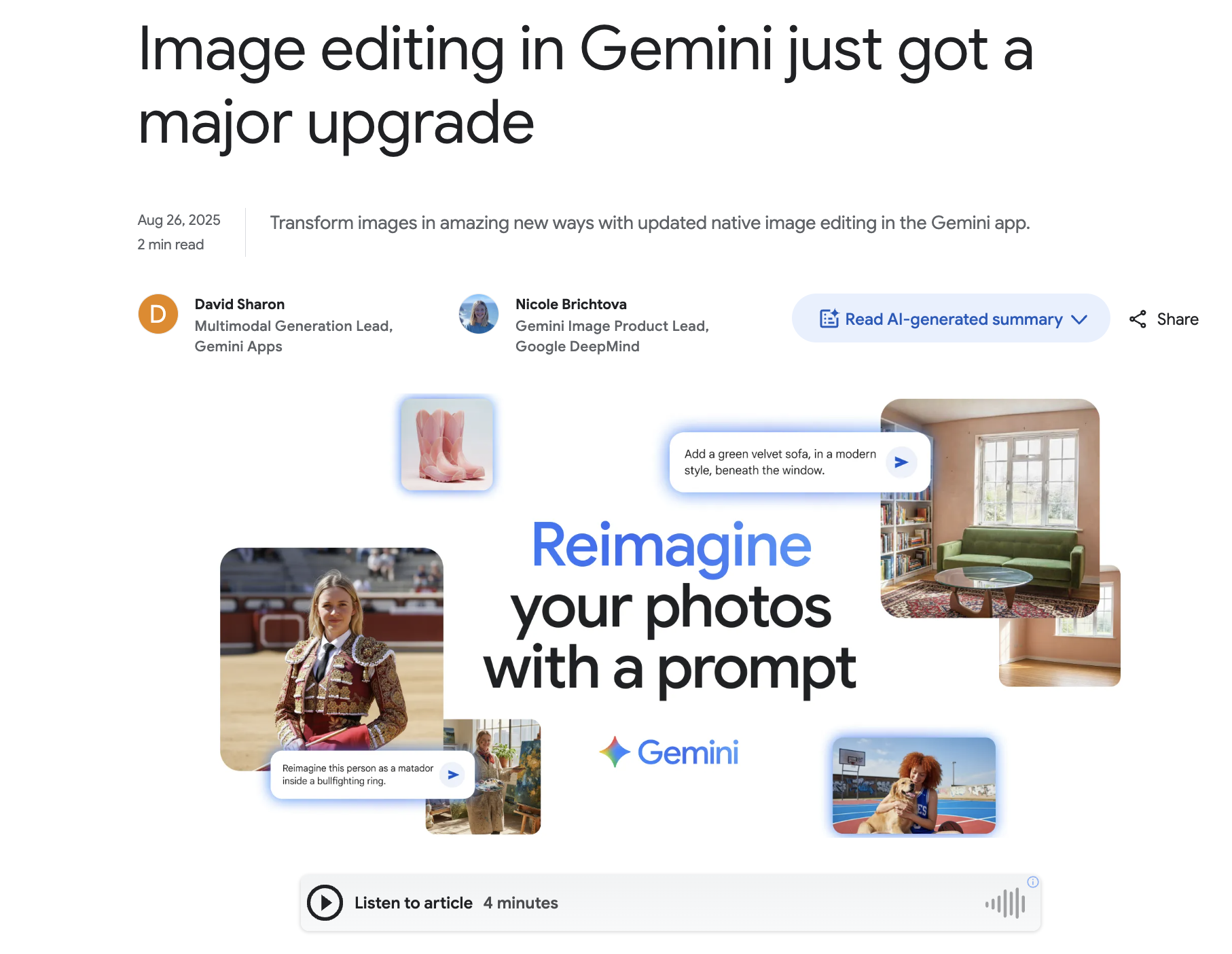
Gemini 2.5 Flash Image - Google's SOTA AI image editing model

Qwen-VLo - Alibaba’s 4o-style model for image generation and editing

Tripo AI - Turn text or images into production-ready 3D assets

Get access to all our AI courses, hundreds of real-world AI use cases, live expert-led workshops, an exclusive network of AI early adopters, and more.
Get unlimited access to all of our current & upcoming industry-specific AI courses for the duration of your subscription.
To keep up with the rapid pace of AI, our team publishes AI implementation guides daily. Our library contains 300+ practical use cases to automate real-world work.
Join weekly, live, interactive sessions with industry leaders who are at the forefront of AI for hands-on implementation guidance and exclusive insights.
Network with an exclusive community of AI-first professionals who are working smarter with AI. Learn how early adopters are using AI in their work and businesses.