Persistent personal agents
Keep sessions, memories, skills, preferences, and project knowledge across repeated work rather than starting every chat from scratch.
Independent tool overview
Hermes Desktop is Nous Research's free, open-source graphical app for Hermes Agent. It brings the same sessions, memory, skills, tools, model providers, schedules, and multi-agent features from the Hermes command-line system into a native interface for macOS, Windows, and Linux.
Visit the official Hermes Desktop site ↗
Overview
Hermes Desktop is a full interface for the Hermes Agent core rather than a separate lightweight chatbot. Work started in the desktop app shares the same configuration, API keys, conversations, skills, and memory as the CLI, terminal UI, and gateway.
The app is designed for persistent agent workflows. Hermes can remember project context, create and refine reusable skills, run scheduled jobs, work through tools, coordinate separate agent profiles, and continue conversations across its desktop, terminal, web, and messaging surfaces.
The desktop software itself is free under the MIT license. Users can connect their own supported model provider, use free models, or sign into Nous Portal for one account covering hundreds of models, hosted tools, usage credits, and optional cloud hosting.
Use cases
The strongest fit depends on the job you need the product to complete, not the size of its feature list.
Keep sessions, memories, skills, preferences, and project knowledge across repeated work rather than starting every chat from scratch.
Let an agent work with files, terminals, web tools, MCP servers, scheduled tasks, and generated artifacts from one interface.
Choose Nous Portal, OpenRouter, OpenAI, local OpenAI-compatible endpoints, and other supported providers instead of committing to one model vendor.
Run the agent locally, on a remote machine, or in cloud infrastructure while using the desktop app as the main client.
Capabilities
Store useful facts across sessions and turn successful workflows into reusable skills that Hermes can improve over time.
Follow live tool activity, inspect structured tool summaries, queue prompts, and preview files or web outputs beside the conversation.
Browse project files, keep persistent terminal sessions, inspect diffs, stage changes, create commits, and manage worktrees inside the app.
Maintain isolated configurations and sessions, run several profiles concurrently, and coordinate agents through Bot Mode and the Command Center.
Create recurring jobs and connect Hermes to supported messaging channels so an agent can run and report outside the desktop window.
Manage accounts and API keys in settings and select from the models supported by the Hermes core for each profile or session.
Extend the agent with plugins, MCP servers, and background desktop-control capabilities on supported operating systems.
Process
Step 1
Decide whether Hermes should run locally, connect to an existing remote backend, or use Nous Portal and optional Hermes Cloud.
Step 2
Use the official macOS or Windows installer, install from the terminal on Linux, or launch it from an existing Hermes setup.
Step 3
Sign into Nous Portal, add a supported provider key, or point Hermes to an approved local endpoint, then select a sensible default model.
Step 4
Restrict repository scanning, tools, directories, credentials, network access, and command approvals before assigning autonomous work.
Step 5
Review what Hermes stores, separate profiles by context, and remove sensitive or outdated memories instead of allowing uncontrolled accumulation.
Step 6
Keep command approvals enabled, inspect file and Git changes, test outputs, and reserve unattended automation for narrow, reversible tasks.
Cost
Hermes Desktop is free under the MIT license. The optional Nous Portal offers Free at $0, Plus at $20 per month with $22 in monthly credits, Super at $100 with $110 in credits, and Ultra at $200 with $220 in credits. Model calls, hosted tools, and Hermes Cloud use credits; bringing another provider may create separate charges.
Free
Open-source desktop app and Hermes Agent core.
$0
Portal access limited to free models and standard rate limits.
$20/month
Entry paid Portal plan for regular Hermes model and tool use.
$100/month
Higher-credit plan for heavier recurring use.
$200/month
Largest listed monthly credit allowance.
Pricing checked . Check current pricing at the source ↗
Assessment
Compare
The right alternative depends on the specific output, workflow, controls and budget your project requires.
Agents
Choose OpenClaw when a messaging-first personal agent and its connector ecosystem matter more than a desktop-native workspace.
Explore OpenClaw →Coding
Choose Claude Code when the primary job is terminal-based software engineering with Anthropic's agent rather than a broad persistent assistant.
Explore Claude Code →Business Operations
Choose ChatGPT when you want a managed general assistant with minimal local setup and do not need an open-source agent runtime.
Explore ChatGPT →Questions
Hermes Desktop is the native graphical interface for Nous Research's Hermes Agent. It uses the same sessions, skills, memory, settings, and tools as the command-line and gateway versions.
Yes. The app and Hermes Agent core are free under the MIT license. Model APIs, hosted tools, and cloud infrastructure may still cost money.
No. The base app can run without one using a supported provider or local endpoint. Nous Portal is optional and bundles model access, hosted tools, credits, and cloud services.
Current plans are Free at $0, Plus at $20 per month, Super at $100 per month, and Ultra at $200 per month. Paid plans include $22, $110, and $220 in monthly credits respectively.
Hermes supports computer-use and command tools on supported systems. Keep approvals enabled, restrict its workspace and credentials, and review actions because these capabilities can make consequential changes.
Bottom line
Hermes Desktop is one of the more capable options for technical users who want an open, persistent, model-flexible agent without living in a terminal. Its free core is genuinely useful, but the flexibility comes with setup, usage-cost, memory, and permission responsibilities that a managed consumer assistant handles for you.
Visit Hermes Desktop website ↗
Holo3.1 - H Company's computer-use model family, now running fully local

Kimi Work - Moonshot's local desktop agent running up to 300 parallel agents
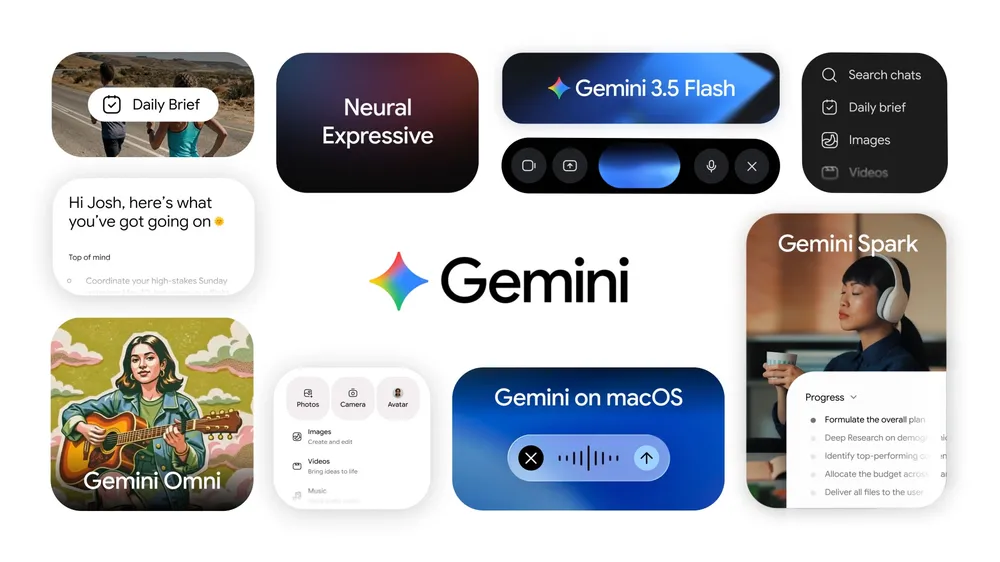
Gemini Spark - Google's personal agent that runs 24/7 on Cloud VMs
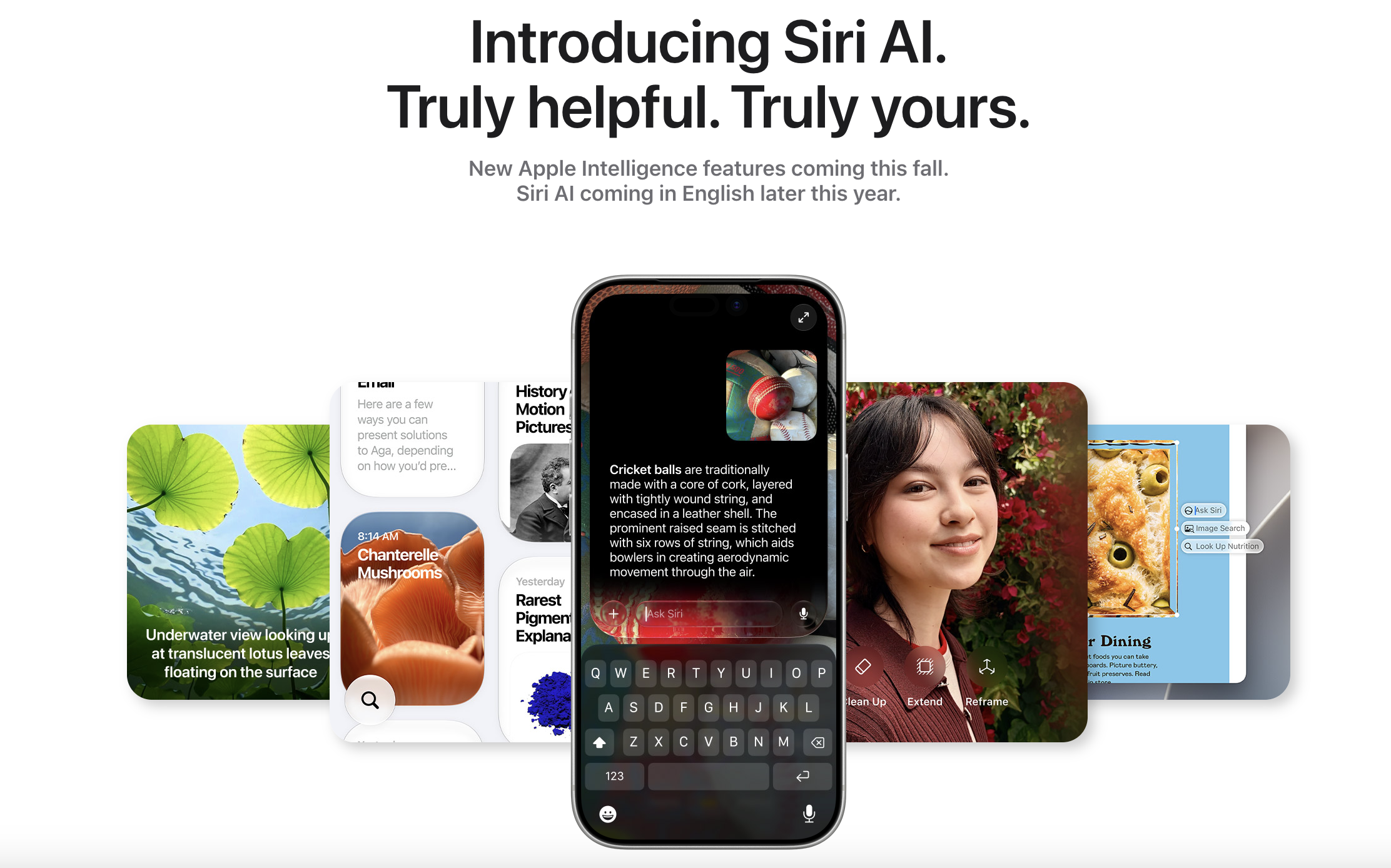
Siri AI - Apple's newly overhauled on-device AI assistant

Get access to all our AI courses, hundreds of real-world AI use cases, live expert-led workshops, an exclusive network of AI early adopters, and more.
Get unlimited access to all of our current & upcoming industry-specific AI courses for the duration of your subscription.
To keep up with the rapid pace of AI, our team publishes AI implementation guides daily. Our library contains 300+ practical use cases to automate real-world work.
Join weekly, live, interactive sessions with industry leaders who are at the forefront of AI for hands-on implementation guidance and exclusive insights.
Network with an exclusive community of AI-first professionals who are working smarter with AI. Learn how early adopters are using AI in their work and businesses.