First-time OpenClaw users
Use Moonshot's guided deployment paths when configuring a model, gateway, and persistent host manually would be a barrier.
Independent tool overview
Kimi Claw is Moonshot AI's managed route into OpenClaw, with options to connect an existing installation or run the agent on a desktop, a cloud server, or an idle Android phone.
Visit the official Kimi Claw site ↗
Overview
Kimi Claw packages the open-source OpenClaw agent for people who want less setup work. Moonshot's current product page offers four paths: link an existing OpenClaw instance, install the desktop version for local-file work, deploy an isolated cloud server that stays online, or reuse an Android phone as the host.
The Claw experience is configured with Kimi K2.6 Thinking and ready-to-use skills, even though Kimi's broader homepage now promotes a newer K3 model for other work. Moonshot describes OpenClaw as an assistant with personality and memory that can run through messaging apps and work proactively, so it is closer to an action-taking agent runtime than a standard chatbot.
That convenience also raises the risk level. Desktop file access, Android accessibility controls, web automation, plugins, memory, and third-party services can expose sensitive information or authorize real actions. Start with a separate environment and narrowly scoped accounts, review every skill, and keep approval gates around messages, purchases, deletions, deployments, and other consequential operations.
Use cases
The strongest fit depends on the job you need the product to complete, not the size of its feature list.
Use Moonshot's guided deployment paths when configuring a model, gateway, and persistent host manually would be a barrier.
Turn an existing paid Kimi account into the model and authentication layer for an OpenClaw deployment.
Run a narrowly scoped assistant on Moonshot's cloud option or a spare Android phone when tasks need to continue away from a primary computer.
Use the desktop route for supervised tasks involving files on a dedicated workspace or machine.
Capabilities
Connect an existing OpenClaw installation or choose Moonshot's desktop, cloud-server, or Android-hosted setup.
Create an isolated cloud instance without manually provisioning and maintaining a server, with the agent designed to remain online around the clock.
Run OpenClaw from a computer so it can work with permitted local files and desktop resources.
Use an idle Android phone as the host and optionally grant accessibility, storage, notification, and background-running permissions needed for device operations.
The current Claw setup ships configured around Moonshot's K2.6 Thinking model rather than requiring the user to wire a model provider manually.
Extend the agent with skills, retain context through OpenClaw memory, and interact through supported messaging surfaces. Exact integrations and skill quality vary.
Moonshot is testing a Claw group experience in addition to individual deployment, so availability and behavior may change during the beta.
Process
Step 1
Use an existing instance if it is already secured, desktop for supervised local work, cloud for continuous operation, or a spare Android device for an isolated mobile host.
Step 2
Give the agent separate accounts, its own OS user or cloud workspace, minimal file roots, and only the service permissions required for the first task.
Step 3
Treat community skills and plugins as third-party software. Inspect their source and requested permissions, pin trusted versions, and avoid unknown installers or copied secrets.
Step 4
Require a person to approve outbound messages, account changes, purchases, deletions, code deployment, and any action that cannot be easily reversed.
Step 5
Use synthetic files and sandbox accounts to evaluate tool calls, memory, web-content handling, and failure recovery before connecting personal or company data.
Step 6
Review activity logs and retained memory, remove unused permissions and API keys, and delete the instance or account data when the experiment ends.
Cost
Moonshot's current Kimi Claw privacy notice says the product is available exclusively to Kimi paid subscribers. The public Claw page does not expose a stable, crawlable price table; the applicable membership price and included usage are shown through Kimi's account and checkout flow and can vary by region, billing cycle, and purchase channel. Check the final renewal terms before subscribing.
$0
Useful for evaluating Kimi's general chat experience, but it does not meet the current paid-subscriber requirement for Kimi Claw.
Shown in Kimi checkout
The current access path for Kimi Claw, with pricing and renewal terms presented for the user's region and purchase channel.
Pricing checked . Check current pricing at the source ↗
Assessment
Compare
The right alternative depends on the specific output, workflow, controls and budget your project requires.
Agents
Choose OpenClaw directly when you want the upstream agent runtime, control over the host and model provider, and responsibility for your own setup and security.
Explore OpenClaw →Agents
Choose Manus when you prefer a finished cloud-agent workspace for research and execution without managing an OpenClaw installation.
Explore Manus →Project Management
Choose Assista when the priority is a simpler productivity assistant that coordinates connected work apps rather than a self-hostable agent runtime.
Explore Assista →Questions
Kimi Claw is Moonshot AI's managed setup for the OpenClaw agent. It can connect an existing instance or deploy OpenClaw on a desktop, Moonshot-managed cloud server, or Android phone.
No. OpenClaw is the underlying agent runtime. Kimi Claw is Moonshot's deployment and account experience around it, configured with a Kimi model and supported setup paths.
Not under Moonshot's current published eligibility language. Its Kimi Claw privacy notice says the service is available exclusively to Kimi paid subscribers. The applicable price is shown in Kimi's account and checkout flow.
Moonshot's current Kimi Claw product page says the deployment is configured with Kimi K2.6 Thinking. That is specific to Claw and should not be confused with newer models promoted elsewhere in Kimi.
Yes. Moonshot presents desktop and Android installation routes, plus the option to link an existing OpenClaw instance. The managed cloud server is one option, not the only one.
Moonshot's privacy notice says an optional accessibility service can let OpenClaw click, swipe, and read interface elements while the gateway is actively enabled. Storage, background-running, battery-optimization exemption, and notification permissions may also be requested.
Moonshot's current privacy notice says user content can be processed to provide and improve the services, including training and optimizing models, with the legal basis depending on the user's jurisdiction. Review the policy and any account controls before using sensitive data.
Run it in a separate environment, give it least-privilege accounts and file access, review every skill, treat web and message content as untrusted, and require human approval for messages, purchases, deletions, deployments, and other consequential actions.
Bottom line
Kimi Claw is a practical on-ramp for people who want OpenClaw's persistent, action-taking workflow without assembling every part themselves. Its desktop, cloud, Android, and bring-your-own-instance options are genuinely useful. The tradeoff is that managed convenience does not remove agent risk: paid membership, broad device permissions, third-party skills, persistent memory, and automated actions all need explicit governance. Begin with one harmless workflow in an isolated environment and expand only after reviewing permissions and logs.
Visit Kimi Claw website ↗
OpenAI Frontier - enterprise platform for creating, deploying, and managing AI agents
.jpeg)
Notion Custom Agents - Always-on AI agents for automating team workflows across tools

Kimi K2.5 - Moonshot AI’s new powerful open-source agent-focused model
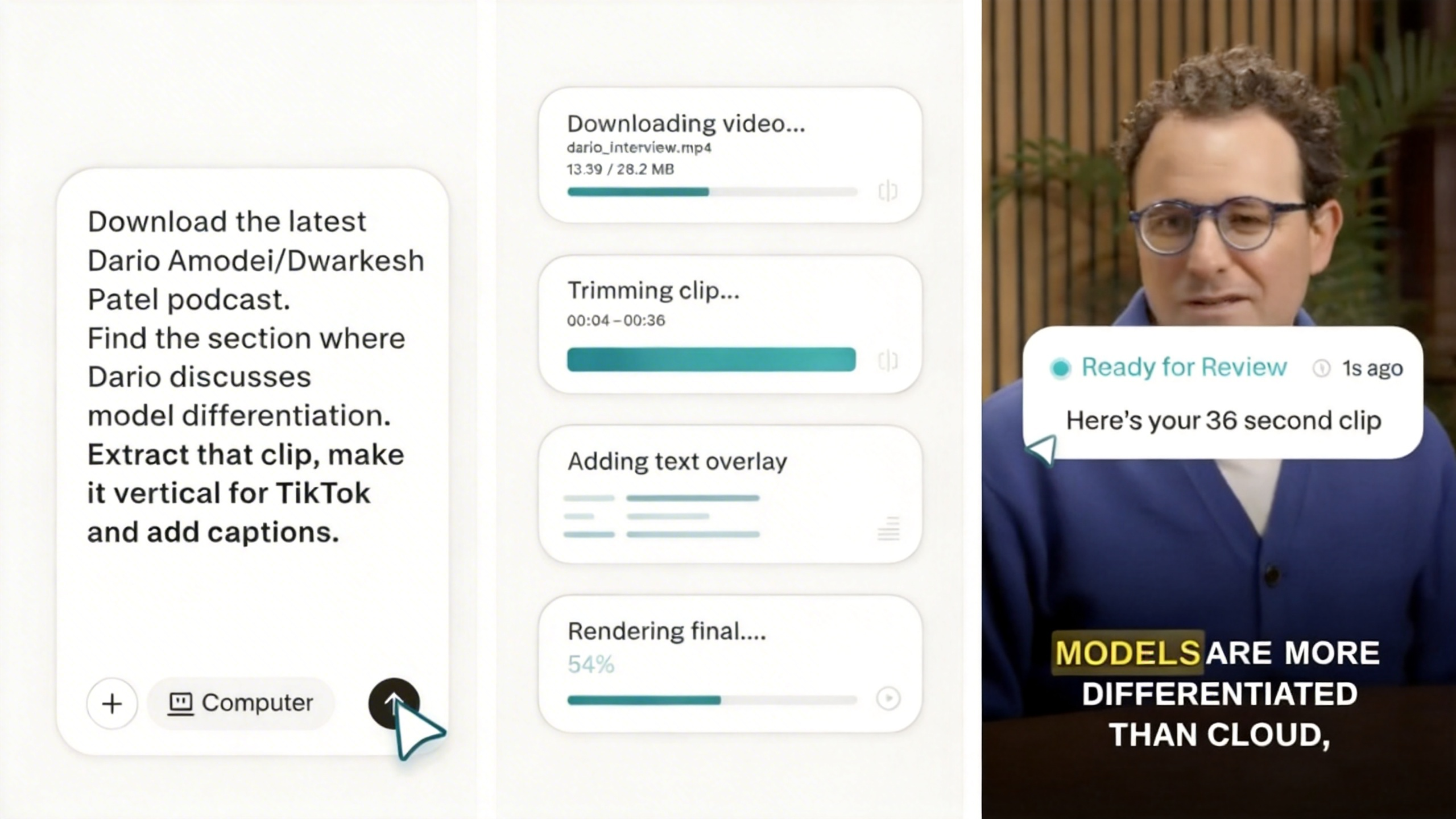
Perplexity Computer - Perplexity's multi-model agent system orchestrating 19 AI models for long-running tasks

Get access to all our AI courses, hundreds of real-world AI use cases, live expert-led workshops, an exclusive network of AI early adopters, and more.
Get unlimited access to all of our current & upcoming industry-specific AI courses for the duration of your subscription.
To keep up with the rapid pace of AI, our team publishes AI implementation guides daily. Our library contains 300+ practical use cases to automate real-world work.
Join weekly, live, interactive sessions with industry leaders who are at the forefront of AI for hands-on implementation guidance and exclusive insights.
Network with an exclusive community of AI-first professionals who are working smarter with AI. Learn how early adopters are using AI in their work and businesses.