Frequent workplace writers
Polish emails, proposals and updates while retaining authorship and factual responsibility.
Independent tool overview
Grammarly reviews writing in supported apps and adds grammar, clarity, tone and generative editing features.
Visit the official Grammarly site ↗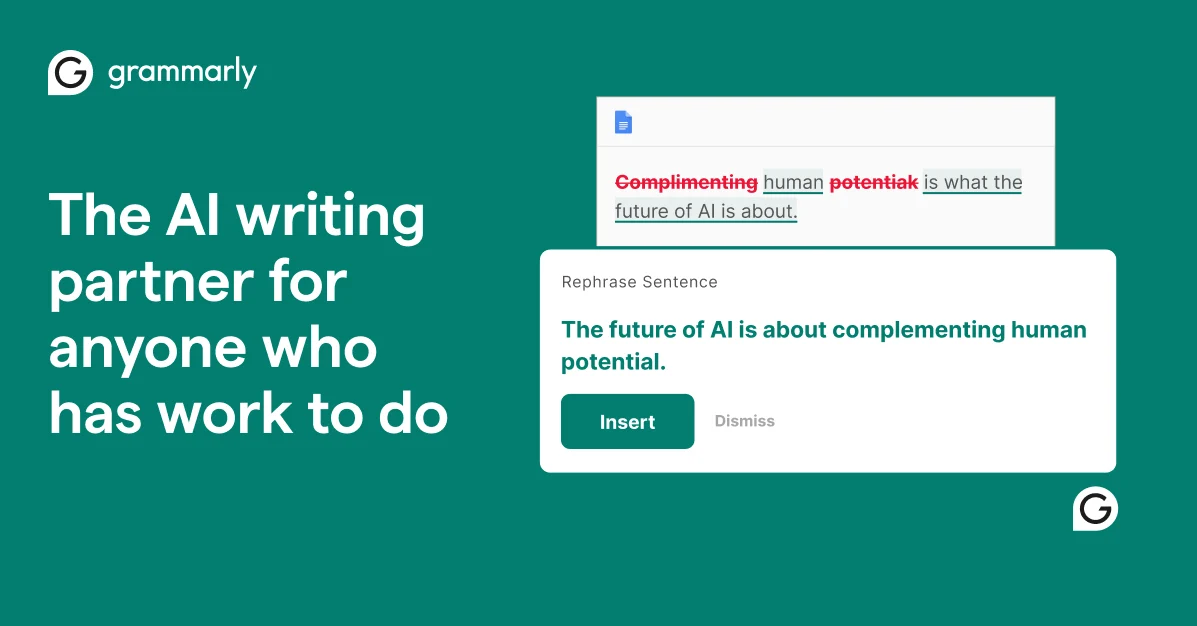
Overview
Grammarly’s writing assistant checks language as a person drafts in a browser, desktop app or supported editor. The Free plan covers basic correctness and tone signals, while Pro adds full-sentence rewrites, tone adjustments and more generative prompts. Enterprise adds organization controls and support through sales.
The tool is useful for polishing communication, but a suggestion can change meaning or flatten a deliberate voice. AI-generated wording may sound confident while making an unsupported claim. Writers should treat recommendations as edits to accept selectively, verify quotations and sources, and consider whether the document contains confidential material before enabling connected writing tools. For shared teams, agree on a style guide and check whether suggested changes preserve domain-specific vocabulary instead of automatically accepting every fluent rewrite.
Use cases
The strongest fit depends on the job you need the product to complete, not the size of its feature list.
Polish emails, proposals and updates while retaining authorship and factual responsibility.
Apply consistent tone and reusable writing guidance across channels.
Catch mechanical errors and improve clarity while following school policies on AI assistance.
Capabilities
Flags spelling, punctuation and grammar issues in supported writing surfaces.
Signals how writing may be perceived and suggests changes.
Offers alternative phrasing for clarity or tone on eligible plans.
Can draft, rephrase or expand text subject to plan allowances.
Provides originality and citation features in supported contexts and plans.
Process
Step 1
Set the message goal and write a first pass in a supported editor.
Step 2
Accept only corrections that preserve intent, terminology and voice.
Step 3
Compare each rewrite to the original and remove invented details or stronger claims.
Step 4
Check names, numbers, confidentiality, citation and audience before sending.
Cost
The official current plan page lists Free at $0, Pro at $12/month in its displayed pricing view and Enterprise via sales. Pro’s monthly-versus-annual billing context should be confirmed at checkout. A seven-day Pro trial is advertised with an email reminder before it ends.
$0
Basic writing checks and limited AI prompts.
From $12/month
Advanced rewrites and tone controls.
Contact sales
Organization-wide controls and commercial terms.
Pricing checked . Check current pricing at the source ↗
Assessment
Compare
The right alternative depends on the specific output, workflow, controls and budget your project requires.
Content Creator
Choose a paraphrasing and rewriting-focused alternative.
Explore QuillBot →Content Creator
Choose a multilingual proofreading alternative with a different integration model.
Explore LanguageTool →Business Operations
Choose governed enterprise writing when brand and workflow controls are central.
Explore Writer →Questions
Yes. The current Free tier includes basic writing checks, tone visibility and a limited AI prompt allowance.
Pro adds advanced rewrite, tone and generative writing features; consult the live plan page for its full allowances.
No. Language suggestions and AI rewrites do not validate the factual basis of a statement.
The current plan page supports Pro for eligible users and an Enterprise sales option for organization requirements.
Bottom line
Grammarly is a useful final-pass assistant for routine writing and a low-friction trial for teams. Its value is greatest when users compare suggestions against their intended message. For regulated or confidential text, verify the relevant workspace settings and policy before rolling it out broadly. Compare suggestions in email, documents and browser forms because editing behavior can differ by surface.
Visit Grammarly website ↗
Moonshot AI assistant for chat, web research, files, presentations, and agent tasks.

Enterprise search, assistant, and agents grounded in connected workplace knowledge.
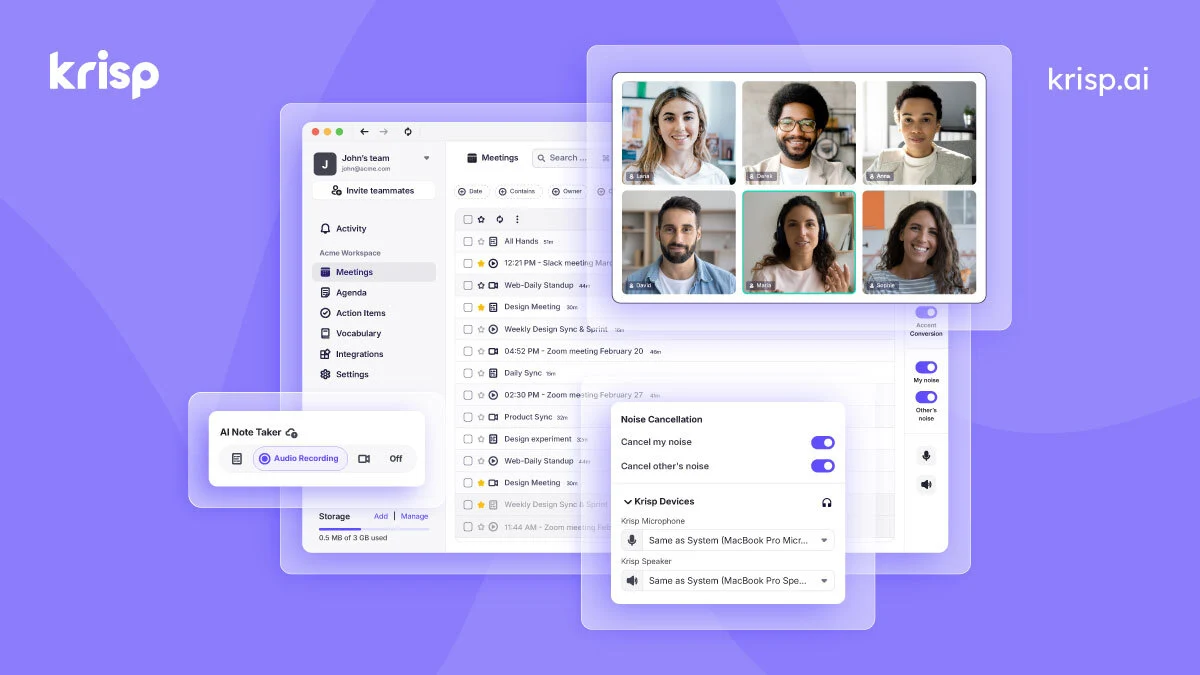
Improve meeting audio and capture transcripts, summaries and action items with Krisp’s desktop and meeting-assistant tools.
Multi-model AI workspace for research, slides, sheets, docs and agents.

Get access to all our AI courses, hundreds of real-world AI use cases, live expert-led workshops, an exclusive network of AI early adopters, and more.
Get unlimited access to all of our current & upcoming industry-specific AI courses for the duration of your subscription.
To keep up with the rapid pace of AI, our team publishes AI implementation guides daily. Our library contains 300+ practical use cases to automate real-world work.
Join weekly, live, interactive sessions with industry leaders who are at the forefront of AI for hands-on implementation guidance and exclusive insights.
Network with an exclusive community of AI-first professionals who are working smarter with AI. Learn how early adopters are using AI in their work and businesses.