Large knowledge teams
Find policies, project history, and people across fragmented applications.
Independent tool overview
Enterprise search, assistant, and agents grounded in connected workplace knowledge.
Visit the official Glean site ↗
Overview
Glean connects to workplace systems so employees can search and ask questions over the content they are authorized to see. Connectors index documents, messages, tickets, and other records, mirror source permissions, and feed Search, Assistant, and Agents. Some tools can retrieve live information or perform approved actions rather than simply reading the index.
The hard work in a rollout is configuration: select sources, understand connector coverage, verify permission mapping, decide whether an agent can write, and measure answer accuracy against current records. Glean’s public site presents demos rather than a stable numeric price table, so licensing and deployment scope require a direct quote. Its connector documentation explains that index access and live tools can differ. A buyer should test not just whether a document appears, but whether a recently edited document disappears or updates at the right time and whether an agent is prevented from acting outside its intended user scope.
Use cases
The strongest fit depends on the job you need the product to complete, not the size of its feature list.
Find policies, project history, and people across fragmented applications.
Answer questions with source-backed internal context.
Create governed agents over approved data and tools.
Capabilities
Return ranked results across connected apps while respecting source access permissions.
Answer questions using indexed, live, and model context according to selected sources.
Create multi-step workflows that can read context and call enabled tools.
Set up native and partner connectors for common workplace systems.
Manage tool access, agent sharing, and approval for selected write actions.
Process
Step 1
Choose high-value systems and document owners; decide what should be indexed or live-fetched.
Step 2
Verify identity mapping, public-link behavior, and connector scope with sample users.
Step 3
Test known-answer and current-information questions, inspect sources, and measure gaps.
Step 4
Publish agents only after restricting tools, defining review gates, and monitoring permissions and answer quality.
Cost
Glean has a demo-led enterprise sales process. The current public pricing URL redirects to the homepage and does not display a numeric seat price, trial allowance, or standard plan grid.
Custom quote
Organization deployment of Search, Assistant, and Agents.
Pricing checked . The previously reviewed pricing source is no longer available.
Assessment
Compare
The right alternative depends on the specific output, workflow, controls and budget your project requires.
Data Analysis
Choose for structured institutional document analysis rather than general workplace search.
Explore Hebbia →Students
Choose for synthesis within a smaller curated source set.
Explore Gemini Notebook (formerly NotebookLM) →Data Analysis
Choose for public-web research rather than internal knowledge indexing.
Explore Perplexity →Questions
Its docs say connectors fetch permission maps so search results follow each source’s access rules, subject to connector-specific behavior.
Some connector-backed tools can write when administrators enable them; execution follows configured credentials and approval rules.
Supported connectors can ingest documents, messages, tickets, and other app-specific records; coverage differs by connector.
No reliable numeric price was found on the current public site; request a quote for the deployment.
Bottom line
Glean makes the most sense when fragmented enterprise knowledge causes measurable search and handoff costs. A serious pilot should verify permissions, index freshness, citation quality, and agent action boundaries before contract expansion.
Visit Glean website ↗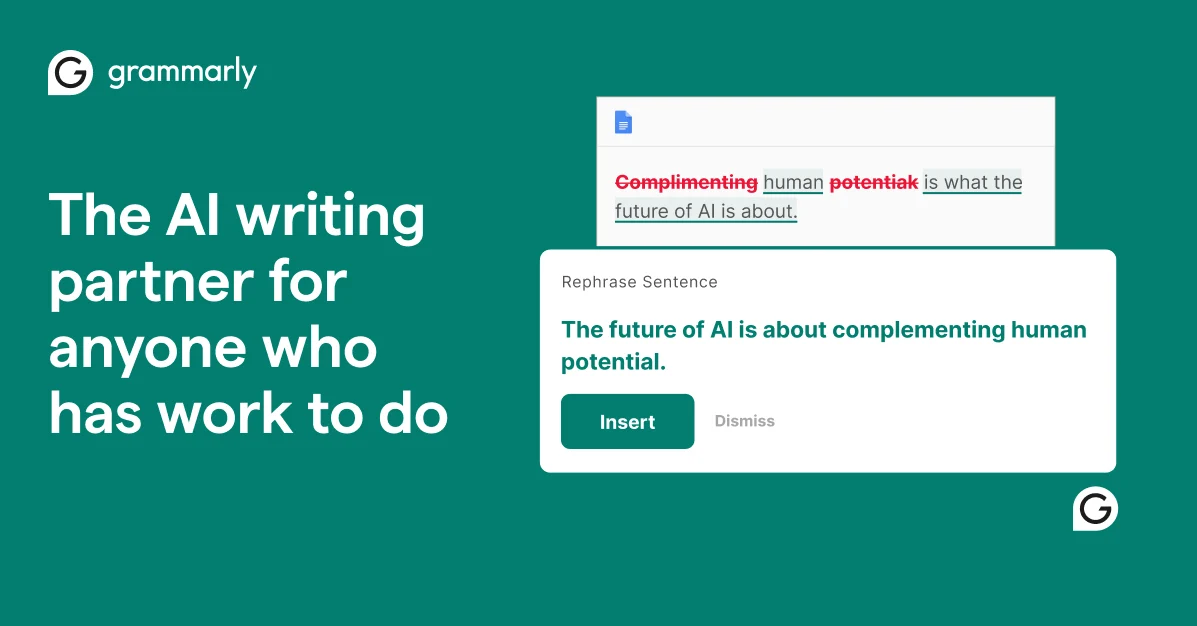
Writing assistance for spelling, clarity, tone and AI rewrites across apps.
Multi-model AI workspace for research, slides, sheets, docs and agents.

Moonshot AI assistant for chat, web research, files, presentations, and agent tasks.
Language AI suite for translating text and files, improving writing, and handling live voice.

Get access to all our AI courses, hundreds of real-world AI use cases, live expert-led workshops, an exclusive network of AI early adopters, and more.
Get unlimited access to all of our current & upcoming industry-specific AI courses for the duration of your subscription.
To keep up with the rapid pace of AI, our team publishes AI implementation guides daily. Our library contains 300+ practical use cases to automate real-world work.
Join weekly, live, interactive sessions with industry leaders who are at the forefront of AI for hands-on implementation guidance and exclusive insights.
Network with an exclusive community of AI-first professionals who are working smarter with AI. Learn how early adopters are using AI in their work and businesses.