Customer support
Create reusable visual answers for repetitive product questions and insert or link them from support workflows.
Independent tool overview
Guidde is an AI-assisted process-documentation platform that converts browser, desktop, and mobile workflows or existing files into branded, narrated, step-by-step how-to videos.
Visit the official Guidde site ↗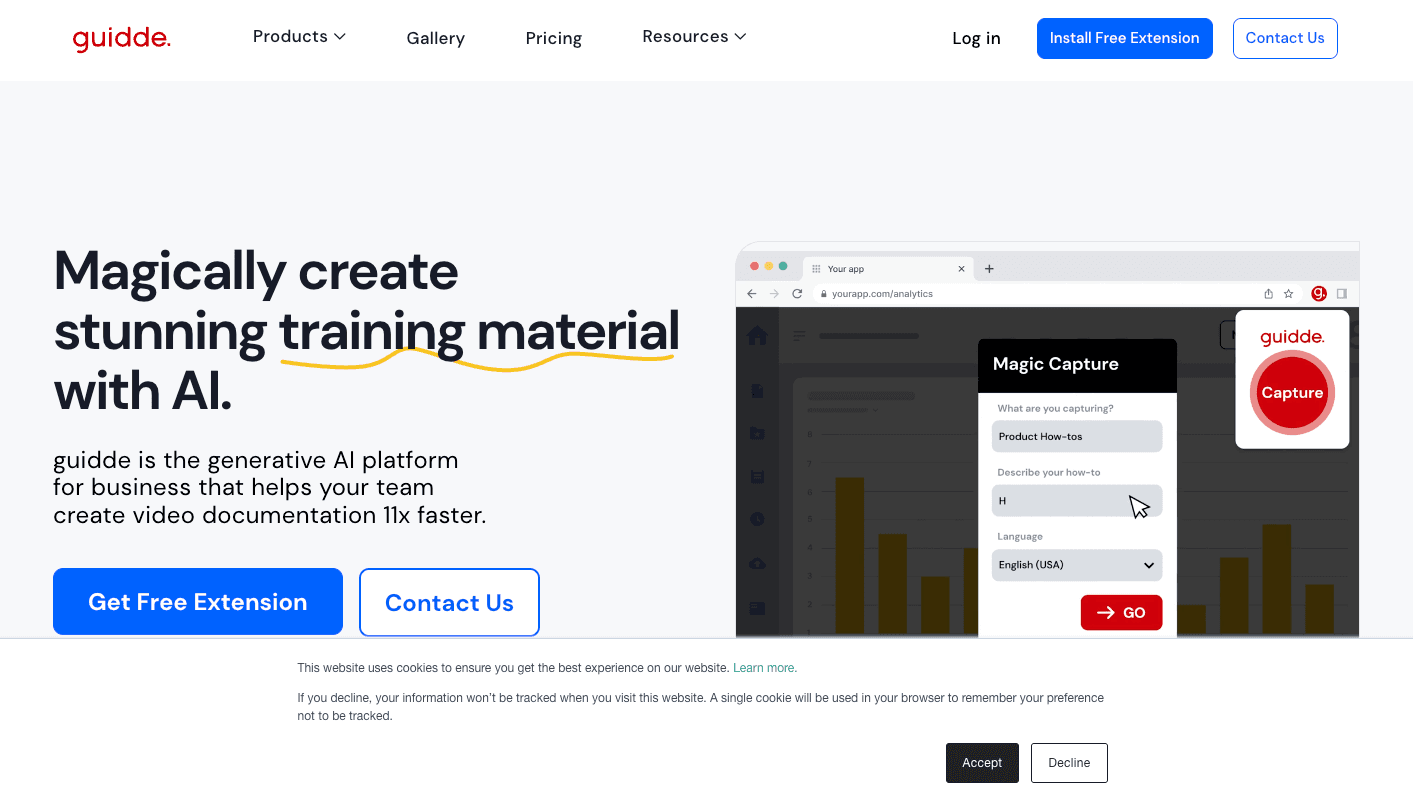
Overview
Guidde helps support, operations, enablement, and training teams document software workflows without producing a conventional tutorial video from scratch. A creator records a process, speaks through it, or uploads an existing video or document, and Guidde turns the source into structured steps with descriptions, narration, and visual styling.
The editor supports rearranging steps, captions, transitions, branding, voiceovers, sensitive-information blurring, and multiple export or sharing formats. Higher plans add desktop and mobile capture, file-to-video conversion, analytics, advanced privacy controls, multilingual delivery, SSO, SCIM, review workflows, and contextual in-app guidance through Broadcast.
Guidde is most useful when a team repeatedly explains changing software processes. It reduces the initial production work, but it does not eliminate documentation ownership: generated wording, redaction, permissions, and each recorded step must be reviewed, and guides need updating when the underlying interface or policy changes.
Use cases
The strongest fit depends on the job you need the product to complete, not the size of its feature list.
Create reusable visual answers for repetitive product questions and insert or link them from support workflows.
Document routine software and operational procedures with consistent branding and narration.
Turn feature walkthroughs into shareable videos, articles, presentations, and embedded guidance for users or internal teams.
Capabilities
Records browser workflows and, on higher plans, desktop or mobile activity, then organizes the process into editable steps.
Creates descriptions, captions, and text-to-speech voiceovers; Magic Mic can clean up spoken capture into an AI-narrated script.
Business and Enterprise workflows can turn existing video, PDF, PowerPoint, or Word material into reusable video documentation.
Supports brand kits, public or restricted links, embeds, team spaces, and exports such as MP4, GIF, PDF, and PowerPoint depending on plan.
Adds SSO, SCIM, role controls, PII redaction, translations, review and version workflows, SCORM, portals, and in-app Broadcast guidance.
Process
Step 1
Start with a frequently repeated workflow that has a clear owner and is unlikely to change during production.
Step 2
Record the workflow in the supported browser or desktop app, narrate it, or import an existing source file or video.
Step 3
Correct each step and caption, apply brand styling, remove unnecessary frames, and redact personal, customer, credential, or company-sensitive data.
Step 4
Choose the right access level and destination, assign an owner, and update the guide whenever the product or underlying policy changes.
Cost
Guidde charges per creator; Admins, Content Managers, and Creators use paid licenses, while viewers are free. Annual billing reduces Pro from $29 to $19 per creator/month and Business from $59 to $39.
$0
For trying web-based how-to creation.
$19/creator/month annually or $29 monthly
For individuals and small teams creating ongoing documentation.
$39/creator/month annually or $59 monthly
For teams needing more source types, AI voice, privacy, and analytics.
Custom quote
For organizations requiring governance, localization, scale, and managed delivery.
Pricing checked . Check current pricing at the source ↗
Assessment
Compare
The right alternative depends on the specific output, workflow, controls and budget your project requires.
Business Operations
A strong alternative when the primary deliverable is a fast step-by-step process guide with screenshots and written instructions.
Explore Scribe →Content Creator
Better suited to quick, presenter-led screen recordings and asynchronous video messages with AI-assisted cleanup.
Explore Loom AI Workflow →Questions
Guidde captures a software workflow or imports existing material, then helps turn it into a structured how-to video with editable steps, narration, captions, branding, and sharing options.
Yes. The Free plan supports up to 25 how-to videos and basic web capture and sharing. A seven-day Business trial is also available without a credit card; accounts move to Free when the trial ends if they do not upgrade.
Pro costs $19 per creator/month with annual billing or $29 monthly. Business costs $39 annually or $59 monthly. Enterprise pricing is customized.
No. Guidde says paid licenses are consumed by Admins, Content Managers, and Creators. Viewers can be added without a paid creator seat.
Yes, on Business and Enterprise plans. Free and Pro capture is web-based, while higher plans add desktop and mobile capture according to the current comparison table.
Paid plans include manual blurring or redaction controls, while Enterprise adds automated PII redaction and enforcement. Every guide should still be reviewed manually before it is shared.
Bottom line
Guidde is a strong fit for teams that need many repeatable software tutorials and want a more structured, branded deliverable than a raw screen recording. Its value grows with reuse, but teams still need an owner for accuracy, privacy, access, and updates; otherwise faster creation simply produces stale documentation faster.
Visit Guidde website ↗
Writer: Is an enterprise-grade ai writing assistant built for supervising AI agents in the enterprise.

Fireflies AI: Records, transcribes, and analyzes meetings with automated summaries and searchable notes.

Build AI voice agents effortlessly for businesses.

Zapier: Connects your favorite apps and automates workflows with no-code simplicity.

Get access to all our AI courses, hundreds of real-world AI use cases, live expert-led workshops, an exclusive network of AI early adopters, and more.
Get unlimited access to all of our current & upcoming industry-specific AI courses for the duration of your subscription.
To keep up with the rapid pace of AI, our team publishes AI implementation guides daily. Our library contains 300+ practical use cases to automate real-world work.
Join weekly, live, interactive sessions with industry leaders who are at the forefront of AI for hands-on implementation guidance and exclusive insights.
Network with an exclusive community of AI-first professionals who are working smarter with AI. Learn how early adopters are using AI in their work and businesses.