Collaborative presentations
Build decks with distributed teams.
Independent tool overview
Google Slides is a collaborative presentation editor with eligible Gemini tools for slide drafting, summaries, and image generation.
Visit the official Google Slides site ↗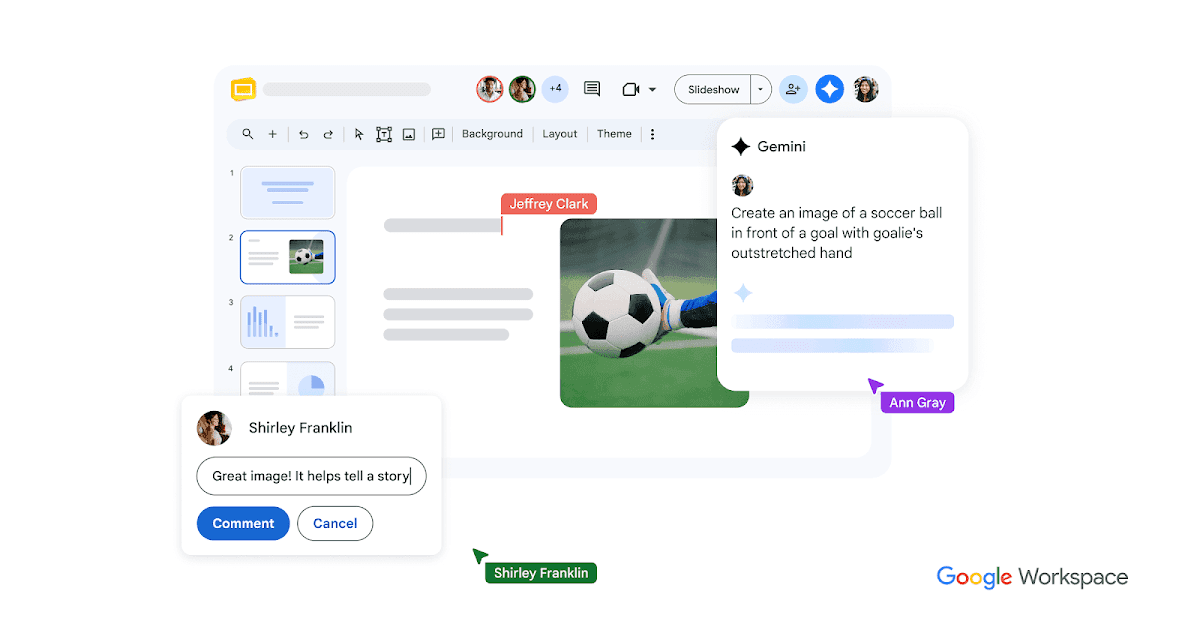
Overview
Slides lets a team build and present editable decks in the browser. Gemini can help create a slide from a prompt and Drive context, summarize content, or generate images. The editor remains the place to check visual hierarchy, sources, and the final presentation.
For a first workflow, define the audience and collect the source facts. Create slides and use eligible AI features for an initial draft. Check charts, images, citations, and text at presentation size.
Use cases
The strongest fit depends on the job you need the product to complete, not the size of its feature list.
Build decks with distributed teams.
Turn a brief into an editable starting point.
Capabilities
Edit and comment on a shared deck.
Draft slides, summarize content, or generate images on eligible accounts.
Work with existing presentation files and deliver a deck.
Process
Step 1
Define the audience and collect the source facts.
Step 2
Create slides and use eligible AI features for an initial draft.
Step 3
Check charts, images, citations, and text at presentation size.
Cost
Personal Slides access and paid Workspace plans are available; Gemini features depend on account eligibility.
See official plans
Personal Slides access and paid Workspace plans are available; Gemini features depend on account eligibility.
Pricing checked . Check current pricing at the source ↗
Assessment
Compare
The right alternative depends on the specific output, workflow, controls and budget your project requires.
Content Creator
Consider Plus AI when AI presentation generation and PowerPoint compatibility are central to the workflow.
Explore Plus AI PowerPoint maker →Questions
Google Slides is a collaborative presentation editor with eligible Gemini tools for slide drafting, summaries, and image generation.
Slides lets a team build and present editable decks in the browser. Gemini can help create a slide from a prompt and Drive context, summarize content, or generate images. The editor remains the place to check visual hierarchy, sources, and the final presentation.
Gemini availability depends on account and plan. Generated slides still need factual and visual review.
Bottom line
Google Slides is useful for collaborative presentations. Generated slides still need factual and visual review.
Visit Google Slides website ↗
Google Workspace combines business email, files, documents, meetings, and eligible Gemini features for collaborative AI-assisted work.
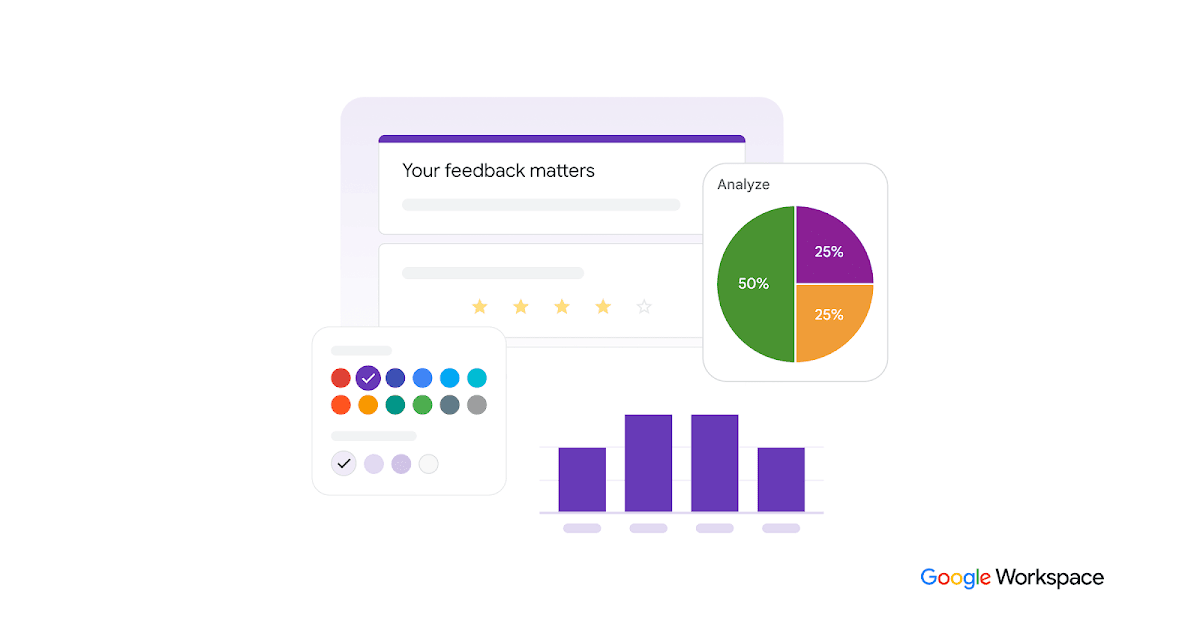
Online form and survey builder that captures structured inputs for downstream analysis and AI workflows.

Automate repeatable work across Gmail, Sheets, Drive, and connected apps with Gemini.
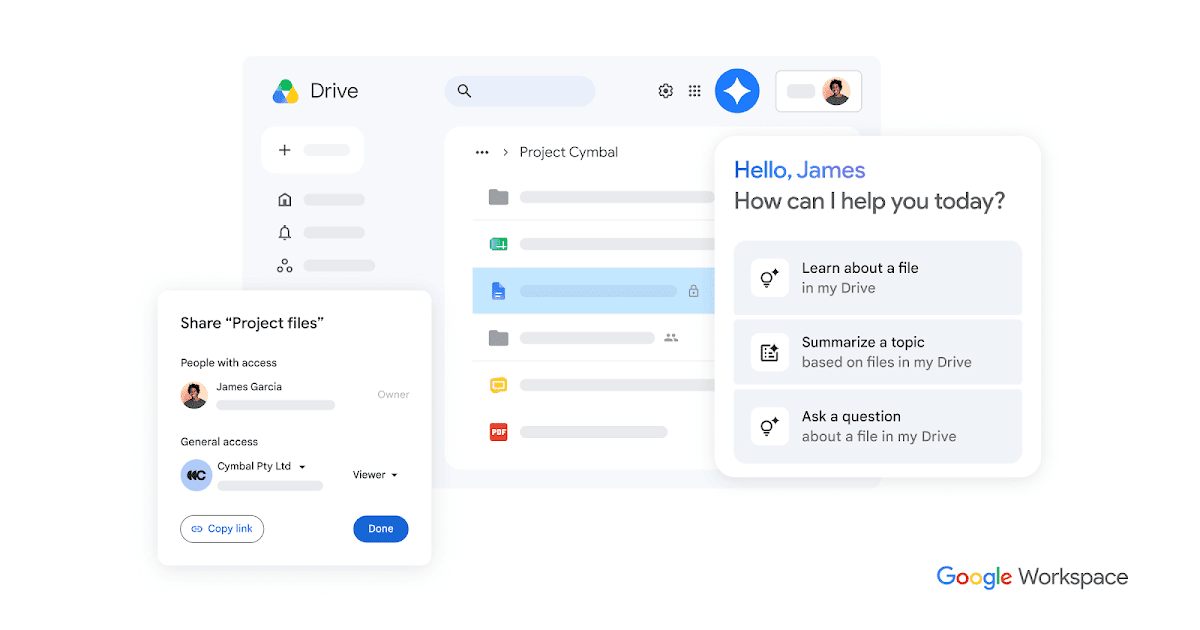
Google Drive stores and shares files, provides Gemini assistance on eligible plans, and serves as a document source for authorized AI and automation workflows.

Get access to all our AI courses, hundreds of real-world AI use cases, live expert-led workshops, an exclusive network of AI early adopters, and more.
Get unlimited access to all of our current & upcoming industry-specific AI courses for the duration of your subscription.
To keep up with the rapid pace of AI, our team publishes AI implementation guides daily. Our library contains 300+ practical use cases to automate real-world work.
Join weekly, live, interactive sessions with industry leaders who are at the forefront of AI for hands-on implementation guidance and exclusive insights.
Network with an exclusive community of AI-first professionals who are working smarter with AI. Learn how early adopters are using AI in their work and businesses.