Workspace-heavy teams
Organizations that already run repeatable processes in Gmail, Sheets, Drive, and other Google apps.
Independent tool overview
Google Workspace Studio is a Gemini-powered automation builder for creating flows across Google Workspace services and supported external applications.
Visit the official Google Workspace Studio site ↗
Overview
Workspace Studio lets users describe or assemble an automation that responds to a trigger and completes steps across products such as Gmail, Sheets, and Drive. It is aimed at routine knowledge-work processes rather than general chat alone.
Availability is governed by Google Workspace edition, administrator settings, supported countries, and product rollout. Teams should review permissions and test each flow because automations can act on business data and connected services.
Use cases
The strongest fit depends on the job you need the product to complete, not the size of its feature list.
Organizations that already run repeatable processes in Gmail, Sheets, Drive, and other Google apps.
Business users who want to describe or configure flows without maintaining a custom integration service.
Capabilities
Uses Gemini to help turn a described process into an automation.
Coordinates steps across supported Google Workspace services.
Can extend flows to supported third-party applications and data sources.
Process
Step 1
Identify a repeatable task with a clear trigger and outcome.
Step 2
Describe or configure the trigger, steps, conditions, and connected services.
Step 3
Run with low-risk data, confirm permissions and outputs, then monitor executions.
Cost
Google does not publish a standalone Workspace Studio price in the reviewed help documentation. Access depends on an eligible Google Workspace subscription, administrator settings, region, and rollout.
No separate price verified
Google does not publish a standalone Workspace Studio price in the reviewed help documentation. Access depends on an eligible Google Workspace subscription, administrator settings, region, and rollout.
Pricing checked . Check current pricing at the source ↗
Assessment
Compare
The right alternative depends on the specific output, workflow, controls and budget your project requires.
Business Operations
Choose ChatGPT for a broader general-purpose assistant with mature chat, file, and tool workflows.
Explore ChatGPT →Project Management
Choose Claude for an alternative general-purpose assistant with projects, artifacts, and connectors.
Explore Claude →Questions
Google Workspace Studio is a Gemini-powered automation builder for creating flows across Google Workspace services and supported external applications.
Organizations that already run repeatable processes in Gmail, Sheets, Drive, and other Google apps. Business users who want to describe or configure flows without maintaining a custom integration service.
Google does not publish a standalone Workspace Studio price in the reviewed help documentation. Access depends on an eligible Google Workspace subscription, administrator settings, region, and rollout.
Bottom line
Workspace Studio is a strong fit for Google-centric teams that want approachable automation across everyday work apps. Its usefulness depends on supported connectors and disciplined testing of permissions, exceptions, and generated steps.
Visit Google Workspace Studio website ↗
Microsoft 365 combines productivity applications, cloud collaboration, and eligible Copilot features for AI-assisted work across business content.
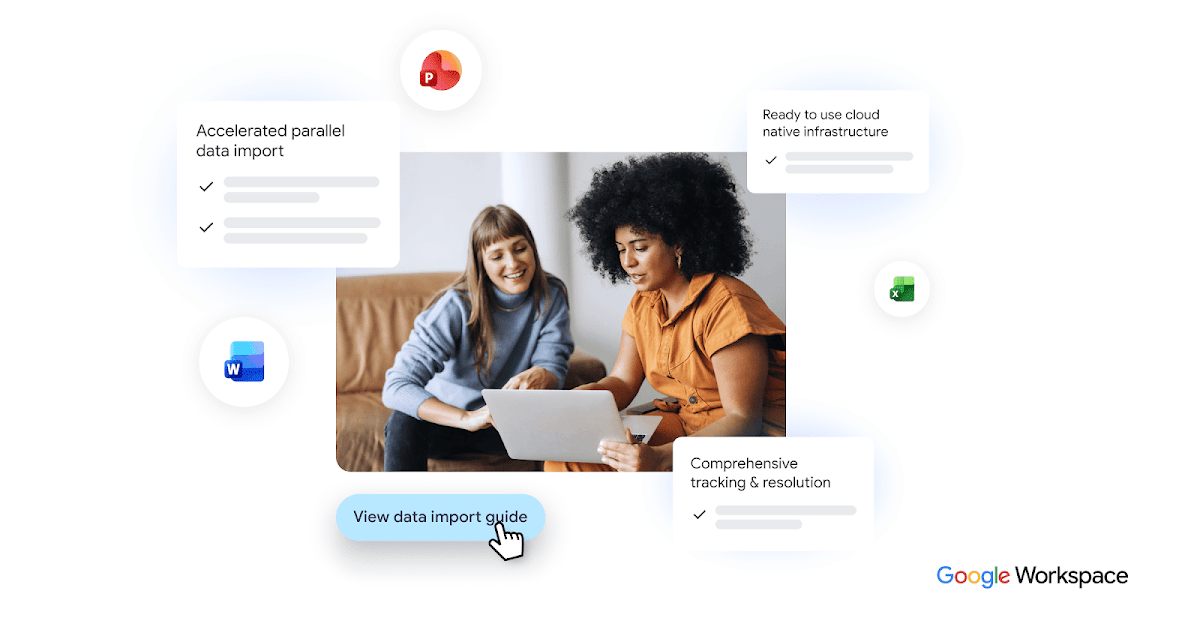
Google Workspace combines business email, files, documents, meetings, and eligible Gemini features for collaborative AI-assisted work.

Microsoft Teams combines meetings and team communication with eligible Copilot tools for summaries, questions, and follow-up work.
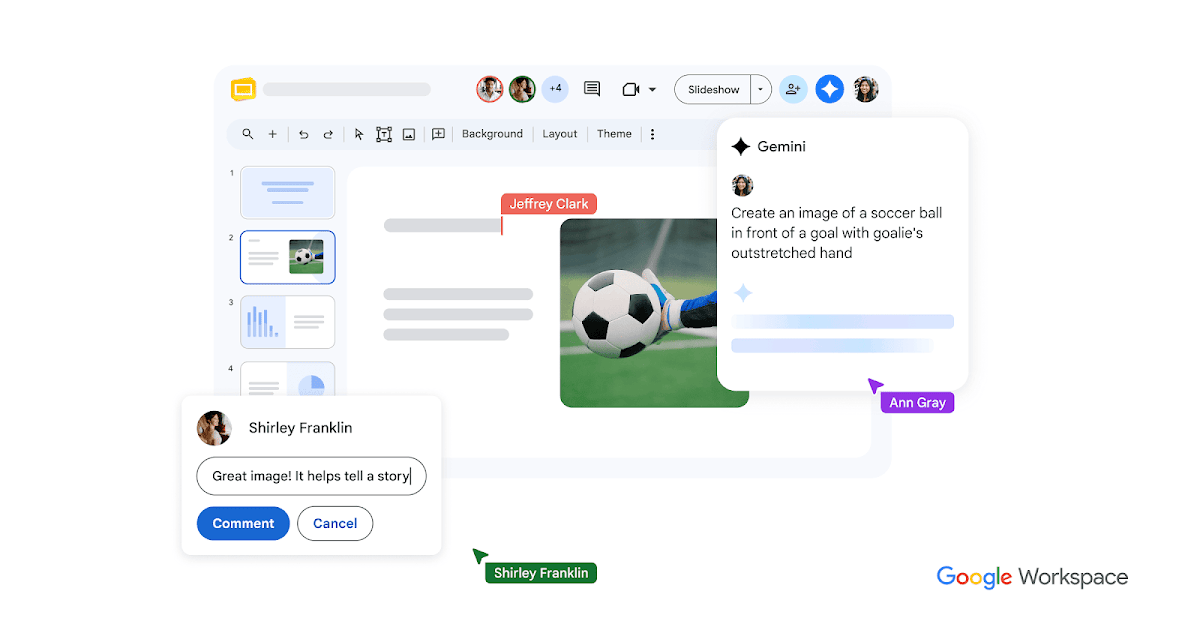
Google Slides is a collaborative presentation editor with eligible Gemini tools for slide drafting, summaries, and image generation.

Get access to all our AI courses, hundreds of real-world AI use cases, live expert-led workshops, an exclusive network of AI early adopters, and more.
Get unlimited access to all of our current & upcoming industry-specific AI courses for the duration of your subscription.
To keep up with the rapid pace of AI, our team publishes AI implementation guides daily. Our library contains 300+ practical use cases to automate real-world work.
Join weekly, live, interactive sessions with industry leaders who are at the forefront of AI for hands-on implementation guidance and exclusive insights.
Network with an exclusive community of AI-first professionals who are working smarter with AI. Learn how early adopters are using AI in their work and businesses.