Connected team workflows
Keep business context and collaboration within one suite.
Independent tool overview
Google Workspace combines business email, files, documents, meetings, and eligible Gemini features for collaborative AI-assisted work.
Visit the official Google Workspace site ↗
Overview
Workspace is the suite and administration layer around Gmail, Calendar, Drive, Docs, Sheets, Slides, and Meet. Its value for AI work comes from combining collaboration with authorized business context. Individual apps and AI features have plan-specific availability.
For a first workflow, identify the files, meetings, or documents the team needs to improve. Confirm app and AI feature availability for the organization. Run a small source-backed task and review its output with the team.
Use cases
The strongest fit depends on the job you need the product to complete, not the size of its feature list.
Keep business context and collaboration within one suite.
Add eligible Gemini assistance to familiar apps.
Capabilities
Work across email, documents, spreadsheets, presentations, and meetings.
Use the AI capabilities included with eligible plans.
Manage business users, access, and organizational settings.
Process
Step 1
Identify the files, meetings, or documents the team needs to improve.
Step 2
Confirm app and AI feature availability for the organization.
Step 3
Run a small source-backed task and review its output with the team.
Cost
Workspace has paid per-user business plans and enterprise options; included AI capabilities differ by plan and account.
See official plans
Workspace has paid per-user business plans and enterprise options; included AI capabilities differ by plan and account.
Pricing checked . Check current pricing at the source ↗
Assessment
Compare
The right alternative depends on the specific output, workflow, controls and budget your project requires.
Project Management
Consider Notion AI when a page-and-database workspace fits better than a full email and productivity suite.
Explore Notion AI →Questions
Google Workspace combines business email, files, documents, meetings, and eligible Gemini features for collaborative AI-assisted work.
Workspace is the suite and administration layer around Gmail, Calendar, Drive, Docs, Sheets, Slides, and Meet. Its value for AI work comes from combining collaboration with authorized business context. Individual apps and AI features have plan-specific availability.
AI availability and storage differ across plans. Connected context is useful only when source permissions and information quality are correct.
Bottom line
Google Workspace is useful for connected team workflows. Connected context is useful only when source permissions and information quality are correct.
Visit Google Workspace website ↗
Automate repeatable work across Gmail, Sheets, Drive, and connected apps with Gemini.
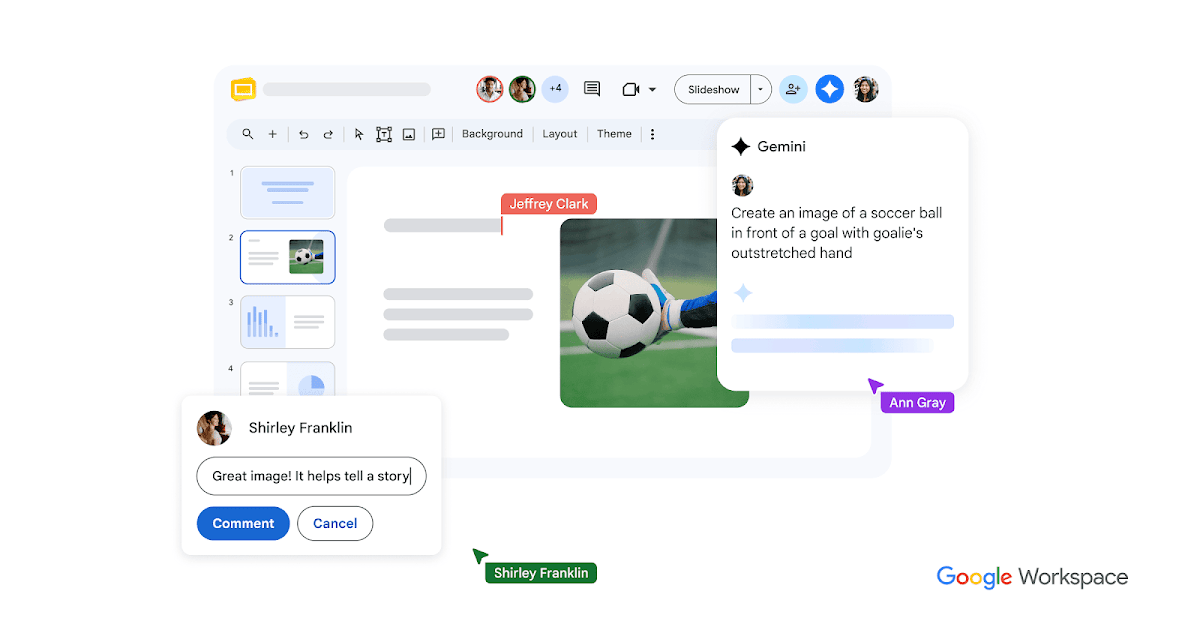
Google Slides is a collaborative presentation editor with eligible Gemini tools for slide drafting, summaries, and image generation.
Microsoft 365 combines productivity applications, cloud collaboration, and eligible Copilot features for AI-assisted work across business content.
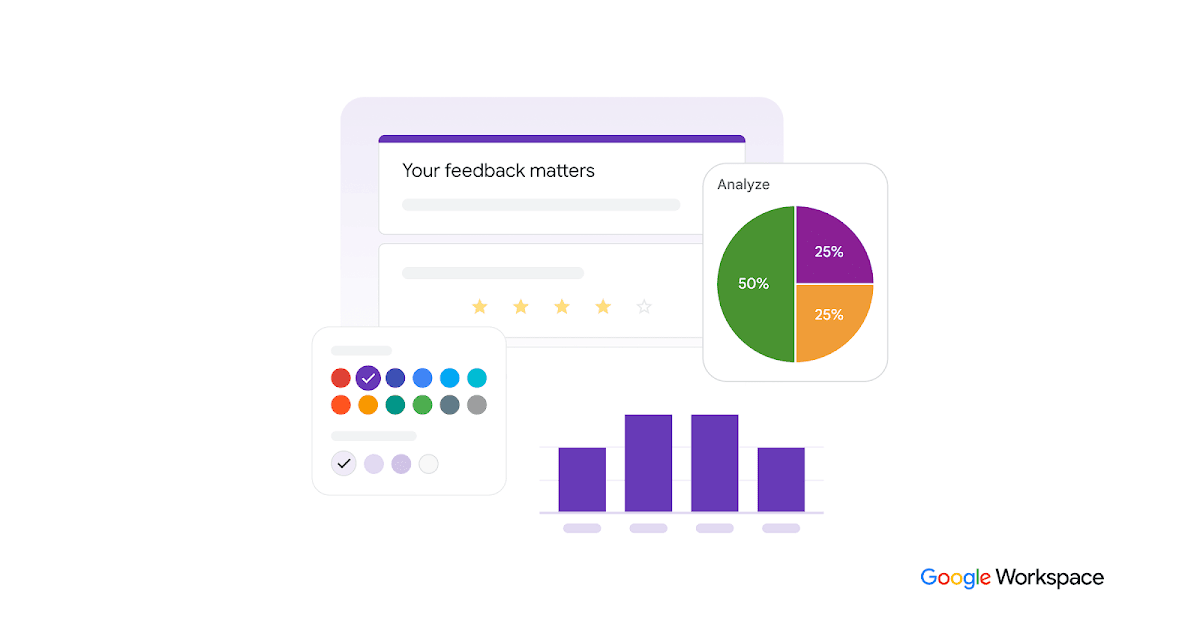
Online form and survey builder that captures structured inputs for downstream analysis and AI workflows.

Get access to all our AI courses, hundreds of real-world AI use cases, live expert-led workshops, an exclusive network of AI early adopters, and more.
Get unlimited access to all of our current & upcoming industry-specific AI courses for the duration of your subscription.
To keep up with the rapid pace of AI, our team publishes AI implementation guides daily. Our library contains 300+ practical use cases to automate real-world work.
Join weekly, live, interactive sessions with industry leaders who are at the forefront of AI for hands-on implementation guidance and exclusive insights.
Network with an exclusive community of AI-first professionals who are working smarter with AI. Learn how early adopters are using AI in their work and businesses.