Structured request intake
Useful for collecting briefs, support requests, research responses, or content inputs before an AI step.
Independent tool overview
Google Forms creates forms, surveys, and quizzes, then collects responses into charts or Google Sheets. It is not primarily an AI product, but it is a practical intake layer for downstream AI analysis and automation.
Visit the official Google Forms site ↗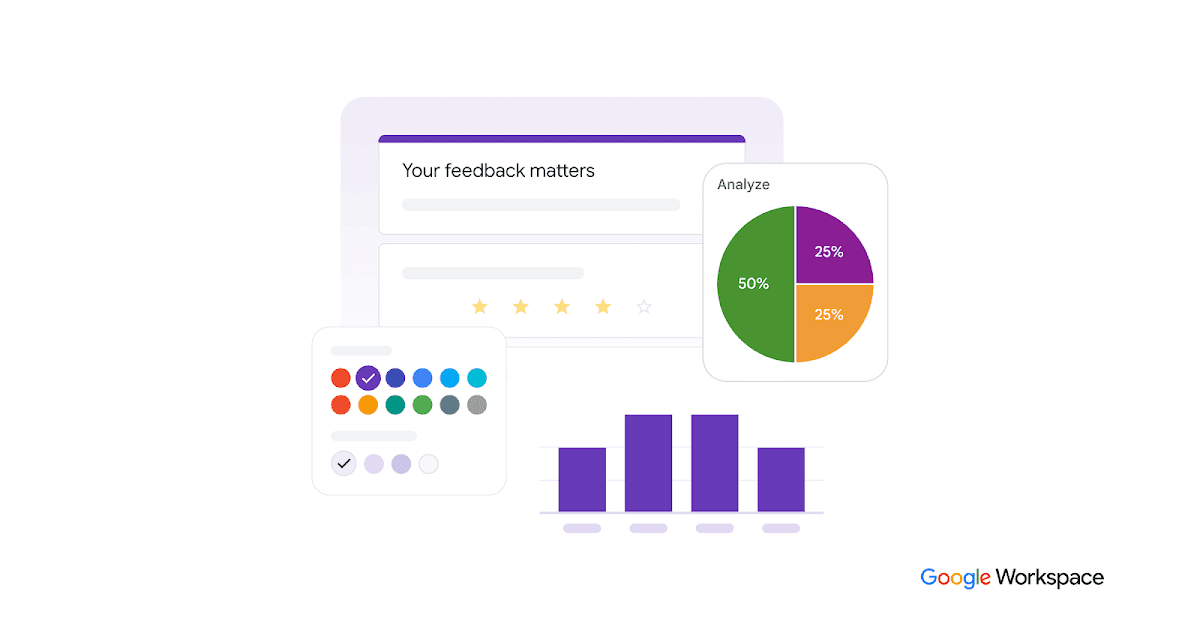
Overview
A good AI workflow often begins with well-structured inputs. Forms can enforce question types, required fields, branching logic, and a consistent response table before an assistant summarizes, classifies, routes, or drafts from the data.
The form owner remains responsible for consent, purpose limitation, retention, access, and whether responses may be sent to a model. Open-ended answers can also contain prompt injection, secrets, or sensitive personal data and should be treated as untrusted input.
Use cases
The strongest fit depends on the job you need the product to complete, not the size of its feature list.
Useful for collecting briefs, support requests, research responses, or content inputs before an AI step.
Fits quizzes and surveys that need collaborative design, real-time charts, or export to Sheets.
Capabilities
Builds forms and quizzes with required fields, multiple question types, and branch logic.
Shows real-time charts and can export raw responses to Google Sheets.
Multiple editors can create a form and distribute it by link, email, social channel, or embed.
Process
Step 1
Ask only necessary questions and define consent, required fields, and branch logic.
Step 2
Share the form with an appropriate audience and restrict access to the response destination.
Step 3
Sanitize untrusted text, send only approved fields to the model, and review summaries or routing decisions.
Cost
Forms is available to consumers and through Google Workspace; organizational pricing and AI entitlements depend on the Workspace plan.
Free for personal use; Workspace plans for organizations
Forms is available to consumers and through Google Workspace; organizational pricing and AI entitlements depend on the Workspace plan.
Pricing checked . Check current pricing at the source ↗
Assessment
Compare
The right alternative depends on the specific output, workflow, controls and budget your project requires.
Business Operations
Zapier is an enriched alternative for connecting work apps and automating repeatable steps.
Explore Zapier →Business Operations
Workato is an enriched alternative for larger-scale business automation and agent workflows.
Explore Workato →Questions
Google Forms is mainly a data-collection tool. It supports AI workflows by producing structured inputs that can be analyzed or routed by other systems.
Use it to define a clear intake schema, collect responses with consent, then pass only approved fields into a reviewed AI process.
Forms is available to consumers and through Google Workspace; organizational pricing and AI entitlements depend on the Workspace plan.
Bottom line
Google Forms is a useful supporting layer when AI work starts with repeatable intake. It should be paired with data controls and a separate analysis or automation system.
Visit Google Forms website ↗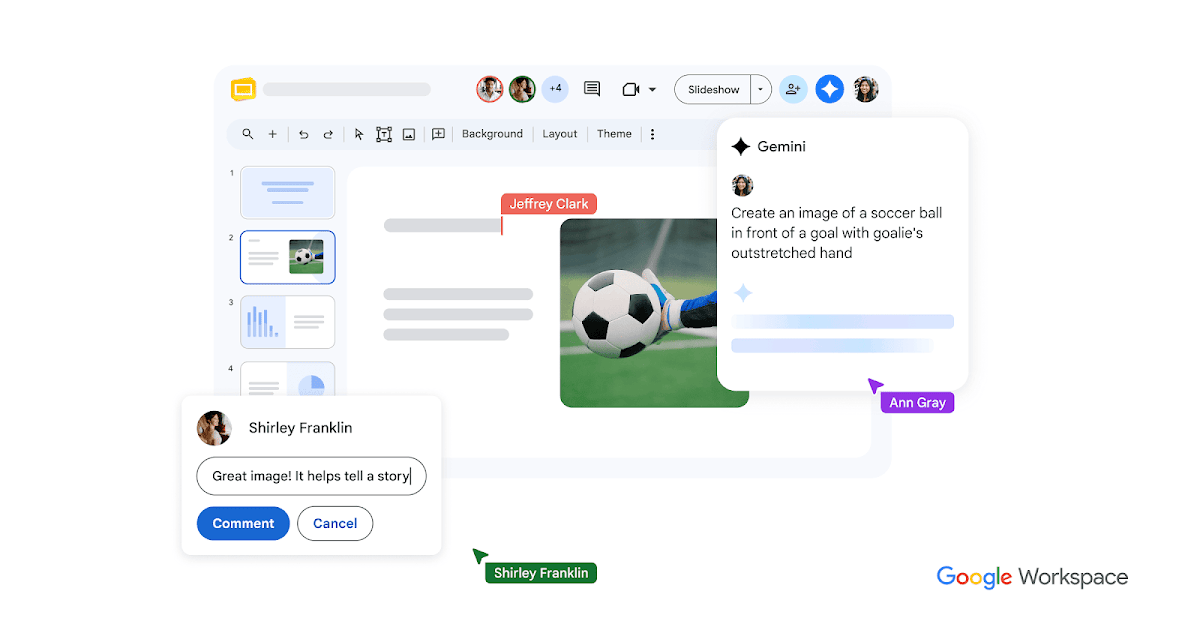
Google Slides is a collaborative presentation editor with eligible Gemini tools for slide drafting, summaries, and image generation.
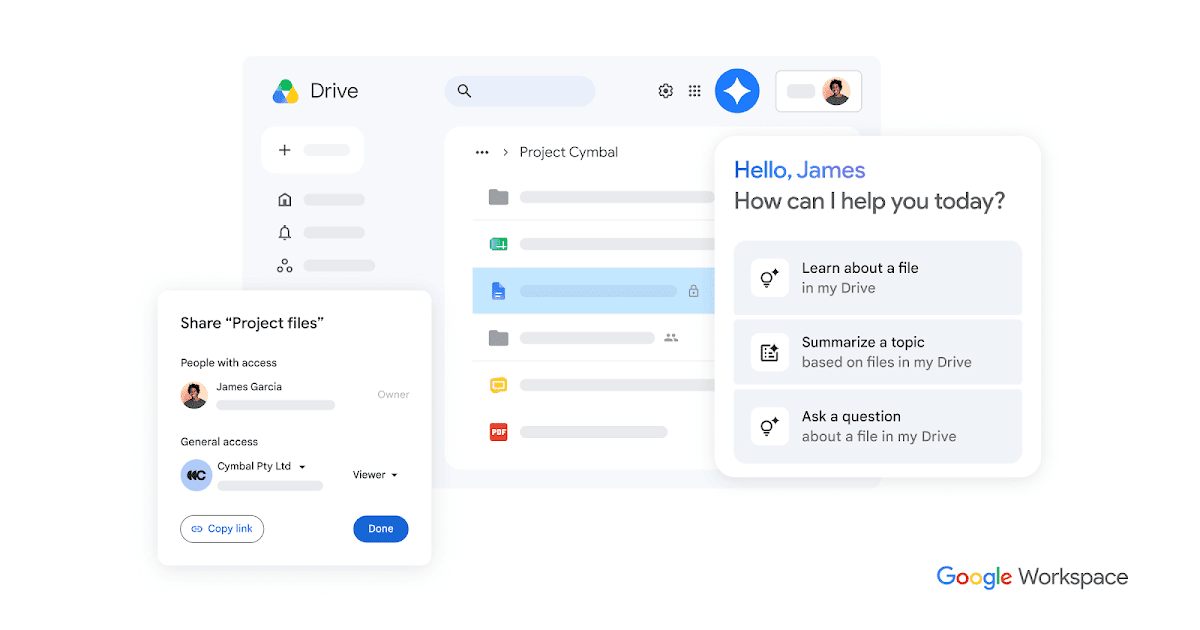
Google Drive stores and shares files, provides Gemini assistance on eligible plans, and serves as a document source for authorized AI and automation workflows.
Google Workspace combines business email, files, documents, meetings, and eligible Gemini features for collaborative AI-assisted work.
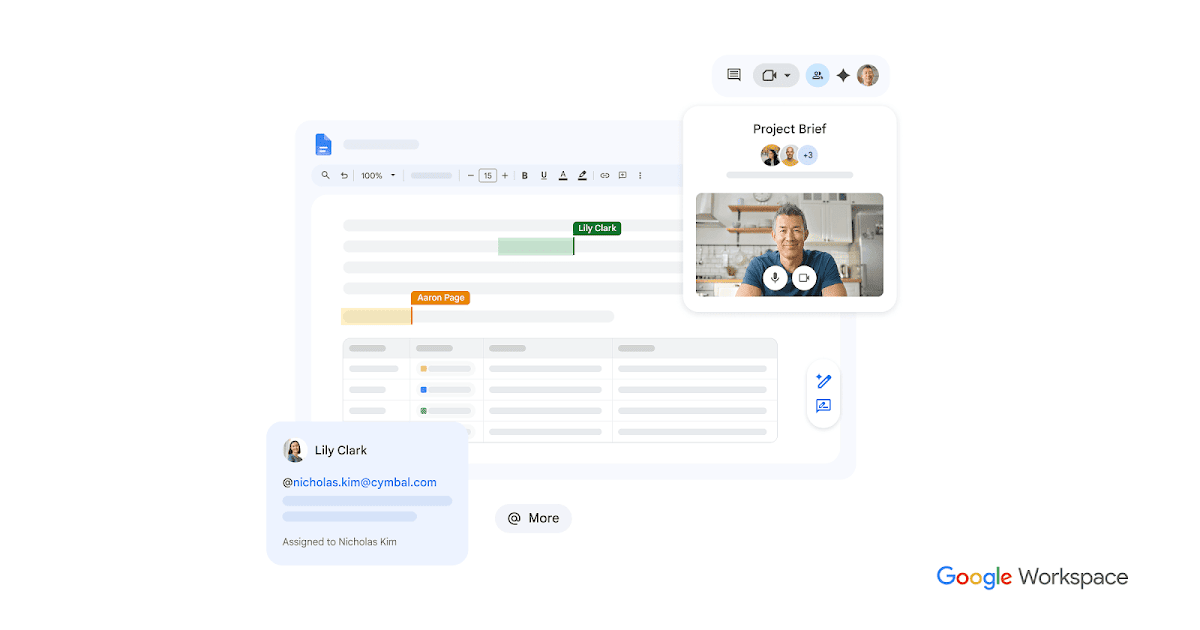
Google Docs is a collaborative document editor with Gemini drafting and editing on eligible plans, useful for reviewing and sharing AI-assisted written work.

Get access to all our AI courses, hundreds of real-world AI use cases, live expert-led workshops, an exclusive network of AI early adopters, and more.
Get unlimited access to all of our current & upcoming industry-specific AI courses for the duration of your subscription.
To keep up with the rapid pace of AI, our team publishes AI implementation guides daily. Our library contains 300+ practical use cases to automate real-world work.
Join weekly, live, interactive sessions with industry leaders who are at the forefront of AI for hands-on implementation guidance and exclusive insights.
Network with an exclusive community of AI-first professionals who are working smarter with AI. Learn how early adopters are using AI in their work and businesses.