Busy personal inboxes
People who want quick thread summaries, relevant reply drafts, and a faster way to locate details buried in years of email.
Independent tool overview
Gmail now uses Gemini to summarize threads, answer natural-language questions about email, draft and refine messages, suggest replies, proofread writing, and surface priorities in an optional AI Inbox. Some writing and conversation-summary features are free, while AI Inbox, search answers, Proofread, and the wider Gemini experience depend on account type, plan, country, language, device, and administrator settings. The strongest use case is faster inbox triage with every AI-generated fact and draft checked against the underlying messages before action.
Visit the official Gmail site ↗
Overview
Google's 2026 Gmail update turns Gemini from a separate side-panel assistant into a collection of in-line email features. Conversation summaries condense long threads; AI Overviews in search answer natural-language questions from relevant messages; Help me write, Suggested Replies, and Proofread assist with composition; and AI Inbox creates a briefing of priority to-dos and topics.
Availability is fragmented. Google provides thread summaries globally in several languages and offers Help me write and Suggested Replies to personal Gmail users in the United States at no cost. Paid Google AI and eligible Workspace plans unlock broader features, but AI Inbox and search answers are still limited by geography, language, platform, plan, or beta access. The Gmail help table is more reliable than a launch announcement for checking a specific account.
AI Inbox is a separate, optional view rather than a replacement for the normal inbox. It currently uses messages in the Primary tab, ignores several other categories, and does not support attachments, delegated inboxes, or encrypted emails. A priority or due date may therefore be incomplete even when its summary sounds confident.
Google says personal emails are not used to train its foundational Gemini models and that Gemini in Gmail processes information for the requested task without retaining that Gmail data. Users still need to decide whether smart features may process their content, while Workspace administrators can restrict Gemini entirely or block its access to Gmail and other Workspace data.
Gemini can misread a thread, miss an attachment, infer the wrong deadline, address a draft too casually, or produce a plausible answer from stale mail. Treat it as a retrieval and drafting layer: open the cited message, inspect the complete thread and attachments, confirm recipients and claims, and send or act only after human review.
Use cases
The strongest fit depends on the job you need the product to complete, not the size of its feature list.
People who want quick thread summaries, relevant reply drafts, and a faster way to locate details buried in years of email.
Organizations already standardized on Gmail that want AI assistance inside the existing inbox with centralized access controls.
Users who regularly draft routine updates, adjust tone, proofread important messages, or respond to repeated coordination threads.
Eligible users who want an AI-generated briefing of probable to-dos and topics while retaining the normal Gmail inbox as the source of truth.
Capabilities
Creates a concise overview of key points and replies when a long thread is opened, with broad personal and paid-plan availability across supported languages.
AI Overviews can answer questions such as when an event occurs by finding relevant messages and synthesizing their contents above search results.
Drafts a new email from a prompt or rewrites an existing draft for clarity, length, tone, or structure.
Offers fuller, context-aware response drafts intended to match the conversation and the user's writing style.
Suggests improvements beyond basic spelling and grammar, including concision, tone, and style, on eligible paid or Workspace accounts.
Shows suggested to-dos and topics to catch up on, with links back to the relevant messages and controls to mark items done or give feedback.
Eligible Workspace accounts can summarize, analyze, draft, find information across Gmail, Drive, and Calendar, and create primary-calendar events; some personal experiences are moving from the side panel into in-line tools.
Uses conversation context and, where eligible and enabled, other Google app context to create more relevant summaries and drafts.
Smart-feature settings control personal data use, while Workspace administrators can restrict Gemini or its access to Gmail and other organization data.
Process
Step 1
Use Google's current Gmail feature-availability table to confirm that the account type, plan, country, language, and platform support the specific feature needed.
Step 2
Decide whether to enable smart features in Gmail and across Workspace. For managed accounts, ask the administrator which Gemini access and data policies are enabled.
Step 3
Test summaries, search, and drafting on ordinary scheduling or internal updates before using them on legal, medical, financial, HR, security, or customer-sensitive email.
Step 4
Include the person, project, date range, or event in the search prompt. If the task depends on an attachment, delegated mailbox, encrypted message, or non-Primary category, search and inspect those sources manually.
Step 5
Verify names, dates, amounts, commitments, and action items against the full thread and any attachments rather than relying on the generated overview alone.
Step 6
Confirm the recipient list, tone, factual claims, promises, confidential content, and links. Remove generated details that were not stated in the source material.
Step 7
Do not use an AI summary as the sole basis for payments, contracts, hiring, healthcare, legal decisions, account recovery, security changes, or time-sensitive commitments.
Step 8
Hide AI Inbox or change smart-feature settings if the prioritization is noisy or the data tradeoff is not worthwhile. Remember that turning off Workspace smart features can also disable related AI capabilities.
Step 9
For team rollouts, compare search time, drafting time, correction rate, missed-action rate, sensitive-data incidents, and user adoption before expanding access.
Cost
A personal Google account includes Gmail and 15 GB of shared storage at no cost, with selected Gemini features available free where supported. In the US, Google One currently lists Google AI Plus at $9.99 per month with 2 TB and Google AI Pro at $19.99 per month with 5 TB; feature access and local prices vary. For businesses on annual commitments, Google Workspace lists Starter at $7, Standard at $14, and Plus at $22 per user per month, with Gemini capabilities and storage expanding by tier. AI Inbox and individual Gmail features still have separate eligibility rules, so paying for a plan does not guarantee every feature in every region.
Free
Consumer Gmail with 15 GB shared across Gmail, Drive, and Photos plus selected AI features where supported.
$9.99/month in the current US Google One display
Consumer AI subscription with 2 TB and Gemini features across Google products.
$19.99/month in the US
Higher consumer AI access with 5 TB and broader Gemini benefits across Gmail and other Google apps.
$7/user/month with annual commitment
Custom business email, 30 GB pooled storage per user, and Gemini assistance in Gmail.
$14/user/month with annual commitment
Adds 2 TB pooled storage per user and premium AI across Gmail, Docs, Drive, Sheets, Meet, and more.
$22/user/month with annual commitment
Adds 5 TB pooled storage, eDiscovery, stronger management, and larger meetings.
Pricing checked . Check current pricing at the source ↗
Assessment
Compare
The right alternative depends on the specific output, workflow, controls and budget your project requires.
Business Operations
Choose Superhuman when a premium speed-focused email client, keyboard workflow, and dedicated productivity experience matter more than Gmail's native integration.
Explore Superhuman →Content Creator
Choose the Gemini app when the task needs broader research, files, planning, or reasoning rather than in-inbox triage and drafting.
Explore Gemini →Business Operations
Choose ChatGPT for general-purpose writing and analysis when you prefer to supply selected email context instead of granting an assistant inbox-native access.
Explore ChatGPT →Project Management
Choose Claude for careful long-form drafting and document analysis when a standalone assistant is sufficient and direct Gmail organization is not required.
Explore Claude →Questions
Some features are free where supported, including conversation summaries and, for eligible personal accounts in the US, Help me write and Suggested Replies. AI Inbox, Proofread, natural-language search answers, and broader Gemini access can require a Google AI or eligible Workspace plan.
It can summarize threads, answer questions from relevant email, draft and rewrite messages, suggest replies, proofread writing, surface to-dos and topics in AI Inbox, and on eligible accounts work with selected Drive and Calendar context.
AI Inbox is an optional beta view that summarizes priority to-dos and topics from selected messages. It is currently limited to US English and eligible plans, and it does not support attachments, delegated inboxes, or encrypted email.
Google says it does not train its foundational Gemini models on personal emails and that Gmail data used for a requested Gemini task is not retained by Gemini. Review the applicable account terms and smart-feature settings for your privacy needs.
Yes. Users can change Gmail and Workspace smart-feature settings, and AI Inbox can be hidden separately. Turning off Workspace smart features may also disable other AI-powered Workspace capabilities.
Yes. Workspace administrators can restrict Gemini entirely or prevent it from accessing Gmail and other Workspace data. Content permissions and delegated-inbox limits also affect what it can use.
The account may not have the required plan, country, English-language, platform, smart-feature, rollout, or administrator eligibility. Check Google's live Gmail feature table rather than relying on a launch article.
AI Inbox does not support attachments, delegated inboxes, or encrypted emails. Other Gemini surfaces have their own access rules, and delegated Gmail messages are not available to Gemini simply because the user can view them.
No summary should be the final authority for a deadline, amount, agreement, medical issue, legal matter, security action, or other high-impact decision. Open the source messages and attachments and verify the details.
US Google One currently lists Google AI Plus at $9.99 per month and Google AI Pro at $19.99 per month. Workspace annual-commitment list prices are $7 for Starter, $14 for Standard, and $22 for Plus per user per month. Local prices, promotions, and feature eligibility vary.
Bottom line
Gemini in Gmail is most valuable when it removes mechanical inbox work—summarizing long threads, finding a buried detail, producing a first draft, or surfacing likely follow-ups—without changing where users already work. It is not a dependable autonomous email operator. The confusing availability matrix, AI Inbox's source gaps, and normal generative-AI error risk mean teams should verify every material fact, keep sending and decisions human-controlled, and test privacy and admin settings before rollout. Existing Gmail and Workspace users can see meaningful gains; users choosing an email platform primarily for AI should compare actual account eligibility and workflow speed rather than Google's broad launch promise.
Visit Gmail website ↗
FalconH1R 7B - TII's small hybrid reasoner that outperforms rivals up to 7x its size on math and coding benchmarks while running at double the inference speed.
Slackbot - Slack's personal AI agent for work
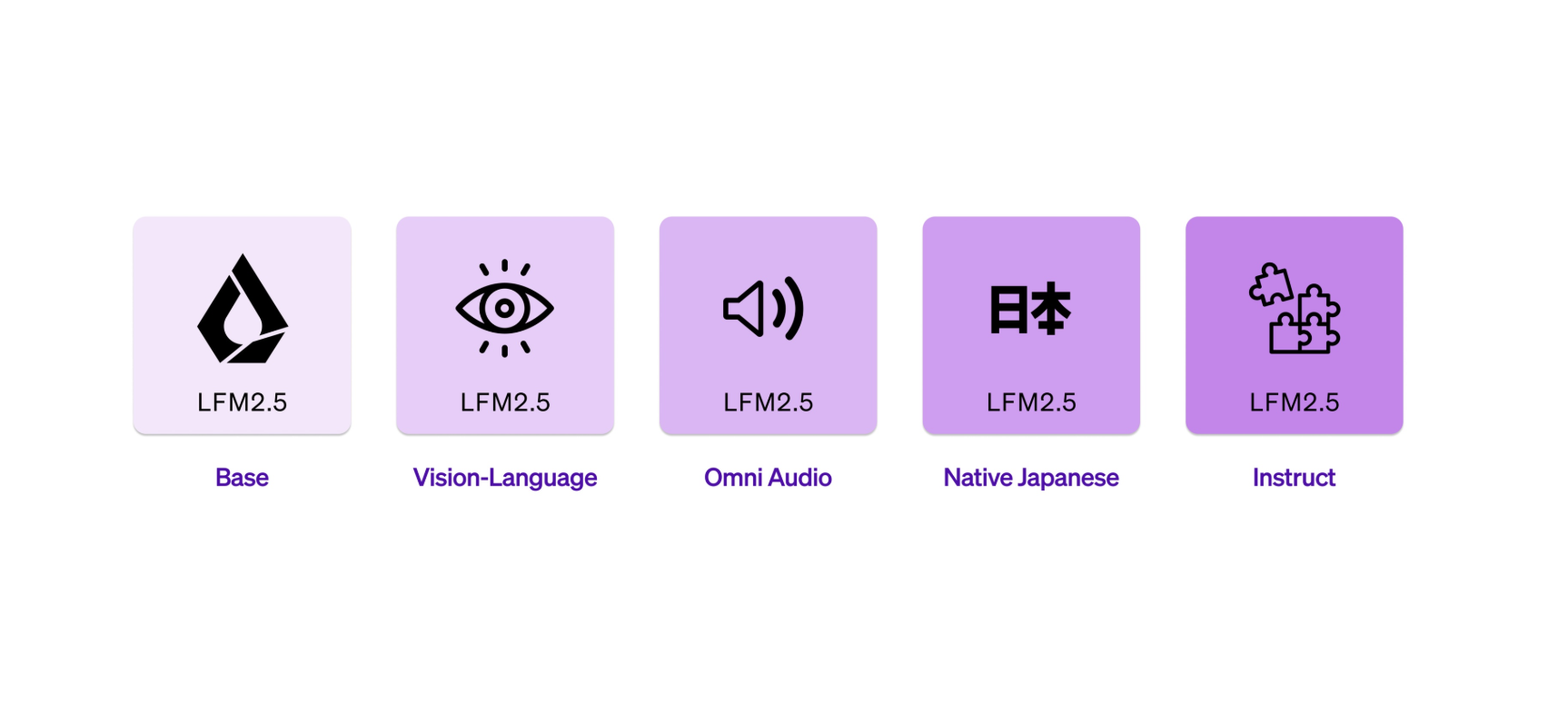
LFM 2.5 - Liquid AI’s new AI model family for on-device speed and efficiency
TranslateGemma

Get access to all our AI courses, hundreds of real-world AI use cases, live expert-led workshops, an exclusive network of AI early adopters, and more.
Get unlimited access to all of our current & upcoming industry-specific AI courses for the duration of your subscription.
To keep up with the rapid pace of AI, our team publishes AI implementation guides daily. Our library contains 300+ practical use cases to automate real-world work.
Join weekly, live, interactive sessions with industry leaders who are at the forefront of AI for hands-on implementation guidance and exclusive insights.
Network with an exclusive community of AI-first professionals who are working smarter with AI. Learn how early adopters are using AI in their work and businesses.