Finding institutional knowledge
Ask a natural-language question and retrieve relevant context from conversations, files, canvases, and connected enterprise sources.
Independent tool overview
Slackbot is Slack's personal AI agent for searching workspace knowledge, researching across connected sources, working with files, creating content, and running repeatable tasks inside Slack.
Visit the official Slackbot site ↗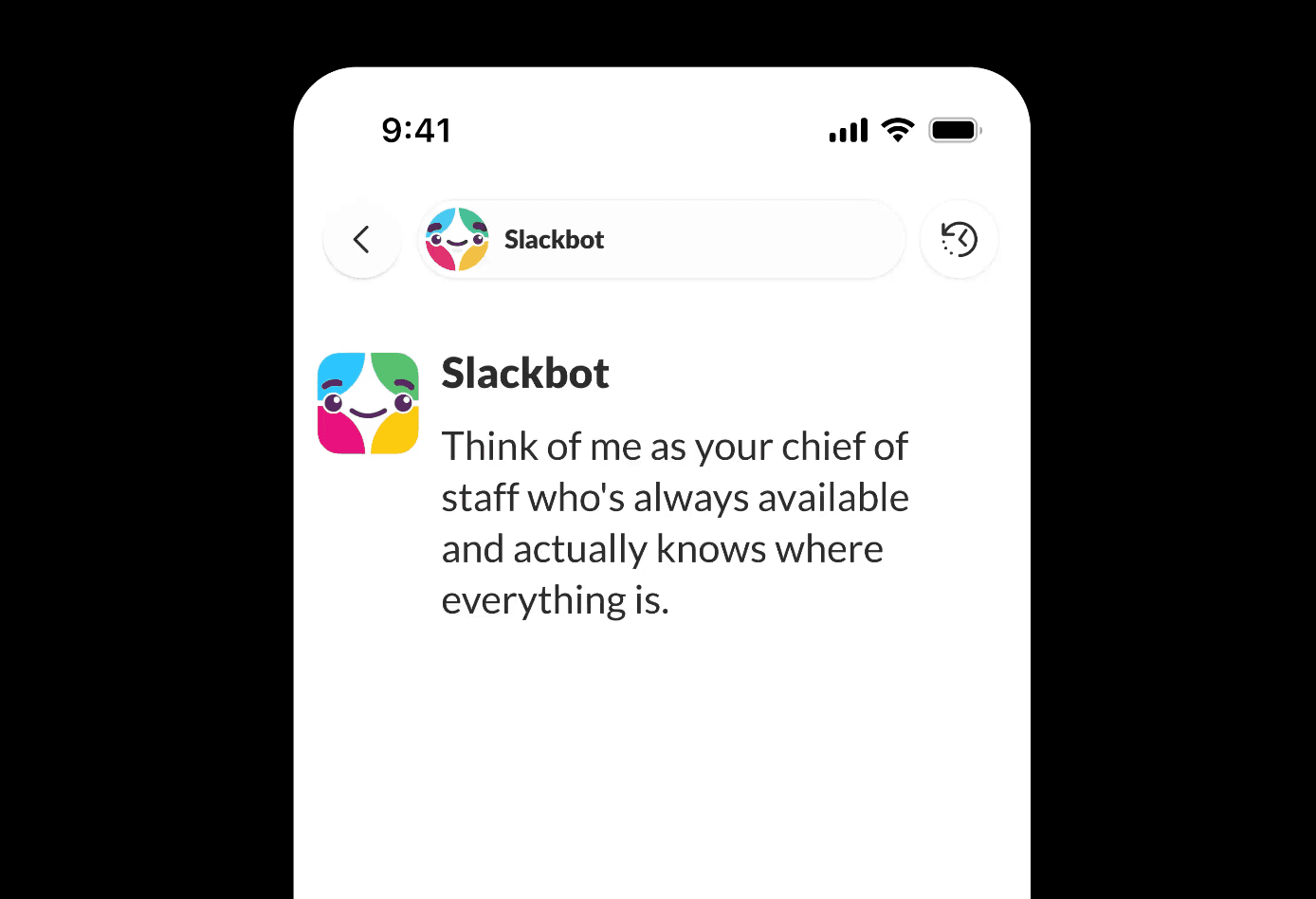
Overview
The current Slackbot is more than the older notification and reminder bot. It is a personal work agent grounded in the conversations, channels, files, canvases, lists, Salesforce records, enterprise-search sources, and connected tools that each user is allowed to access. It can answer questions, prepare meeting context, draft content, analyze documents, conduct deep research, and run scheduled tasks without leaving Slack.
Slackbot's usefulness depends heavily on plan and administration. Free and Pro workspaces receive only preview access by default, Business+ currently limits each member to 15 messages per week, and Enterprise plans provide much broader use subject to policy. Owners can disable Slackbot, restrict who uses it, control file and canvas access, and decide whether web search is allowed.
Use cases
The strongest fit depends on the job you need the product to complete, not the size of its feature list.
Ask a natural-language question and retrieve relevant context from conversations, files, canvases, and connected enterprise sources.
Summarize decisions, assemble background, identify follow-ups, and prepare a concise briefing from existing workspace material.
Produce a longer report across Slack, permitted web sources, Salesforce data, files, and connected MCP servers.
Create skills and tasks for recurring workflows such as onboarding decks, weekly reports, follow-up tracking, and document preparation.
Capabilities
Uses only Slack information the requesting member can already view, including their public channels and authorized private conversations.
Researches complex questions across available workspace, web, Salesforce, enterprise-search, and MCP sources and returns a more comprehensive report.
Reads and summarizes supported canvases, lists, text files, PDFs, and images and can create or edit Slack canvases when admins allow it.
Stores step-by-step instructions for complex recurring processes and makes selected skills available from a dedicated Slackbot tab.
Creates scheduled or repeatable work; the current default allows three automatic task runs per day before tasks must be triggered manually.
Works with Salesforce, installed apps, enterprise-search sources, and MCP connections, with capabilities determined by permissions and plan.
Process
Step 1
Check the workspace plan and ask an admin whether Slackbot, web search, files, canvases, connected sources, and actions are enabled.
Step 2
Open Slackbot and specify the project, period, channels, files, people, and desired output instead of asking a broad ambiguous question.
Step 3
Open cited Slack messages or files, confirm context, and verify that connected data and actions match the intended scope.
Step 4
Save a repeatable instruction sequence or schedule an approved task only after the manual version has produced reliable results.
Cost
Slackbot is bundled with Slack plans but its availability and message allowance differ sharply. Free and Pro receive limited preview use, Business+ gets 15 messages per member each week, and Enterprise plans are not subject to those weekly or lifetime message caps. Salesforce Flex Credits can fund additional use where enabled.
$0
Limited Slackbot preview rather than ongoing included access.
$7.25/user/month annually or $8.75 monthly
Paid collaboration plan with only preview Slackbot access by default.
$15/user/month annually or $18 monthly
Main self-serve plan with ongoing Slackbot access and advanced Slack AI features.
Contact sales
Enterprise plan with broader access, governance, and connected-search capabilities.
Pricing checked . Check current pricing at the source ↗
Assessment
Compare
The right alternative depends on the specific output, workflow, controls and budget your project requires.
Business Operations
Choose Microsoft Copilot when organizational knowledge and daily work are centered on Microsoft 365, Teams, Outlook, SharePoint, and Office apps.
Explore Microsoft Copilot →Business Operations
Choose Gemini Enterprise for a broader governed platform to discover, build, share, and run enterprise agents across Google and connected business data.
Explore Gemini Enterprise →Project Management
Choose Notion AI when the primary knowledge base and project workflow live in Notion rather than Slack conversations.
Explore Notion AI →Questions
Slackbot can search authorized workspace and connected knowledge, summarize conversations and files, draft content, conduct deep research, create and edit supported documents, and run skills and tasks.
Pro workspaces receive a limited Slackbot preview by default. Once those messages are used, access does not reset unless the workspace upgrades or enables paid Flex Credit usage.
Each member currently gets 15 messages per week. The allowance resets at midnight Monday in the member's time zone.
It can use private channels and direct messages only when the requesting user is already a participant. Slack says it does not surface information the user cannot otherwise access.
Slack says customer data used by its native AI features remains within Slack-controlled infrastructure and is never used to train third-party language models. Third-party agent apps have their own scopes and should be reviewed separately.
Bottom line
Slackbot's integration with real workplace context gives it a major advantage over a generic chatbot for organizations already living in Slack. Its current self-serve limits are the biggest drawback: 15 weekly Business+ messages is restrictive, and Free or Pro preview access is not a durable deployment plan. Enterprise buyers should focus as much on permissions and connected-source governance as on the feature list.
Visit Slackbot website ↗
Gmail - Google's email inbox, now infused with Gemini for AI-powered insights, actions, and improvements
TranslateGemma

FalconH1R 7B - TII's small hybrid reasoner that outperforms rivals up to 7x its size on math and coding benchmarks while running at double the inference speed.

Translate with ChatGPT - Translate text, voice, or images instantly across 50+ languages

Get access to all our AI courses, hundreds of real-world AI use cases, live expert-led workshops, an exclusive network of AI early adopters, and more.
Get unlimited access to all of our current & upcoming industry-specific AI courses for the duration of your subscription.
To keep up with the rapid pace of AI, our team publishes AI implementation guides daily. Our library contains 300+ practical use cases to automate real-world work.
Join weekly, live, interactive sessions with industry leaders who are at the forefront of AI for hands-on implementation guidance and exclusive insights.
Network with an exclusive community of AI-first professionals who are working smarter with AI. Learn how early adopters are using AI in their work and businesses.