Agent product teams
Add user-connected actions to a customer-facing agent without building OAuth and maintenance for each supported app.
Independent tool overview
Connect AI agents to external apps with managed authentication, tool discovery, execution, and event triggers.
Visit the official Composio site ↗
Overview
Composio is an integration layer for AI agents that need to take action in third-party services. Instead of implementing every provider OAuth flow and API wrapper inside an agent, developers select toolkits, connect accounts, and let a session discover and execute permitted tools. A toolkit groups actions for an application; each action has input and output schemas.
Its sessions can expose meta tools for finding the relevant operation at run time, prompting a user to connect an account, and then executing with that account’s permissions. Developers can restrict toolkits and actions, use their own OAuth credentials, add custom tools, and receive trigger events. The value lies in managed integration plumbing, while authorization scope, user consent, retries, and write approval remain application responsibilities.
Use cases
The strongest fit depends on the job you need the product to complete, not the size of its feature list.
Add user-connected actions to a customer-facing agent without building OAuth and maintenance for each supported app.
Run bounded app actions from a workflow while retaining control over allowed toolkits and connected accounts.
Test app integration patterns through sessions and managed auth before deciding which connections to operate directly.
Capabilities
The catalog groups app actions into toolkits; sessions expose discovery tools so an agent can fetch only schemas relevant to the task.
Auth configs support managed apps or your own OAuth application and scopes, with connected accounts associated with users.
A session provides the context for discovery, authentication and tool execution, rather than loading an entire catalog into every model prompt.
Supported provider events can reach your webhook, allowing an external event to start an agent workflow.
Toolkit and action filters, custom tools, MCP and optional security add-ons help teams narrow access and adapt integrations.
Process
Step 1
Define the app actions needed for one task and restrict available toolkits and scopes before connecting users.
Step 2
Create or use an auth config and have each user authorize the account whose permissions the agent will inherit.
Step 3
Let the agent discover a tool schema, pass validated inputs, and execute the permitted action.
Step 4
Log outputs, require approval for consequential writes, deduplicate webhook triggers and monitor call usage and failures.
Cost
Composio has a hard-capped Free plan, a Pro subscription with usage credit, and a custom Enterprise plan. Tool calls are the main meter; managed apps, triggers and optional services can change the bill.
$0; usage cap
For development and light production use with own credentials.
$29/month plus metered overage
Includes a $29 monthly usage credit and access to spend controls.
Custom quote
For committed volume and stronger administration.
Pricing checked . Check current pricing at the source ↗
Assessment
Compare
The right alternative depends on the specific output, workflow, controls and budget your project requires.
Agents
A packaged agent experience when business users prefer configured automations to an integration SDK.
Explore Zapier Agents →Business Operations
A workflow orchestration platform when visual control and self-hosted automation matter most.
Explore n8n →Coding
A general agent framework when your team will assemble provider integrations and auth separately.
Explore LangChain →Questions
It provides app toolkits, authentication, connected accounts and execution infrastructure so an AI agent can work with external services.
Yes. Its Free plan has hard monthly caps. The paid Pro tier includes usage credit and bills qualifying overage and add-ons.
No. A developer chooses toolkits and filters, and a user or organization must connect an account. The app should still require approval before consequential actions.
Yes, supported trigger types deliver events to webhooks. Webhook handlers should handle retries and duplicate deliveries.
Bottom line
Composio fits agents acting across many services. Pilot one narrow toolkit, verify scopes and failure paths, and model tool-call and add-on cost before rollout.
Visit Composio website ↗
Open-source Python framework and managed platform for multi-agent workflows.
.avif)
Payman: AI That Pays You for Your Work
Build, deploy and monitor AI apps and agent workflows with Dify’s visual studio, knowledge pipelines and APIs.
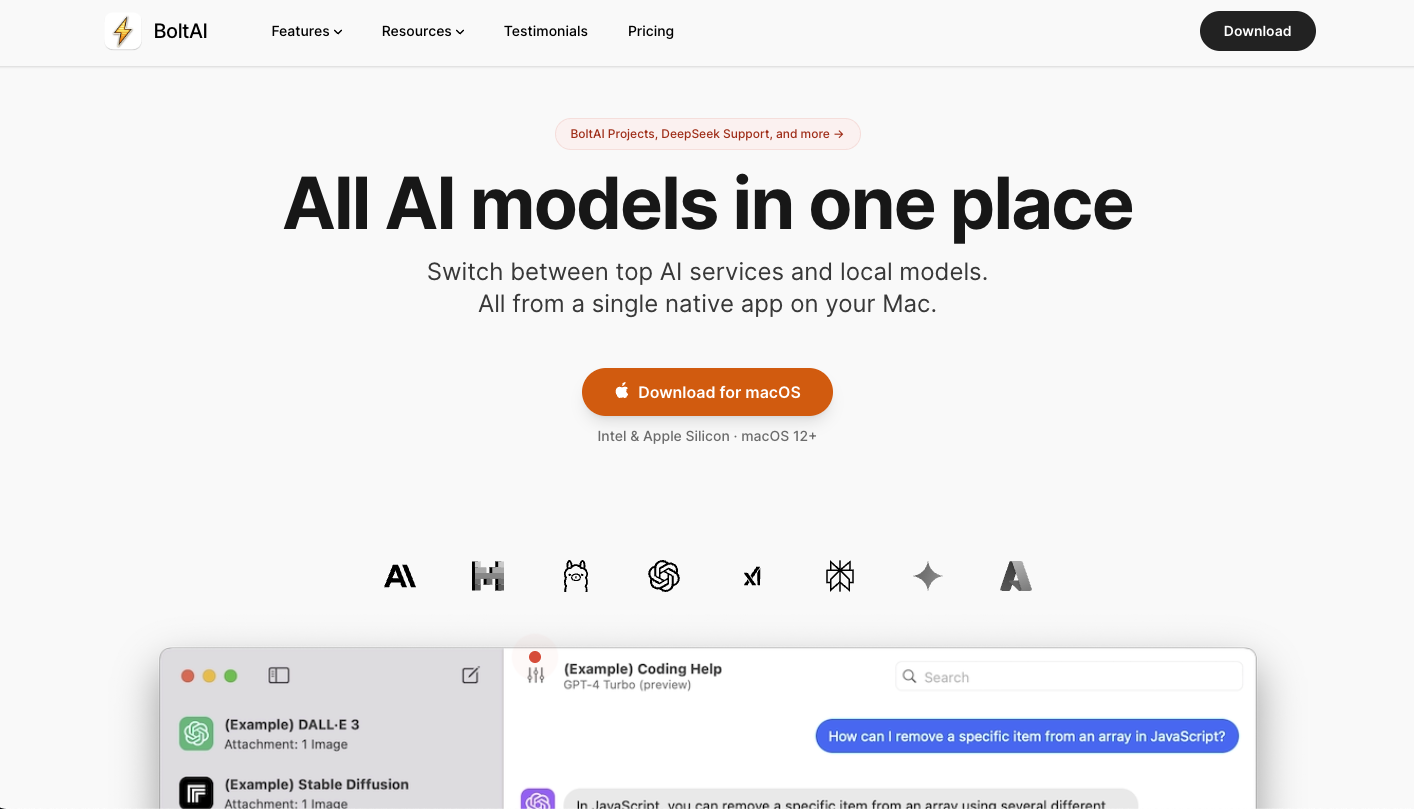
Bolt AI: Brings chatgpt-like functionality into your mac menu bar for quick ai access.

Get access to all our AI courses, hundreds of real-world AI use cases, live expert-led workshops, an exclusive network of AI early adopters, and more.
Get unlimited access to all of our current & upcoming industry-specific AI courses for the duration of your subscription.
To keep up with the rapid pace of AI, our team publishes AI implementation guides daily. Our library contains 300+ practical use cases to automate real-world work.
Join weekly, live, interactive sessions with industry leaders who are at the forefront of AI for hands-on implementation guidance and exclusive insights.
Network with an exclusive community of AI-first professionals who are working smarter with AI. Learn how early adopters are using AI in their work and businesses.