Mac power users
Reach multiple AI providers from a native app, global shortcut, screenshot workflow, or inline text field without changing browser tabs.
Independent tool overview
BoltAI is a native, local-first AI workspace for macOS that connects to hundreds of cloud and local models through users' own provider credentials, then adds projects, agents, document chat, system-wide shortcuts, MCP tools, workflows, and optional cross-device sync.
Visit the official BoltAI site ↗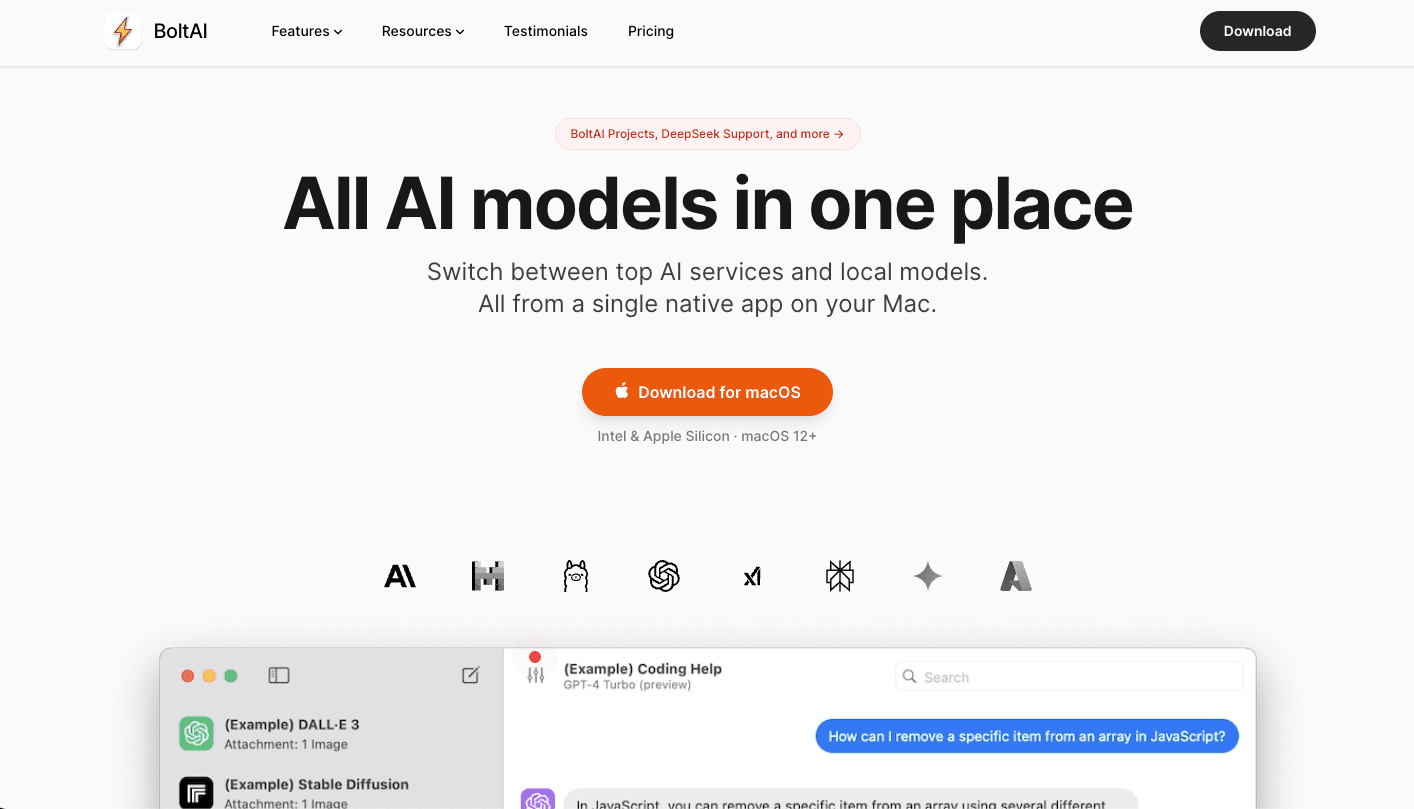
Overview
BoltAI is an AI client rather than a model provider. It gives Mac users one interface for services such as OpenAI, Anthropic, Google Gemini, Mistral, Azure OpenAI, Amazon Bedrock, xAI, and other compatible providers, plus local models through Ollama and LM Studio. Users bring their own API keys or supported CLI subscriptions, choose the model for each chat or agent, and pay model providers separately for usage.
The app goes beyond a menu-bar chat window with project folders, custom agents, multi-model comparison, document Q&A, screenshots, dictation, inline workflows, code execution, a prompt library, chat branching, and local or remote MCP servers. Its local-first design is useful for privacy-conscious workflows, but privacy still depends on configuration: prompts sent to a cloud model are governed by that provider, optional Cloud Sync stores selected data remotely, hosted features may pass through BoltAI infrastructure, and powerful tools can access data or perform actions within the permissions users grant.
Use cases
The strongest fit depends on the job you need the product to complete, not the size of its feature list.
Reach multiple AI providers from a native app, global shortcut, screenshot workflow, or inline text field without changing browser tabs.
Compare models, configure generation parameters, connect MCP tools, use CLI providers, and work with code or technical documents.
Organize long-running projects, attach source documents, fork conversations, and use different models for retrieval, synthesis, and critique.
Keep chat history local by default and use local models for workflows that should not be sent to a cloud inference provider.
Use one interface across several model vendors instead of committing every task and workflow to a single AI subscription.
Capabilities
Switches among hundreds of supported models from major cloud providers, compatible endpoints, CLI integrations, and local runtimes.
Connects directly to configured model providers using the user's own API accounts and billing.
Works with Ollama and LM Studio for on-device inference without per-token cloud charges.
Opens an AI overlay above other Mac apps for quick questions and context-light tasks.
Sends screenshots, images, PDFs, presentations, documents, and other supported attachments to capable models.
Supports voice input and reusable transforms that can run against text in existing applications.
Groups chats with inherited system instructions, documents, tools, knowledge, and model settings.
Builds agents with specialized instructions, knowledge, models, and tools, and can compare several agents or models side by side.
Connects to local and remote Model Context Protocol servers and lets users enable individual tools and runtime settings.
Saves reusable prompts and switches between configuration profiles for different tasks or clients.
Exposes system prompts, context limits, temperature, output tokens, reasoning effort, top-p, top-k, and supported penalty settings.
Includes full-text search, chat forking, message steering, read-aloud, persistent attachments, and Markdown or PDF export.
Syncs eligible chats, projects, agents, prompts, settings, and assets across licensed devices, with storage determined by tier.
Eligible Pro, Pro+, and team licenses include limited mobile access while BoltAI's mobile apps remain in beta.
Process
Step 1
Classify the work and decide whether it can use a cloud model, must use an approved enterprise endpoint, or should remain on a local model.
Step 2
Add a restricted provider key or supported CLI account, review that provider's retention and training settings, and avoid broad administrative credentials.
Step 3
Use Apple Keychain or BoltAI's passphrase-controlled encryption, do not paste secrets into chats, and rotate keys if a device or configuration is exposed.
Step 4
Set a narrow purpose, approved instructions, minimal documents, a known model, and only the tools needed for that workflow.
Step 5
Start with non-sensitive examples, inspect exactly what context is sent, confirm output quality, and check tool behavior before using real work.
Step 6
Check claims against source files, run code in an isolated environment, and require human approval for legal, financial, medical, security, or externally published work.
Step 7
Enable MCP tools individually, use read-only permissions where possible, and turn on Cloud Sync only when its storage and retention model fits the data.
Step 8
Export important work, keep an independent backup, update the app and local runtimes, review provider usage costs, and remove stale keys, tools, and synced data.
Cost
BoltAI sells a perpetual license with one year of app updates and tier-eligible Cloud Sync and mobile access. Cloud-model API credits are not included. After the first year, the installed local app continues working; renewal for updates and sync is optional and is described as 60% of the original pre-discount purchase price.
Free trial
A limited evaluation of the native app before buying a license.
$79 one-time
A single-seat license for one desktop device.
$99 one-time
The listed bundle price for professionals using more than one desktop and a mobile device.
$199 one-time
A higher-device and higher-storage license for power users.
$99/seat, 5-seat minimum
A company license with shared storage and priority support.
Pricing checked . Check current pricing at the source ↗
Assessment
Compare
The right alternative depends on the specific output, workflow, controls and budget your project requires.
Business Operations
A broader Mac productivity launcher with integrated AI, extensions, commands, and system-wide shortcuts.
Explore Raycast →Business Operations
A simpler first-party option for users who prefer bundled model access and do not need bring-your-own-key multi-provider control.
Explore ChatGPT →Project Management
A first-party Anthropic workspace for users who primarily want Claude models, projects, artifacts, and provider-managed access.
Explore Claude →Questions
BoltAI is a native AI workspace for Mac that connects to cloud AI providers, compatible endpoints, supported CLI subscriptions, and local models, then adds projects, agents, document chat, shortcuts, workflows, and MCP tools.
No. BoltAI is a multi-model desktop AI client for Mac. Bolt.new is StackBlitz's browser-based AI website and app builder.
No. BoltAI is bring-your-own-key by default and does not bundle model credits. Cloud API usage is billed by the provider, though supported CLI integrations may use eligible provider subscriptions.
Current one-time prices start at $79 for Essential. The vendor lists Pro at a $99 bundle price, Pro+ at $199, and Team Perpetual at $99 per seat with a five-seat minimum. Taxes and provider usage are separate.
The core app uses a perpetual license. The purchase includes one year of updates and eligible sync access. After that, local use of the installed version continues, while renewal is optional for new updates, Cloud Sync, and eligible mobile access.
Chats are local by default, and BoltAI says it does not use customer content for model training. However, prompts sent to cloud providers follow those providers' policies, and Cloud Sync or hosted features process additional data remotely.
Yes. Official materials list Ollama and LM Studio support. Local-model speed and quality depend on the selected model, runtime, and Mac hardware.
The current download supports macOS 13 or newer on Apple Silicon and Intel Macs. Windows support is listed as coming soon, and the mobile apps remain in beta.
Only connect servers you trust, inspect their configuration, enable the minimum set of tools, restrict file and account permissions, and require confirmation for consequential actions. MCP access can be much more powerful than ordinary chat.
Bottom line
BoltAI is a strong fit for Mac power users who actively compare models, manage their own provider accounts, and want agents, documents, shortcuts, tools, and local models in one native workspace. Its local-first design and perpetual license are meaningful advantages, but buyers must account for separate provider costs and must configure privacy deliberately: the safest setup uses minimal credentials, approved providers, tightly scoped tools, local inference for sensitive work, optional sync only when needed, and human review for consequential outputs.
Visit BoltAI website ↗.avif)
Payman: AI That Pays You for Your Work

Poe: provides instant answers and engaging conversations.
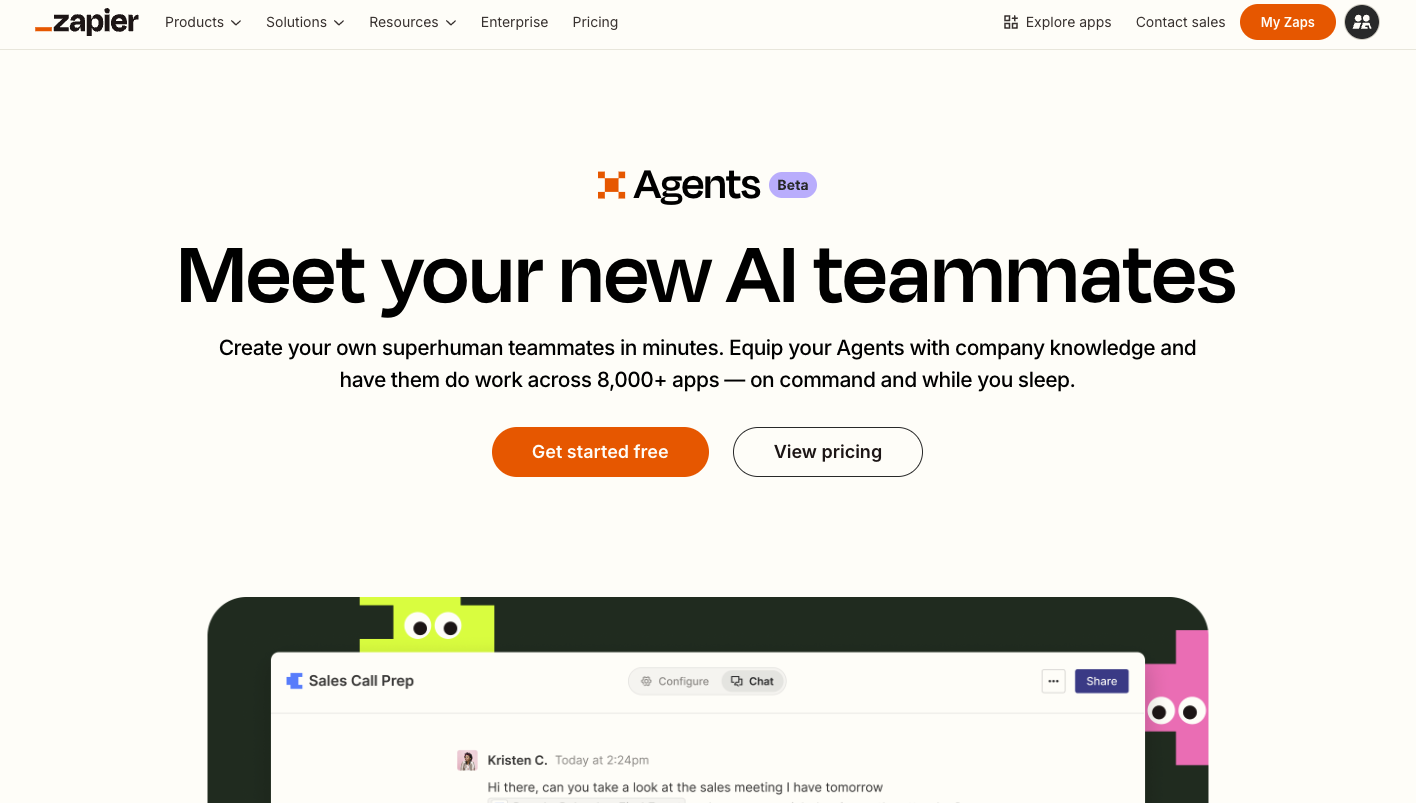
Zapier Agents: Let you delegate tasks to ai-powered agents that run workflows across apps and services.
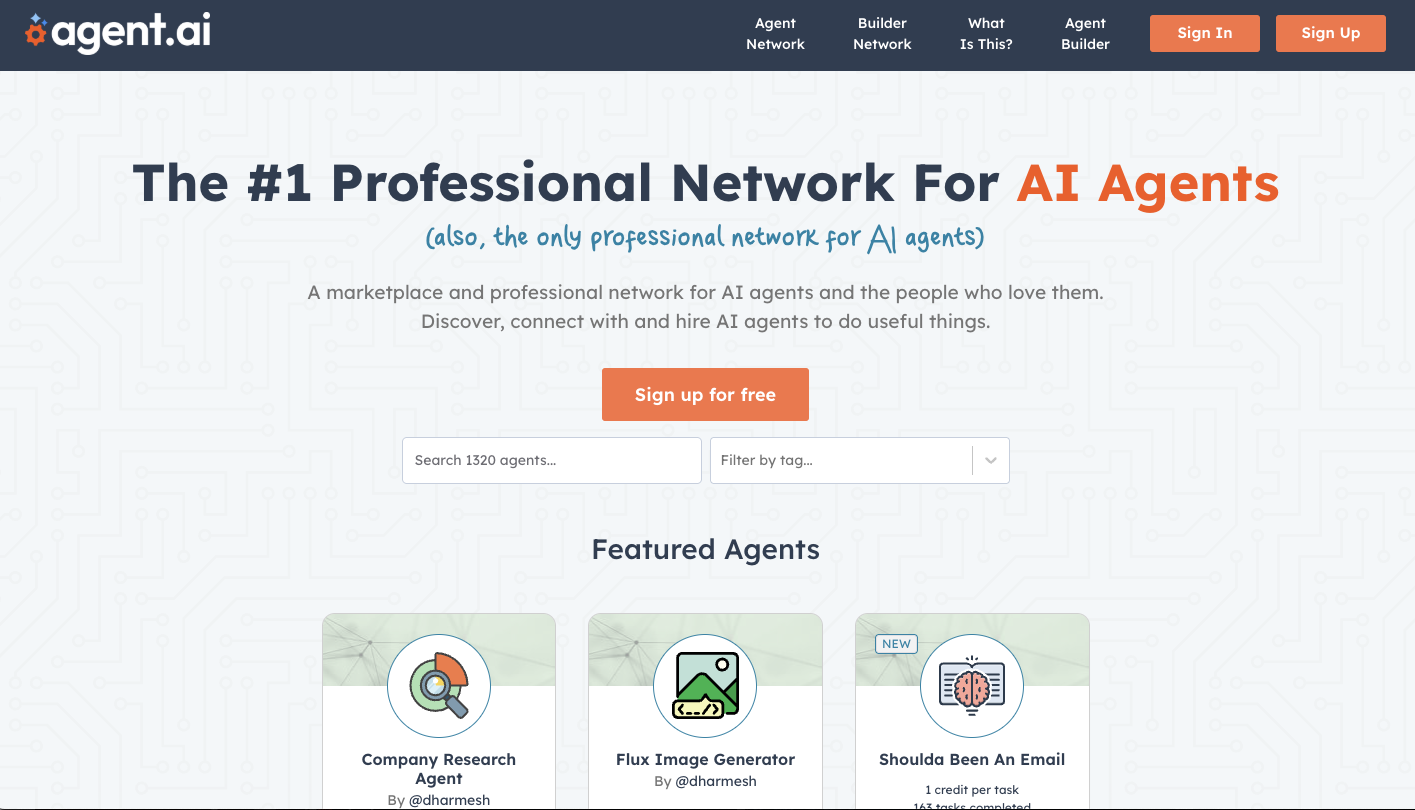
Agent AI: Builds autonomous ai agents that can complete complex tasks across multiple tools and apis.

Get access to all our AI courses, hundreds of real-world AI use cases, live expert-led workshops, an exclusive network of AI early adopters, and more.
Get unlimited access to all of our current & upcoming industry-specific AI courses for the duration of your subscription.
To keep up with the rapid pace of AI, our team publishes AI implementation guides daily. Our library contains 300+ practical use cases to automate real-world work.
Join weekly, live, interactive sessions with industry leaders who are at the forefront of AI for hands-on implementation guidance and exclusive insights.
Network with an exclusive community of AI-first professionals who are working smarter with AI. Learn how early adopters are using AI in their work and businesses.