Product teams prototyping AI apps
Build a knowledge-backed assistant or workflow without assembling every UI and API component separately.
Independent tool overview
Build, deploy and monitor AI apps and agent workflows with Dify’s visual studio, knowledge pipelines and APIs.
Visit the official Dify site ↗
Overview
Dify is a platform for creating AI apps, agents, chatflows and workflow automations. Its current site emphasizes a visual Workflow Studio, knowledge pipelines, a marketplace of model and tool plugins, and deployment as a hosted app, API, embed or MCP-compatible tool. Teams can use Dify Cloud or operate the source-available Community Edition on their own infrastructure.
Dify’s value is the bundled path from prototype to usable application: configure the model and data, build a visible flow, test it, publish, then inspect logs and feedback. The bundle still needs normal engineering discipline. Retrieval quality, model provider costs, access controls, prompt injection resistance and run monitoring are not solved by dragging nodes onto a canvas. Its Cloud tiers meter messages, apps, documents, storage and some request rates.
Use cases
The strongest fit depends on the job you need the product to complete, not the size of its feature list.
Build a knowledge-backed assistant or workflow without assembling every UI and API component separately.
Combine model steps, branching and connected tools in a visual workflow.
Compare cloud convenience with Community self-hosting or Enterprise private deployment.
Capabilities
Visual nodes define prompts, decisions, retrieval, tools and human-input steps.
Prepare and index files, websites or connected sources before retrieval.
Configure tool-using agents and publish them as reusable experiences.
Bring approved providers, tools, data sources and MCP integrations into a workspace.
Expose apps through multiple channels and inspect logs, feedback, latency and usage.
Process
Step 1
Select chatbot, agent, chatflow or workflow based on the interaction pattern.
Step 2
Add provider credentials and test document ingestion, permissions and retrieval.
Step 3
Run expected and adversarial cases through the visual flow, examining intermediate steps.
Step 4
Publish an updated version, test the live endpoint and watch logs, cost and user feedback.
Cost
Dify Cloud offers a free Sandbox plus Professional and Team subscriptions, with workspace quotas and message credits. Community Edition is self-hosted under Dify’s Apache-2.0-derived license; Enterprise private deployment is quoted separately.
Free
Try core application features within small quotas.
From $590/workspace/year
For a small production team.
From $1,590/workspace/year
For larger collaboration and throughput.
Self-hosted software / custom quote
Choose self-managed deployment or enterprise controls.
Pricing checked . Check current pricing at the source ↗
Assessment
Compare
The right alternative depends on the specific output, workflow, controls and budget your project requires.
Business Operations
A hosted visual AI workflow option for comparing the builder experience.
Explore Gumloop →Business Operations
A broader app-automation platform when AI is one step in a business process.
Explore n8n →Coding
A code-first agent stack when developers want control in source files rather than a canvas.
Explore LangChain →Questions
Dify can publish AI apps through a hosted web experience, API, embed or MCP-compatible tool.
Cloud Sandbox is free within small quotas, and Community Edition can be self-hosted with separate infrastructure and model costs.
They are Cloud credits for trying supported models; different models consume different numbers of credits.
Its Knowledge Pipeline can prepare and index files and connected sources, but teams should test retrieval relevance and permissions.
Bottom line
Dify is a strong candidate when a team wants a packaged visual path from AI workflow design to publication. Pilot one app with real source material, test failure and access cases, and estimate the Cloud quota or self-hosting cost at realistic volume.
Visit Dify website ↗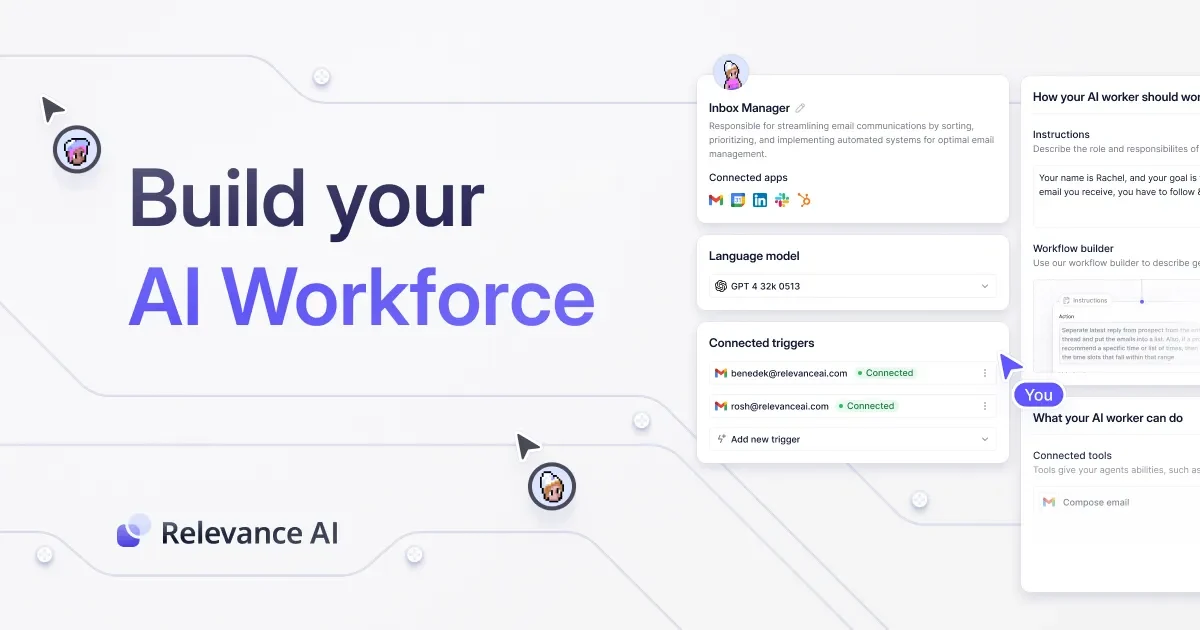
Platform for building AI agents and multi-agent workforces with integrations.
Open-source Python framework and managed platform for multi-agent workflows.
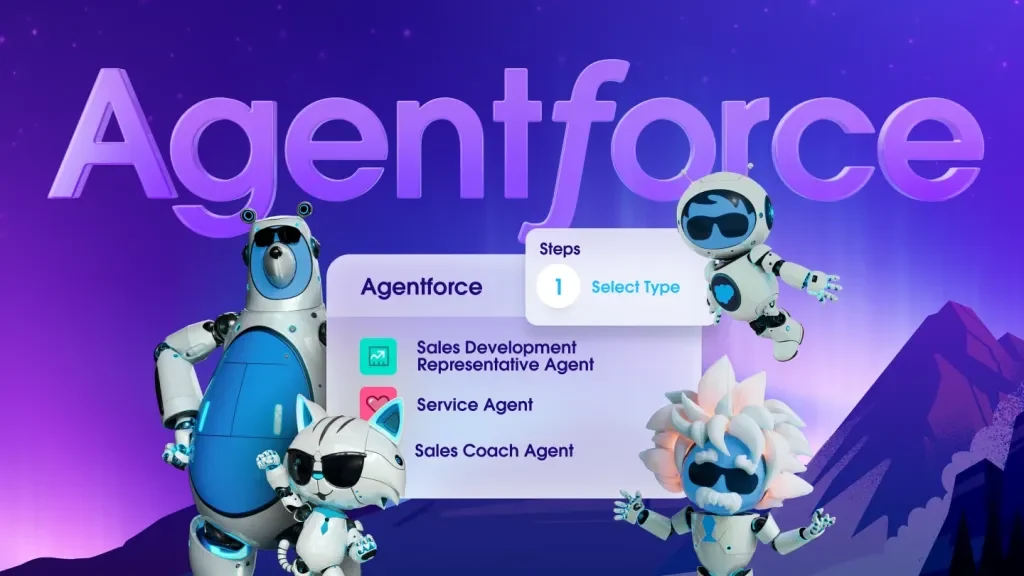
Build Salesforce-connected AI agents that answer questions and carry out governed CRM and service workflows.
Connect AI agents to external apps with managed authentication, tool discovery, execution, and event triggers.

Get access to all our AI courses, hundreds of real-world AI use cases, live expert-led workshops, an exclusive network of AI early adopters, and more.
Get unlimited access to all of our current & upcoming industry-specific AI courses for the duration of your subscription.
To keep up with the rapid pace of AI, our team publishes AI implementation guides daily. Our library contains 300+ practical use cases to automate real-world work.
Join weekly, live, interactive sessions with industry leaders who are at the forefront of AI for hands-on implementation guidance and exclusive insights.
Network with an exclusive community of AI-first professionals who are working smarter with AI. Learn how early adopters are using AI in their work and businesses.