Project managers
Draft status updates and answer questions from current tasks and project context.
Independent tool overview
Use Asana’s AI assists, AI Studio, Dash and AI Teammates to plan and carry out project work.
Visit the official Asana AI site ↗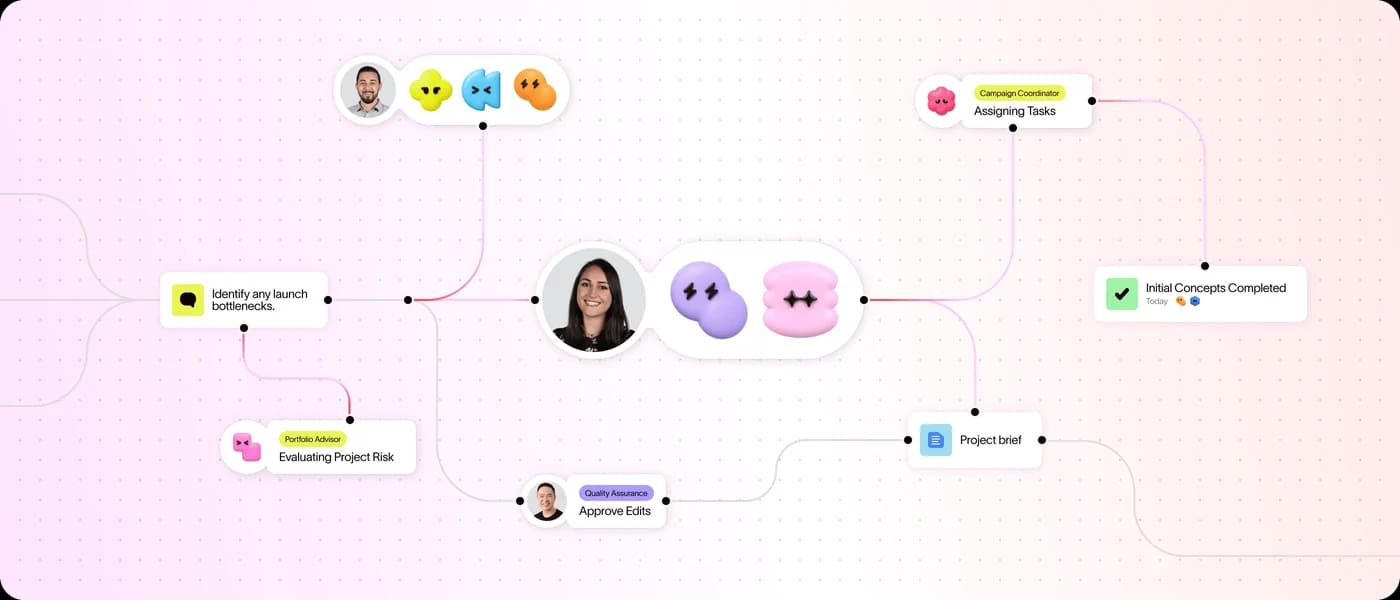
Overview
Asana AI is the umbrella for AI features within Asana’s project and work management platform. The current product page brings together AI Assists in projects and tasks, AI Studio for workflow building, Asana Dash for prioritization, and AI Teammates for delegated work. The existing Asana AI Teammates listing covers one distinct part of this broader product.
These capabilities use Asana’s Work Graph context, so they are most valuable when tasks, goals, owners, deadlines and project status are maintained. AI Studio can respond to task or form events and route structured work. Teammates and Dash share a pool of AI requests under paid plans; AI Studio uses its own credits. A buyer must account for both the core Asana seat plan and the relevant usage allowances rather than assuming the whole AI suite is unlimited.
Use cases
The strongest fit depends on the job you need the product to complete, not the size of its feature list.
Draft status updates and answer questions from current tasks and project context.
Automate structured intake, routing and approvals with AI Studio inside existing processes.
Delegate bounded work to AI Teammates while retaining shared context and human checkpoints.
Capabilities
Help with writing and summaries in tasks, projects and goals on eligible plans.
Draft updates from project, portfolio or goal context and expose open questions for review.
Build no-code AI workflows triggered by events such as new tasks and form submissions.
Surface priorities, questions and next steps using Work Graph context.
Assignable agents carry out defined work with scoped access and usage controls.
Process
Step 1
Keep assignments, due dates and goals accurate so the AI works from useful facts.
Step 2
Use Assists for drafting, Studio for structured processes or Teammates for delegated work.
Step 3
Keep sensitive data scoped and require review where an AI output would change a consequential process.
Step 4
Review AI requests, Studio credits, missed context and time saved during a pilot.
Cost
Asana Personal is free, while paid Starter and higher plans include AI features with allowances. Starter currently shows $10.99/user/month billed annually; AI Teammates and Dash share AI requests, and AI Studio has separate credits with paid expansion.
Free
Entry-level Asana work management.
$10.99/user/month billed annually
Paid entry plan with AI requests and Studio Basic.
Higher seat price or quote
Adds advanced work management and different AI allowances.
Request or credit purchases
More Teammate/Dash requests or Studio capacity can be purchased.
Pricing checked . Check current pricing at the source ↗
Assessment
Compare
The right alternative depends on the specific output, workflow, controls and budget your project requires.
Project Management
The narrower Asana agent listing when delegated teammate behavior is the specific interest.
Explore Asana AI Teammates →Project Management
An AI workspace with a stronger document and knowledge orientation.
Explore Notion AI →Business Operations
A structured data and app-building alternative for record-driven operations.
Explore Airtable →Questions
It is a family of AI capabilities built into Asana plans, including Assists, Studio, Dash and Teammates.
Asana’s paid AI Teammates and related allowances are listed on Starter and higher plans; Personal has more limited access.
Teammates and Dash use AI requests; AI Studio uses a separate credit allowance.
This page covers the broader Asana AI suite. AI Teammates are one distinct agent feature already listed separately.
Bottom line
Asana AI is most useful when Asana is already the team’s reliable work record. Select the narrow feature that solves a real project bottleneck, then test its grounding and both AI usage meters before wide deployment.
Visit Asana AI website ↗
Use ClickUp Brain to search workspace context, draft content, summarize work and run AI-assisted project tasks.

Height: Evolve your company with interconnected project management.
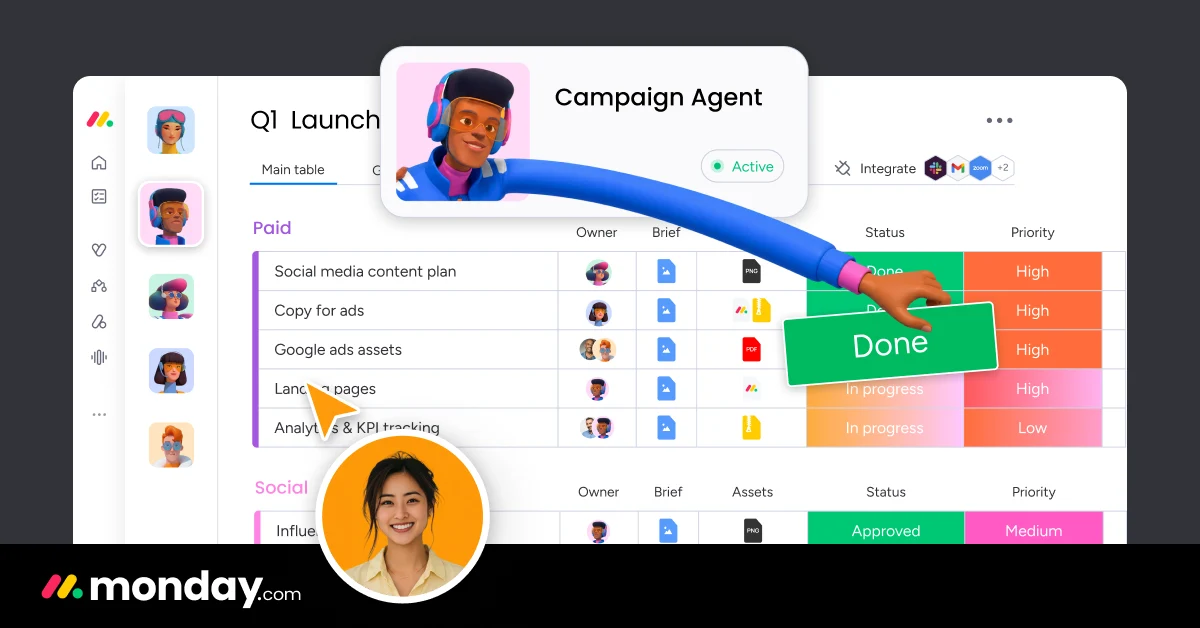
Use monday.com’s AI assistants, agents, workflows and blocks within its work platform.

Otter AI - Automated meeting notes and transcription.

Get access to all our AI courses, hundreds of real-world AI use cases, live expert-led workshops, an exclusive network of AI early adopters, and more.
Get unlimited access to all of our current & upcoming industry-specific AI courses for the duration of your subscription.
To keep up with the rapid pace of AI, our team publishes AI implementation guides daily. Our library contains 300+ practical use cases to automate real-world work.
Join weekly, live, interactive sessions with industry leaders who are at the forefront of AI for hands-on implementation guidance and exclusive insights.
Network with an exclusive community of AI-first professionals who are working smarter with AI. Learn how early adopters are using AI in their work and businesses.