ClickUp project teams
Ask about task and document context, summarize updates and draft follow-ups without moving work to another tool.
Independent tool overview
Use ClickUp Brain to search workspace context, draft content, summarize work and run AI-assisted project tasks.
Visit the official ClickUp Brain site ↗
Overview
ClickUp Brain is the AI layer inside ClickUp’s work management platform. Its assistant can answer questions about workspace context, draft and summarize project material, and support tasks and documents. The current Brain family also references Brain MAX, search, meeting notes and agent features, but availability differs among a trial, Brain AI and Everything AI.
Brain is most useful when a team already keeps its tasks, docs, owners and updates in ClickUp. It can turn that structured work into project summaries or next-step suggestions; the quality of those answers depends on current source material and the user’s access. Buyers should distinguish the core ClickUp subscription from optional Brain tiers, other AI add-ons and usage-based Super Credits.
Use cases
The strongest fit depends on the job you need the product to complete, not the size of its feature list.
Ask about task and document context, summarize updates and draft follow-ups without moving work to another tool.
Generate summaries and identify missing context from work already maintained in ClickUp.
Try ClickUp’s AI agents and automations in the same workspace as tasks before adding outside orchestration.
Capabilities
Brain Assistant can retrieve and synthesize context from ClickUp work, subject to plan and permission boundaries.
AI writing helps draft and edit task descriptions, docs and updates in the flow of work.
Summaries and update generation reduce repetitive status writing, but need source verification.
The pricing matrix lists Super Agents, Autopilot Agents, AI Fields and AI Cards with tier-dependent allowances.
A desktop companion extends the Brain experience; trial and paid access are differentiated on ClickUp’s pricing page.
Process
Step 1
Assign owners, due dates and status in ClickUp so Brain has useful context.
Step 2
Ask for a summary, answer or draft tied to a specific project or document.
Step 3
Review linked tasks and dates before sharing an AI-generated conclusion or taking action.
Step 4
Confirm which Brain tier and AI credits apply to the team, especially for agent runs and extra features.
Cost
ClickUp lists Free Forever with AI trial access, Brain AI and Everything AI subscriptions, with optional Super Credits and other add-ons. The displayed rates depend on billing selection and promotions, so confirm the checkout total.
$0; AI trial
A ClickUp entry plan with limited trial access to Brain features.
Displayed from $9/user/month
Core Brain subscription at the displayed promotional rate.
Displayed from $28/user/month
Broader AI bundle at the displayed promotional rate.
Pricing checked . Check current pricing at the source ↗
Assessment
Compare
The right alternative depends on the specific output, workflow, controls and budget your project requires.
Project Management
An AI workspace oriented around documents and knowledge management.
Explore Notion AI →Project Management
An Asana-native teammate experience for project collaboration.
Explore Asana AI Teammates →Business Operations
An AI-enabled database and workflow option when structured records matter more than task views.
Explore Airtable →Questions
It is ClickUp’s AI layer for questions, writing, summaries and other AI features inside the work platform.
The Free Forever column shows trials for Brain features; paid Brain subscriptions provide ongoing access with tier-specific allowances.
It is ClickUp’s desktop companion for its AI experience, shown separately in the Brain pricing matrix.
No. Its summaries and answers depend on the tasks, docs and permissions maintained by the team.
Bottom line
ClickUp Brain is a natural evaluation for an existing ClickUp team that wants AI over its project context. Start with a real project, verify answer grounding, and compare the full per-user and credit bill with the time saved.
Visit ClickUp Brain website ↗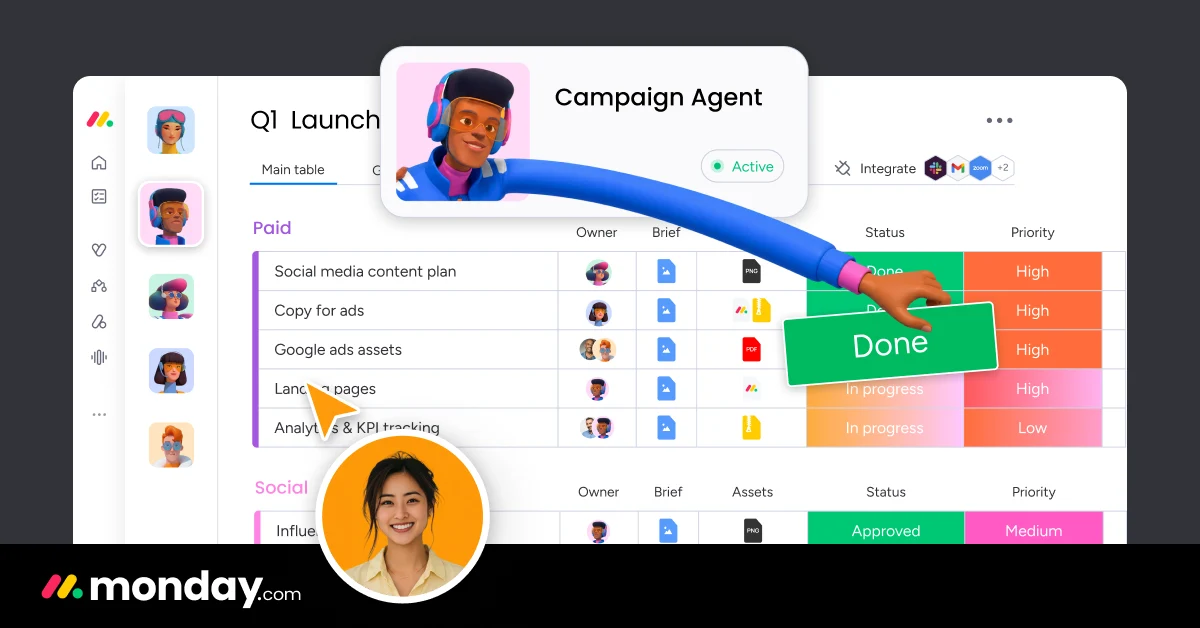
Use monday.com’s AI assistants, agents, workflows and blocks within its work platform.
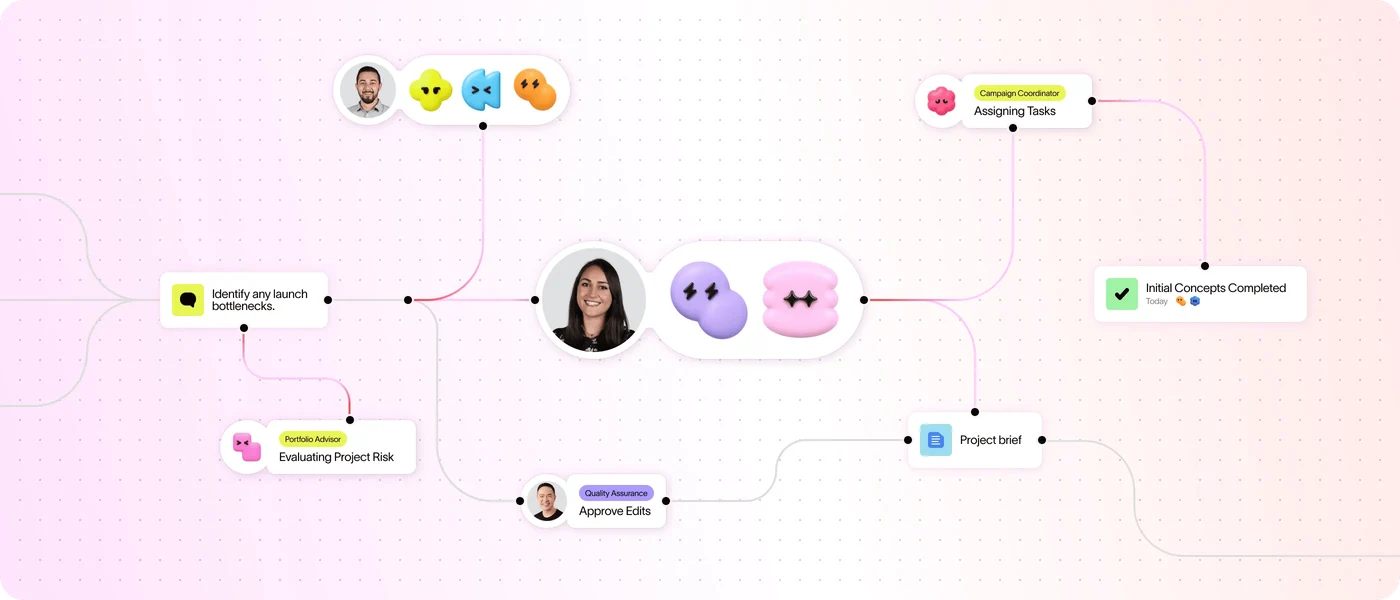
Use Asana’s AI assists, AI Studio, Dash and AI Teammates to plan and carry out project work.
Slack: an AI-powered work hub and communication platform.

Height: Evolve your company with interconnected project management.

Get access to all our AI courses, hundreds of real-world AI use cases, live expert-led workshops, an exclusive network of AI early adopters, and more.
Get unlimited access to all of our current & upcoming industry-specific AI courses for the duration of your subscription.
To keep up with the rapid pace of AI, our team publishes AI implementation guides daily. Our library contains 300+ practical use cases to automate real-world work.
Join weekly, live, interactive sessions with industry leaders who are at the forefront of AI for hands-on implementation guidance and exclusive insights.
Network with an exclusive community of AI-first professionals who are working smarter with AI. Learn how early adopters are using AI in their work and businesses.