No-code agent builders
Design an agent and connect knowledge, models, actions, branches, and handoffs without building the orchestration layer from scratch.
Independent tool overview
AgentX is a visual AI-agent platform for designing multi-agent workflows, connecting models and tools, evaluating behavior, deploying to customer and internal channels, and tracing production runs.
Visit the official AgentX site ↗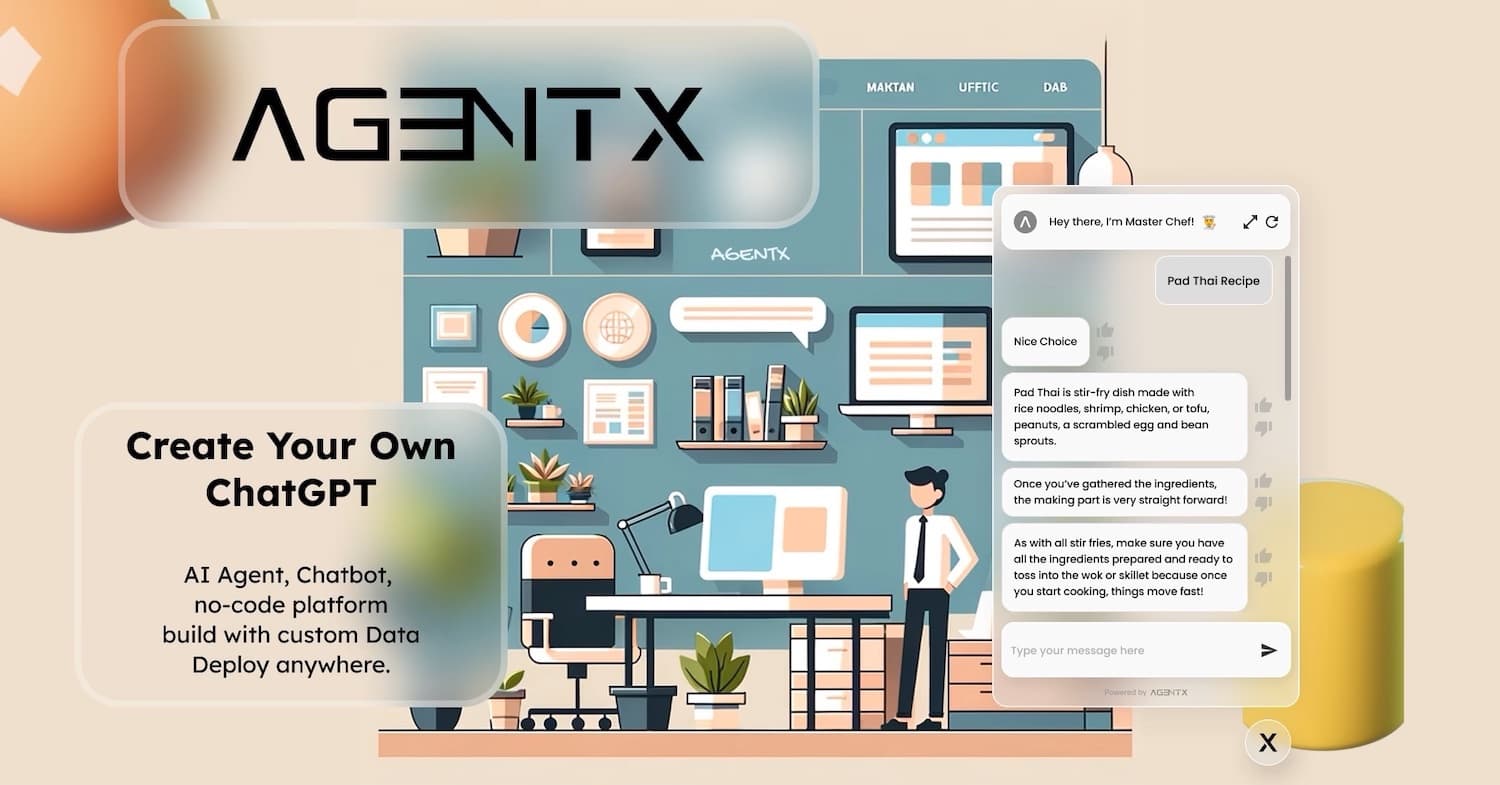
Overview
AgentX has expanded well beyond the simple chatbot builder described in its original listing. It now targets solo builders, internal teams, AI agencies, and enterprises that need to design multi-agent workflows, test them against evaluation sets, deploy them through APIs and communication channels, and observe tool calls and handoffs in production. Agencies can also create branded client workspaces, while enterprise buyers can request managed implementation, dedicated infrastructure, or on-premise deployment.
The visual builder lowers the entry barrier, but a production agent is still software with probabilistic behavior and real permissions. A useful AgentX rollout starts with a narrow process, known examples, deterministic checks, least-privilege tools, human approval at consequential steps, cost and latency budgets, and a fallback queue. Multi-agent designs should earn their complexity by outperforming a simpler workflow in measured tests.
Use cases
The strongest fit depends on the job you need the product to complete, not the size of its feature list.
Design an agent and connect knowledge, models, actions, branches, and handoffs without building the orchestration layer from scratch.
Automate bounded document, customer-service, onboarding, research, reporting, and back-office processes with explicit review points.
Manage multiple client workspaces and deliver branded agents under white-label Professional or Business plans.
Assign specialist roles to an orchestrator and compare the result with a single-agent baseline through repeated evaluations.
Publish one underlying agent workflow through web, API, chat, messaging, email, or voice surfaces.
Request managed implementation, evaluation, SSO, dedicated infrastructure, compliance support, SLAs, and on-premise deployment.
Capabilities
Configure an agent's role, instructions, model, creativity, memory, knowledge, tools, and behavior in the web interface.
Use an orchestrator to route work among specialist agents with distinct roles, permissions, tools, and knowledge.
Create conditional workflow paths and route selected cases to a person rather than forcing full automation.
Select from multiple hosted model families according to cost, latency, context, and quality requirements.
Ground agents in websites, sitemaps, typed content, files, OCR-extracted images, and connected Google Drive material.
Let authorized agents search, retrieve knowledge, call integrations, generate media, or perform other configured actions.
Run test datasets, repeat trials, compare models, score behavior, and look for regressions before deployment.
Inspect runs, handoffs, tool calls, outputs, cost, latency, and failures to diagnose production behavior.
Publish a versioned agent and return to a prior version when a change performs worse.
Deploy agents to an API, web widget, Slack, Microsoft Teams, WhatsApp, email, voice, and other supported channels.
Expose an AgentX agent as an MCP server so compatible AI clients can call its approved capabilities.
Interact with, track, query, or chain agents through the AgentX API after creating them in the visual platform.
Agencies can deploy under their own brand and separate projects across customer workspaces.
Custom engagements can include SSO, dedicated infrastructure, on-premise operation, security support, and a managed evaluation program.
Process
Step 1
Document the trigger, inputs, current steps, business rules, systems, exceptions, owner, target outcome, and cases that must stay manual.
Step 2
Start with one agent, one knowledge set, and the minimum tools required; add specialist agents only when evaluation data shows a benefit.
Step 3
Use approved sources, scoped credentials, read-only access where possible, and explicit schemas for every system action.
Step 4
Include normal cases, edge cases, adversarial inputs, missing data, policy conflicts, tool failures, and known expected outcomes.
Step 5
Define accuracy, cost, latency, refusal, escalation, and consistency targets, with human checkpoints for consequential decisions or writes.
Step 6
Release to a limited channel or audience, monitor every trace, compare the automation with the prior process, and keep a manual fallback.
Step 7
Review failures, update the evaluation set, version changes, retest across models, cap credit spend, and roll back regressions quickly.
Cost
AgentX combines plan fees with usage credits. The current pricing page lists additional credits at $10 per 1,000 for paid self-service and agency plans. Every response, extraction, or tool action can consume a different number of credits, so total cost depends on model choice and workflow depth.
$0 forever
For learning, testing, and building a first agent.
$49/month or $490/year
For an individual builder or internal team owner deploying production workloads.
$199/month or $1,490/year
For agencies beginning to deliver branded agents to clients.
$299/month or $2,990/year
For agencies scaling a larger multi-client agent operation.
Custom per process
For enterprise infrastructure, managed process automation, or regulated deployment needs.
Pricing checked . Check current pricing at the source ↗
Assessment
Compare
The right alternative depends on the specific output, workflow, controls and budget your project requires.
Business Operations
Voiceflow is a mature visual platform for customer-facing chat and voice agents with a strong conversation-design workflow.
Explore Voiceflow →Business Operations
Lindy focuses on accessible business automation agents and prebuilt integrations for teams prioritizing quick operational workflows.
Explore Lindy →Business Operations
Gumloop is a no-code AI automation alternative for teams that think in repeatable workflows more than autonomous multi-agent workforces.
Explore Gumloop →Questions
AgentX is a platform for building, evaluating, deploying, tracing, and monitoring AI agents and multi-agent workflows. It serves self-service builders, agencies, internal teams, and enterprises.
No code is required for the visual builder and common deployments. API integrations, custom systems, identity, data governance, complex tool schemas, and production operations can still require engineering work.
AgentX has a free plan with one workspace, up to five agents, one seat, and 200 one-time credits. Production use starts with the $49-per-month Solo Builder plan.
Credits are the usage unit for model and tool activity. Different models and actions cost different amounts, so a workflow with several specialist agents or tool calls consumes more than a single lightweight response.
Yes. An orchestrator can coordinate specialist agents, each with its own role, instructions, model, memory, knowledge, tools, and permissions.
Its evaluation framework can run datasets, repeat trials, compare model behavior, score outputs, and track regressions. Buyers should supplement model-based judging with deterministic checks, domain reviewers, and real outcome measurement.
AgentX advertises API, web widget, Slack, Microsoft Teams, WhatsApp, email, voice, and MCP deployments, with channel access and limits depending on plan.
Yes. The Professional and Business plans include branded deployment and client workspaces. Agencies should confirm domain, export, billing, support, and data-separation details before promising a client experience.
On-premise and dedicated infrastructure are listed as Enterprise options with custom scoping and pricing.
No agent platform should be considered safe for unrestricted autonomy by default. Limit tools and credentials, require approval for consequential writes, evaluate edge cases, log all actions, set spend limits, and keep a tested manual fallback.
Bottom line
AgentX is now a credible platform to evaluate when a team needs the whole agent lifecycle—visual orchestration, model choice, tests, deployment, tracing, and rollback—rather than just a website chatbot. The best fit is a defined, repetitive process with measurable outputs and controlled tools. Start with one agent and one channel, prove reliability and economics, then add specialist agents or autonomy only when the evaluation evidence supports the extra complexity.
Visit AgentX website ↗
Get access to all our AI courses, hundreds of real-world AI use cases, live expert-led workshops, an exclusive network of AI early adopters, and more.
Get unlimited access to all of our current & upcoming industry-specific AI courses for the duration of your subscription.
To keep up with the rapid pace of AI, our team publishes AI implementation guides daily. Our library contains 300+ practical use cases to automate real-world work.
Join weekly, live, interactive sessions with industry leaders who are at the forefront of AI for hands-on implementation guidance and exclusive insights.
Network with an exclusive community of AI-first professionals who are working smarter with AI. Learn how early adopters are using AI in their work and businesses.