High-volume writers
People drafting email, documents, messages, and notes across many applications who can review the output before sending.
Independent tool overview
Wispr Flow is a cloud-transcribed voice-input app for dictating polished text into other applications on Mac, Windows, iPhone, and Android, with a separate Mac meeting Notetaker. It is fast and context-aware, but users should change the preselected model-improvement setting, review cloud storage and context access separately, and never assume the Notetaker is covered by Flow's HIPAA-ready dictation controls.
Visit the official Wispr Flow site ↗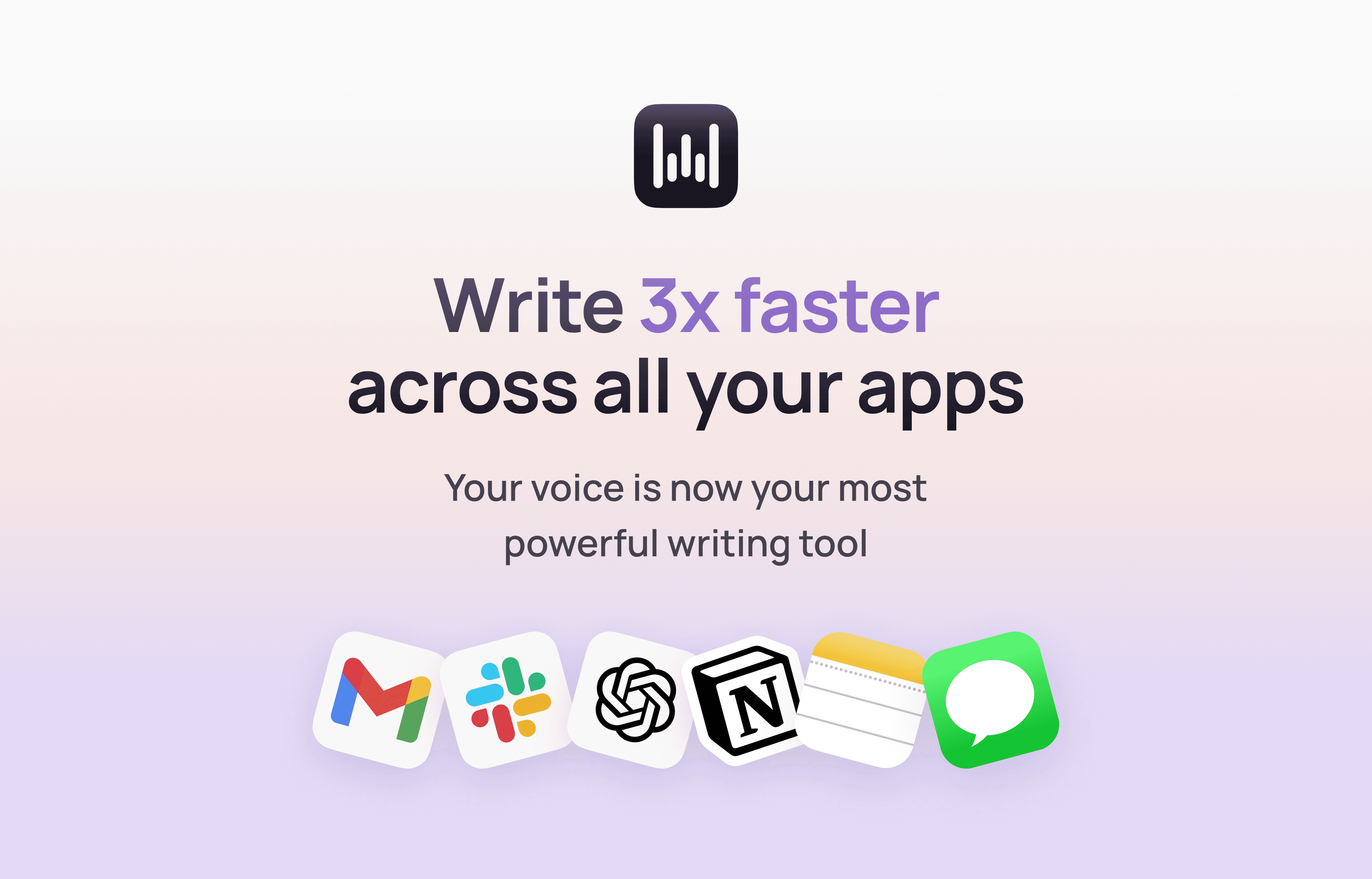
Overview
Wispr Flow replaces typing with system-wide dictation. It transcribes speech, removes filler, applies punctuation and formatting, learns names and jargon, adapts tone to the current app, and offers commands for editing text. The subscription follows the user across supported devices, though feature parity varies by platform.
The current product also includes a bot-free Notetaker that records meetings and voice memos directly from the Mac, identifies speakers, produces notes and action items, supports questions across meetings, and can expose meeting notes to tools such as Claude or ChatGPT through MCP.
Flow is not an offline transcription product. Audio is processed in the cloud, and optional context awareness may send nearby textbox content, on-screen text, app and file information, screenshots, or conversation context to improve the result. Password fields and some sensitive apps are excluded, but custom fields may not be recognized.
Privacy requires deliberate configuration. During individual onboarding, 'Improve the model for everyone' is preselected; turning it off prevents Wispr from using audio, transcripts, and edits for model improvement. Dictation cloud storage is a separate control, and true zero-retention behavior also depends on storage settings. Enterprise admins and signed BAAs can enforce stricter policies.
Use cases
The strongest fit depends on the job you need the product to complete, not the size of its feature list.
People drafting email, documents, messages, and notes across many applications who can review the output before sending.
Users reducing keyboard use, after confirming that accuracy, controls, and privacy fit their individual access needs.
People who want the same account and personalized vocabulary across desktop and phone.
Organizations willing to configure training, storage, context, SSO, retention, deployment, and consent policies before rollout.
Capabilities
Inserts transcribed text into most applications through a desktop control, iOS keyboard, or Android bubble.
Removes filler, adds punctuation, and formats speech into more readable text.
Uses the destination app and optionally surrounding content to adjust capitalization, vocabulary, tone, and editing.
Learns names and jargon and lets users reuse standard language and preferred writing formats.
Uses voice instructions to revise text on supported desktop platforms; text-editing commands do not work on iOS.
Records Mac meetings and voice memos without a meeting bot, with speaker labels, summaries, questions, and action items.
Adds centralized billing, shared dictionaries, usage reporting, SSO, policy controls, provisioning, and deployment at higher tiers.
Separates model-improvement permission, dictation cloud storage, local retention, context awareness, and enterprise zero-retention settings.
Process
Step 1
Decide whether dictation may include ordinary, confidential, privileged, health, student, financial, customer, source-code, or regulated information.
Step 2
Turn off 'Improve the model for everyone,' decide whether cloud sync is necessary, set local retention, and disable context awareness where surrounding content should not be read.
Step 3
For teams, complete security and privacy review and configure SSO, model-training policy, cloud storage, zero retention, local deletion, connectors, MDM, and the DPA or BAA as appropriate.
Step 4
Treat Notetaker as a distinct product surface with participant notice, retention, access, and compliance rules; do not use it under a HIPAA workflow while it remains unsupported.
Step 5
Build a dictionary and measure accuracy on names, jargon, numbers, punctuation, commands, languages, and the apps where Flow will actually be used.
Step 6
Check recipients, names, dates, money, dosages, citations, code, legal language, tone, and negation before sending, filing, prescribing, signing, or publishing.
Step 7
Give the notice and obtain the consent required by law, contract, workplace policy, and the meeting platform before recording or transcribing.
Step 8
Regularly delete unneeded transcripts, review MCP and calendar or Slack access, test administrator enforcement, and confirm behavior after app or plan changes.
Step 9
Keep ordinary keyboard, approved transcription, human note-taking, and incident procedures available when Flow is offline, inaccurate, or inappropriate for the data.
Cost
Current detailed documentation lists Pro at $15 month-to-month or $12 per user per month billed annually. Growth starts at $23 monthly or $18 per user per month billed annually, while Enterprise is custom. Local currency and volume can change the final checkout price.
$0
Core dictation and limited Notetaker access with weekly allowances.
$15/user/month
Unlimited dictation for individuals or teams.
$12/user/month billed annually
The annual Pro commitment at an advertised 20% discount.
From $23 monthly or $18/month annually
Self-serve business tier with stronger administration and compliance.
Custom
Advanced security, deployment, procurement, and support.
Pricing checked . Check current pricing at the source ↗
Assessment
Compare
The right alternative depends on the specific output, workflow, controls and budget your project requires.
Consumer
Consider Willow when evaluating another voice-first writing system and compare its processing, privacy, platform, and editing model directly.
Explore Willow Frontier Mini →Project Management
Consider Otter.ai when meeting capture, searchable transcripts, collaboration, and conversation workflows matter more than dictating into every app.
Explore Otter.ai →Content Creator
Consider Voicenotes when the main need is capturing and organizing personal spoken notes rather than system-wide text entry.
Explore Voicenotes →Questions
Wispr Flow is a cloud-based AI dictation app that inserts cleaned-up speech into other applications, plus a separate Mac Notetaker for meetings and voice memos.
Dictation is available on Mac, Windows, iPhone, and Android. The Notetaker was available only on Mac when reviewed.
No. Wispr states that transcription always occurs in the cloud.
Yes. The free tier has 2,000 words per week on desktop, 1,000 on iPhone, and unlimited advertised Android dictation, plus limited Mac Notetaker usage.
Detailed documentation listed $15 per user monthly or $12 per user per month billed annually on September 1, 2026. Checkout can use local currency.
For individuals, the model-improvement option is preselected during onboarding. Turn it off in Data and Privacy to prevent Wispr from using audio, transcripts, and edits for model improvement.
No. Model improvement and dictation cloud storage are separate controls. Configure both, plus local retention and context awareness, for the intended privacy posture.
Depending on settings and app, it can use the destination app, nearby textbox and on-screen text, file or variable names, screenshots, and conversation context. Disable it where that access is inappropriate.
Dictation can be used under a signed BAA with required settings, but compliance depends on the whole workflow. The Notetaker is not yet HIPAA compliant and should not be used for protected health information.
Technical ability is not legal permission. Obtain any notice and consent required by law, contract, employer policy, and the meeting platform before recording or transcribing.
No. It records on the Mac device, so no separate participant joins the call. That does not remove consent or privacy obligations.
It may accelerate drafting, but a qualified person must verify every name, date, number, term, quotation, instruction, and material statement before it enters a record or is acted upon.
Growth is a self-serve business tier with SSO, BAA support, multiple domains, training controls, and reporting. Enterprise adds advanced provisioning, logs, deployment, enforced retention controls, procurement, and custom support.
Opt out of model improvement, choose cloud and local retention, decide whether context awareness is acceptable, review connectors, and test the policy on every device before dictating sensitive content.
Bottom line
Wispr Flow is one of the most capable cross-app dictation products for people who want to speak polished text on desktop and mobile. Its current privacy and enterprise controls are substantial, but they are not automatic: cloud transcription, preselected model improvement, independent storage settings, broad optional context, feature-specific retention, and platform differences require careful configuration. It is a strong productivity tool for reviewed drafts; sensitive and regulated use should be approved, enforced, and audited, with the non-HIPAA Notetaker kept out of protected workflows.
Visit Wispr Flow website ↗
Get access to all our AI courses, hundreds of real-world AI use cases, live expert-led workshops, an exclusive network of AI early adopters, and more.
Get unlimited access to all of our current & upcoming industry-specific AI courses for the duration of your subscription.
To keep up with the rapid pace of AI, our team publishes AI implementation guides daily. Our library contains 300+ practical use cases to automate real-world work.
Join weekly, live, interactive sessions with industry leaders who are at the forefront of AI for hands-on implementation guidance and exclusive insights.
Network with an exclusive community of AI-first professionals who are working smarter with AI. Learn how early adopters are using AI in their work and businesses.

.avif)

.avif)