Personalized prospecting
Creating approved outreach variants where the recipient context comes from governed CRM fields and the sender is transparently synthetic.
Independent tool overview
Vidyard AI Avatars creates personalized sales and marketing videos from licensed stock presenters or a user's consent-verified custom likeness, with hosting, analytics, CRM workflows, and automated delivery.
Visit the official Vidyard AI Avatars site ↗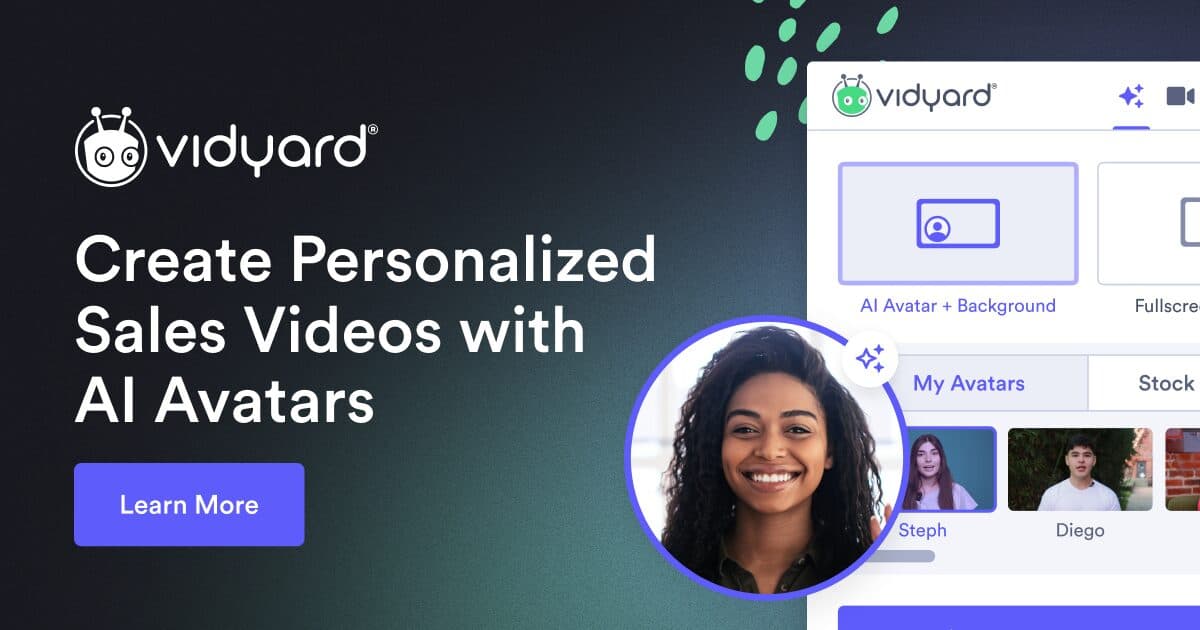
Overview
Vidyard AI Avatars is built for revenue teams that want personalized video without recording every message. A user can choose a commercially licensed stock actor or record a 90-second training video and a separate consent script to create up to three personal avatars that look and sound like that user.
The avatar generates scripted videos that can be hosted on Vidyard, downloaded, placed on branded sharing pages, paired with calls to action, tracked through engagement analytics, and connected to sales and marketing systems. The Video Agent add-on expands this into unlimited automated creation and delivery triggered by buyer activity through tools such as Salesforce, HubSpot, Marketo, Salesloft, and Zapier.
The scale is useful only when trust survives it. A custom avatar can be used only by the person who enrolled it, but Vidyard does not proactively label every generated avatar video. Teams should clearly disclose synthetic presentation, approve every material script and recipient rule, avoid fake one-to-one familiarity, honor outreach and privacy laws, and never let automation invent customer facts, product claims, consent, or an endorsement.
Use cases
The strongest fit depends on the job you need the product to complete, not the size of its feature list.
Creating approved outreach variants where the recipient context comes from governed CRM fields and the sender is transparently synthetic.
Triggering controlled videos after a real buyer action such as a download, demo request, opportunity change, or onboarding milestone.
Giving each representative a consent-bound avatar, shared script patterns, brand pages, calls to action, coaching, and engagement analytics.
Producing approved reminders, introductions, explanations, and updates that do not require a fresh camera session.
Using actors already licensed by Vidyard when a real employee likeness is unnecessary or inappropriate.
Capabilities
Creates a hyper-realistic presenter from the user's face, voice, gestures, training recording, and matching consent recording.
Provides professional actors that Vidyard says are licensed for commercial use across all plans.
Generates an avatar-led message from supplied or AI-drafted sales copy without a new camera recording.
Lets the avatar owner select and refine available voice models, delivery, and pronunciation.
Creates and delivers personalized messages at scale from approved workflow triggers and buyer data.
Connects video creation, delivery, and engagement with Salesforce, HubSpot, Marketo, Salesloft, Zapier, and other supported systems.
Publishes ad-free playback, branded sharing experiences, password protection, folders, captions, and calls to action by plan.
Tracks views, engagement, attention, action clicks, team activity, and reporting for sales follow-up and coaching.
Combines the avatar workflow with Vidyard's screen, camera, editing, thumbnail, caption, and video-messaging tools.
Process
Step 1
Define the audience, channel, purpose, lawful basis, disclosure, product claims, personalization fields, retention, and accountable owner.
Step 2
Have the person record their own training and consent videos, review the avatar terms, and keep the account and authentication private.
Step 3
Use a personal avatar only when the sender's identity adds legitimate value; otherwise prefer a licensed stock presenter or a normal recording.
Step 4
Lock verified facts, offers, comparisons, claims, disclaimers, prohibited language, pronunciation, accessibility, and escalation paths.
Step 5
Use only accurate, necessary CRM fields and avoid sensitive traits, inferred emotions, private events, surveillance-like detail, or fabricated familiarity.
Step 6
Review spoken words, name pronunciation, mouth movement, facial artifacts, timing, captions, links, page branding, and the exact recipient context.
Step 7
State clearly in the video, page, or message that the presenter was AI-generated when viewers could reasonably believe it was recorded personally.
Step 8
Test a small internal and external cohort, confirm sender identity, consent and opt-out handling, deliverability, rendering, CRM updates, and rollback.
Step 9
Require approved triggers, recipient eligibility, frequency caps, suppression lists, versioned scripts, audit logs, and human review for sensitive accounts.
Step 10
When a person changes roles or leaves, revoke automation, unassign licenses, preserve required records, stop new generation, and follow deletion obligations.
Cost
Vidyard offers a Free plan, Starter at $89 per seat monthly or $59 per seat monthly when billed annually, custom-priced Teams and Enterprise plans, and a Video Agent add-on at $29 per seat monthly or $24 per seat monthly billed annually. Free access is capped at 15 lifetime AI videos; unlimited AI generation and automated delivery require Video Agent or an included Enterprise entitlement.
$0
Tests manual video messaging, stock avatars, and a limited custom-avatar workflow.
$89/seat monthly or $59/seat/month billed annually
Adds unlimited manual recording, fuller analytics, branded pages, CTA templates, folders, passwords, and backgrounds.
$29/seat monthly or $24/seat/month billed annually
Unlocks unlimited AI videos and automated creation and delivery for a licensed user.
Custom
Best for teams of five or more that need CRM and marketing integrations, captions, advanced analytics, pages, and CTAs.
Custom
Adds broader integrations, SSO, secure playback, permissions, and negotiated organizational controls.
Pricing checked . Check current pricing at the source ↗
Assessment
Compare
The right alternative depends on the specific output, workflow, controls and budget your project requires.
Content Creator
Tavus focuses on programmatic digital replicas, personalized video at scale, and real-time conversational video interfaces.
Explore tavus →Content Creator
HeyGen Video Agent provides a broader prompt-to-video and avatar workflow for campaigns, explainers, localization, and automation.
Explore HeyGen Video Agent →Marketing
Synthesia is stronger for governed training, enablement, internal communications, and multilingual business video.
Explore Synthesia →Questions
They are stock or custom synthetic presenters used to create scripted sales and marketing videos without recording each message on camera.
Yes. The current product, pricing, support, privacy, content-sharing, and product-specific terms were active when reviewed on September 1, 2026.
Record a roughly 90-second training video of yourself and a separate required consent script. Vidyard compares them and ties the resulting avatar to your login.
No. Vidyard says users can create an avatar only for themselves, and the training person must match the consent recording.
No. Vidyard's terms and support material say only the person who created the custom avatar may use it, even on a shared account.
Vidyard says its stock avatars use paid actors and are licensed for commercial use. The script and broader campaign still need separate legal and claim review.
The Free plan permits a lifetime maximum of 15 AI videos. Free custom-avatar access requires optional consent to third-party content sharing for AI training and development.
The Video Agent add-on is currently $29 per seat monthly or $24 per seat per month billed annually, on top of a qualifying plan.
Not proactively in every viewer-facing video. Vidyard says users decide whether to disclose, so teams should add a clear label whenever viewers could mistake it for a personal recording.
Paid use follows the applicable contract. On Free, custom-avatar access can be unlocked by optional consent allowing content to be shared with third parties for AI training, testing, and improvement.
Future sharing stops and access to the additional features ends, but the policy says withdrawal does not affect content previously shared or sold under the consent.
Their custom avatar becomes unavailable and may be deleted when they are no longer a user or the entitlement is removed. Stop workflows immediately and follow offboarding, retention, and deletion policy.
Yes. It can create and deliver personalized videos from connected workflow triggers. Use eligibility rules, suppression lists, versioned scripts, approval gates, frequency caps, logs, and rollback.
It can automate repeatable presentation, but a human still owns relationship context, factual claims, judgment, consent, exceptions, negotiation, escalation, and trust.
Bottom line
Vidyard AI Avatars is a credible fit for revenue organizations that want consent-bound personal avatars connected to actual hosting, analytics, CRM triggers, and sales delivery. The strongest implementation uses licensed identities, paid privacy terms, explicit AI disclosure, minimal verified personalization, controlled pilot cohorts, and human approval—not invisible synthetic outreach sent merely because automation makes it possible.
Visit Vidyard AI Avatars website ↗
Get access to all our AI courses, hundreds of real-world AI use cases, live expert-led workshops, an exclusive network of AI early adopters, and more.
Get unlimited access to all of our current & upcoming industry-specific AI courses for the duration of your subscription.
To keep up with the rapid pace of AI, our team publishes AI implementation guides daily. Our library contains 300+ practical use cases to automate real-world work.
Join weekly, live, interactive sessions with industry leaders who are at the forefront of AI for hands-on implementation guidance and exclusive insights.
Network with an exclusive community of AI-first professionals who are working smarter with AI. Learn how early adopters are using AI in their work and businesses.


