Teams already managing work in Trello
Useful when AI should create or refine tasks without moving the source of truth elsewhere.
Independent tool overview
Trello is a visual work-management system with AI features for board creation, card merging, checklists, images, writing, email summaries, and focus-time scheduling. Trello MCP can also connect compatible assistants to authorized boards and cards.
Visit the official Trello site ↗
Overview
The AI layer handles bounded board work rather than replacing the underlying lists and cards. A user can describe a goal to create a board, generate subtasks, summarize content, extract action items, or ask an assistant to interact with workspace data through MCP.
AI access is plan- and surface-dependent, and generated board content may be generic or wrong. Workspace admins should control AI and MCP access, while users review private-board visibility, action scope, due dates, and any generated content.
Use cases
The strongest fit depends on the job you need the product to complete, not the size of its feature list.
Useful when AI should create or refine tasks without moving the source of truth elsewhere.
Trello MCP fits users who want ChatGPT or another compatible assistant to search or update authorized board data.
Capabilities
Creates a structured board from a goal and suggests subtasks from card context.
Generates, summarizes, shortens, improves, or extracts action items from card text and email.
Lets compatible AI assistants read, search, and act on authorized Trello workspaces under configured permissions.
Process
Step 1
Enable only approved AI features and configure MCP domains, roles, and workspace scope.
Step 2
Create a board, checklist, summary, or draft from a clear goal and existing card context.
Step 3
Correct content, confirm owners and due dates, then use normal Trello activity and automation to track work.
Cost
AI features are available on Standard, Premium, and Enterprise plans, while Trello MCP is documented as available to any Trello user.
Free $0; Standard $5/user/month billed annually
AI features are available on Standard, Premium, and Enterprise plans, while Trello MCP is documented as available to any Trello user.
Pricing checked . Check current pricing at the source ↗
Assessment
Compare
The right alternative depends on the specific output, workflow, controls and budget your project requires.
Business Operations
Zapier is an enriched alternative for connecting task systems to broader automations.
Explore Zapier →Business Operations
Workato is an enriched alternative for governed business automation and agent workflows.
Explore Workato →Questions
Yes. Trello includes native AI features and an MCP server for compatible external assistants.
Use it to create or refine bounded board content, then confirm owners, dates, visibility, and permissions before relying on the result.
AI features are available on Standard, Premium, and Enterprise plans, while Trello MCP is documented as available to any Trello user.
Bottom line
Trello is a strong AI-assisted project system for teams that already prefer boards and cards. Its AI works best as controlled task support, not autonomous project ownership.
Visit Trello website ↗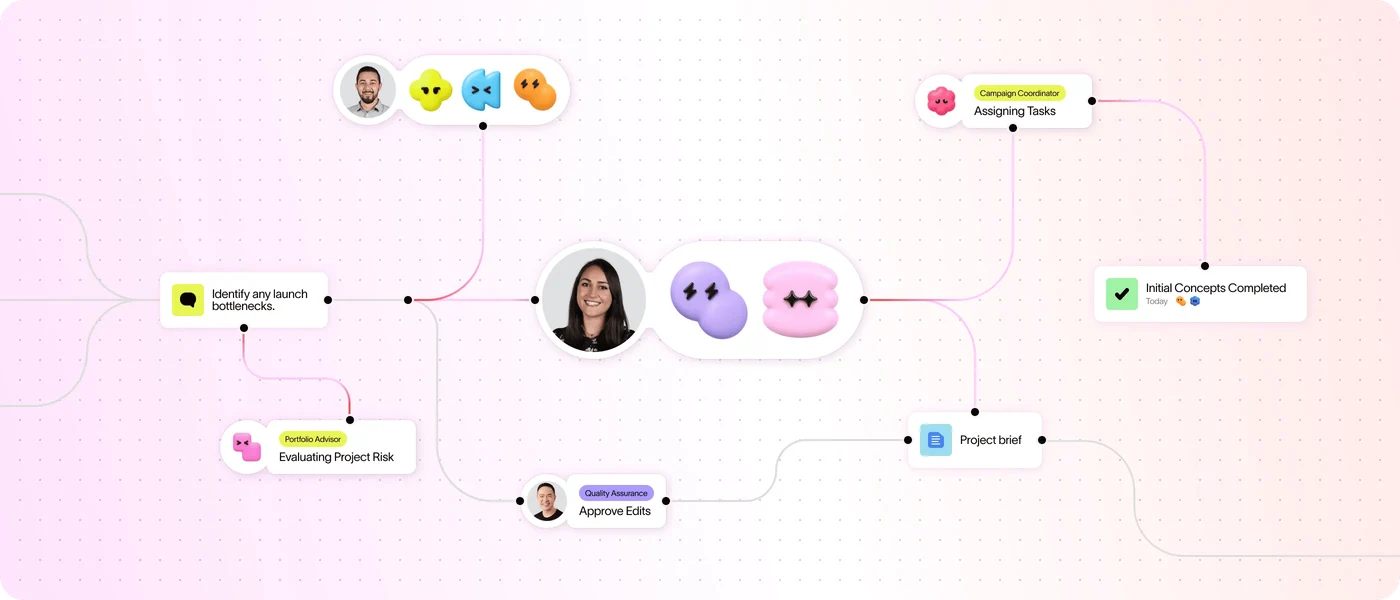
Use Asana’s AI assists, AI Studio, Dash and AI Teammates to plan and carry out project work.
Keep Claude chats, project knowledge, files, instructions, and continuing work together.
Use ClickUp Brain to search workspace context, draft content, summarize work and run AI-assisted project tasks.

Organize related ChatGPT work around shared files, instructions, sources, and chats.

Get access to all our AI courses, hundreds of real-world AI use cases, live expert-led workshops, an exclusive network of AI early adopters, and more.
Get unlimited access to all of our current & upcoming industry-specific AI courses for the duration of your subscription.
To keep up with the rapid pace of AI, our team publishes AI implementation guides daily. Our library contains 300+ practical use cases to automate real-world work.
Join weekly, live, interactive sessions with industry leaders who are at the forefront of AI for hands-on implementation guidance and exclusive insights.
Network with an exclusive community of AI-first professionals who are working smarter with AI. Learn how early adopters are using AI in their work and businesses.