Branded audio variations
Generate multiple campaign beds or sonic directions from an approved creative brief and rights-cleared sound library.
Independent tool overview
Stable Audio 2.5 is Stability AI's licensed-data audio model for generating and transforming music and sound up to three minutes at 44.1 kHz stereo. It remains available through the Stability AI API even after the launch of Stable Audio 3.0, but creators should compare the newer model before starting a long-term workflow.
Visit the official Stable Audio 2.5 site ↗
Overview
Stable Audio 2.5 was released in September 2025 for brand and enterprise audio production. It supports text-to-audio, audio-to-audio transformation, and inpainting, with an emphasis on stronger musical structure, prompt adherence, and fast generation of tracks with an intro, development, and outro.
The model remains active in Stability AI's current API documentation and pricing table. A successful Stable Audio 2.5 API generation costs 20 credits, and Stability currently prices one credit at $0.01, making the model cost $0.20 per successful result before storage, orchestration, review, and third-party-platform charges.
Stable Audio 3.0 now offers a newer architecture, longer generation, audio editing, and open-weight options, so 2.5 is best for teams with an existing tested integration or a specific need for its lower API cost. New projects should benchmark both models with the same prompts and acceptance criteria.
Stability says Stable Audio 2.5 was trained on a fully licensed dataset and calls the model commercially safe. That is useful provenance, not a blanket legal guarantee. Users remain responsible for having rights to every upload, complying with applicable terms, checking outputs for problematic similarity, and clearing the finished asset for its actual territory, medium, brand, and distribution agreement.
Use cases
The strongest fit depends on the job you need the product to complete, not the size of its feature list.
Generate multiple campaign beds or sonic directions from an approved creative brief and rights-cleared sound library.
Create instrumental directions for ads, games, social clips, podcasts, presentations, and in-store experiences.
Use inpainting to replace or continue a selected section of audio the user has the right to upload.
Add fixed-cost, three-minute audio generation to a controlled production workflow.
Maintain a previously tested model version while evaluating migration to Stable Audio 3.0.
Capabilities
Generates music or sound from a prompt describing genre, mood, instrumentation, tempo, structure, and production characteristics.
Transforms a rights-cleared source clip using text direction and adjustable source influence.
Regenerates or extends selected time ranges while using the surrounding audio as context.
Produces tracks up to three minutes with an intended intro, development, and outro.
Responds to musical vocabulary such as genre, mood, instruments, BPM, dynamics, and arrangement cues.
The current Stability API lets developers choose the Stable Audio 2.5 model explicitly.
Stability offers enterprise licensing, on-premises deployment, implementation help, and model customization discussions.
Process
Step 1
Specify length, purpose, genre, mood, instrumentation, tempo, structure, prohibited references, loudness needs, and delivery format.
Step 2
Upload only audio your organization owns or is explicitly licensed to submit and transform; keep evidence of those rights.
Step 3
Run a small prompt matrix and record model version, prompt, seed, duration, settings, and credit cost for reproducibility.
Step 4
Listen for clipping, noise, unstable rhythm, abrupt transitions, phase problems, poor loops, malformed endings, and failures in the requested structure.
Step 5
Check similarity, brand suitability, disclosure requirements, cultural context, contract terms, and all applicable music and publicity rights.
Step 6
Edit, arrange, mix, master, and document the selected output rather than publishing an unchecked generation.
Step 7
Compare 2.5 with Stable Audio 3.0 on cost, latency, structure, editability, licensing, and reviewer acceptance before standardizing.
Cost
The current Stability AI API charges a flat 20 credits for each successful Stable Audio 2.5 result. One credit is listed at $0.01, so direct API generation costs $0.20. Stability currently offers 25 introductory API credits. The Stable Audio web pricing page showed plans as temporarily unavailable when checked, and enterprise deployment is custom-priced.
20 credits / $0.20 per successful result
Flat direct-API charge for Stable Audio 2.5 generations.
Plans temporarily unavailable
The public web pricing page did not display purchasable plan amounts at review time.
Custom
For on-premises deployment, implementation support, customization, and professional services.
Pricing checked . Check current pricing at the source ↗
Assessment
Compare
The right alternative depends on the specific output, workflow, controls and budget your project requires.
Content Creator
Choose Stable Audio 3.0 for the newer architecture, up to six minutes, more advanced editing, and open-weight Small and Medium models.
Explore Stable Audio 3.0 →Content Creator
Choose Adobe Firefly Audio when music and sound generation need to sit inside an Adobe-centered creative workflow.
Explore Adobe Firefly Audio →Content Creator
Choose Eleven Music when the priority is an active music platform combining generation, remixing, streaming, and creator-distribution features.
Explore Eleven Music →Questions
It is Stability AI's September 2025 model for generating, transforming, and inpainting music and audio up to three minutes at 44.1 kHz stereo.
Yes. Stability AI's current API documentation and pricing page still list Stable Audio 2.5 as a selectable model at 20 credits per successful result.
The direct API price was 20 credits per successful result on August 31, 2026. With one credit priced at $0.01, that is $0.20 before other production costs.
The current API documentation says up to three minutes at 44.1 kHz stereo.
Inpainting lets a user provide rights-cleared audio and regenerate or extend a selected time range while the model uses nearby audio as context.
Not without the necessary rights, and Stability's documentation says copyrighted uploads are not allowed. Use only audio you own or are explicitly licensed to submit and transform.
Stability's terms assign its rights in outputs to the user to the extent permitted by law and subject to compliance, but that is not a guarantee of copyright protection, exclusivity, or noninfringement. Review the current terms and the intended use.
Use 2.5 when you have a validated existing workflow or value its $0.20 API price and three-minute scope. Benchmark 3.0 for new work because it is newer, supports up to six minutes, and adds open-weight and advanced editing options.
The Stable Audio pricing page said plans were temporarily unavailable when checked on August 31, 2026. The API remained priced and documented, while enterprise access required contact.
Bottom line
Stable Audio 2.5 remains a practical and inexpensive API option for three-minute instrumental and branded-audio workflows, especially where a team has already validated its prompts and review process. For a new build, Stable Audio 3.0 deserves the first benchmark. In either case, “licensed training data” should strengthen—not replace—input-rights controls, similarity review, human editing, and release clearance.
Visit Stable Audio 2.5 website ↗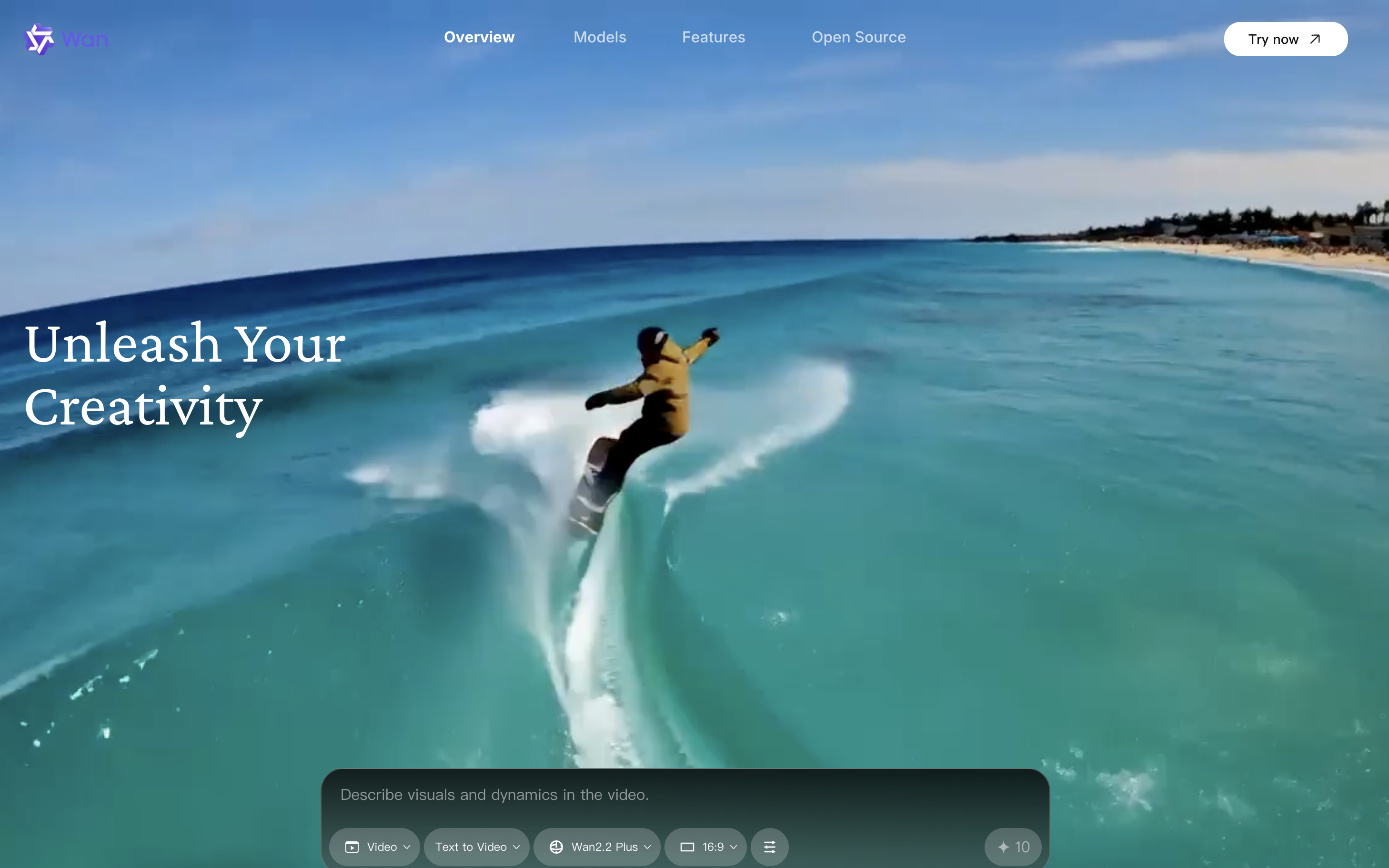
Wan2.2-S2V - Audio-Driven Cinematic Video Generation
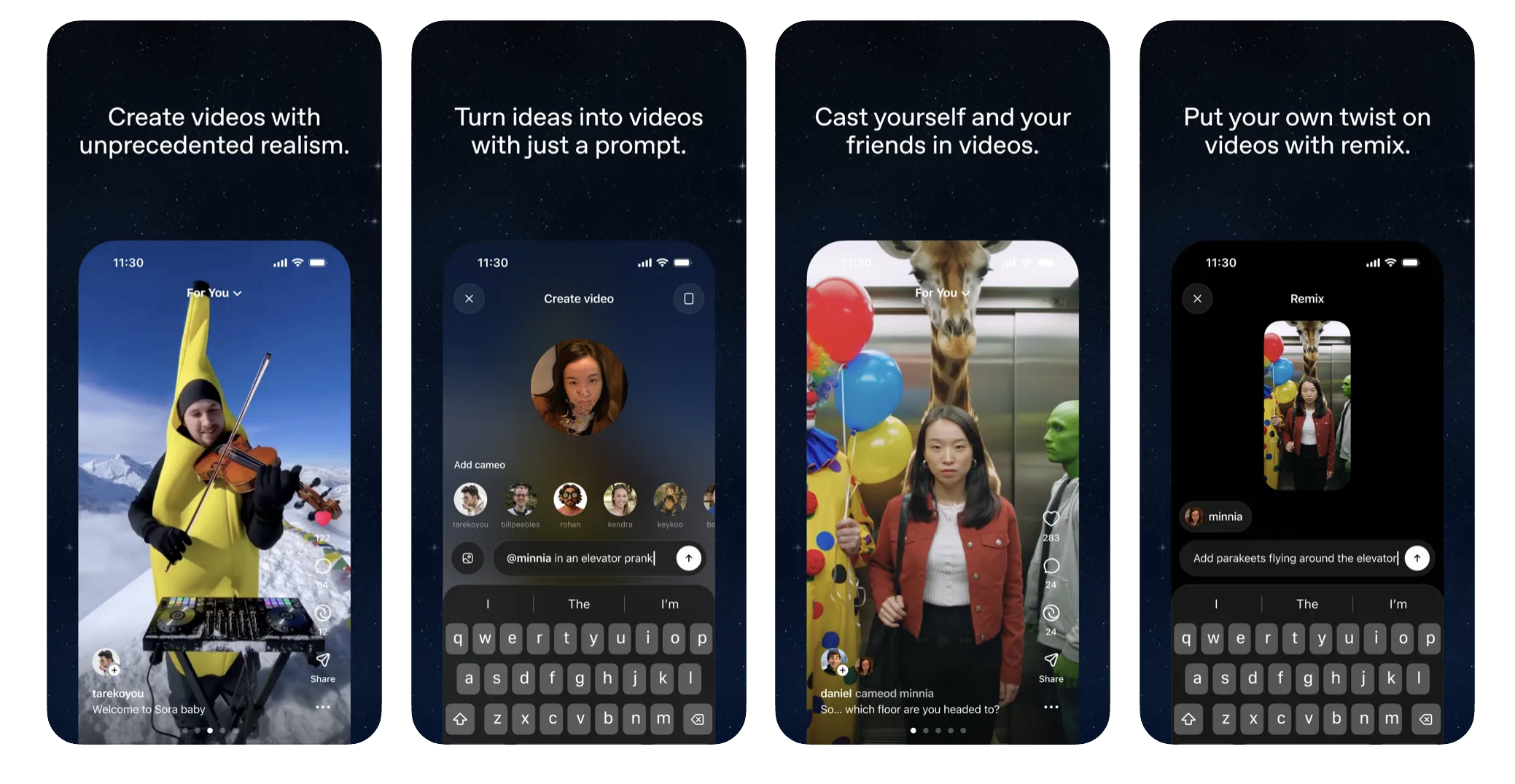
Sora 2 - OpenAI's SOTA video generation model
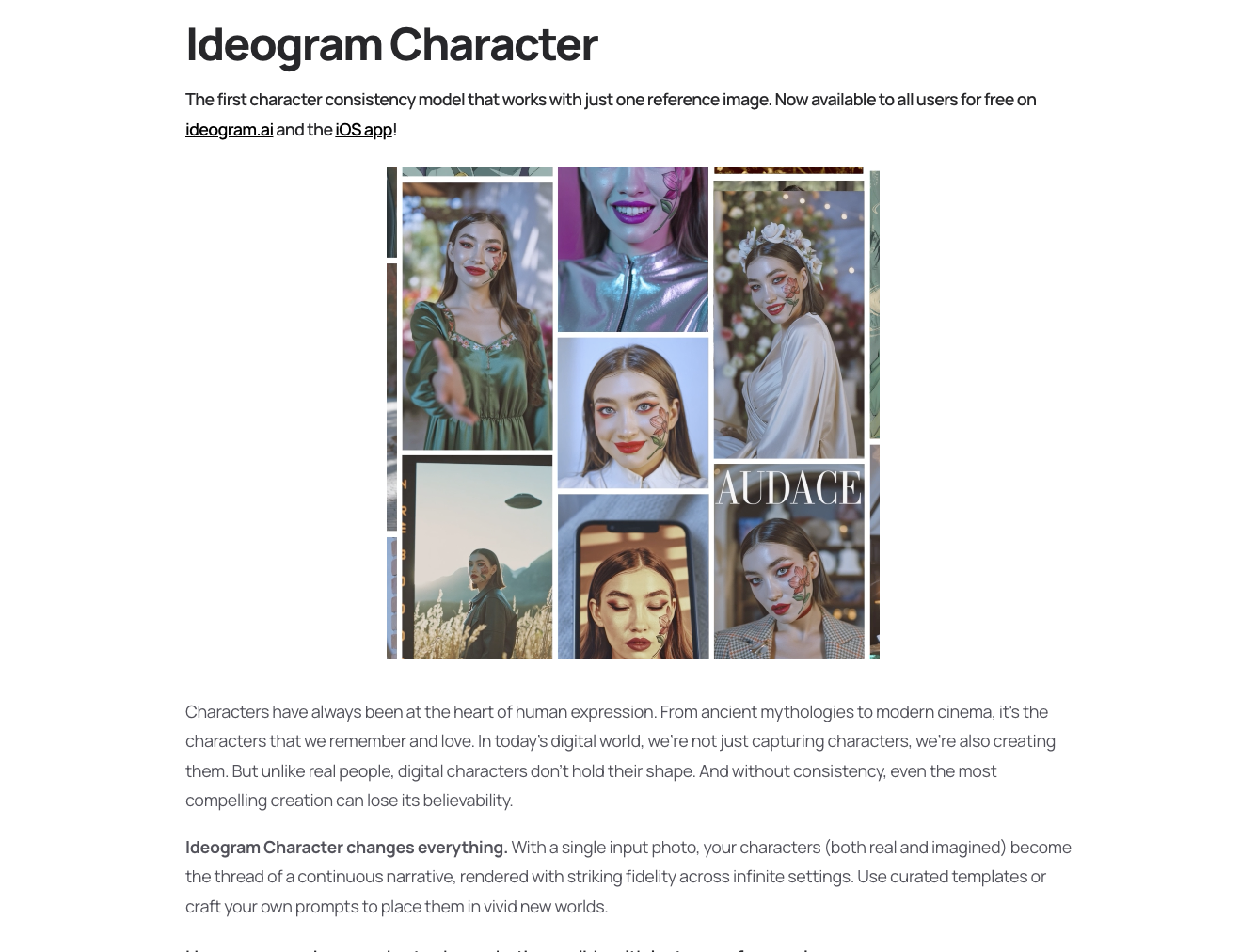
Character - Ideogram's character consistency model that works with just one reference image
Hunyuan Image 3.0 - Tencent's SOTA open-source AI image model

Get access to all our AI courses, hundreds of real-world AI use cases, live expert-led workshops, an exclusive network of AI early adopters, and more.
Get unlimited access to all of our current & upcoming industry-specific AI courses for the duration of your subscription.
To keep up with the rapid pace of AI, our team publishes AI implementation guides daily. Our library contains 300+ practical use cases to automate real-world work.
Join weekly, live, interactive sessions with industry leaders who are at the forefront of AI for hands-on implementation guidance and exclusive insights.
Network with an exclusive community of AI-first professionals who are working smarter with AI. Learn how early adopters are using AI in their work and businesses.