Narrative scenes and short-form video
Create a complete 30-second scene with multiple shots, synchronized sound, and a clearer beginning-to-end arc.
Independent tool overview
Seedance 2.5 is ByteDance's audio-video generation model for creating and editing coherent, multi-shot video sequences up to 30 seconds from prompts and mixed reference assets.
Visit the official Seedance 2.5 site ↗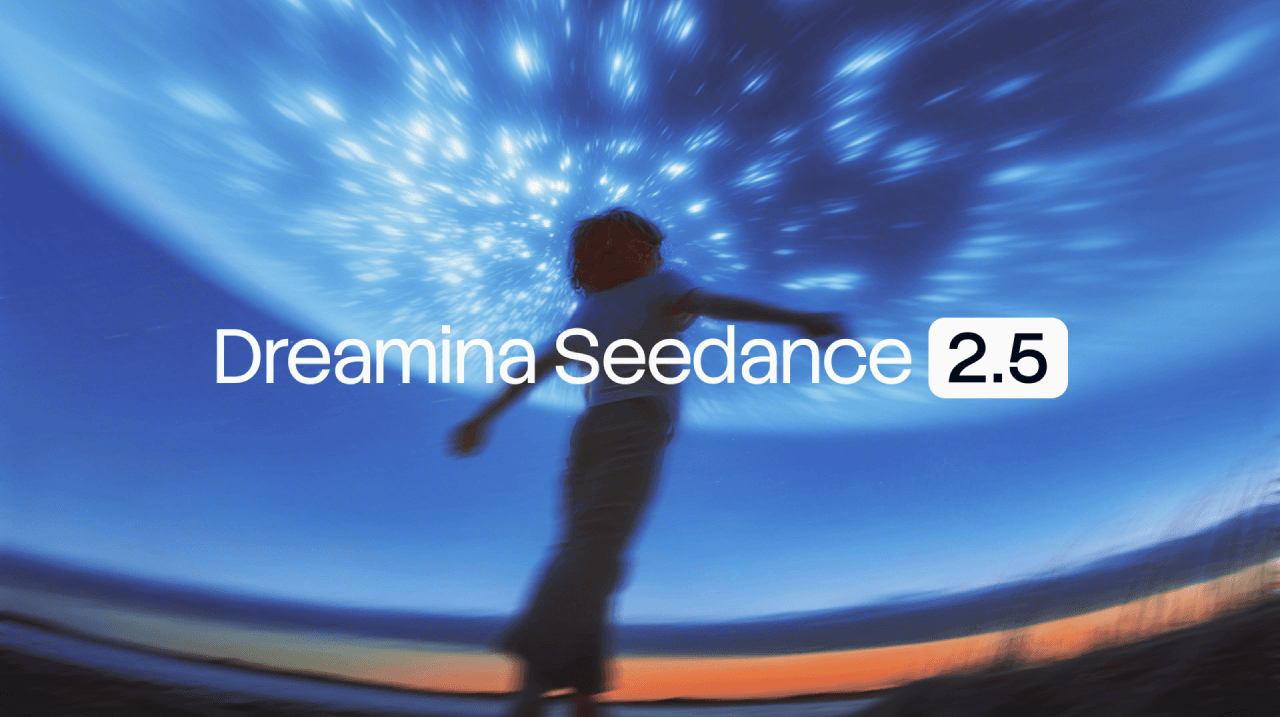
Overview
Seedance 2.5 is ByteDance Seed's video model for creators who want longer AI-generated scenes with synchronized audio, reference control, and targeted editing in the same workflow. It can generate a multi-shot clip up to 30 seconds in one pass and can extend a result twice, making it more suitable for complete scenes than models optimized around short visual moments.
Its strongest differentiator is multimodal control. ByteDance says one generation can use as many as 30 images, 10 videos, and 10 audio clips as references. Those assets can guide subjects, composition, movement, camera language, sound, and style rather than serving only as a starting frame.
Seedance 2.5 is available through ByteDance products including Dreamina, Jimeng AI, and Doubao Pro, although model access, credits, export settings, and pricing vary by product and region. ByteDance announced that API access would follow through BytePlus ModelArk, so teams should verify availability in their own account before planning an automated production pipeline.
Treat every result as an editable draft. ByteDance itself notes remaining weaknesses in complex physical motion and multi-subject interactions, while faces, hands, readable text, brand details, audio, and continuity can still require close human review.
Use cases
The strongest fit depends on the job you need the product to complete, not the size of its feature list.
Create a complete 30-second scene with multiple shots, synchronized sound, and a clearer beginning-to-end arc.
Use product images, character references, motion examples, audio, and camera references together to communicate a detailed brief.
Prototype product spots, mood films, storyboards, and campaign concepts before committing to conventional production.
Revise a generated or supplied clip with timestamp instructions, background replacement, camera changes, or localized story edits.
Capabilities
Generates coherent clips up to 30 seconds in one pass with multiple shots and synchronized audio, then supports two rounds of extension.
Accepts up to 30 images, 10 video clips, and 10 audio clips to guide subjects, scenes, motion, style, and sound.
Prompts can assign actions, camera changes, pacing, and edits to specific moments within a clip.
Supports targeted changes to characters, actions, story elements, camera perspective, and other details while attempting to preserve surrounding continuity.
Includes advanced workflows such as green-screen replacement and white-model control for more structured creative production.
Extends a generated scene while carrying forward subjects, visual language, and audio context, although continuity still needs review.
Process
Step 1
Write the story beat, subjects, environment, camera movement, pacing, audio, and final framing before generating.
Step 2
Upload assets you own or are authorized to use, label their intended role, and remove conflicting visual or audio direction.
Step 3
Create several candidates and judge narrative coherence, motion, lip sync, sound, identity consistency, and product accuracy.
Step 4
Use timestamp-specific instructions to repair individual beats or replace elements before extending the clip.
Step 5
Complete editorial review, disclosures, captions, color, audio mix, rights checks, and final export in a conventional editing workflow.
Cost
Seedance 2.5 does not have one universal public price. Access is sold or metered through products such as Dreamina, Jimeng AI, and Doubao Pro, and pricing, credits, output settings, queues, and regional availability can differ. ByteDance announced BytePlus ModelArk API access as forthcoming at launch; verify current API availability and rates directly before budgeting.
Limited free credits
Dreamina advertises free ways to try its AI creation tools, but current Seedance 2.5 access and generation allowances can vary.
Varies by plan and region
Paid subscriptions or credits provide additional generation capacity, with the live account showing the applicable local price and terms.
Verify availability
ByteDance said API access was coming through BytePlus ModelArk; public availability and rates should be confirmed in the target region.
Pricing checked . Check current pricing at the source ↗
Assessment
Compare
The right alternative depends on the specific output, workflow, controls and budget your project requires.
Content Creator
Consider Runway when you want a mature browser-based production suite and a different set of camera, generation, and editing controls.
Explore Runway Gen-4.5 →Content Creator
Consider Google's Veo 3.1 for another high-end native-audio video model and integration with Google's creative products.
Explore Veo 3.1 →Content Creator
Consider Kling 3.0 when comparing cinematic motion, character continuity, native audio, and consumer-facing generation plans.
Explore Kling 3.0 →Content Creator
Consider Sora 2 when OpenAI's video creation workflow and ecosystem are a better fit for your team.
Explore Sora 2 →Questions
Seedance 2.5 is ByteDance Seed's joint audio-video generation and editing model. It creates scenes from text and mixed reference assets, with up to 30 seconds in a single generation.
ByteDance says one generation can be up to 30 seconds. The model also supports two extensions, but each continuation should be checked for subject, scene, motion, and audio drift.
The official launch states that one pass can accept up to 30 images, 10 video clips, and 10 audio clips, alongside written direction.
Yes. It uses a joint audio-video architecture to generate synchronized visuals and sound. Dialogue, music, effects, timing, and rights still require human review.
ByteDance lists rollout through products including Dreamina, Jimeng AI, and Doubao Pro. Exact access and features vary by region and account. BytePlus ModelArk API access was announced as coming soon at launch.
There is no single universal price. The cost depends on the product, plan, credits, duration, resolution, extensions, region, and retries. Check the live price and model terms in the platform you intend to use.
Potentially, but commercial rights depend on the access provider's current terms and the rights attached to every prompt, reference, voice, likeness, logo, and music asset. Review the applicable terms and obtain legal clearance where needed.
Inspect every frame and the full audio track for identity drift, implausible motion, unsafe content, incorrect text or products, unintended copyrighted material, and disclosure or provenance requirements.
Bottom line
Seedance 2.5 is a compelling option for creators who need longer AI video scenes, native sound, and unusually deep reference control. Its 30-second generation and timestamp editing are meaningful workflow gains, but variable access, unclear cross-platform pricing, and the model's own acknowledged motion and multi-subject limits make careful testing and human finishing essential.
Visit Seedance 2.5 website ↗
FLUX 3 - BFL’s new multimodal visual intelligence model with 20-second generations, now in early access
LTX-2.5 - LTX's open world model for video, real-time avatars, and robotics
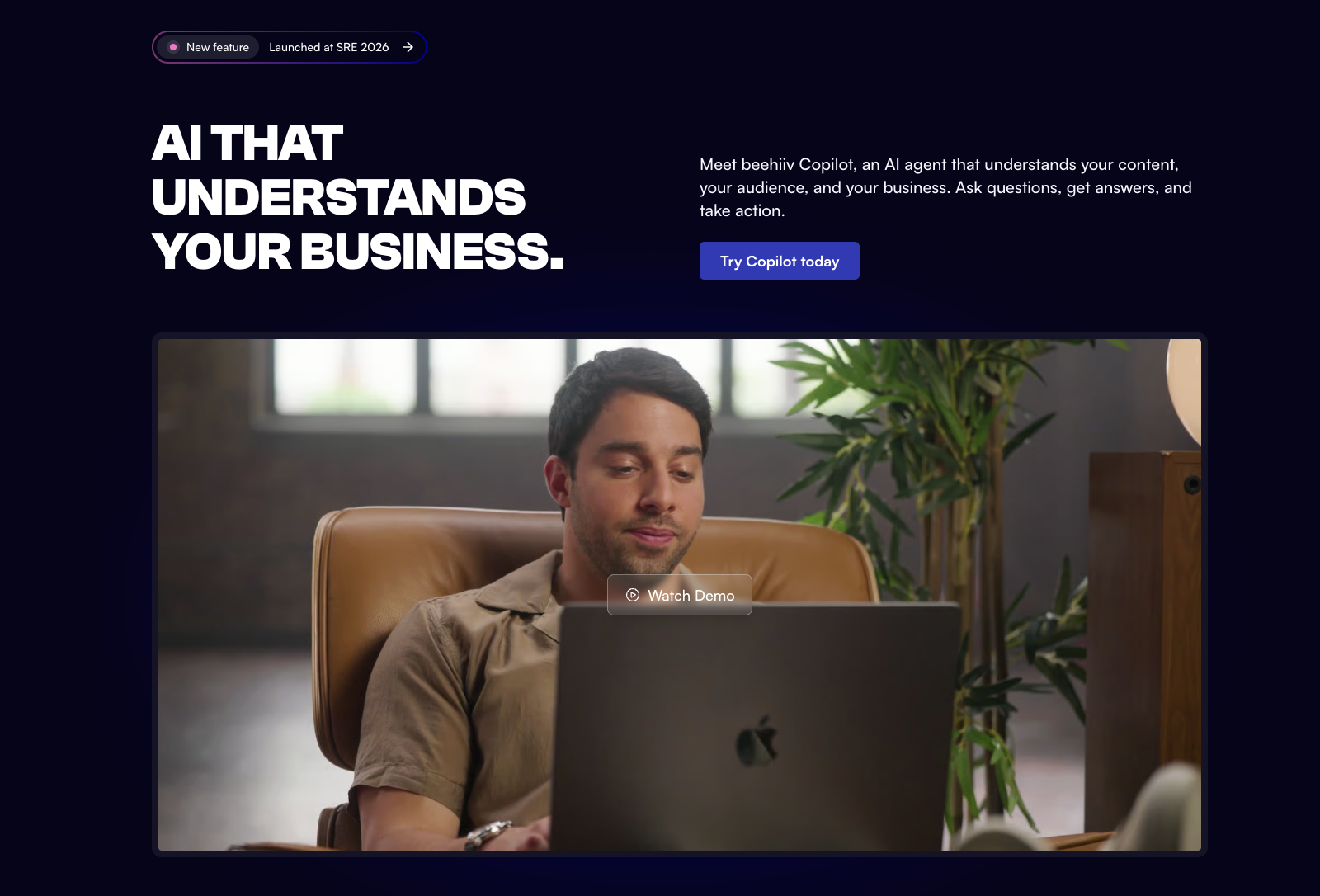
Beehiiv Copilot - Beehiiv's built-in agent for newsletter analytics, segments, and campaigns
Pika Audio - Pika’s four-model AI audio family spanning music, speech, SFX, and soundtracks

Get access to all our AI courses, hundreds of real-world AI use cases, live expert-led workshops, an exclusive network of AI early adopters, and more.
Get unlimited access to all of our current & upcoming industry-specific AI courses for the duration of your subscription.
To keep up with the rapid pace of AI, our team publishes AI implementation guides daily. Our library contains 300+ practical use cases to automate real-world work.
Join weekly, live, interactive sessions with industry leaders who are at the forefront of AI for hands-on implementation guidance and exclusive insights.
Network with an exclusive community of AI-first professionals who are working smarter with AI. Learn how early adopters are using AI in their work and businesses.