Recurring manual workflows
Users teaching an agent a stable process that is easier to demonstrate than describe.
Independent tool overview
Record & Replay lets a user demonstrate a computer task by recording the screen and actions, then has Codex turn that demonstration into a reusable skill for later agent runs.
Visit the official Record & Replay site ↗
Overview
The feature captures how a person completes a workflow and uses the recording to draft structured automation instructions. The resulting skill can use browser, plugin, and computer-use capabilities to repeat the job when invoked.
Recorded demonstrations can contain sensitive information and fragile assumptions about screen state. Users should edit secrets out of the skill, add clear preconditions and approval stops, and revalidate it when the interface changes.
Use cases
The strongest fit depends on the job you need the product to complete, not the size of its feature list.
Users teaching an agent a stable process that is easier to demonstrate than describe.
Teams turning operational knowledge into an editable reusable agent procedure.
Capabilities
Captures the sequence of actions used to complete a task.
Converts the demonstration into structured instructions an agent can reuse.
Runs the skill through available browser, plugin, and computer-control capabilities.
Process
Step 1
Remove unnecessary sensitive data and start from a clear, repeatable state.
Step 2
Perform the workflow while narrating decisions and exception points where helpful.
Step 3
Edit the generated instructions, add approval boundaries, and replay in a safe context.
Cost
Record & Replay has no standalone price in the documentation. Access depends on current Codex and ChatGPT product availability, plan entitlements, and computer-use settings.
Included subject to plan
The feature follows current Codex and ChatGPT entitlements.
Pricing checked . Check current pricing at the source ↗
Assessment
Compare
The right alternative depends on the specific output, workflow, controls and budget your project requires.
Coding
Codex is the active parent coding-agent product; Record & Replay is the narrower feature for teaching and packaging a repeatable computer workflow.
Explore Codex →Questions
Record & Replay lets a user demonstrate a computer task by recording the screen and actions, then has Codex turn that demonstration into a reusable skill for later agent runs.
Users teaching an agent a stable process that is easier to demonstrate than describe. Teams turning operational knowledge into an editable reusable agent procedure.
Record & Replay has no standalone price in the documentation. Access depends on current Codex and ChatGPT product availability, plan entitlements, and computer-use settings.
Bottom line
Record & Replay is useful for converting stable personal procedures into skills, provided the user treats the generated automation as code that requires review, guardrails, and maintenance.
Visit Record & Replay website ↗
Connect AI agents to external apps with managed authentication, tool discovery, execution, and event triggers.
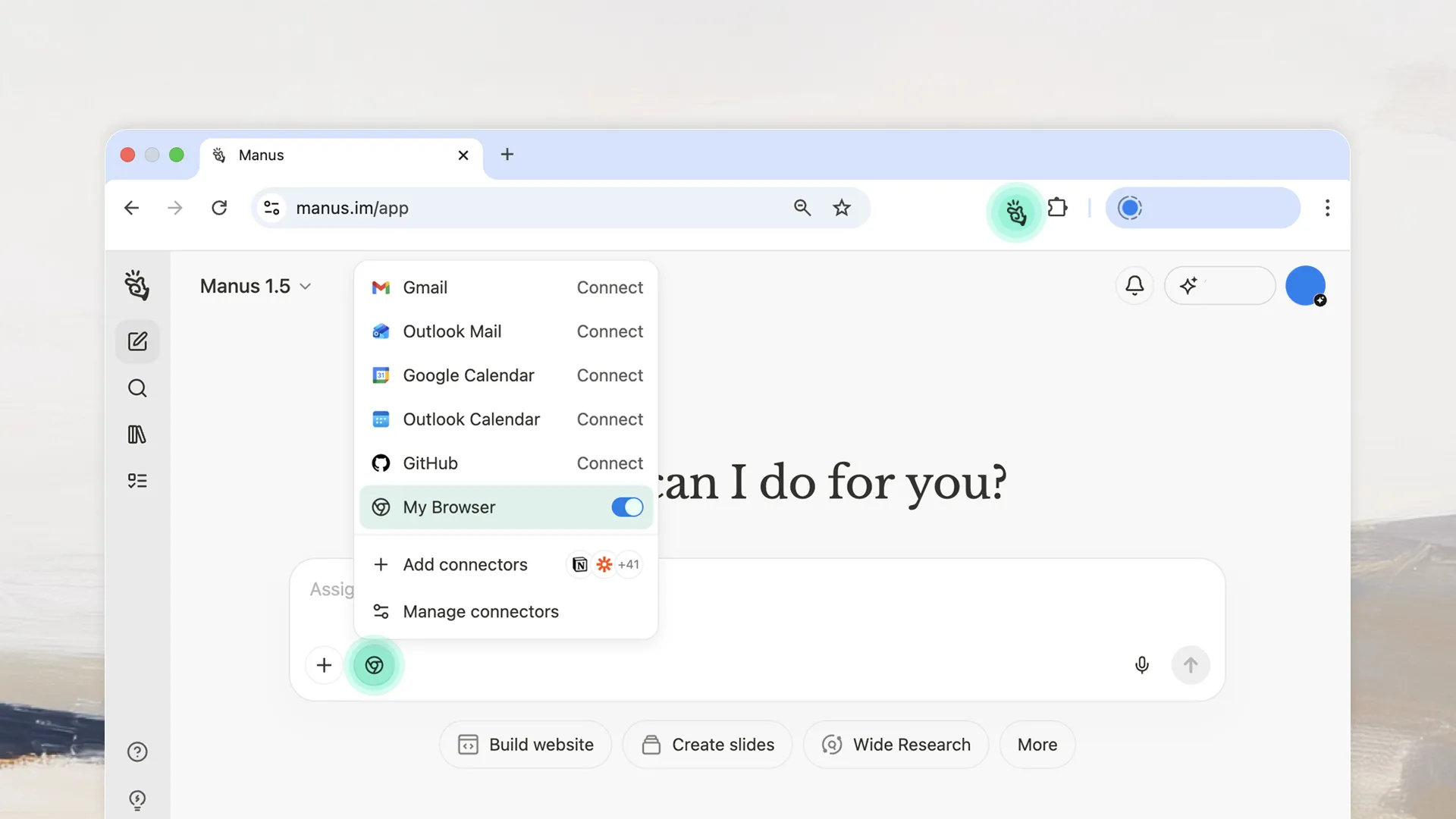
Manus browser extension that lets an agent work in a user's authenticated Chrome or Edge session with visible actions and user interruption controls.

Open-source Python framework and managed platform for multi-agent workflows.

OpenAI model family for complex production, coding, agent, and tool-using workloads.

Get access to all our AI courses, hundreds of real-world AI use cases, live expert-led workshops, an exclusive network of AI early adopters, and more.
Get unlimited access to all of our current & upcoming industry-specific AI courses for the duration of your subscription.
To keep up with the rapid pace of AI, our team publishes AI implementation guides daily. Our library contains 300+ practical use cases to automate real-world work.
Join weekly, live, interactive sessions with industry leaders who are at the forefront of AI for hands-on implementation guidance and exclusive insights.
Network with an exclusive community of AI-first professionals who are working smarter with AI. Learn how early adopters are using AI in their work and businesses.