Lifelong learning
Build a connected library across books, articles, videos, podcasts and personal notes over time.
Independent tool overview
Recall is an AI knowledge base that saves and summarizes articles, videos, podcasts, PDFs and notes, then connects them through smart tags, a knowledge graph, chat and spaced-repetition quizzes.
Visit the official Recall site ↗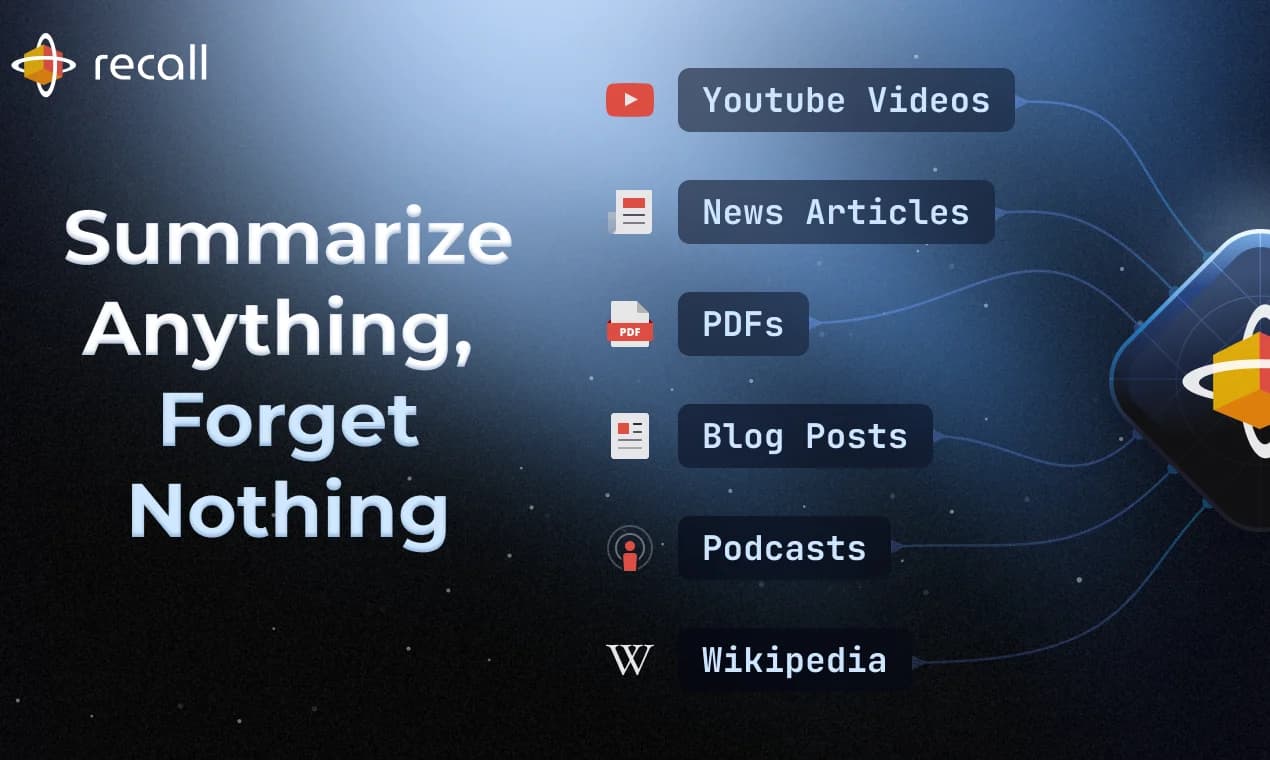
Overview
Recall is built for people who want one long-term library for what they read, watch and write. Saving a source creates a searchable card that can contain the original content, an AI summary, notes, tags and links to related ideas.
Its advantage over a basic read-later app is what happens after capture: Recall automatically organizes material, supports questions across saved knowledge and resurfaces connections while browsing. Paid users can also turn content into scheduled quizzes or listen to summaries.
Recall is best viewed as a personal knowledge and learning system, not a source-verification engine. Summaries and chat can miss nuance, so researchers should keep opening the original passage before relying on a claim.
Use cases
The strongest fit depends on the job you need the product to complete, not the size of its feature list.
Build a connected library across books, articles, videos, podcasts and personal notes over time.
Summarize mixed media, search saved material and follow links back to the original source.
Turn saved material into quizzes and use spaced repetition to revisit key ideas.
Capabilities
Save articles, PDFs, Google documents, YouTube videos, podcasts, TikToks, social posts and original notes.
Generate concise or detailed summaries, with timestamps where the source format supports them.
Smart tags adapt to the existing library and group new material without requiring manual filing.
Recall links related cards, visualizes relationships and can resurface relevant saved material while browsing.
Paid plans can answer across saved knowledge, the open web or both; Max lets users choose among supported frontier models.
Plus and Max add spaced-repetition quizzes and text-to-speech playback with custom voices.
All plans can connect external assistants or scripts to search and read the knowledge base; current access is read-only.
Process
Step 1
Use a browser extension or app to save material worth revisiting rather than turning Recall into an unfiltered inbox.
Step 2
Review the summary, correct tags and add a personal note explaining why the source matters.
Step 3
Follow automatic graph links or add manual links to create a more useful topic map.
Step 4
Search or chat across the library, then open the supporting card and source before using the answer.
Step 5
Use quizzes and spaced repetition for material that must be remembered, and export Markdown backups periodically.
Cost
Recall has a useful permanent Free plan. The published annual rates are $10 per month for Plus and $38 per month for Max; monthly billing is also available at a different rate.
$0
Personal notes, read-later storage and limited AI use.
$10/month billed yearly
A daily AI knowledge base with automation, chat and learning tools.
$38/month billed yearly
Higher-control workflows for researchers and power users.
Pricing checked . Check current pricing at the source ↗
Assessment
Compare
The right alternative depends on the specific output, workflow, controls and budget your project requires.
Students
Choose NotebookLM for focused, source-grounded work inside separate research notebooks.
Explore Gemini Notebook (formerly NotebookLM) →Data Analysis
Choose Anara, formerly Unriddle, for scientific literature review and passage-level research citations.
Explore Unriddle →Project Management
Choose Notion AI when collaborative documents, databases and team knowledge management matter more than automatic media capture.
Explore Notion AI →Questions
Recall is a personal AI knowledge base that saves mixed-media sources and notes, summarizes them, organizes them with tags and a graph, and lets users search, chat with and review what they have collected.
Yes. The Free plan includes unlimited saved read-later content and notes, 10 AI summaries per month, manual graph links, and read-only API and MCP access.
When billed yearly, Plus is listed at $10 per month and Max at $38 per month. Recall also offers monthly billing, and its current checkout should be checked for that rate.
Recall supports articles, PDFs, Google Docs and Slides, YouTube videos, podcasts, TikToks, social posts and other documented source types. Results depend on whether Recall can access the underlying text or transcript.
Yes. Recall provides a remote MCP server with setup guidance for ChatGPT, Claude, Cursor, Perplexity and Gemini CLI. It can search and read saved content, but current MCP access is read-only.
Recall says users can export their data in Markdown. Treat that as a text-oriented portability option and confirm whether original uploaded attachments are included before relying on it as a complete backup.
Bottom line
Recall is one of the more complete choices for turning a stream of web content and personal notes into a long-lived learning system. Plus is the practical tier for most regular users; Max mainly earns its price for bulk operations and explicit model choice.
Visit Recall website ↗
Get access to all our AI courses, hundreds of real-world AI use cases, live expert-led workshops, an exclusive network of AI early adopters, and more.
Get unlimited access to all of our current & upcoming industry-specific AI courses for the duration of your subscription.
To keep up with the rapid pace of AI, our team publishes AI implementation guides daily. Our library contains 300+ practical use cases to automate real-world work.
Join weekly, live, interactive sessions with industry leaders who are at the forefront of AI for hands-on implementation guidance and exclusive insights.
Network with an exclusive community of AI-first professionals who are working smarter with AI. Learn how early adopters are using AI in their work and businesses.
.png)


