Operations and enablement teams
Convert repeatable internal workflows into consistent SOPs and training manuals without writing every step from scratch.
Independent tool overview
Notta Showcase turns a recorded or uploaded process video into an editable step-by-step guide, captioned video, translated version, and AI voiceover.
Visit the official Notta Showcase site ↗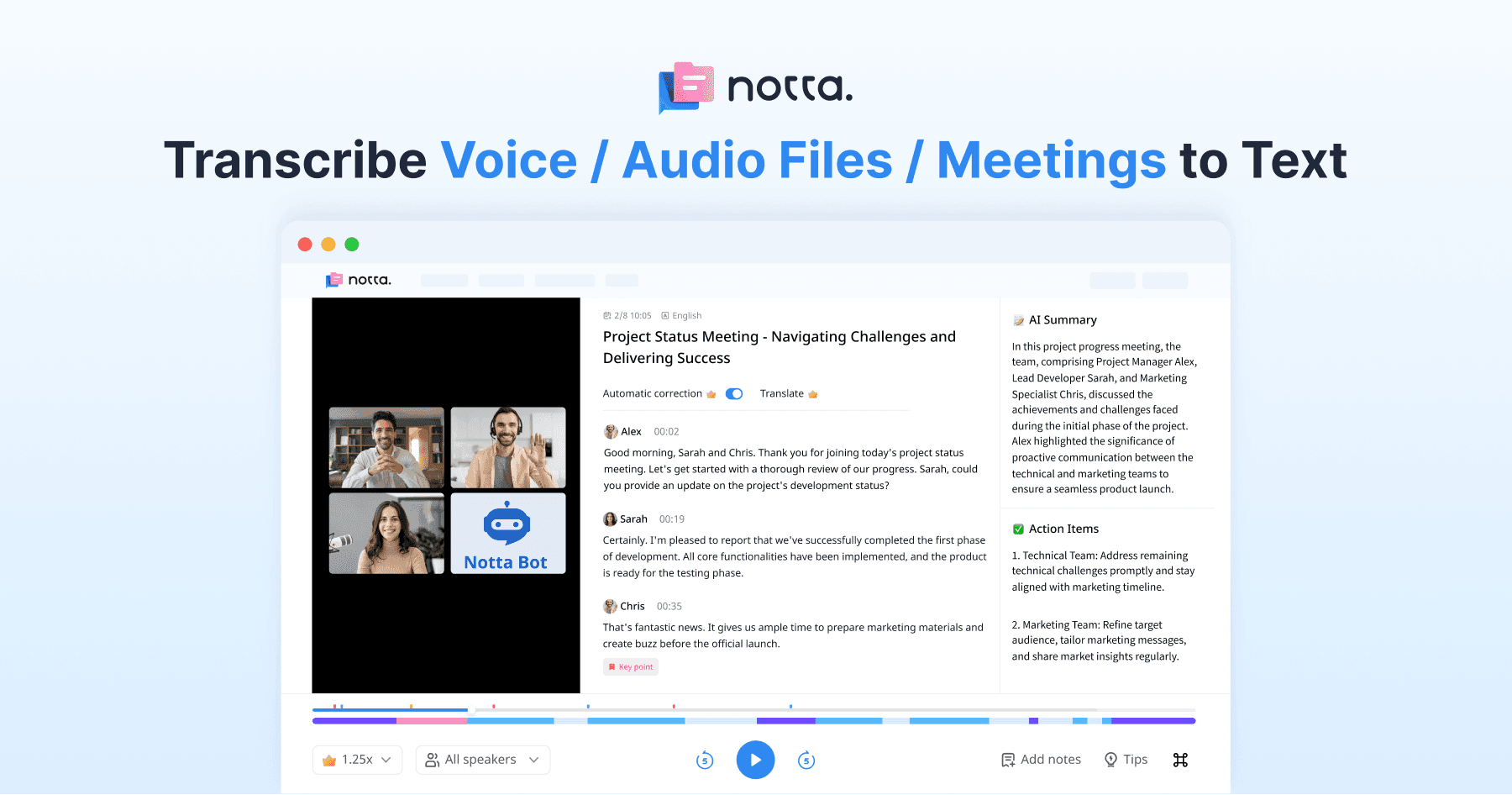
Overview
Notta Showcase is a process-documentation tool, not the main Notta meeting notetaker. A user records a workflow with the Chrome extension or uploads an existing video, and Showcase generates a title, step descriptions, subtitles, a guide, and optional text-to-speech narration.
The same project can be edited, translated into 15 supported languages, shared by link, embedded, or exported as a DOCX or PDF. Typical uses include software tutorials, standard operating procedures, onboarding and training manuals, sales playbooks, and customer-support guides.
The fastest workflow is to record a clean, short process and treat the AI output as a first draft. Editors still need to remove sensitive screen content, correct skipped or merged steps, verify interface labels, review captions and translations, and update the guide whenever the product changes.
Use cases
The strongest fit depends on the job you need the product to complete, not the size of its feature list.
Convert repeatable internal workflows into consistent SOPs and training manuals without writing every step from scratch.
Build visual product tutorials and troubleshooting guides that can be embedded or shared with customers.
Translate the video, subtitles, generated documentation, and AI narration into supported target languages.
Capabilities
Capture a process with the Chrome extension or start from an existing workflow video.
Generates a guide title and editable descriptions for the actions detected in the recording.
Creates subtitles for the video so the procedure is easier to follow and more accessible.
Translates the video experience into 15 languages, with the selected language applied across documents, subtitles, and narration.
Creates AI voice narration from the translated or edited script.
Supports editing, shareable links, website embeds, and document export to DOCX or PDF.
Process
Step 1
Close unrelated tabs, hide personal or customer data, standardize the test account, and script the shortest correct path.
Step 2
Capture the workflow with the Showcase Chrome extension or upload a supported existing video.
Step 3
Choose the content type and language, generate the guide and video assets, then correct titles, step boundaries, screenshots, captions, and descriptions.
Step 4
Create each approved translation, review the voiceover with a fluent speaker, and export, embed, or share the finalized guide.
Cost
Notta Showcase offers a free starting option and a recurring Pro plan with monthly or annual billing. The public page advertises 40% off annual billing, while the exact current charge and included translation minutes are surfaced through the product's pricing flow; confirm both before subscribing.
Free to try
Create an account and test the recording and guide-generation workflow.
Paid monthly or annually
Recurring access with a translation-minute allowance.
Pricing checked . Check current pricing at the source ↗
Assessment
Compare
The right alternative depends on the specific output, workflow, controls and budget your project requires.
Business Operations
Choose Scribe for a mature step-by-step process documentation workflow centered on captured clicks and screenshots.
Explore Scribe →Business Operations
Choose Guidde when AI video documentation and voice-led how-to content are the main priority.
Explore Guidde →Sales
Choose Supademo for interactive product demos and click-through walkthroughs rather than linear guide documents.
Explore Supademo →Questions
Notta Showcase is an AI process-documentation tool that turns an uploaded or recorded workflow into an editable step-by-step guide, video, captions, and optional translated voiceover.
No. Both are Notta products, but Showcase focuses on product tutorials, SOPs, training manuals, and translated process videos rather than meeting transcription and summaries.
The current public page offers a free starting option and a paid Pro plan with monthly and annual billing, advertising 40% off annual billing. Confirm the exact price, currency, taxes, and included translation minutes in the product's pricing flow.
The page lists English, Japanese, Chinese, Korean, Spanish, French, German, Italian, Portuguese, Polish, Turkish, Russian, Dutch, Arabic, and Hungarian for voice translation.
One minute means one minute of final translated video. Translating a three-minute source into two target languages uses six translation minutes.
Yes. Showcase says users can export documents as DOCX or PDF, create a shareable link, or copy embed code for a website or platform.
Yes. Replay the process and verify every step, screen, label, caption, translation, and voiceover before publishing, especially for safety, legal, or customer-facing procedures.
Bottom line
Notta Showcase is a useful choice when one clean screen recording needs to become both a written procedure and a localized training video. Its automation can remove a large amount of first-draft work, but reliable documentation still depends on privacy-safe recording, exact product verification, fluent localization review, and an owner who keeps the guide current.
Visit Notta Showcase website ↗
Get access to all our AI courses, hundreds of real-world AI use cases, live expert-led workshops, an exclusive network of AI early adopters, and more.
Get unlimited access to all of our current & upcoming industry-specific AI courses for the duration of your subscription.
To keep up with the rapid pace of AI, our team publishes AI implementation guides daily. Our library contains 300+ practical use cases to automate real-world work.
Join weekly, live, interactive sessions with industry leaders who are at the forefront of AI for hands-on implementation guidance and exclusive insights.
Network with an exclusive community of AI-first professionals who are working smarter with AI. Learn how early adopters are using AI in their work and businesses.