Capturing ideas away from a keyboard
Record a quick thought and get an organized text version instead of manually cleaning up a raw voice memo.
Independent tool overview
notesGPT is a lightweight voice-note app that transcribes recordings, organizes them into summaries and extracts clear action items with AI.
Visit the official notesGPT site ↗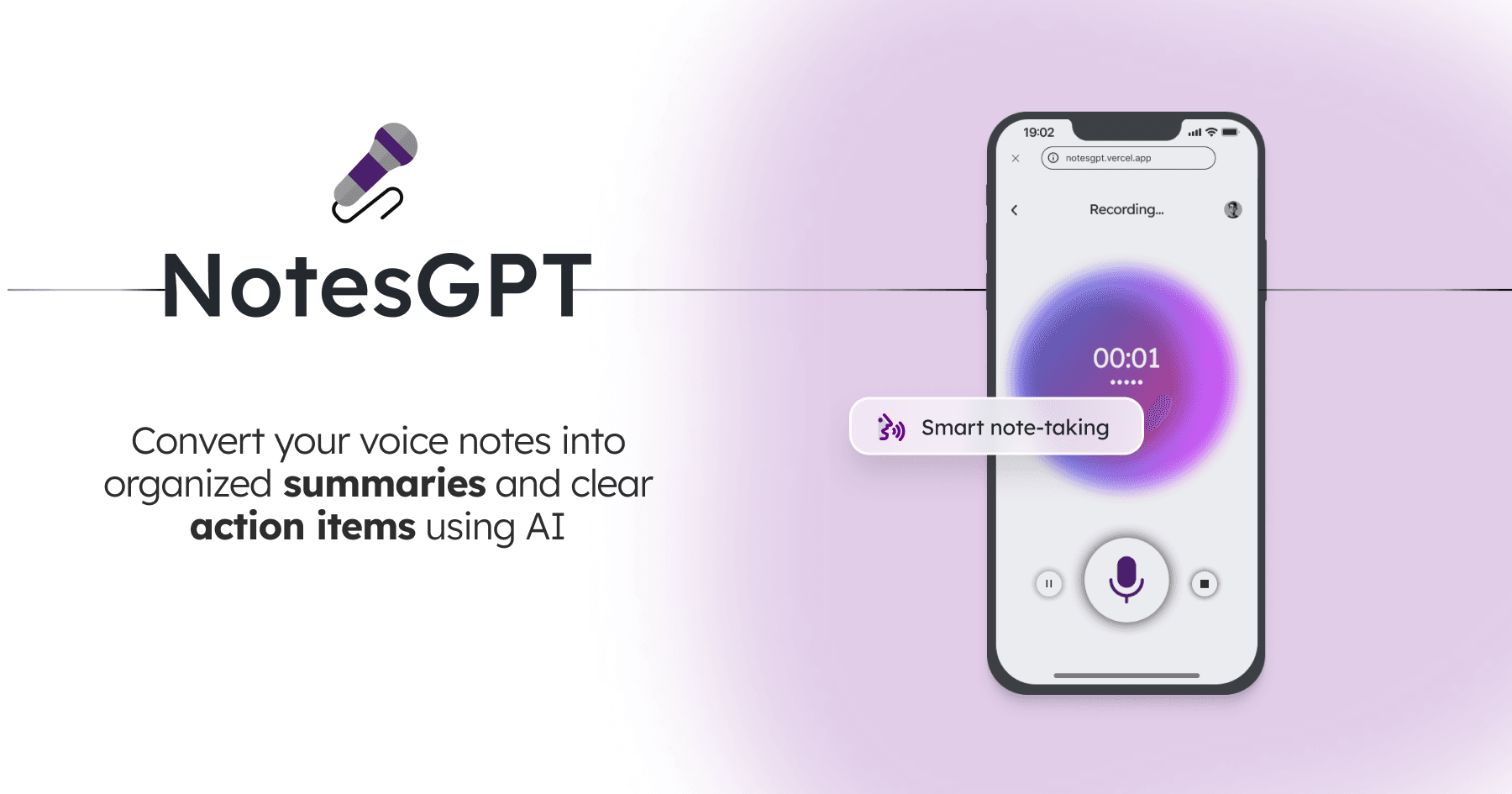
Overview
notesGPT is built for capturing a spoken thought and turning it into something easier to act on. After a user records a voice note, the app transcribes it, generates a summary and extracts tasks. Its open-source repository also documents vector search for finding information across saved notes.
This is a narrower product than a meeting assistant such as Otter or Fireflies: the public experience centers on personal voice notes rather than calendar bots, speaker analytics or team conversation intelligence. The hosted site is active and requires an account, while the source code is available under the MIT license for developers who want to deploy their own version.
Use cases
The strongest fit depends on the job you need the product to complete, not the size of its feature list.
Record a quick thought and get an organized text version instead of manually cleaning up a raw voice memo.
Extract action items from a personal debrief, project update or brainstorming session.
Summarize a spoken recap after a lesson, while checking the transcript and summary against the original material.
Fork the MIT-licensed project and connect their own Convex, Clerk and Together AI accounts.
Capabilities
Capture a personal voice note directly from the web application after signing in.
Convert the recording into text using speech-to-text inference supplied through Together AI.
Condense the transcript into a shorter, organized account of the important points.
Identify tasks in the spoken note so the output is more actionable than a raw transcript.
The open-source implementation uses embeddings and vector search to retrieve related information from stored notes.
The MIT-licensed repository documents the app's stack and the environment variables needed to run a separate deployment.
Process
Step 1
Open the hosted web app and sign in before accessing the voice-note dashboard.
Step 2
Speak the idea, recap or task list you want the app to organize.
Step 3
Read the transcript, summary and extracted action items, correcting names, numbers and other transcription errors.
Step 4
Use the saved note as a reference and move confirmed tasks into the system where work is actually tracked.
Cost
notesGPT does not publish a pricing page, paid tiers or hosted usage limits. The web app is available to start after sign-in, but users should confirm any limits before depending on it. The source code is MIT-licensed; self-hosting still requires paid or free-tier accounts with the underlying infrastructure providers.
Pricing not published
The official site provides a sign-in flow but does not display a paid plan or usage allowance.
MIT-licensed
Developers can deploy the public repository using their own service accounts.
Pricing checked . Check current pricing at the source ↗
Assessment
Compare
The right alternative depends on the specific output, workflow, controls and budget your project requires.
Project Management
Consider Otter AI for established meeting transcription, live notes and collaboration features.
Explore Otter.ai →Business Operations
Consider Fireflies AI for meeting-bot recording, searchable conversation history and team integrations.
Explore Fireflies AI →Project Management
Consider Granola when you want AI-enhanced meeting notes built around the notes you take yourself.
Explore Granola →Questions
notesGPT records a voice note, transcribes it, creates a concise summary and extracts action items. Its documented implementation also supports vector search across saved notes.
The hosted site does not publish a price or paid-plan comparison, so there is no confirmed public hosted price to quote. The source code is available under the MIT license, but self-hosting can incur infrastructure and model-usage costs.
Yes. The project's public GitHub repository is MIT-licensed and documents its Next.js, Convex, Clerk and Together AI stack.
The official product is presented as a personal voice-note recorder, not as a bot that automatically joins calendar meetings. Use a dedicated meeting assistant if automatic meeting capture is required.
Use caution. The public landing page does not provide a linked privacy policy or detailed retention controls. Confirm how recordings and generated text are stored, processed and deleted before submitting confidential material.
Bottom line
notesGPT is a clean option for turning a quick personal voice memo into a transcript, summary and task list. Its open-source implementation is a real advantage for developers, but the hosted service needs much better public pricing, privacy and retention documentation before it can be recommended for sensitive or business-critical recordings.
Visit notesGPT website ↗
Get access to all our AI courses, hundreds of real-world AI use cases, live expert-led workshops, an exclusive network of AI early adopters, and more.
Get unlimited access to all of our current & upcoming industry-specific AI courses for the duration of your subscription.
To keep up with the rapid pace of AI, our team publishes AI implementation guides daily. Our library contains 300+ practical use cases to automate real-world work.
Join weekly, live, interactive sessions with industry leaders who are at the forefront of AI for hands-on implementation guidance and exclusive insights.
Network with an exclusive community of AI-first professionals who are working smarter with AI. Learn how early adopters are using AI in their work and businesses.