Multi-format creators
People who want still images, video, enhancement and simple editing under one credit balance.
Independent tool overview
LensGo was renamed Lovino in 2026; the current product is an AI image and video workspace with multiple generation models, creative tools, a visual canvas and an agent named Iris.
Visit the official LensGo site ↗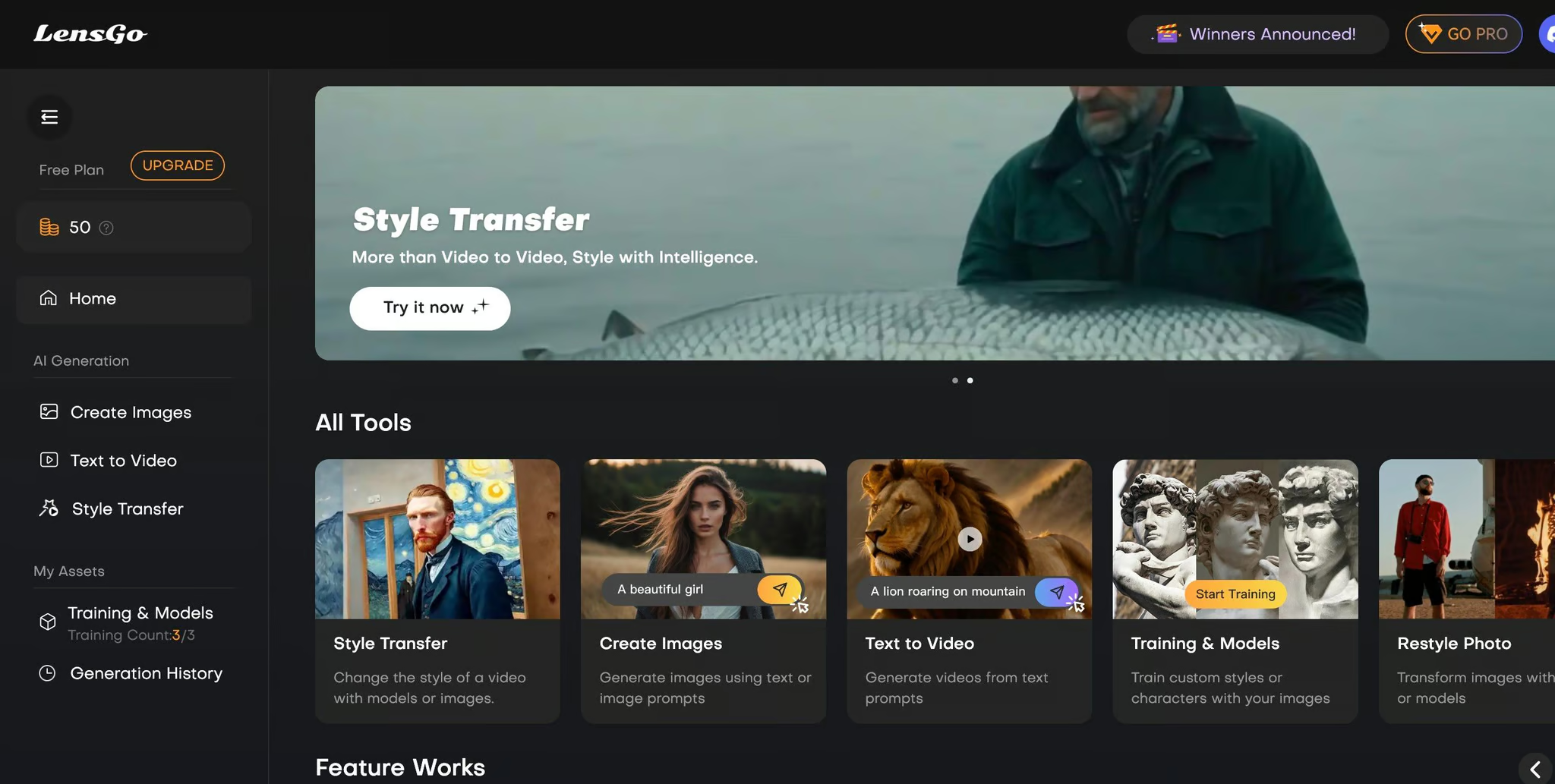
Overview
LensGo was renamed Lovino in 2026; the current product is an AI image and video workspace with multiple generation models, creative tools, a visual canvas and an agent named Iris.
Existing LensGo accounts, credits and libraries carried over to Lovino, and old LensGo links redirect to the new domain. Lovino now positions the product as a single subscription for image generation, video generation, upscaling, editing, consistent identities, UGC assets and multi-step content planning.
Use cases
The strongest fit depends on the job you need the product to complete, not the size of its feature list.
People who want still images, video, enhancement and simple editing under one credit balance.
Marketers building creator-style product clips, headshots and campaign variations.
Creators using Lens ID to keep a person or character recognizable across multiple scenes.
Capabilities
Provides a selection of image and video models from several major AI providers in one interface.
Can interpret a brief, plan shots, write prompts and choose models for a set of visual assets.
Creates a reusable identity reference for more consistent people or characters across outputs.
Supports a visual workspace for arranging and developing image and video generations.
Includes tools such as upscaling, background removal, face swap, style transfer and erasing.
Process
Step 1
Use lovino.ai; old LensGo links should redirect, but a one-time sign-in may be required after the domain change.
Step 2
Generate directly with a selected model or ask the agent to turn a campaign idea into a set of shots.
Step 3
Use identity, canvas and editing tools to improve consistency before downloading the final image or video.
Cost
Lovino has a free plan with three daily credits and two paid monthly plans. The current pricing is $19.99 per month for Creator and $39.99 per month for Studio.
$0
A daily allowance for lightweight testing.
$19.99/month
For individual creators who need full model access and clean exports.
$39.99/month
Higher-volume plan with early developer access.
Pricing checked . Check current pricing at the source ↗
Assessment
Compare
The right alternative depends on the specific output, workflow, controls and budget your project requires.
Content Creator
Choose Krea for stronger real-time generation, node automation and a larger professional creative suite.
Explore Krea →Content Creator
Choose Morph Studio for a canvas-centered image-to-video workflow with multiple current video models.
Explore Morph Studio →Design
Choose RenderNet's successor Affogato for character and product consistency across a broad model library.
Explore RenderNet →Questions
LensGo was renamed Lovino in 2026; the current product is an AI image and video workspace with multiple generation models, creative tools, a visual canvas and an agent named Iris.
Lovino has a free plan with three daily credits and two paid monthly plans. The current pricing is $19.99 per month for Creator and $39.99 per month for Studio.
LensGo (now Lovino) is best suited to social creators, marketers and small teams producing visual assets.
LensGo is no longer the current product name, so older reviews and tutorials may describe an outdated interface or model list.
Use the official product and pricing links in the sources below. Pricing and product availability can change after this page's 2026-08-28 review date.
Bottom line
Existing LensGo users should evaluate the product under its current Lovino name. It is a practical all-in-one option for creators who value model choice and simple daily access, while high-volume teams should compare per-output credit economics before standardizing on it.
Visit LensGo website ↗
Meta AI: Offers advanced tools like llama and image generation models for developers and researchers.

Jasper: Create captivating content 10x faster.

Opus Clip: Uses ai to turn long videos into viral short clips with smart cuts and attention-boosting edits.
.avif)
Hedra: Unleash the Power of AI Video Models

Get access to all our AI courses, hundreds of real-world AI use cases, live expert-led workshops, an exclusive network of AI early adopters, and more.
Get unlimited access to all of our current & upcoming industry-specific AI courses for the duration of your subscription.
To keep up with the rapid pace of AI, our team publishes AI implementation guides daily. Our library contains 300+ practical use cases to automate real-world work.
Join weekly, live, interactive sessions with industry leaders who are at the forefront of AI for hands-on implementation guidance and exclusive insights.
Network with an exclusive community of AI-first professionals who are working smarter with AI. Learn how early adopters are using AI in their work and businesses.