Campaign and brand production
Develop a brief, explore creative directions, and build coordinated image, video, voice, music, and social assets.
Independent tool overview
Luma Agents is a multimodal creative workspace where an AI agent helps plan projects, routes tasks across Luma and third-party models, and generates or edits image, video, audio, voice, and text assets on a shared visual board.
Visit the official Luma Agents site ↗
Overview
Luma Agents is the current creative application from Luma AI. It combines conversational direction, a spatial project board, model selection, generation, editing, versioning, and collaboration so a creator can move from a brief to a collection of campaign or production assets without restarting in separate tools.
Brainstorm Mode helps clarify an idea, develop concepts, build shot lists, explore messaging, and structure a creative plan before media is rendered. Create Mode then executes requests across image, video, audio, voice, and text models, either choosing models automatically or following the creator's model selection.
The strongest use case is a multi-asset project that benefits from shared references and continuity: product launches, social campaigns, storyboards, character development, concept art, film pre-production, or coordinated image, video, and audio variations. A visual board keeps references, generations, iterations, and feedback together.
Luma Agents should be treated as a production assistant, not an autonomous approver. Model outputs can be wrong, inconsistent, non-unique, legally restricted, or visually misleading. Teams still need human creative direction, factual and brand review, rights clearance, disclosure, security controls, and a final editing and delivery workflow.
Use cases
The strongest fit depends on the job you need the product to complete, not the size of its feature list.
Develop a brief, explore creative directions, and build coordinated image, video, voice, music, and social assets.
Organize references, scenes, shot ideas, character explorations, and motion tests on a visual board.
Generate multiple directions in parallel and refine selected assets through conversational feedback.
Use one workspace to route tasks across Luma and third-party models instead of managing a disconnected tool for each modality.
Capabilities
Develop concepts, creative directions, character ideas, campaign strategies, visual moods, shot lists, and project roadmaps without spending generation credits on rendered media.
Generate and edit images, video, audio, voice, captions, and related assets through natural-language direction.
The agent evaluates the request's format, style, motion, speed, and quality needs and can select an appropriate Luma or third-party model.
Creators can tell the agent which model to use or select a model from the interface when they need reproducibility or specific capabilities.
Boards organize references, scenes, assets, variations, and iterations spatially while preserving shared project context.
Create photorealistic or stylized images, edit existing media, remove or add elements, adjust style and lighting, outpaint, reframe, and generate variations.
Create clips from text or images, transform footage, interpolate keyframes, extend scenes, reframe, upscale, extract frames, and attach audio.
Produce music, sound effects, and voiceovers as standalone assets or as components of a video workflow.
Run multiple asset or modality tasks at once so image, video, and audio explorations can progress within the same project.
Share boards with teammates or external partners, collaborate in real time, and use semantic search to find assets and iterations.
Process
Step 1
Define the audience, objective, required deliverables, brand rules, references, prohibited elements, disclosure needs, and production deadline.
Step 2
Ask for creative directions, a shot list, asset map, or campaign structure and select the concepts worth producing.
Step 3
Upload only media the team is authorized to use and group characters, products, locations, styles, and approved brand assets.
Step 4
Let the agent route models or choose a specific model, then produce smaller test assets before spending heavily on high-resolution video.
Step 5
Comment on composition, motion, pacing, voice, color, continuity, and unwanted artifacts instead of regenerating the entire project blindly.
Step 6
Check facts, faces, hands, text, audio, timing, rights, likenesses, disclosures, and brand compliance; then complete final editing, color, mix, captions, and delivery.
Cost
The Luma Agents app lists Plus at $30/month, Pro at $90/month, Ultra at $300/month, and custom Team pricing. Annual billing is $300, $900, and $3,000 respectively. The Luma Agents API is a separate metered product with pay-as-you-go generation and provisioned-throughput pricing.
$30/month or $300/year
Entry individual plan for using Luma and third-party image and video models.
$90/month or $900/year
Higher-usage individual plan.
$300/month or $3,000/year
Highest listed individual usage tier.
Contact sales
Business plan for managed team deployment.
Usage-based
Separate developer product with shared pay-as-you-go capacity or contracted provisioned throughput.
Pricing checked . Check current pricing at the source ↗
Assessment
Compare
The right alternative depends on the specific output, workflow, controls and budget your project requires.
Design
Choose FLORA when a node-based creative canvas and multi-model workflow design are more important than conversational agent orchestration.
Explore Flora AI →Content Creator
Choose Krea for fast visual exploration, real-time generation, enhancement, and a broad self-serve creative toolkit.
Explore Krea →Agents
Choose Higgsfield when cinematic AI video, camera motion, characters, and social creative production are the main priority.
Explore Higgsfield Supercomputer →Questions
Luma Agents is a multimodal creative application that helps plan and execute projects across text, image, video, music, sound effects, and voice while organizing references and iterations on a shared visual board.
Luma Agents is the broader agent-led creative workspace now available through Luma's app. It retains image and video generation capabilities associated with Dream Machine but adds planning, model orchestration, audio, project boards, shared context, and collaboration.
Brainstorm Mode develops ideas, plans, creative directions, and shot lists without rendering media. Create Mode actively generates and edits image, video, audio, voice, and other project assets.
Luma describes access to its own Ray and Uni model families plus selected third-party image, video, and audio models. Availability can change, and creators can allow automatic routing or request a specific model.
The live app pricing lists Plus at $30 per month, Pro at $90, Ultra at $300, and Team by quote. Annual prices are $300, $900, and $3,000.
Luma offers limited free access before choosing a subscription, but the live pricing panel does not publish a durable free allowance. Free use also carries broader content licenses in Luma's terms and does not provide paid-plan commercial-use eligibility.
Luma says its paid individual plans include commercial use, and its terms assign Luma's interest in output to the customer to the extent legally permitted. This does not grant rights in third-party output or clear source assets, trademarks, likenesses, or copyright.
Luma's current individual terms grant it rights to use paid-plan Input and Output to improve, develop, and train models. Free-use licenses are broader. Buyers needing different handling should review enterprise terms and obtain the required protections in writing.
No. The API is documented and priced separately. It offers per-generation pay-as-you-go access and provisioned throughput for workloads needing guaranteed capacity and latency.
Do not assume consumer-plan prompts or assets are confidential. Luma's terms say Input is not subject to the general confidentiality section and allow model-improvement use. Teams handling confidential work should confirm enterprise data, training, retention, subprocessor, and security terms before uploading.
Bottom line
Luma Agents is a capable choice for creators and teams building coordinated campaigns or story-driven projects across several media types. Its visual boards, Brainstorm and Create modes, automatic model routing, manual model control, parallel generation, and real-time collaboration can replace a fragmented stack during ideation and asset exploration. The biggest caveats are cost variability, output review, third-party model terms, and Luma's broad input and output licenses; confidential or rights-sensitive production should use a carefully reviewed enterprise agreement and a strong human approval process.
Visit Luma Agents website ↗
Hermes Agent - Nous Research's open-source autonomous agent with persistent memory and cross-platform messaging

Codex Security - OpenAI's new security agent for scanning repos and patching code vulnerabilities
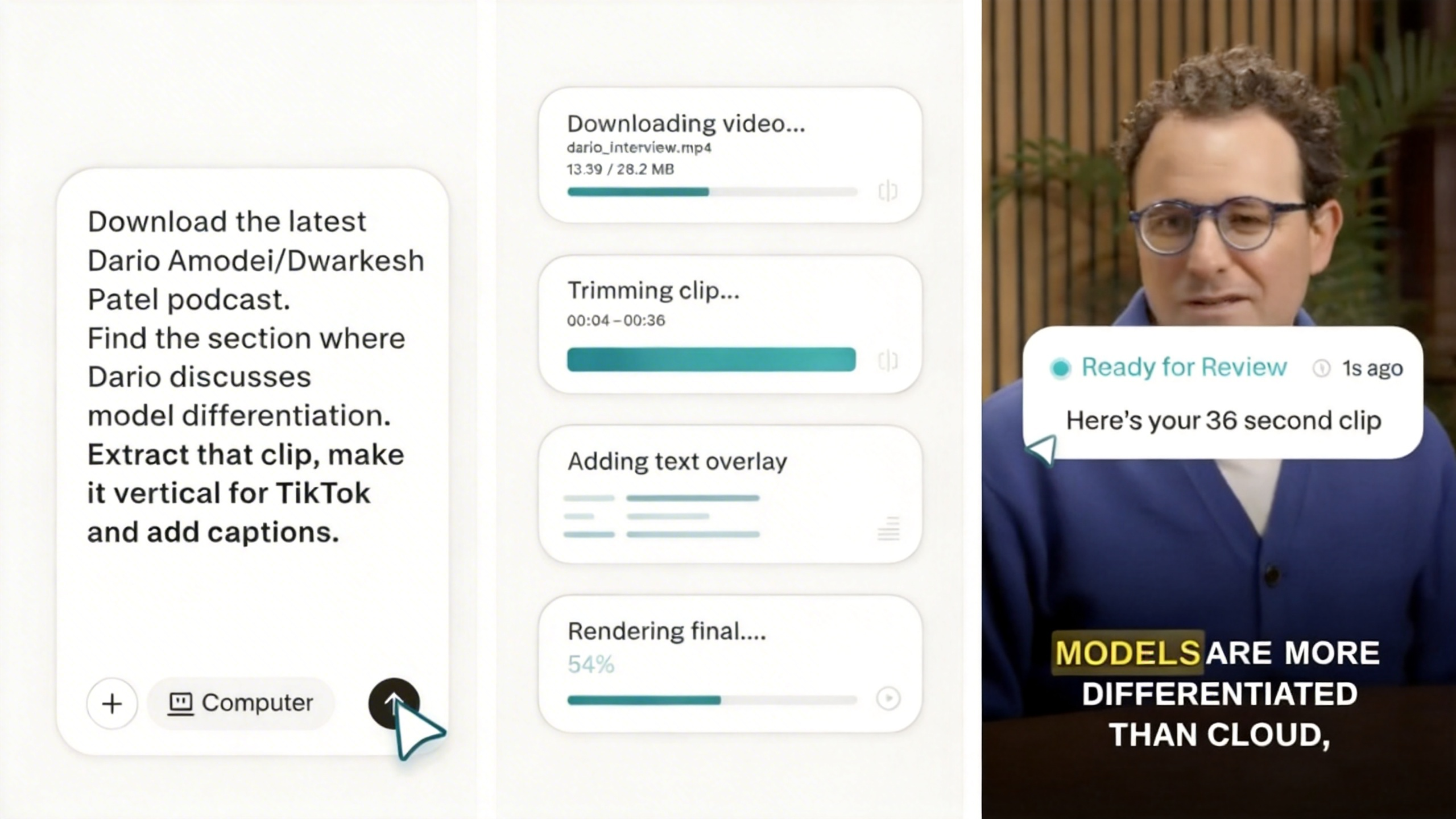
Perplexity Computer - Perplexity's multi-model agent system orchestrating 19 AI models for long-running tasks
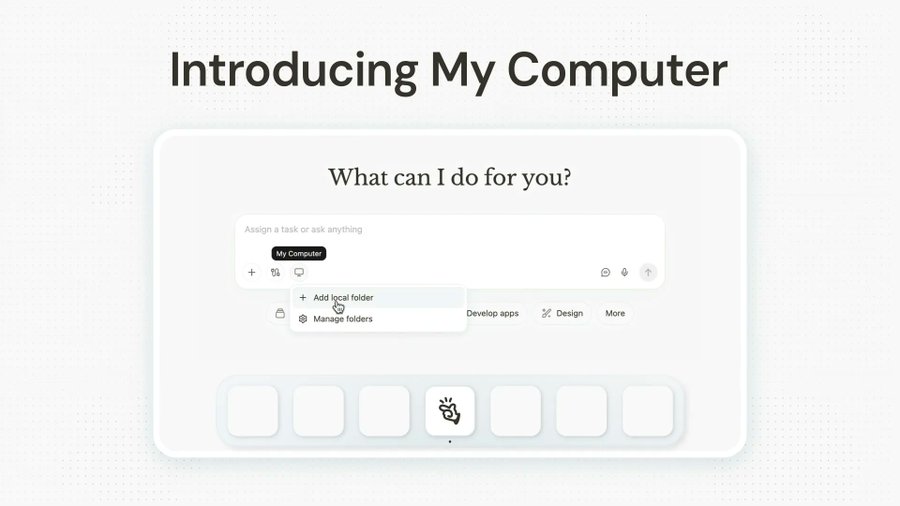
My Computer - Manus' new desktop app bringing its AI agent to your local machine

Get access to all our AI courses, hundreds of real-world AI use cases, live expert-led workshops, an exclusive network of AI early adopters, and more.
Get unlimited access to all of our current & upcoming industry-specific AI courses for the duration of your subscription.
To keep up with the rapid pace of AI, our team publishes AI implementation guides daily. Our library contains 300+ practical use cases to automate real-world work.
Join weekly, live, interactive sessions with industry leaders who are at the forefront of AI for hands-on implementation guidance and exclusive insights.
Network with an exclusive community of AI-first professionals who are working smarter with AI. Learn how early adopters are using AI in their work and businesses.