Formula assistance
Describe the desired result and have Grok write normal Excel formulas into the formula bar.
Independent tool overview
A Microsoft 365 add-in that puts a Grok agent beside an open workbook to analyze ranges, write formulas, make edits, build charts, and run scenarios from plain-English instructions.
Visit the official Grok for Excel site ↗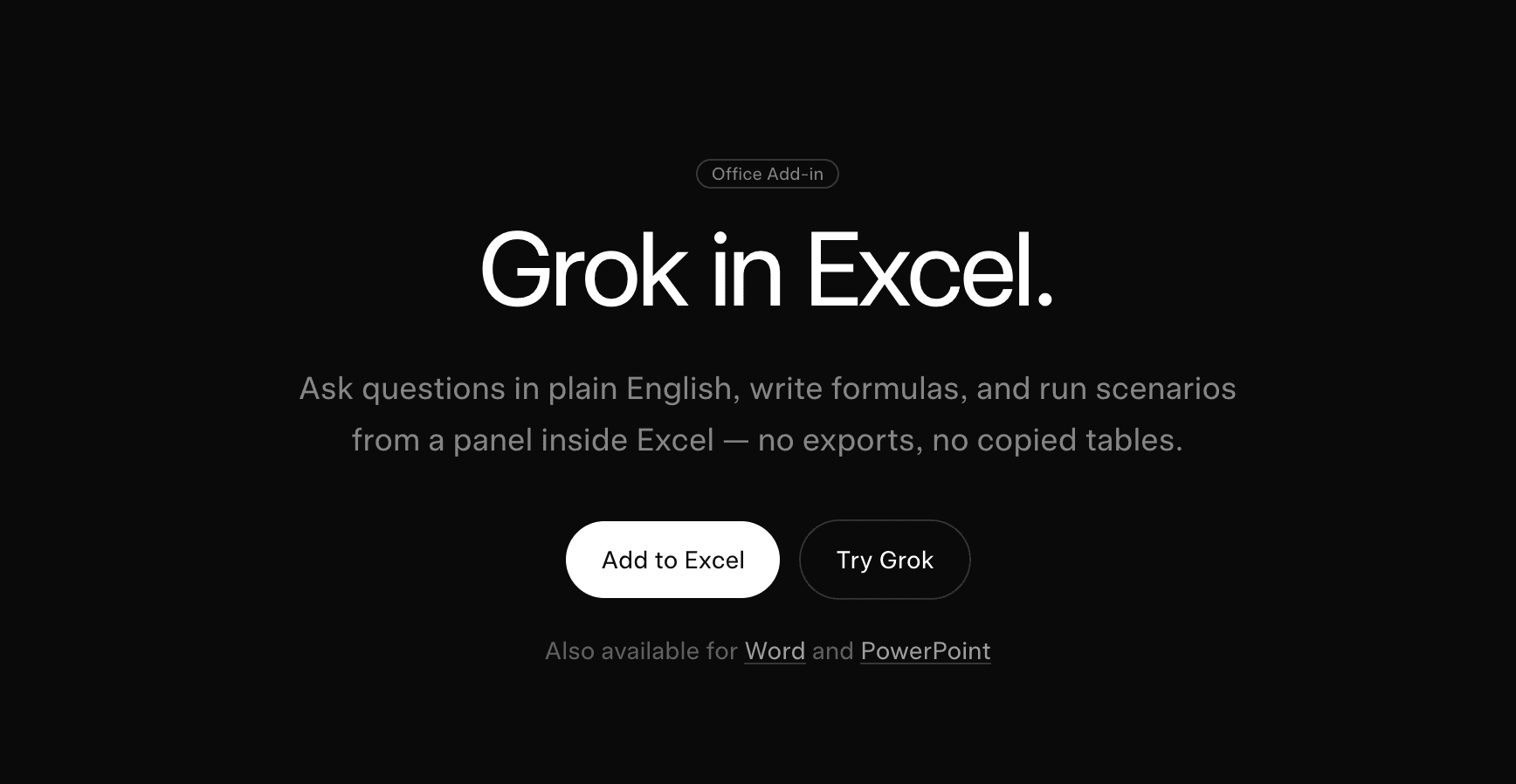
Overview
Grok for Excel is an official SpaceXAI add-in for Microsoft 365. It docks as a side panel in Excel, so users can ask questions about selected cells and have Grok write results, formulas, charts, pivots, sorts, and other changes back into the workbook.
Its strongest use case is iterative spreadsheet work. A user can ask what changed, request a formula in ordinary language, refine the calculation, and then run a downside case without exporting the table to a separate chat.
The add-in can also use connected sources such as recent email, SharePoint, or Google Drive when those connectors are available and authorized. Because it can alter workbook content, every consequential calculation and scenario still needs human review.
Use cases
The strongest fit depends on the job you need the product to complete, not the size of its feature list.
Describe the desired result and have Grok write normal Excel formulas into the formula bar.
Build or revise forecast logic, test assumptions, and flag cells changed by a scenario.
Select a range and ask what moved, why it changed, and which values stand out, with cell references in the answer.
Use natural-language instructions for filling, sorting, transforming, and reorganizing spreadsheet data.
Create native workbook visuals and summaries without manually assembling every field or series.
Capabilities
Reads the cells a user selects and can cite those cells when explaining an answer.
Writes real Excel formulas and ordinary workbook edits rather than returning only prose or a copied table.
Can generate visual summaries and pivots directly in the spreadsheet.
Changes assumptions, recalculates models, and flags edited cells for review.
Can search the web and use authorized sources such as email, SharePoint, or Google Drive to bring context into spreadsheet work.
Microsoft 365 administrators can deploy the add-in across an organization.
Process
Step 1
Get Grok by SpaceXAI for Excel from Microsoft Marketplace or have a Microsoft 365 administrator deploy it.
Step 2
Open Grok from Excel's Home tab and authenticate with an account on a currently eligible plan.
Step 3
Highlight the range Grok should analyze and state the goal, constraints, and desired output location.
Step 4
Inspect formulas, cell references, charts, assumptions, and any changed-cell indicators before accepting the work.
Step 5
Recalculate, compare totals, trace precedents, and save a version before applying the output to financial or operational decisions.
Cost
The Microsoft Marketplace add-in is free to install, but the current listing says usage requires an eligible Grok subscription and remains subject to plan limits. A Microsoft 365 environment is also required.
Free to install
Install Grok for Excel from Microsoft Marketplace.
$30/month
The Marketplace listing identifies SuperGrok as an eligible individual plan.
See current Grok pricing
Higher-usage individual access listed as eligible by Microsoft Marketplace.
Team pricing
Team workspace access with administrative and privacy controls.
Contact sales
Organization-wide deployment and advanced governance.
Pricing checked . Check current pricing at the source ↗
Assessment
Compare
The right alternative depends on the specific output, workflow, controls and budget your project requires.
Business Operations
The first-party Microsoft option for organizations already standardized on Microsoft 365 Copilot and its governance model.
Explore Microsoft Copilot →Business Operations
Useful for broader spreadsheet analysis and cross-application work, including OpenAI's current Excel integration where available.
Explore ChatGPT →Data Analysis
A lightweight custom-GPT alternative for explaining Excel questions without the same native workbook-agent depth.
Explore Spreadsheet Sage →Questions
It is an official Microsoft 365 add-in from SpaceXAI that lets a Grok agent analyze and edit the open workbook from a conversational side panel.
It can answer questions about selected cells, write formulas, clean and transform data, create charts and pivot tables, explain calculations, build models, and run scenarios.
The add-in is free to install, but the current Microsoft Marketplace listing says it is available to qualifying SuperGrok, Heavy, Business, and Enterprise plans, with usage limits.
Yes. It can write formulas, fill and sort cells, add charts and pivots, and make other normal Excel edits. Review changes and keep versioned backups for important workbooks.
The add-in works from selected workbook context, but Microsoft Marketplace explicitly says the app can send data over the internet. Treat selected data and prompts as processed by the service and review the applicable privacy and retention terms.
Yes. SpaceXAI says it can search the web and use authorized connectors such as email, SharePoint, or Google Drive.
No. Trace formulas, reconcile totals, validate assumptions, inspect source dates, and have a qualified person approve any decision-critical workbook.
Bottom line
Grok for Excel is a capable native spreadsheet agent for people who want analysis and model edits without leaving Excel. Its traceable formulas and cell citations are valuable, but the combination of write access, cloud processing, and new-product volatility makes governance and verification essential.
Visit Grok for Excel website ↗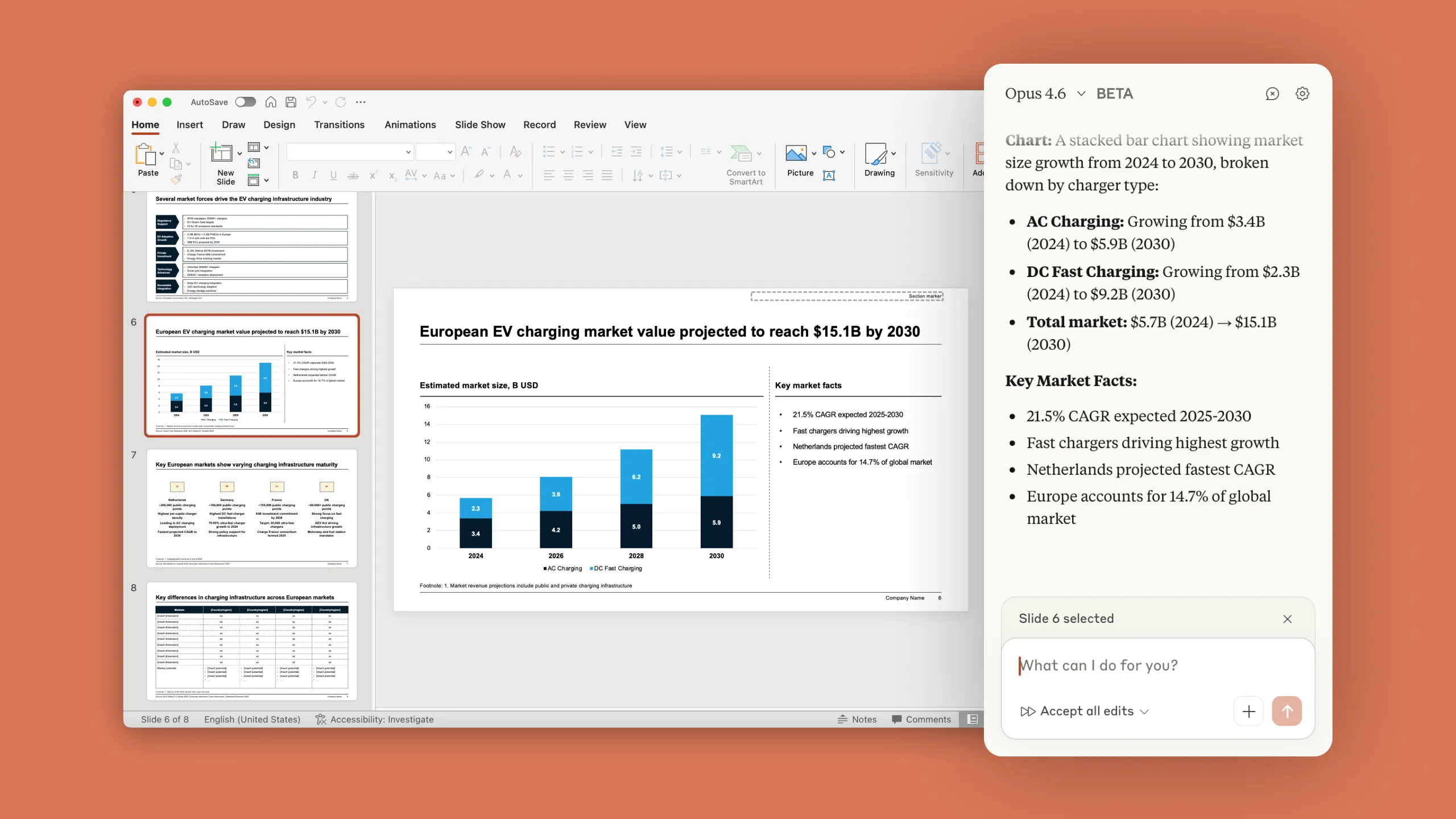
Claude in Powerpoint - Anthropic's AI sidebar for building and editing slides natively in PowerPoint

Kyligence: AI-powered analytics for data insights.

Context - AI office suite for working smarter, faster, and more efficiently

Chat with your Notion data effortlessly.

Get access to all our AI courses, hundreds of real-world AI use cases, live expert-led workshops, an exclusive network of AI early adopters, and more.
Get unlimited access to all of our current & upcoming industry-specific AI courses for the duration of your subscription.
To keep up with the rapid pace of AI, our team publishes AI implementation guides daily. Our library contains 300+ practical use cases to automate real-world work.
Join weekly, live, interactive sessions with industry leaders who are at the forefront of AI for hands-on implementation guidance and exclusive insights.
Network with an exclusive community of AI-first professionals who are working smarter with AI. Learn how early adopters are using AI in their work and businesses.