Conversational video prototypes
Developers building products where a user generates a clip, requests targeted changes in plain language, and iterates without starting every version from scratch.
Independent tool overview
Gemini Omni 1.1 Flash is Google's generally available Gemini API model for fast video generation and conversational editing. It creates 3- to 10-second clips with native audio from text or images, edits short uploaded video, interpolates between first and last frames, extends scenes, and offers output from 360p through upscaled 4K. It is a paid developer model, not a feature unlocked by a consumer Gemini subscription.
Visit the official Gemini Omni 1.1 Flash site ↗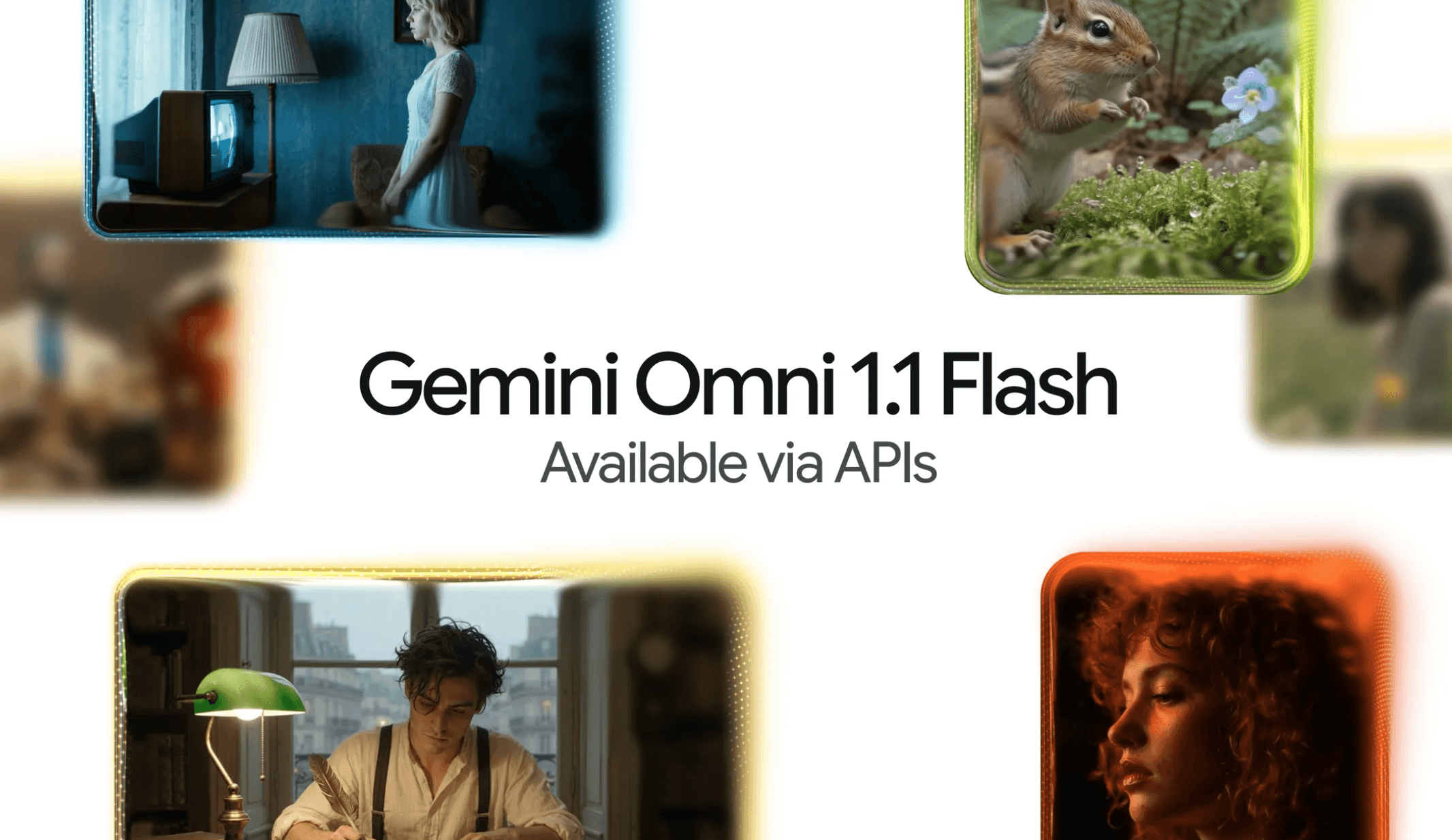
Overview
Google released the stable gemini-omni-1.1-flash endpoint on August 27, 2026 as the production replacement for gemini-omni-flash-preview. The model runs through the Gemini Developer API's Interactions API and is designed for applications that need to generate, revise, or continue video through natural-language requests.
The model accepts text, images, and up to 10 seconds of video for editing or extension, then produces a 3- to 10-second, 24 FPS video with generated audio. Developers can request 16:9 or 9:16 output at 360p, 720p, 1080p, or 4K; Google describes 1080p and 4K as upscaled rather than natively generated resolutions.
Its most useful distinction is a stateful editing loop. An application can retain the previous interaction, ask for a specific change, and preserve the rest of the generated clip. That makes Omni suitable for iterative concept development, but it also means applications must deliberately choose whether to store an interaction and should not assume repeated edits will remain perfectly consistent.
Scene extension can append 3 to 10 seconds at the end of an uploaded or previously generated video. Multi-turn extensions can reach 40 seconds in total, with the last 10 seconds used as context. The feature cannot prepend footage or alter the middle of a clip, and uploaded videos containing spoken dialogue cannot currently be extended with new dialogue.
This is an API building block rather than a complete editor, asset manager, review system, or publishing workflow. Teams still need prompting controls, job status and retry handling, cost limits, storage and deletion rules, human review, rights and consent checks, and provenance or disclosure practices around synthetic media.
Use cases
The strongest fit depends on the job you need the product to complete, not the size of its feature list.
Developers building products where a user generates a clip, requests targeted changes in plain language, and iterates without starting every version from scratch.
Creative teams programmatically producing and reviewing short landscape or portrait concepts from text, an image, first and last frames, or a short source clip.
Workflows that append a new ending to a short clip or extend a generated sequence over several turns while preserving visual and audio continuity.
Engineering teams that need a paid API with text-to-video, image-to-video, editing, interpolation, reference inputs, audio, resolution control, and programmatic delivery.
Capabilities
Creates a short video and native soundtrack from a written scene, action, camera, style, dialogue, and sound description.
Animates a supplied image using prompt-defined subject motion, camera movement, and environmental effects; Google recommends a high-resolution image and specific motion instructions.
Uses an earlier interaction ID so the user can request changes while asking the model to preserve unaffected parts of the generated video.
Accepts two images and generates the transition between them, useful when the opening and ending composition must be specified.
Appends a 3- to 10-second continuation to the end of a short upload or previous generation; multi-turn generated sequences can reach 40 seconds.
Can use image references and up to three short video references to guide likeness and motion, although reference audio is ignored and multi-video reasoning is unsupported.
Offers 360p, default 720p, upscaled 1080p, or upscaled 4K in landscape 16:9 or portrait 9:16 at 24 FPS.
Can return small output as encoded data or use a Google-hosted file URI that an application polls for larger files, including output above the inline payload limit.
Google says all generated videos carry an invisible SynthID watermark that can be detected programmatically.
Process
Step 1
Decide which inputs, people, brands, client assets, claims, and publishing destinations are allowed. Require documented rights or consent for identifiable people, voices, private footage, trademarks, and copyrighted material.
Step 2
Enable Gemini API billing, protect the key on a server, set project budgets and rate limits, and use the stable gemini-omni-1.1-flash model code rather than the preview endpoint scheduled to shut down.
Step 3
Use only the necessary text, image, or short video; strip hidden or sensitive metadata where appropriate; keep upload footage at 10 seconds or less for editing and extension; and avoid unsupported voice-editing assumptions.
Step 4
Specify subject, action, setting, camera, lighting, visual style, duration, cuts, dialogue, ambience, and exclusions in the normal prompt. The API does not support negative-prompt, temperature, top-p, stop-sequence, or system-instruction controls for this model.
Step 5
Set aspect ratio and resolution with a cost-aware default. Use URI delivery for files above 4 MB, poll until the file is active, handle failed or blocked jobs, and avoid unlimited automatic retries.
Step 6
Keep the previous interaction only when later edits are needed; use narrow edit instructions; compare each version with the brief; and create a fresh branch when accumulated edits begin to damage consistency.
Step 7
Check identity and likeness, continuity, physics, text, dialogue, audio, product accuracy, brand safety, disclosures, accessibility, platform policies, and rights. A human should approve external publication and high-impact claims.
Step 8
Track prompt version, model code, token usage, spend, reviewer, approvals, and source rights without storing more personal data than needed. Define deletion for uploaded and generated media and keep provenance attached through export.
Cost
Gemini Omni 1.1 Flash has no free API tier. Standard paid pricing at review was $1.50 per million input tokens for text, image, video, or audio; $9 per million text output tokens including thinking; and $17.50 per million video output tokens. Google calculates 720p output at 5,792 tokens per second, or roughly $0.10 per generated second before input and text-output charges. Actual spend depends on duration, resolution, iterations, blocked or repeated jobs, and application overhead.
Not available
The model is not offered as a free Gemini API endpoint.
$1.50 input / $9 text output / $17.50 video output per 1M tokens
Usage-based access to the stable model through the Gemini API.
Contact Google
Broader support, security, compliance, and commercial arrangements are sold separately where eligible.
Pricing checked . Check current pricing at the source ↗
Assessment
Compare
The right alternative depends on the specific output, workflow, controls and budget your project requires.
Content Creator
This page covers the older preview endpoint. Existing preview integrations should migrate to Gemini Omni 1.1 Flash before the announced September 30, 2026 shutdown.
Explore Gemini Omni Flash Preview →Content Creator
Choose Veo 3.1 when Google's dedicated high-end video generation family and its cinematic output controls fit better than Omni's fast conversational editing workflow.
Explore Veo 3.1 →Content Creator
Choose Veo 3.1 Lite when a lower-cost Google video model is more important than Omni's integrated edit-and-extend loop.
Explore Veo 3.1 Lite →Content Creator
Choose Runway Gen-4.5 when Runway's creative platform, models, and production workflow are a better fit than building directly on the Gemini API.
Explore Runway Gen-4.5 →Content Creator
Choose Sora 2 when OpenAI's video generation experience, API or app ecosystem, and account controls fit the project better.
Explore Sora 2 →Questions
It is Google's stable Gemini Developer API model for fast short-video generation and conversational editing. It produces video with audio from text or images and can edit, interpolate, or extend short footage.
Yes. Google made gemini-omni-1.1-flash generally available on August 27, 2026. No shutdown date was announced for the stable endpoint at review.
There is no free tier. Standard pricing is $1.50 per million input tokens, $9 per million text output tokens, and $17.50 per million video output tokens. At Google's 720p token rate, video output is approximately $0.10 per second.
No. Consumer Gemini subscriptions and Gemini Developer API billing are separate. A developer project needs its own eligible paid API access and budget controls.
The API can return a 4K option, but Google explicitly describes 1080p and 4K as upscaled output. The default is 720p, and teams should compare visual gain, file size, latency, and cost before using a higher setting.
Yes, within current limits. An uploaded video for editing or extension must be 10 seconds or less, and editing uploaded footage is region restricted. The model can also revise its own earlier generation through a stored interaction.
A single generated output is 3 to 10 seconds. The guide says generated videos can be extended by up to 10 seconds per turn to a total of 40 seconds.
Voice editing is not supported. The model card says speech-changing capability is restricted, and the API cannot extend an uploaded talking clip with new dialogue. Multi-turn extension of model-generated video can add speech.
Yes. Google says all generated videos contain invisible SynthID watermarking that can be programmatically detected. Applications may still need visible disclosure depending on the content, audience, law, contract, or platform.
Yes. Google lists gemini-omni-flash-preview for shutdown on September 30, 2026 and recommends gemini-omni-1.1-flash. Test output, parameters, storage behavior, safety handling, and cost before changing production traffic.
Bottom line
Gemini Omni 1.1 Flash is a compelling API for short, iterative video: it combines generation, native audio, natural-language editing, interpolation, reference inputs, extensions, and resolution control behind one stable model code. The production value is strongest when an app needs a guided conversation rather than a one-shot clip. It is not a full video editor, and the no-free-tier economics, short input limits, regional restrictions, imperfect consistency, and likeness or rights risks demand deliberate product controls. Start at 720p with budgets and bounded retries, migrate off the preview endpoint, retain interaction state only when needed, and require a human rights-and-quality review before publication.
Visit Gemini Omni 1.1 Flash website ↗
Ramp’s endpoint that matches each AI request to the cheapest fitting model

Muse Voice Transcribe - Meta's live speech-to-text that tracks 20+ speakers and mid-sentence language switches

Kitesurf - Cloudflare's lightweight, agent-first browser
Inception's speed-first diffusion model

Get access to all our AI courses, hundreds of real-world AI use cases, live expert-led workshops, an exclusive network of AI early adopters, and more.
Get unlimited access to all of our current & upcoming industry-specific AI courses for the duration of your subscription.
To keep up with the rapid pace of AI, our team publishes AI implementation guides daily. Our library contains 300+ practical use cases to automate real-world work.
Join weekly, live, interactive sessions with industry leaders who are at the forefront of AI for hands-on implementation guidance and exclusive insights.
Network with an exclusive community of AI-first professionals who are working smarter with AI. Learn how early adopters are using AI in their work and businesses.