AI-generated video finishing
Repair soft or patterned artifacts and bring selected generated shots closer to delivery resolution after the creative edit is locked.
Independent tool overview
FLUX Video Upscale is Black Forest Labs' API and playground tool for regenerating video at 1080p, 2K, or up to 4K. Precise mode prioritizes identity and source fidelity, while Creative mode invents more detail to repair generated footage and difficult textures.
Visit the official FLUX Video Upscale site ↗
Overview
FLUX Video Upscale is a generative video super-resolution endpoint, not a conventional pixel interpolator. It rebuilds detail at a larger frame size and targets defects that simple scaling often exposes, including soft faces, smeared eyes, and grid-like artifacts in water, grass, crowds, and other textures.
The service accepts footage from 480p upward and applies a 1.5x, 2x, or 3x upscale factor while preserving the source aspect ratio. Depending on the input, that can produce approximately 1080p, 2K, or 4K output, subject to an output-frame cap of about 14.4 megapixels.
Precise mode uses four steps and is designed to retain the source identity, products, and reference details. Creative mode uses eight steps to reconstruct and invent more texture; it can look sharper on synthetic footage but may alter faces, branding, objects, or other identity-critical content. Creative is the current default, so production requests should set the mode explicitly.
The workflow is API-first: submit a video URL or base64 payload to the video-upscale endpoint, poll the asynchronous job, then download the signed MP4. The BFL playground provides a no-code way to test the same service before integrating it.
Upscaling cannot recover ground truth that was never present. Compare the output with the source frame by frame, especially around faces, products, logos, captions, fast motion, cuts, fine patterns, and synthetic textures. Treat newly generated detail as a model guess, not documentary evidence.
Use cases
The strongest fit depends on the job you need the product to complete, not the size of its feature list.
Repair soft or patterned artifacts and bring selected generated shots closer to delivery resolution after the creative edit is locked.
Create higher-resolution versions of short approved clips for platform, presentation, campaign, or display requirements.
Use Precise mode when a face, product, garment, package, or brand element needs to remain as close as possible to the source.
Test Creative mode on water, grass, crowds, environments, and other generated details that conventional scaling leaves smeared or gridded.
Add an asynchronous, pay-as-you-go upscale step through one documented endpoint without licensing or running a local model.
Capabilities
Regenerates frame detail at the target size instead of only stretching and sharpening existing pixels.
Four-step, lower-cost processing at $0.07 per output megapixel-second, optimized for preserving identities and reference details.
Eight-step processing at $0.10 per output megapixel-second that pushes repair and texture detail but can change source identity.
Set 1.5x, 2x, or 3x scaling to match the source and delivery target rather than always paying for the largest output.
Higher-resolution inputs can reach 4K with a smaller factor; outputs preserve aspect ratio and are capped at approximately 14.4 megapixels per frame.
Targets smudged facial details and repeating or gridded texture errors that become more visible at larger resolutions.
A prompt can steer the detail that Creative mode adds when the default reconstruction is not specific enough.
Carries the source audio track into the output MP4; it does not claim to clean, remix, or regenerate that audio.
Test interactively in the BFL playground, then use the same pay-as-you-go service in an automated submit-and-poll workflow.
Black Forest Labs says failed or moderated FLUX Tool requests do not consume credits.
Process
Step 1
Finish timing, cuts, captions, color, and approved source content before upscaling; processing drafts wastes both time and megapixel-second spend.
Step 2
Choose the delivery resolution and scale factor that meets the actual requirement. A 1.5x or 2x job is often cheaper and less generative than jumping directly to 3x.
Step 3
For people, products, or brand assets, test creativity 0 first. Use Creative only when the source defects require more reconstruction.
Step 4
Test the hardest few seconds—fast motion, faces, text, water, grass, crowds, or fine patterns—before committing a full set of clips.
Step 5
Send an HTTPS URL or base64 video to the endpoint, store the returned job identifier, poll until ready, and download the signed MP4 to durable storage.
Step 6
Check every cut and critical frame for identity drift, invented objects, temporal shimmer, edge halos, typography changes, lip detail, and texture instability.
Step 7
Keep the source, upscale factor, creativity mode, prompt, API version, cost, review notes, and final approved file together.
Cost
FLUX Video Upscale is pay as you go with no subscription or seat fee. The charge is based on delivered output megapixels multiplied by clip seconds, so resolution and duration drive cost. One BFL credit equals $0.01, and API and playground pricing are the same.
$0.07 per output MP-second
Four-step upscale for faster, cheaper processing with stronger identity and reference preservation.
$0.10 per output MP-second
Eight-step upscale that invents more detail and pushes repairs on synthetic footage and difficult textures.
Custom volume pricing
High-throughput deployments can request volume discounts, SLAs, and dedicated support.
Pricing checked . Check current pricing at the source ↗
Assessment
Compare
The right alternative depends on the specific output, workflow, controls and budget your project requires.
Content Creator
Choose Topaz Video AI for a mature local desktop workflow, longer footage, restoration controls, frame interpolation, and processing that can stay on your own hardware.
Explore Topaz Labs Video AI 5 →Content Creator
Choose Runway when upscaling is one step inside a broader cloud video generation, editing, effects, and collaboration workflow.
Explore Runway Creative →Content Creator
Choose Higgsfield when you want multi-model AI video creation, editing, camera controls, and supported upscale tools in one creator platform.
Explore Higgsfield AI →Content Creator
Choose Krea for an accessible creative workspace that combines enhancement with image and video generation instead of an API-only finishing endpoint.
Explore Krea →Questions
It is Black Forest Labs' generative video super-resolution tool. It rebuilds video at a larger frame size, up to 4K, through the BFL playground or the /v1/flux-tools/video-upscale-v1 API endpoint.
Precise mode costs $0.07 per delivered output megapixel-second, and Creative mode costs $0.10 per output megapixel-second. Resolution and clip duration determine the final charge.
Precise uses four steps and prioritizes source identity and consistency. Creative uses eight steps to invent and repair more detail, but it can change faces, products, branding, or other source elements.
Yes, it can output up to approximately 4K within a 14.4-megapixel frame cap. The required 1.5x, 2x, or 3x factor depends on the input resolution.
The current product page accepts a video from 480p upward, up to 20 seconds and 50 MB, provided as an HTTPS URL or base64 payload.
Yes, it carries the source audio track into the output MP4. It does not claim to enhance or regenerate the audio.
Precise mode is designed for better identity and reference consistency, but no generative upscaler is exact. Creative mode is explicitly more likely to change identities and details.
Yes. The current product page documents creativity: 1, or Creative mode, as the default. Set creativity: 0 explicitly when fidelity is more important than aggressive detail generation.
Black Forest Labs says commercial rights are included with API usage. You still need rights to the source footage, audio, people, trademarks, and any other protected material.
BFL's current FLUX Tools help page says only successful results are charged; failed or moderated requests do not consume credits.
Bottom line
FLUX Video Upscale is a practical finishing endpoint for short generated clips when ordinary scaling leaves soft faces or patterned textures and the target is 1080p, 2K, or 4K. Precise mode is the safer production default; Creative is best treated as a visual reconstruction pass that demands extra review. The 20-second cap and megapixel-second price make it better for selected shots and API pipelines than for casually processing long-form libraries.
Visit FLUX Video Upscale website ↗
Pika Audio - Pika’s four-model AI audio family spanning music, speech, SFX, and soundtracks
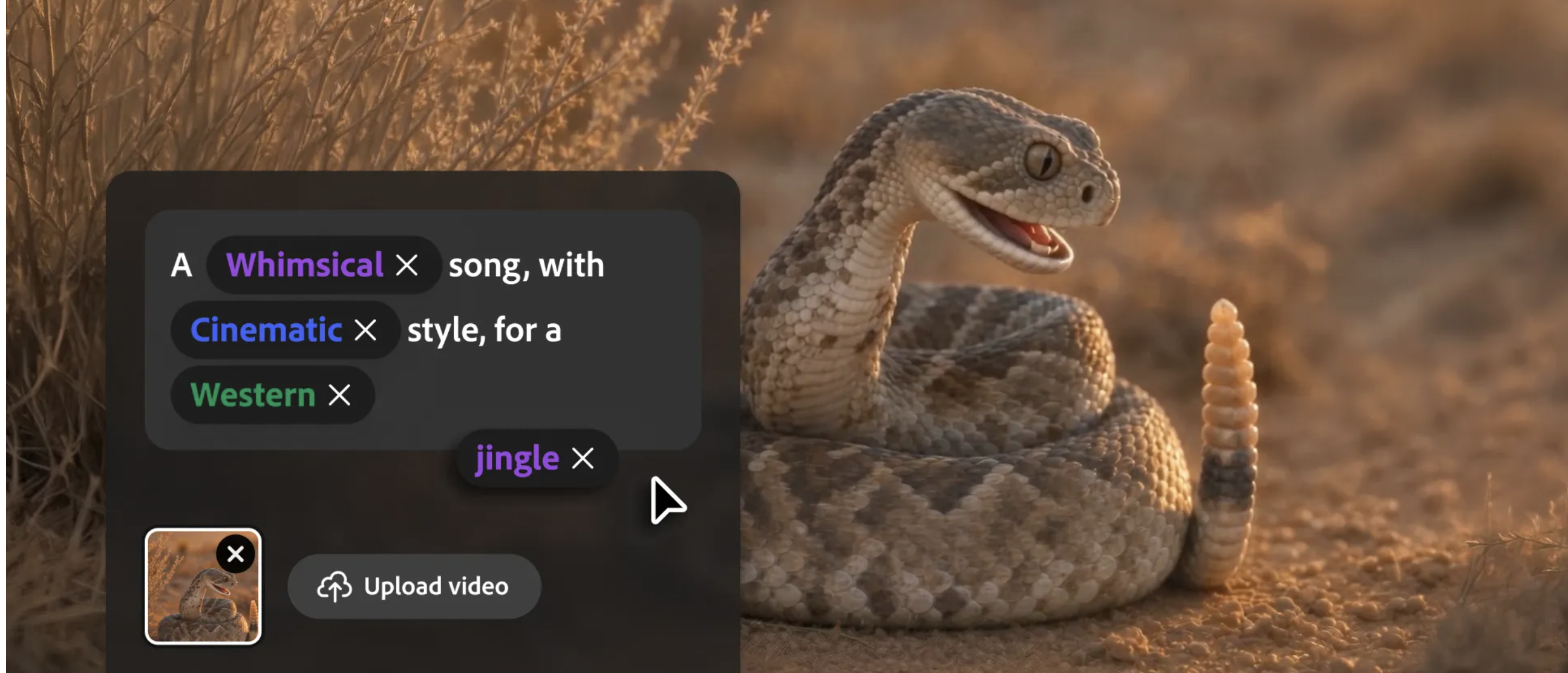
Generate commercially safe music, voiceovers, and sound effects in Adobe’s AI studio
LTX-2.5 - LTX's open world model for video, real-time avatars, and robotics
Alibaba's latest AI video model, now generally available

Get access to all our AI courses, hundreds of real-world AI use cases, live expert-led workshops, an exclusive network of AI early adopters, and more.
Get unlimited access to all of our current & upcoming industry-specific AI courses for the duration of your subscription.
To keep up with the rapid pace of AI, our team publishes AI implementation guides daily. Our library contains 300+ practical use cases to automate real-world work.
Join weekly, live, interactive sessions with industry leaders who are at the forefront of AI for hands-on implementation guidance and exclusive insights.
Network with an exclusive community of AI-first professionals who are working smarter with AI. Learn how early adopters are using AI in their work and businesses.