Reference-driven short video
Creators can combine character, product, wardrobe, prop, and environment references instead of describing every visual detail in text.
Independent tool overview
Kling O1 is Kling AI's unified multimodal video model for generating, referencing, transforming, and extending video with text, images, subjects, and footage. It remains an important model in Kling's product history, but Kling VIDEO 3.0 Omni is now its direct successor.
Visit the official Kling O1 site ↗
Overview
Kling O1, also called Kling VIDEO O1, launched in December 2025 as a unified creative engine for video generation and editing. Instead of forcing creators to choose a separate model for every task, it accepts combinations of text, images, saved subjects, and video, then uses those inputs to generate or transform a shot.
The model's strongest idea is that every input can act as an instruction. A creator can reference a character from several angles, borrow movement or camera language from a clip, generate from text or frames, remove or replace an object, change a background or weather, redraw the style, or extend the action before or after an existing shot.
Kling's official guide says O1 can accept up to seven images or subjects when no video is supplied. When a video is included, the combined image-and-subject limit falls to four. The uploaded video must be three to ten seconds, no larger than 200 MB, and no higher than 2K. O1's published high-quality generation rate is eight credits per second without a video input and twelve credits per second with one.
Kling VIDEO 3.0 Omni is the direct successor to VIDEO O1. Kling says the 3.0 generation adds native audio, multi-shot control, stronger element consistency, multilingual dialogue, text rendering, and clips up to fifteen seconds. O1 is still useful to understand and may remain selectable in some workflows, but new projects should compare it with the current Omni model before committing a budget.
Use cases
The strongest fit depends on the job you need the product to complete, not the size of its feature list.
Creators can combine character, product, wardrobe, prop, and environment references instead of describing every visual detail in text.
O1 can make semantic changes such as replacing a subject, changing weather, removing an object, altering a color, or restyling footage.
Saved subjects and multiple references help teams keep a recognizable person, product, costume, or location across related clips.
Filmmakers and creative teams can explore shots, camera treatments, transitions, and visual directions before committing to production.
A product image, model reference, clothing image, and scene reference can be combined to prototype ads and lookbook-style footage.
Capabilities
One model covers text-to-video, frame-driven video, reference generation, additions, removals, transformations, style redraws, and shot extension.
Text, images, saved subjects, and video can be mixed so a reference supplies identity, appearance, movement, framing, or style.
Creators can build a subject from multiple angles and reuse people, characters, products, props, wardrobe, or backgrounds.
Several referenced subjects can be combined in one shot with a prompt describing their actions, relationships, setting, camera, and style.
O1 can generate a new shot from a written scene description without requiring source media.
Start, end, or other frame references can guide composition and the visual transition across a generated clip.
An uploaded clip can guide action or camera motion and can be used to create action before or after the reference shot.
Natural-language instructions can replace a person, object, background, clothing item, or other visible element.
The model can remove unwanted visual elements and reconstruct the affected region without a manually drawn mask.
Creators can redraw a clip into a new visual style or change color, lighting, background, weather, and atmosphere.
O1 can generate preceding or following action and reinterpret framing or camera angle from an existing clip.
Kling created a combined creation surface where references are attached and called within a multimodal instruction.
Process
Step 1
Check whether the legacy O1 workflow or current VIDEO 3.0 Omni better fits the need for audio, duration, multi-shot control, and current plan access.
Step 2
State the intended subject, action, environment, camera behavior, visual style, duration, and the one change that matters most.
Step 3
Use sharp, well-lit, rights-cleared images with consistent identity and minimal visual conflict; use multiple angles when creating a subject.
Step 4
Specify which asset controls the character, product, outfit, setting, motion, composition, or style instead of leaving the model to infer it.
Step 5
For edits, describe both the requested change and the faces, logos, geometry, timing, camera motion, or background details that must remain stable.
Step 6
Use the shortest practical duration and a single clear action before spending credits on longer or more complex variations.
Step 7
Check identity, hands, objects, physics, continuity, text, brand assets, transitions, and unexpected additions across the entire result.
Step 8
Revise a single prompt section or reference at a time so the team can understand which change improved or damaged the result.
Step 9
Use a conventional editor for precise cuts, timing, sound mix, captions, color, legal review, and final quality control.
Cost
Kling uses memberships plus credits. The current official plan guide lists a free Basic tier and introductory monthly offers from $6.99 for Standard to $127.99 for Ultra, with higher renewal prices shown. Kling O1 itself is documented at 8 credits per generated second without video input and 12 credits per second with video input. Verify the live checkout and generation panel because offers, access, and credit rates can change.
$0
A free entry point for limited creation and model testing.
$6.99 introductory monthly offer
The first paid creator tier, with a higher renewal price shown by Kling.
$25.99 introductory monthly offer
A larger monthly credit pool for creators generating video regularly.
$64.99 introductory monthly offer
A high-volume membership with 8,000 monthly credits.
$127.99 introductory monthly offer
The largest individual plan listed in Kling's current public guide.
8-12 credits per second
The model-specific generation rate published in Kling's O1 guide.
Pricing checked . Check current pricing at the source ↗
Assessment
Compare
The right alternative depends on the specific output, workflow, controls and budget your project requires.
Content Creator
A current Runway video model for creators who want cinematic generation inside Runway's broader production platform.
Explore Runway Gen-4.5 →Content Creator
OpenAI's video model is an alternative for prompt-driven scenes and audiovisual generation in the Sora workflow.
Explore Sora 2 →Content Creator
Google's newer Veo model is an alternative for high-quality video generation with native audio and integration into Flow.
Explore Veo 3.1 →Questions
Kling O1 is a unified multimodal video model from Kling AI. It can generate and transform video using combinations of text, images, saved subjects, frames, and source footage.
No. Kling's official VIDEO 3.0 guide says Kling VIDEO O1 was upgraded to VIDEO 3.0 Omni. New projects should compare the available O1 workflow with the current Omni model.
Its official guide shows subject and background replacement, additions, removals, color and weather changes, style redraws, effects, camera changes, and generation before or after a reference clip.
It supports saved subjects made from several angles and multiple visual references, which can improve consistency. It cannot guarantee that identity, clothing, anatomy, or small details will remain perfect in every frame.
The official guide allows up to seven images or subjects when no video is uploaded. With a video input, images and subjects combined are limited to four.
Kling's O1 guide specifies one source video from three to ten seconds, up to 200 MB, and no higher than 2K resolution.
The published O1 rate is eight credits per second without a video input and twelve credits per second with a video input. A ten-second result therefore costs 80 or 120 credits.
Kling's current public plan guide lists a free Basic tier with limited access. Paid memberships add credits, faster generation, higher resolution, watermark removal, extensions, and listed commercial-use rights.
Kling's current pricing guide lists commercial use as a paid-plan benefit and says Basic output is not for commercial use. Users must also own or license every uploaded and depicted asset and follow the current service terms.
O1's defining workflow focused on unified visual generation and editing. Kling's direct successor, VIDEO 3.0 Omni, adds native audiovisual output and should be evaluated when synchronized dialogue or sound is required.
No. It is useful for generation, semantic changes, references, and concept iteration. Precise cuts, sound, captions, compositing, color, rights review, and delivery still belong in a conventional production workflow.
Give every reference one explicit role, describe the subject and action, define the environment and camera, state what must remain unchanged, and test one short shot before combining multiple changes.
Bottom line
Kling O1 was a meaningful step toward treating video generation and editing as one reference-aware workflow. Its mix of subjects, images, footage, and natural-language changes remains useful for short-form ideation and transformation, but it is no longer Kling's leading model. Start with VIDEO 3.0 Omni for a new production, use O1 when its specific workflow or cost is advantageous, and budget for multiple attempts plus conventional finishing.
Visit Kling O1 website ↗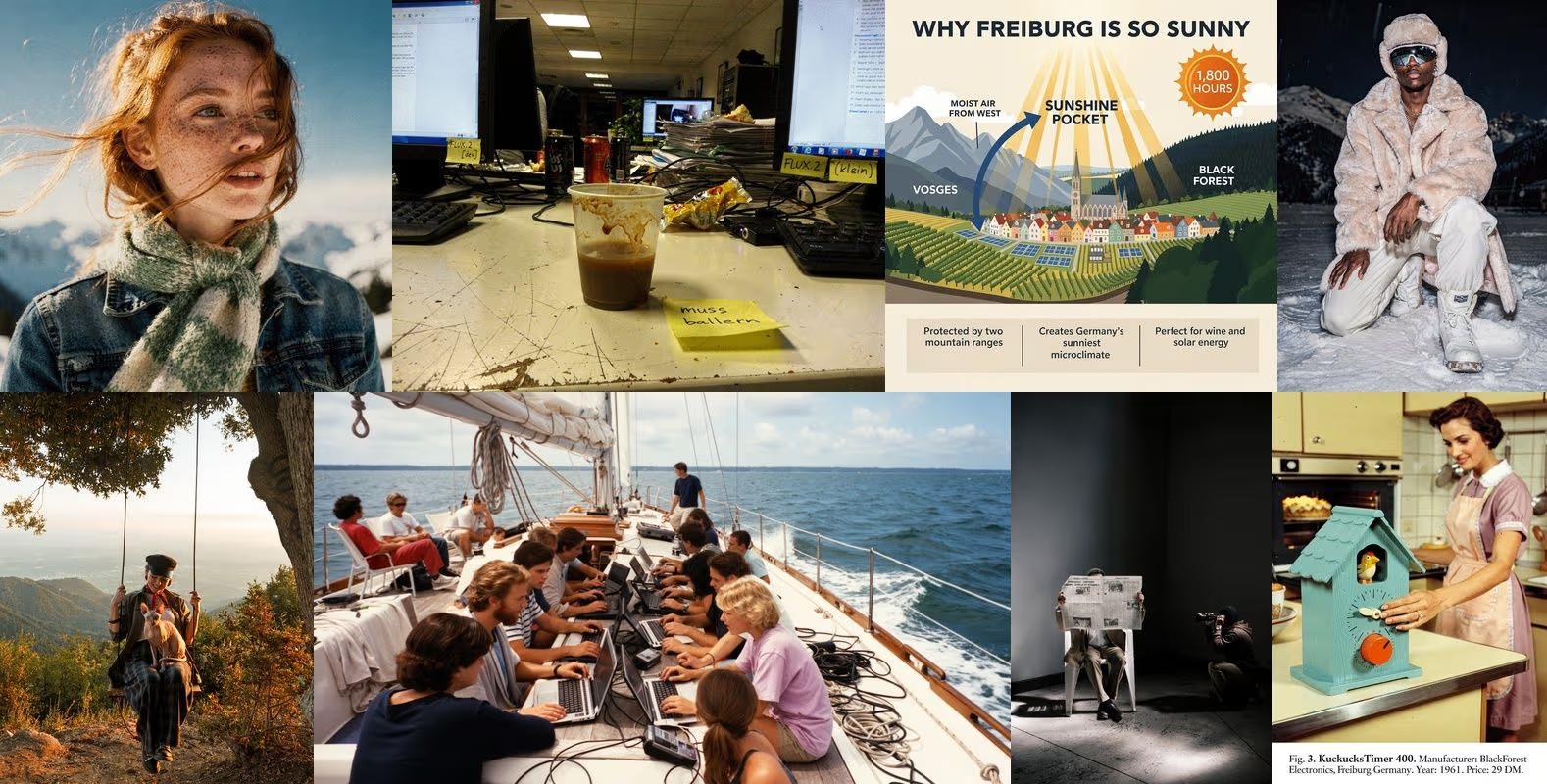
FLUX.2 - Black Forest Labs' visual intelligence model with enhanced realism, efficiency, and control

Seedream 4.5 - ByteDance's upgraded AI image model with powerful editing, text rendering, typography, and realism
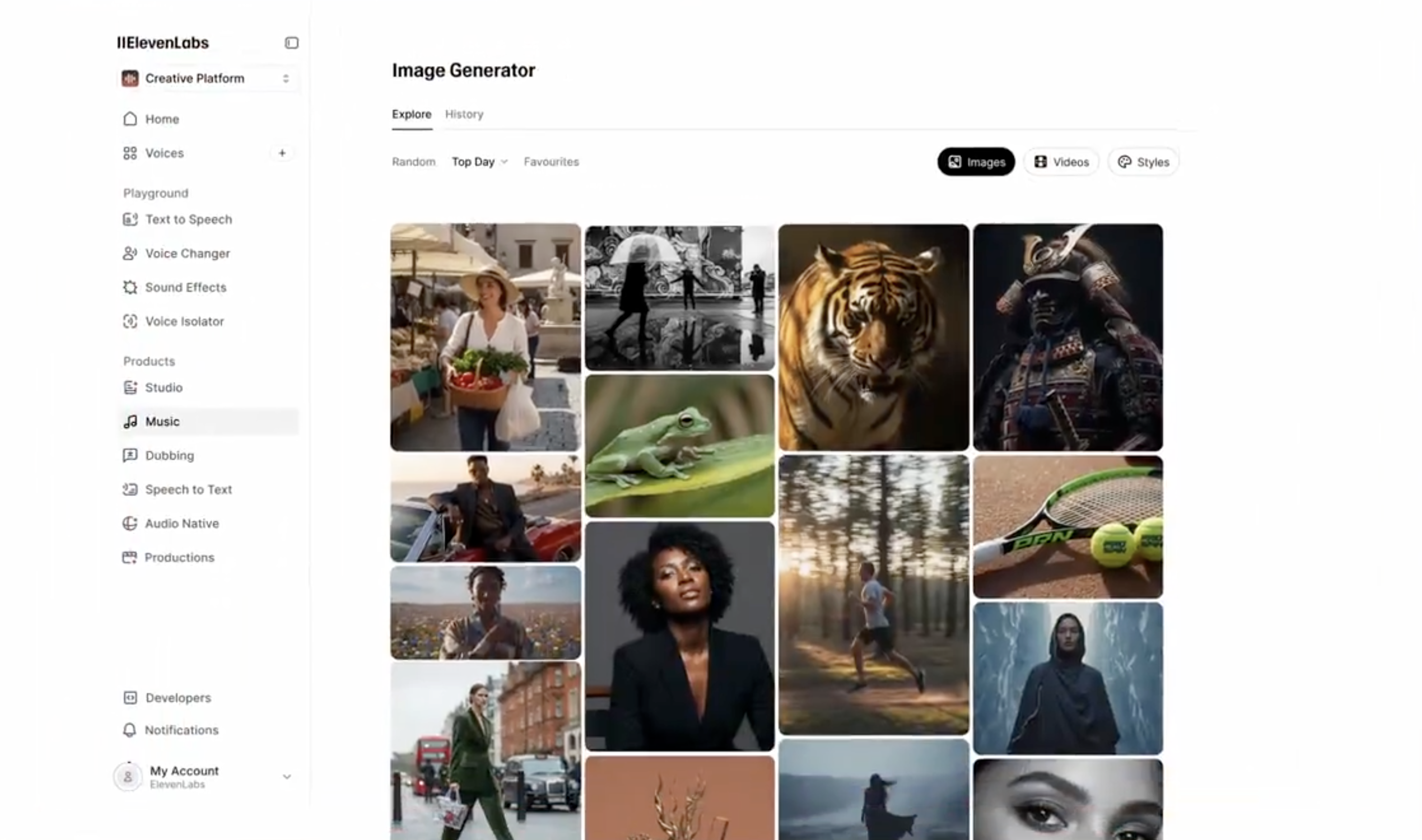
ElevenLabs Image & Video - Generate with top models, then layer in high quality voices, music, and sound effects all in one platform
Kling 2.6 - Kling's new AI video model with native audio capabilities

Get access to all our AI courses, hundreds of real-world AI use cases, live expert-led workshops, an exclusive network of AI early adopters, and more.
Get unlimited access to all of our current & upcoming industry-specific AI courses for the duration of your subscription.
To keep up with the rapid pace of AI, our team publishes AI implementation guides daily. Our library contains 300+ practical use cases to automate real-world work.
Join weekly, live, interactive sessions with industry leaders who are at the forefront of AI for hands-on implementation guidance and exclusive insights.
Network with an exclusive community of AI-first professionals who are working smarter with AI. Learn how early adopters are using AI in their work and businesses.