Persistent project work
Keep files, context, instructions, and deliverables together instead of rebuilding the task in a new chat each time.
Independent tool overview
Flowith's desktop agent environment combines a local project filesystem, persistent context, specialized agents, and multi-step execution for research, coding, content, and web workflows.
Visit the official FlowithOS site ↗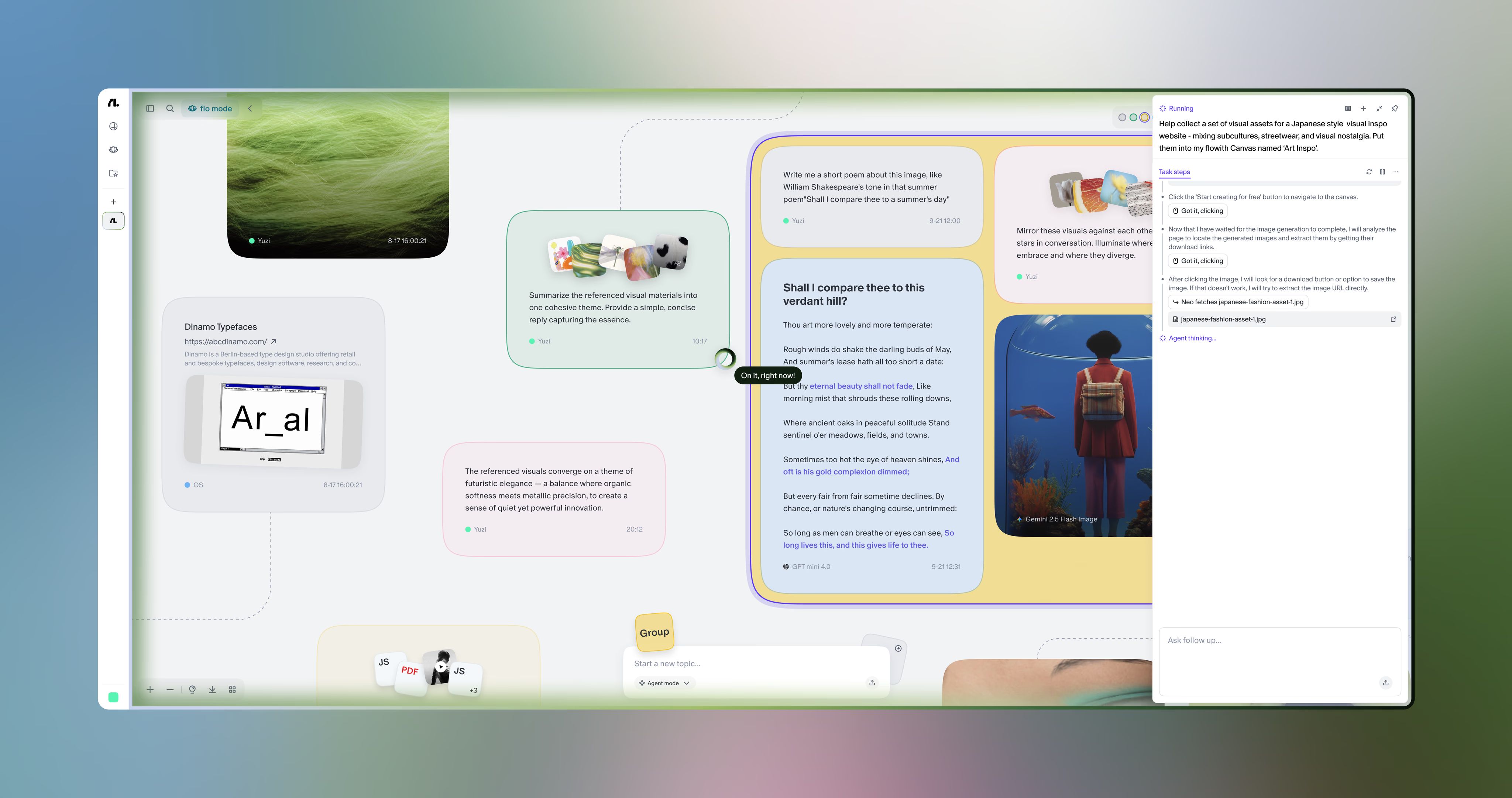
Overview
FlowithOS is the desktop-agent component of Flowith's broader AI workspace. It is designed to move beyond a single browser conversation by working inside a persistent environment with local project folders, memory, specialized agents, and tools for multi-step tasks.
The surrounding Flowith platform also includes a visual canvas, Agent Neo, Knowledge Garden, model selection, image and video generation, slides, websites, and media history. That breadth is useful for mixed creative and research work, but it also makes credits, model entitlements, and the boundary between the desktop OS and browser workspace more complex than a conventional chatbot.
Use cases
The strongest fit depends on the job you need the product to complete, not the size of its feature list.
Keep files, context, instructions, and deliverables together instead of rebuilding the task in a new chat each time.
Plan and execute workflows that combine web research, document generation, code, sites, slides, images, or video.
Coordinate local files with browser or application tasks when the workflow needs more than a text response.
Capabilities
Works with a real project filesystem so source material and generated deliverables can live in organized folders.
Retains project rules and useful context so future tasks can build on prior work.
Routes work to agent capabilities designed for coding, research, media generation, web interaction, and other focused tasks.
Arranges prompts, research, generated documents, websites, and other nodes on a canvas rather than restricting work to one linear chat.
Breaks goals into an evolving Recipe, chooses tools, executes subtasks, and produces files or previews for complex workflows.
Imports and organizes source material so relevant private knowledge can be retrieved into future work.
Provides access to a changing catalog of text, image, and video models with batch and model-selection controls.
Keeps generated media and agent deliverables available for reuse and iteration.
Process
Step 1
Choose a concrete deliverable and state the allowed data, sites, applications, budget, and actions.
Step 2
Add only the files and knowledge sources needed, then set stable rules for output format, tone, tools, and safety.
Step 3
Use regular canvas work for hands-on creation or Agent Neo and FlowithOS for a structured multi-step task.
Step 4
Review the Recipe or proposed steps, especially before allowing logins, file changes, external communication, purchases, or publishing.
Step 5
Check sources, calculations, code, file contents, rights, and downstream actions before treating the result as complete.
Cost
Flowith does not publish a separate FlowithOS-only price. Its broader platform uses monthly credits and model-specific generation allowances. Paid pricing is $19.90, $49.90, or $499.90 per month, with lower effective monthly prices when billed yearly.
$0
Limited entry tier for testing the Flowith workspace.
$19.90/month
Entry paid tier for regular creation and agent use.
$49.90/month
Higher-volume tier with selected unlimited-model access.
$499.90/month
Very high-volume tier for intensive individual or production use.
Pricing checked . Check current pricing at the source ↗
Assessment
Compare
The right alternative depends on the specific output, workflow, controls and budget your project requires.
Agents
A more focused general-purpose agent option for users who care more about completed cloud tasks than a visual knowledge canvas.
Explore Manus →Business Operations
A simpler general AI workspace with broad tools and less emphasis on canvas-based multi-model creative orchestration.
Explore ChatGPT →Coding
A useful alternative for no-code users who primarily want an agent to build software and web experiences.
Explore Genspark AI Developer →Questions
FlowithOS is Flowith's desktop agent environment. It adds a local project filesystem, persistent context, and specialized agents for multi-step coding, research, creative, web, and cross-application work.
Flowith is the broader platform, including the web canvas, Agent Neo, Knowledge Garden, creative models, and media history. FlowithOS is the desktop environment intended to work more deeply with local files and system-level workflows.
Flowith does not list a separate OS-only purchase. The platform's Starter tier is free and includes 300 one-time credits with limited models. Confirm which desktop features are enabled in your account before subscribing.
Flowith documents workflows for research, reports, documentation, static websites, scripts, automation utilities, images, video, slides, and 3D assets. The actual model and tool availability depends on the plan and current catalog.
Knowledge Garden is Flowith's knowledge-management layer. It imports and organizes source materials so relevant context can be retrieved for future agent and creation tasks.
No. It covers only designated models and remains subject to fair use, dynamic rate limits, lower-priority queues, subscription status, and plan concurrency limits.
Treat it like any agent with real permissions: use a dedicated workspace, provide the minimum access required, keep credentials out of files and prompts, set budgets, and require approval before destructive or external actions.
Bottom line
FlowithOS is most interesting for people who want one persistent workspace to combine local files, knowledge, research, coding, and media creation. Its range is the advantage and the complication: test one real end-to-end workflow with Starter credits, confirm the exact desktop entitlements, and monitor credit use before committing to a larger plan.
Visit FlowithOS website ↗
Agent Skills - Customize Claude with specialized capabilities
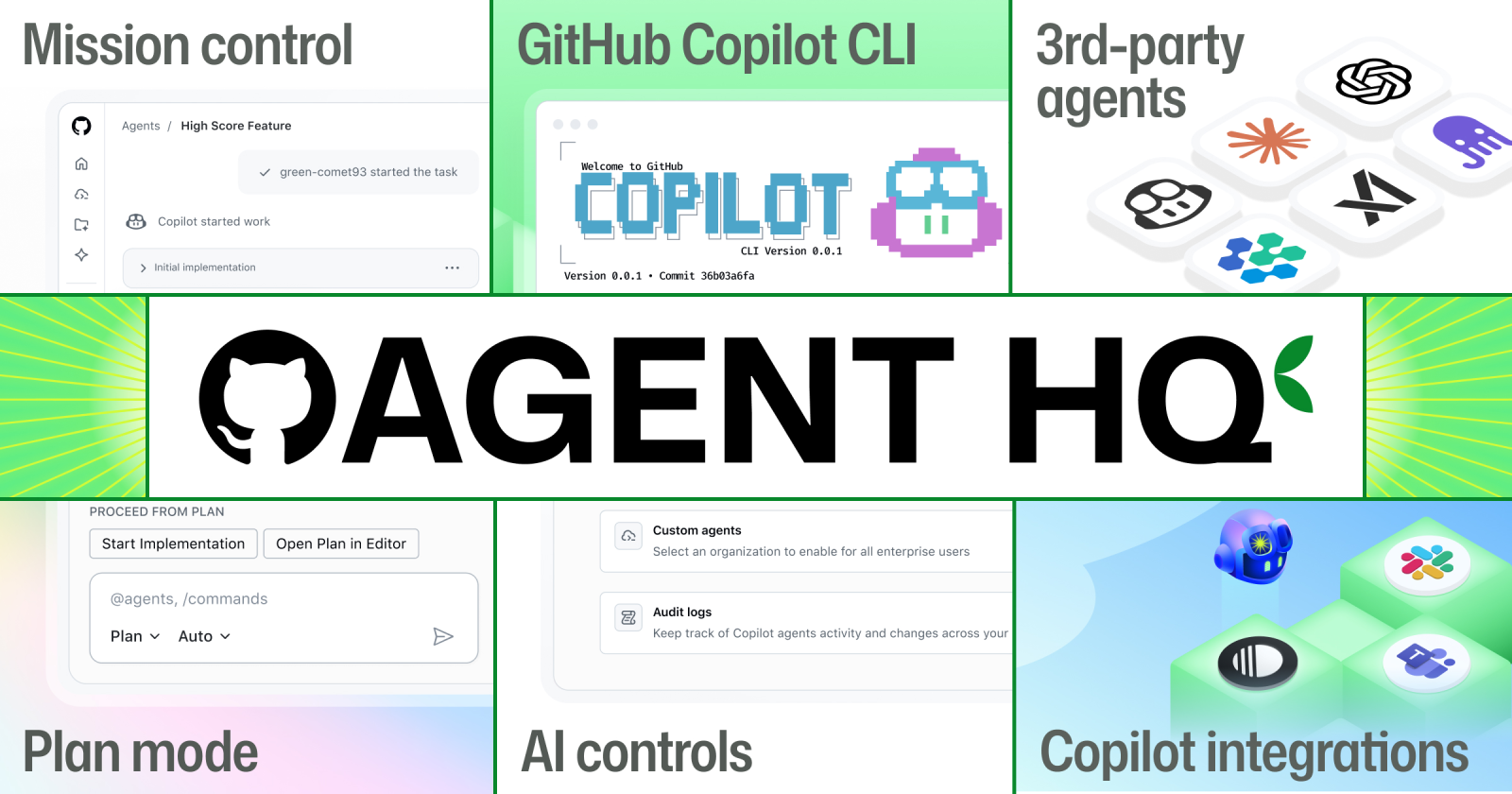
Agent HQ - A single, unified workflow for developers to be able to orchestrate any agent, any time, anywhere
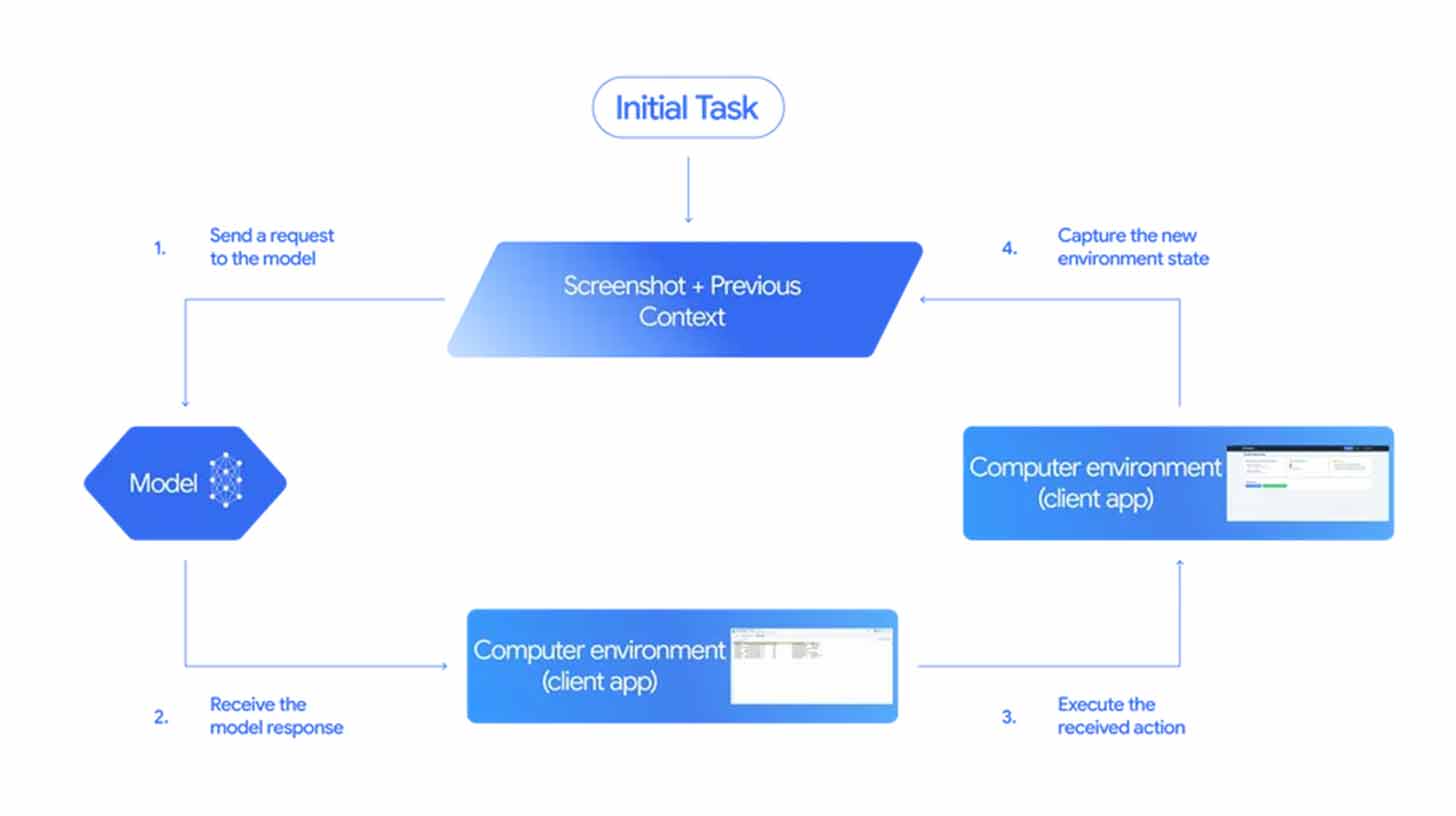
Gemini 2.5 Computer Use - A specialized model to power agents that can interact with user interfaces
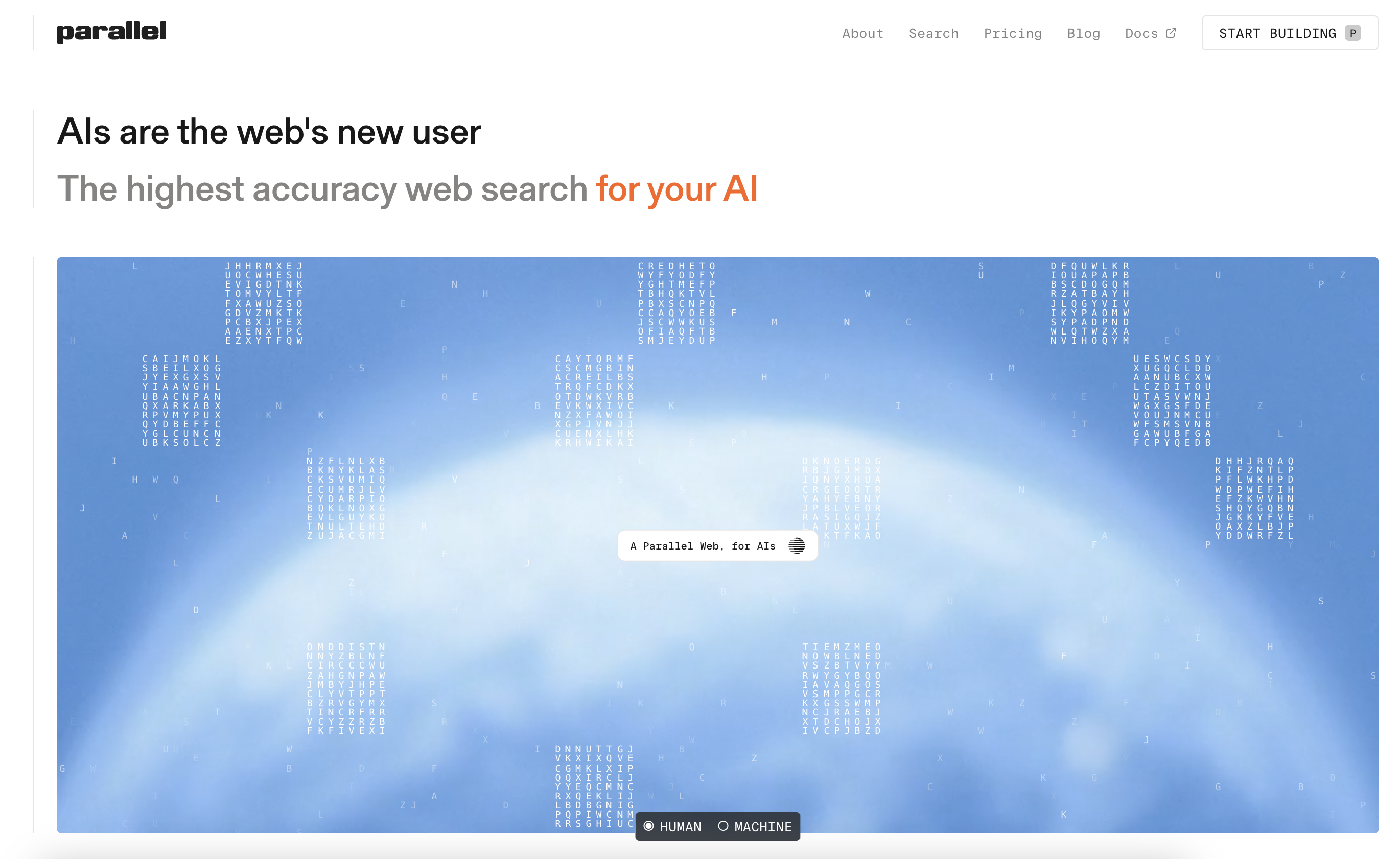
Parallel Search - Web search tool built from the ground up for AI agents

Get access to all our AI courses, hundreds of real-world AI use cases, live expert-led workshops, an exclusive network of AI early adopters, and more.
Get unlimited access to all of our current & upcoming industry-specific AI courses for the duration of your subscription.
To keep up with the rapid pace of AI, our team publishes AI implementation guides daily. Our library contains 300+ practical use cases to automate real-world work.
Join weekly, live, interactive sessions with industry leaders who are at the forefront of AI for hands-on implementation guidance and exclusive insights.
Network with an exclusive community of AI-first professionals who are working smarter with AI. Learn how early adopters are using AI in their work and businesses.