Branching research
People who want to explore several questions or source paths without losing the relationship between outputs.
Independent tool overview
Flowith is a visual AI workspace for arranging model outputs and agent tasks on a canvas, with knowledge bases and tools for research, images, video, slides and websites.
Visit the official Flowith site ↗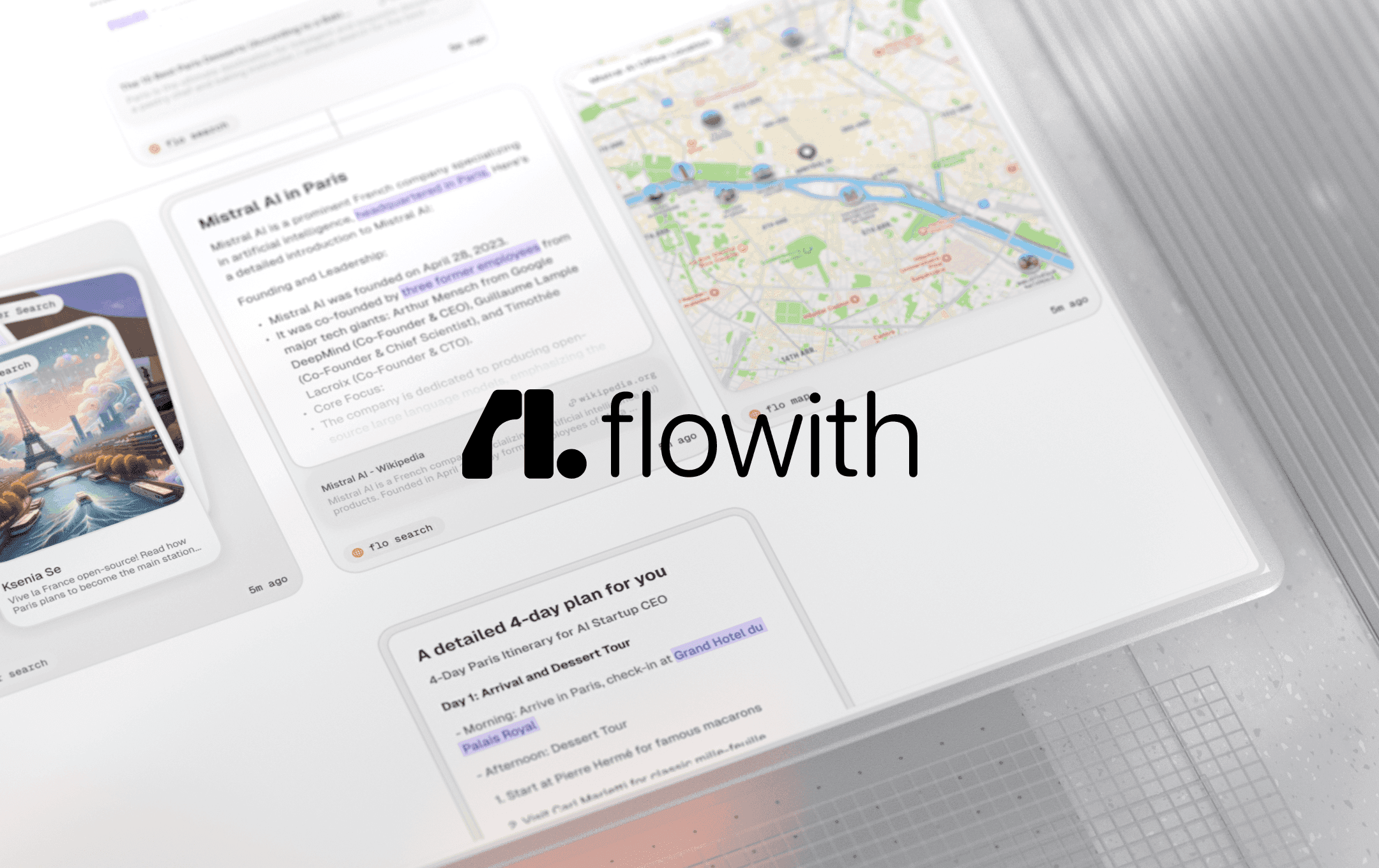
Overview
Flowith replaces a single linear chat with a canvas where users can create, connect and revisit multiple branches of work. The current workspace supports model selection, file attachments, web search, batch generation, saved Flows, a Knowledge Garden for reusable context and media history for creative outputs.
Agent Neo handles broader goals by turning a prompt into a visible Recipe of subtasks, selecting tools such as search, documents, charts, code or webpage generation and adapting the plan as it runs. The canvas makes intermediate work easier to inspect, but the output still needs source checks, permission review and human approval—especially when a long agent run mixes web results, uploaded knowledge and generated assets.
Use cases
The strongest fit depends on the job you need the product to complete, not the size of its feature list.
People who want to explore several questions or source paths without losing the relationship between outputs.
Creators moving among text, image, video, slides and simple websites inside one visual workspace.
Users who want saved documents and structured knowledge available to future flows and agent tasks.
Capabilities
Arranges prompts, generated outputs and branches spatially instead of forcing every interaction into one chat thread.
Breaks a broad goal into an evolving Recipe, selects tools and displays intermediate task nodes for review.
Stores uploaded information and contextual fragments that can be attached to later flows.
Provides access to multiple text, image and video models, with availability and credit cost varying by plan.
Can combine web search, documents, images and selected knowledge sources with a canvas task.
Includes dedicated paths for AI images, video, slide decks and generated websites.
Process
Step 1
State the intended audience, output format, accepted sources and constraints before starting a Flow or Neo Recipe.
Step 2
Select only the relevant files or Knowledge Garden material and remove confidential data that the task does not need.
Step 3
Review search queries, model choices, cited passages and intermediate artifacts before allowing later steps to build on them.
Step 4
Check factual claims, rights, brand requirements and final file quality outside the canvas before publication.
Cost
Flowith's current page lists Starter at $0 with 300 one-time credits. Monthly prices are $19.90 for Pro, $49.90 for Ultimate and $499.90 for Infinite. Yearly billing lowers the displayed monthly equivalents to $17.91, $44.91 and $399.92 respectively. Model access, credits, included generations and Unlimited Mode vary by tier.
$0
Limited evaluation tier for trying the canvas and selected models.
$19.90 monthly or $17.91 annually
Entry paid plan for regular creative work.
$49.90 monthly or $44.91 annually
Higher-credit plan with selected unlimited-model benefits.
$499.90 monthly or $399.92 annually
Large-capacity tier for very high generation volume.
Pricing checked . Check current pricing at the source ↗
Assessment
Compare
The right alternative depends on the specific output, workflow, controls and budget your project requires.
Agents
Choose Manus for a more task-oriented autonomous agent experience when a spatial canvas is not the main requirement.
Explore Manus →Business Operations
Choose ChatGPT for a simpler general-purpose conversation, research and creation interface with less canvas overhead.
Explore ChatGPT →Content Creator
Choose Genspark AI Docs when agentic document generation and editing are the primary deliverable.
Explore Genspark AI Docs →Questions
Flowith is a visual AI workspace that combines a branching canvas, multiple models, web search, uploaded files, reusable knowledge and agent-driven tasks.
Agent Neo turns a broad prompt into a visible Recipe of subtasks, selects tools, creates intermediate nodes and can adapt its plan while executing.
Flowith has a Starter plan at $0 with 300 one-time credits and limited task allowances. Continuing regular use generally requires credits or a paid subscription.
Monthly pricing is currently listed at $19.90 for Pro, $49.90 for Ultimate and $499.90 for Infinite. Annual billing lowers the displayed monthly equivalents.
Only designated models are included. Flowith says Unlimited Mode uses a lower-priority queue and is subject to fair-use monitoring, concurrency controls and dynamic rate limits.
Flowith's privacy policy says it does not use prompts, inputs or outputs for model training without explicit consent, while still processing them to provide and improve the service.
Bottom line
Flowith is most compelling when the canvas itself improves the work: branching research, comparing generations or coordinating several formats around shared knowledge. It is less attractive for a short one-step request, and teams should test a real project before subscribing because credit economics, queue behavior and review burden matter more than the number of models shown.
Visit Flowith website ↗
Get access to all our AI courses, hundreds of real-world AI use cases, live expert-led workshops, an exclusive network of AI early adopters, and more.
Get unlimited access to all of our current & upcoming industry-specific AI courses for the duration of your subscription.
To keep up with the rapid pace of AI, our team publishes AI implementation guides daily. Our library contains 300+ practical use cases to automate real-world work.
Join weekly, live, interactive sessions with industry leaders who are at the forefront of AI for hands-on implementation guidance and exclusive insights.
Network with an exclusive community of AI-first professionals who are working smarter with AI. Learn how early adopters are using AI in their work and businesses.


