Exploratory analysis
Investigate trends, cohorts, segments, anomalies, and hypotheses in a flexible notebook before formalizing production reporting.
Independent tool overview
DataLab is DataCamp's cloud data notebook for analyzing files, spreadsheets, databases, and warehouses with SQL, Python, R, no-code charts, and an AI assistant. It is strongest when a team wants natural-language exploration without hiding the generated code, but important results still need query, code, data-quality, and business-definition review.
Visit the official DataLab site ↗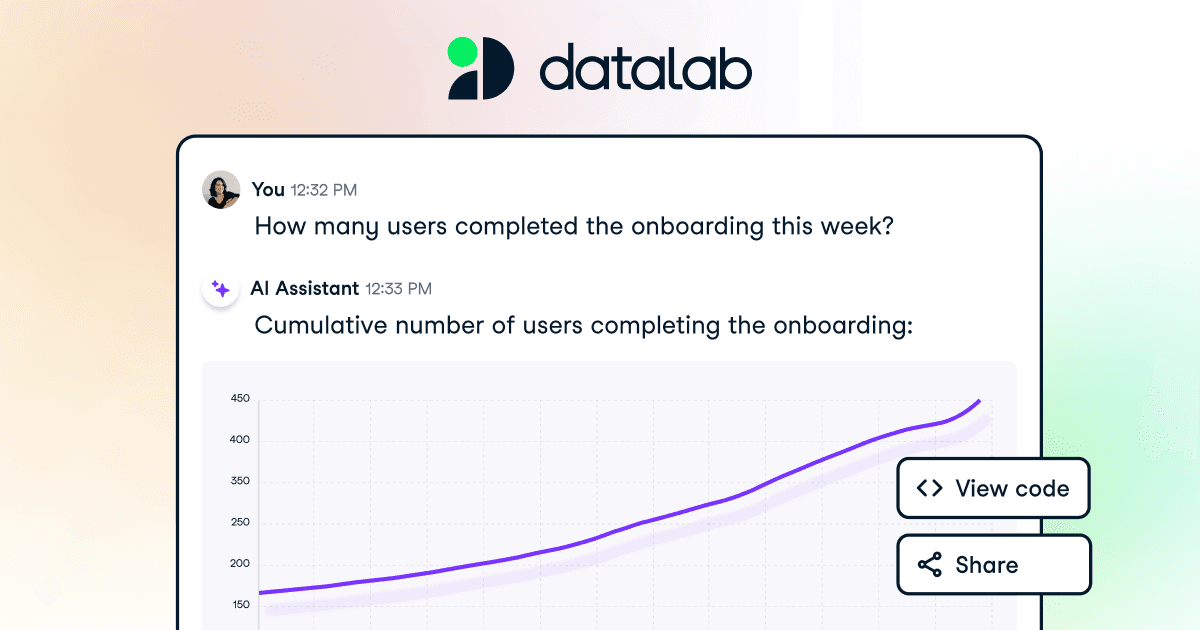
Overview
Each workbook runs in a managed cloud environment with Python, R, SQL support, common data packages, files, charts, text, and shareable report views. Users can write code directly or ask the AI assistant to inspect available context, create or edit cells, explain errors, run an analysis, and interpret the output. Supported connections include Google Sheets and widely used databases and warehouses such as BigQuery, PostgreSQL, Snowflake, Redshift, SQL Server, MySQL, Oracle, Databricks, Athena, and MotherDuck.
The transparent notebook is the main reason to choose DataLab over a black-box chat analysis: the team can inspect, change, rerun, version, and share the code behind a conclusion. That audit trail does not make a result automatically correct. Analysts must still verify joins, filters, time zones, denominators, missing data, statistical assumptions, permissions, and the business meaning of every metric before a report drives a decision.
Use cases
The strongest fit depends on the job you need the product to complete, not the size of its feature list.
Investigate trends, cohorts, segments, anomalies, and hypotheses in a flexible notebook before formalizing production reporting.
Use natural language to get a first draft while inspecting the SQL, Python, or R that produced the result.
Let technical and nontechnical teammates collaborate around code, charts, narrative, comments, and a cleaner report view.
Query approved subsets from a database or warehouse and continue the analysis in a managed environment.
Refresh a tested notebook daily or weekly and notify an owner when the scheduled run succeeds or fails.
Capabilities
Accepts natural-language questions, uses attached sources and workbook context, writes code, runs it, and interprets the output.
Generates or edits SQL, Python, R, and text cells, explains code, and proposes fixes for errors.
Provides cloud-hosted compute with common data packages and the ability to install additional packages.
Connects to a broad set of supported systems through SQL cells, with environment-variable patterns for other technologies.
Supports uploaded datasets and integrations such as Google Sheets alongside database-backed analysis.
Creates interactive tables and polished charts from data frames without requiring every visualization to be coded.
Allows invited collaborators to view, comment on, or edit a workbook according to its sharing settings.
Separates a cleaner narrative and visualization view from the implementation details in the notebook.
Tracks workbook changes and gives paid users a longer restore window than the Starter plan.
Paid notebooks can run daily or weekly, with per-user email notifications for success or failure.
Standard text and Python cells can be downloaded in .ipynb form, although DataLab-specific cells may need adaptation elsewhere.
Business offerings add group data integrations, licensing, sharing controls, access management, audit capabilities, and enterprise deployment options.
Process
Step 1
Write the question, audience, metric definitions, time window, grain, acceptable confidence, data owner, and action the analysis may support.
Step 2
Use a least-privilege read-only account where possible, select only needed columns and rows, remove secrets and unnecessary personal data, and document lineage.
Step 3
Check types, uniqueness, missingness, ranges, duplicates, freshness, time zones, late-arriving records, and known source-system limitations.
Step 4
Require the assistant to expose assumptions, generated code, filters, joins, denominators, sample sizes, uncertainty, and validation checks.
Step 5
Inspect and rerun the code, reconcile totals to a trusted source, test edge cases, challenge causal language, and have a qualified analyst review high-impact results.
Step 6
Share the report with the right permissions, label definitions and refresh time, schedule only idempotent tested work, alert an owner, and revisit the analysis when data changes.
Cost
Current DataLab pricing lists Starter at $0 and both Premium and Teams at $13 per user per month when billed annually. Starter includes three workbooks, 15 AI prompts, 4GB RAM, and 2 vCPUs; Premium and Teams list unlimited workbooks and prompts, 16GB RAM, and 8 vCPUs. A DataLab subscription is separate from DataCamp Learn.
$0
For testing the notebook workflow or running a small number of analyses.
$13/user/month billed annually
For individual power users who need more workbooks, AI usage, compute, storage, and automation.
$13/user/month billed annually
For groups that need Premium capabilities plus shared management and data integrations.
Contact sales
For organizations requiring negotiated governance, deployment, security, support, or data-residency terms.
Pricing checked . Check current pricing at the source ↗
Assessment
Compare
The right alternative depends on the specific output, workflow, controls and budget your project requires.
Data Analysis
A more conversational option for people who primarily want to upload data, ask questions, and produce quick charts.
Explore Julius AI →Data Analysis
Better for teams that prefer an AI-assisted spreadsheet interface over a code-first notebook.
Explore Rows →Coding
A narrower choice when the main need is translating natural-language questions into SQL.
Explore AI2SQL →Data Analysis
More appropriate for organizations building governed analytics, machine-learning, and AI workflows on a larger lakehouse platform.
Explore Databricks Mosaic AI →Questions
DataLab is DataCamp's cloud data notebook for SQL, Python, R, charts, reports, collaboration, database connections, and AI-assisted analysis.
Yes. Starter is free and currently lists three workbooks, 15 AI prompts, 4GB RAM, and 2 vCPUs. Paid plans expand workbooks, prompts, compute, storage, history, and team features.
Current annual pricing lists Premium at $13 per user per month billed annually. Check the live pricing page for monthly terms, taxes, regional availability, and changes.
DataCamp states that DataLab and Learn are separate subscriptions. Buying DataLab Premium does not by itself provide paid course access.
Official documentation lists files, Google Sheets, BigQuery, Snowflake, PostgreSQL, MySQL, MariaDB, SQL Server, Oracle, Redshift, Databricks, Athena, MotherDuck, and other supported connections.
The AI chat, no-code charts, and report view lower the barrier, but a qualified analyst should verify important code, metric definitions, data quality, and conclusions.
When AI features are used, DataLab says it sends relevant metadata, context, and code-cell outputs to OpenAI to improve suggestions. The group AI Assistant can be disabled; review the current policy before using sensitive data.
It can create scheduled, shareable analytical reports, but it is primarily a notebook. Organizations may still need a governed metric layer, production pipelines, certified dashboards, alerts, and broader BI administration.
Bottom line
DataLab is a strong choice for analysts and cross-functional teams that want an approachable AI interface without losing the code behind the answer. The free plan makes evaluation easy, and the $13 annualized paid tier adds meaningful compute and workflow capacity. Its responsible use still looks like conventional good analytics: least-privilege data access, explicit metric definitions, inspectable code, reconciled totals, careful sharing, and human approval for important decisions.
Visit DataLab website ↗
Get access to all our AI courses, hundreds of real-world AI use cases, live expert-led workshops, an exclusive network of AI early adopters, and more.
Get unlimited access to all of our current & upcoming industry-specific AI courses for the duration of your subscription.
To keep up with the rapid pace of AI, our team publishes AI implementation guides daily. Our library contains 300+ practical use cases to automate real-world work.
Join weekly, live, interactive sessions with industry leaders who are at the forefront of AI for hands-on implementation guidance and exclusive insights.
Network with an exclusive community of AI-first professionals who are working smarter with AI. Learn how early adopters are using AI in their work and businesses.


