Marketing operations
Teams turning rows of campaign or product data into personalized on-brand assets at scale.
Independent tool overview
Canva Sheets is a visual-first spreadsheet that combines data work with Canva design, AI formulas, AI insights, charts, and bulk content generation.
Visit the official Canva Sheets site ↗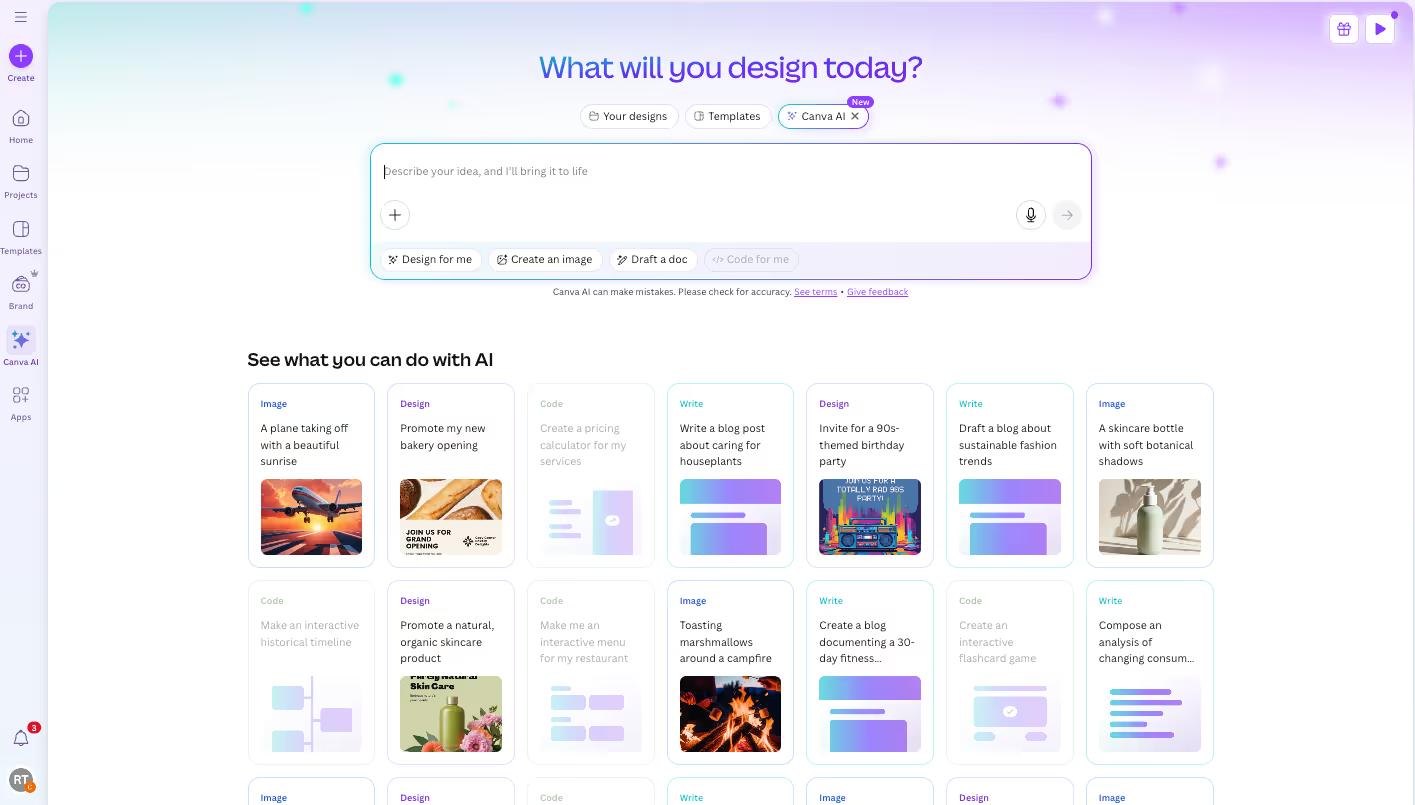
Overview
Sheets brings rows, formulas, forms, and analysis into Canva's visual suite so users can move directly from data to presentations, documents, charts, and marketing assets. Magic Formulas and Magic Insights are designed to make common analysis more accessible without memorizing syntax.
Its strongest use case is visual communication and content at scale, not every advanced spreadsheet or statistical workload. Teams should verify formulas and AI-generated insights and compare compatibility requirements before moving complex workbooks from established spreadsheet tools.
Use cases
The strongest fit depends on the job you need the product to complete, not the size of its feature list.
Teams turning rows of campaign or product data into personalized on-brand assets at scale.
Users who want analysis, charts, and presentation-ready output in one design environment.
Capabilities
Uses natural language to help produce spreadsheet formulas and answers.
Surfaces patterns and turns data into visual explanations.
Maps sheet data into many personalized designs, emails, social posts, or reports.
Process
Step 1
Add structured data and clean the rows and columns needed for the project.
Step 2
Use formulas, AI insights, charts, and manual checks to understand the data.
Step 3
Move visuals into Canva outputs or generate many on-brand variants from sheet rows.
Cost
Canva does not publish a standalone Canva Sheets price in the reviewed product materials. Access and AI feature limits depend on the user's Canva plan and available AI credits.
No separate price verified
Canva does not publish a standalone Canva Sheets price in the reviewed product materials. Access and AI feature limits depend on the user's Canva plan and available AI credits.
Pricing checked . Check current pricing at the source ↗
Assessment
Compare
The right alternative depends on the specific output, workflow, controls and budget your project requires.
Data Analysis
Choose Google Sheets AI for spreadsheet work in the familiar Google Sheets environment.
Explore Google Sheets AI →Project Management
Choose Claude for broader file analysis and document-generation workflows.
Explore Claude →Questions
Canva Sheets is a visual-first spreadsheet that combines data work with Canva design, AI formulas, AI insights, charts, and bulk content generation.
Teams turning rows of campaign or product data into personalized on-brand assets at scale. Users who want analysis, charts, and presentation-ready output in one design environment.
Canva does not publish a standalone Canva Sheets price in the reviewed product materials. Access and AI feature limits depend on the user's Canva plan and available AI credits.
Bottom line
Canva Sheets is especially useful where analysis ends in visual communication or high-volume content. It is less compelling as a blanket replacement for advanced spreadsheet modeling, where formula depth and compatibility matter more than design integration.
Visit Canva Sheets website ↗
High-performance analytical database with vector-search capabilities for retrieval and AI observability workloads.

Serverless Google Cloud analytics platform with BigQuery ML and SQL functions for model-backed generation and analysis.

Google Analytics measures website and app behavior and offers reporting APIs that can supply structured evidence to AI-assisted product and marketing analysis.

AWS cloud data warehouse with Redshift ML and Amazon Bedrock integration for in-database AI workflows.

Get access to all our AI courses, hundreds of real-world AI use cases, live expert-led workshops, an exclusive network of AI early adopters, and more.
Get unlimited access to all of our current & upcoming industry-specific AI courses for the duration of your subscription.
To keep up with the rapid pace of AI, our team publishes AI implementation guides daily. Our library contains 300+ practical use cases to automate real-world work.
Join weekly, live, interactive sessions with industry leaders who are at the forefront of AI for hands-on implementation guidance and exclusive insights.
Network with an exclusive community of AI-first professionals who are working smarter with AI. Learn how early adopters are using AI in their work and businesses.