Keyboard-first navigation
Open apps, files, folders, browser destinations and commands without reaching for menus or the mouse.
Independent tool overview
Raycast is a keyboard-first productivity launcher for macOS and Windows that combines search, shortcuts, extensions, window management and optional AI.
Visit the official Raycast site ↗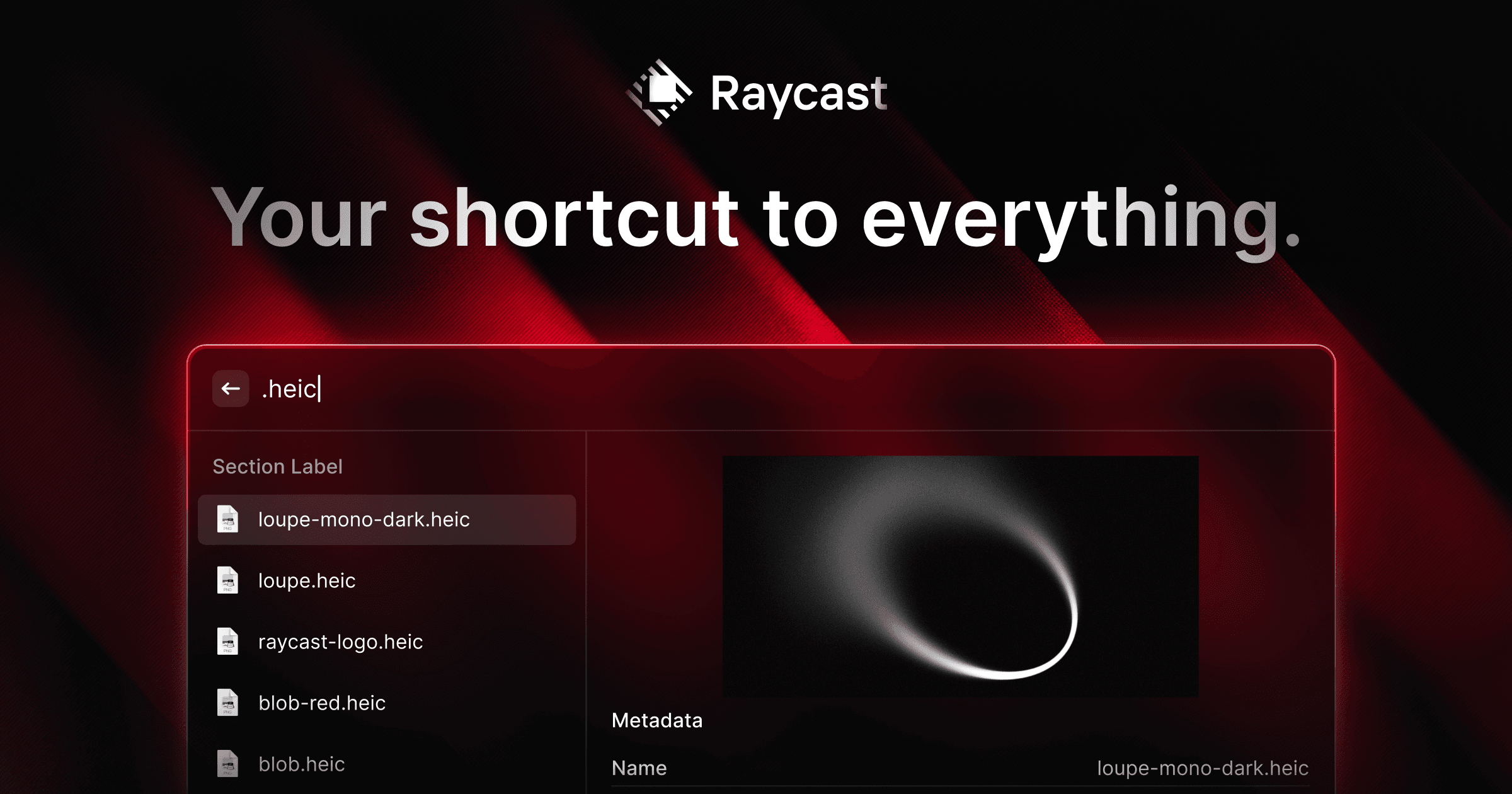
Overview
Raycast replaces repeated trips through app launchers, file browsers, menus and small utility apps with one searchable command bar. From a hotkey, users can open apps and files, calculate and convert values, paste clipboard history, expand snippets, move windows, launch saved links, capture notes and run commands from thousands of extensions.
The free plan includes the core launcher and extension ecosystem. Pro adds Raycast AI, cloud sync, dictation, unlimited clipboard history and notes, custom themes and advanced window controls. Teams can distribute shared commands, snippets, quicklinks and private extensions, while Enterprise adds identity, policy and AI-provider controls.
Use cases
The strongest fit depends on the job you need the product to complete, not the size of its feature list.
Open apps, files, folders, browser destinations and commands without reaching for menus or the mouse.
Compress calculations, conversions, text snippets, clipboard recovery and window movement into a few keystrokes.
Use community or private extensions for issue trackers, calendars, music, developer utilities and business apps.
Ask questions, work with selected or on-screen content and invoke approved extension tools from one overlay.
Share internal links, snippets, commands and private extensions across an organization.
Capabilities
Searches apps, files, folders, commands and installed extensions from one launcher.
Opens websites, search URLs, files, folders, app paths or deeplinks with optional dynamic arguments.
Finds and repastes recently copied text and other supported clipboard content.
Expands reusable text with keywords and dynamic values such as dates.
Handles arithmetic, units, currencies and dates directly in search.
Moves, resizes and arranges windows or multi-app layouts with commands and hotkeys.
Provides a lightweight Markdown notepad with search, pinning, export and cloud sync on eligible plans.
Adds thousands of community commands plus custom and organization-private extensions.
Includes Quick AI, chat, commands, agents, memory, screen awareness, web search and model comparison.
Lets AI call tools exposed by installed extensions, normally asking for approval before execution.
Supports shared assets, SAML, SCIM, domain capture, extension allow-lists, IP allow-lists and AI-provider policies on eligible plans.
Process
Step 1
Set a comfortable launcher shortcut and leave existing system search available during the transition.
Step 2
Start with app and file search, calculator, clipboard history, snippets and window management.
Step 3
Create Quicklinks for dashboards, searches, project folders and URLs used every day.
Step 4
Add only trusted integrations that solve recurring tasks and review their source, permissions and account access.
Step 5
Reserve global shortcuts for the highest-frequency actions instead of creating an unmanageable key map.
Step 6
Decide whether screen awareness, memory, cloud sync and extension tools fit the data being handled, and keep tool approvals on until the behavior is proven.
Cost
Raycast's core launcher is free for personal and organizational use. Paid plans bundle AI with sync and expanded productivity limits; Pro cannot currently be purchased without AI. Annual billing is 20% lower than monthly billing.
$0
Core launcher, utilities, extensions and developer tooling for individuals.
$10/month or $8/month annually
Individual plan with Raycast AI and expanded productivity features.
$0/user/month
Basic organization sharing without Raycast AI.
$15/user/month or $12/user/month annually
Team sharing plus Pro AI and individual paid features.
Custom
Central identity, policy, security and AI controls for larger organizations.
Pricing checked . Check current pricing at the source ↗
Assessment
Compare
The right alternative depends on the specific output, workflow, controls and budget your project requires.
Business Operations
A broader standalone AI workspace when launcher, clipboard and window-management features are not needed.
Explore ChatGPT →Consumer
A native desktop alternative for users primarily seeking quick Gemini access on macOS.
Explore Gemini for Mac →Business Operations
A better fit for durable cloud automations that must keep running after the desktop is closed.
Explore Zapier →Students
More suitable for source-grounded research notebooks and document synthesis than lightweight launcher notes.
Explore Gemini Notebook (formerly NotebookLM) →Questions
Raycast is a keyboard-first launcher for macOS and Windows that searches apps and files and runs utilities, shortcuts, extensions and optional AI from one command bar.
Yes. The core launcher, built-in utilities, public extensions and custom extension tooling are free for personal and organizational use.
Individual Pro is $10 month-to-month or $8 per month with annual billing. Advanced AI models are an optional additional $8 per month.
No. Raycast currently bundles AI with Pro, although AI can be disabled completely in settings.
Yes. Raycast supports Windows as well as macOS, but some commands, permissions and extensions are platform-specific.
Raycast says AI interactions are not used to train models and that its provided models use zero-data-retention configurations. Cloud Sync, attachments and opted-in feedback have separate storage behavior.
Extensions are code that can access local or connected-service data within their permissions. Install from trusted authors, review source and requested access, and use organization allow-lists where appropriate.
Start with Root Search, Clipboard History, Calculator, two or three snippets, a few Quicklinks and basic window hotkeys. Add extensions and AI actions only after those fundamentals become habitual.
Bottom line
Raycast is an unusually effective productivity layer because it improves dozens of tiny actions without forcing a single heavyweight workflow. Most users should begin with the excellent free launcher and add Pro only when AI, sync, dictation or unlimited history clearly justify the bundle. Teams should treat extensions, clipboard data, screen awareness and AI actions as permissioned software—not harmless shortcuts.
Visit Raycast website ↗
Get access to all our AI courses, hundreds of real-world AI use cases, live expert-led workshops, an exclusive network of AI early adopters, and more.
Get unlimited access to all of our current & upcoming industry-specific AI courses for the duration of your subscription.
To keep up with the rapid pace of AI, our team publishes AI implementation guides daily. Our library contains 300+ practical use cases to automate real-world work.
Join weekly, live, interactive sessions with industry leaders who are at the forefront of AI for hands-on implementation guidance and exclusive insights.
Network with an exclusive community of AI-first professionals who are working smarter with AI. Learn how early adopters are using AI in their work and businesses.


