SaaS product integrations
Bring an existing service's search, data, account context, and carefully scoped actions into ChatGPT.
Independent tool overview
OpenAI's Apps SDK introduced a way to build interactive integrations that run inside ChatGPT. OpenAI has since folded that model into its broader Plugins platform, which combines MCP servers, optional in-chat UI, reusable skills, authentication, and a universal directory for ChatGPT and Codex.
Visit the official Apps SDK site ↗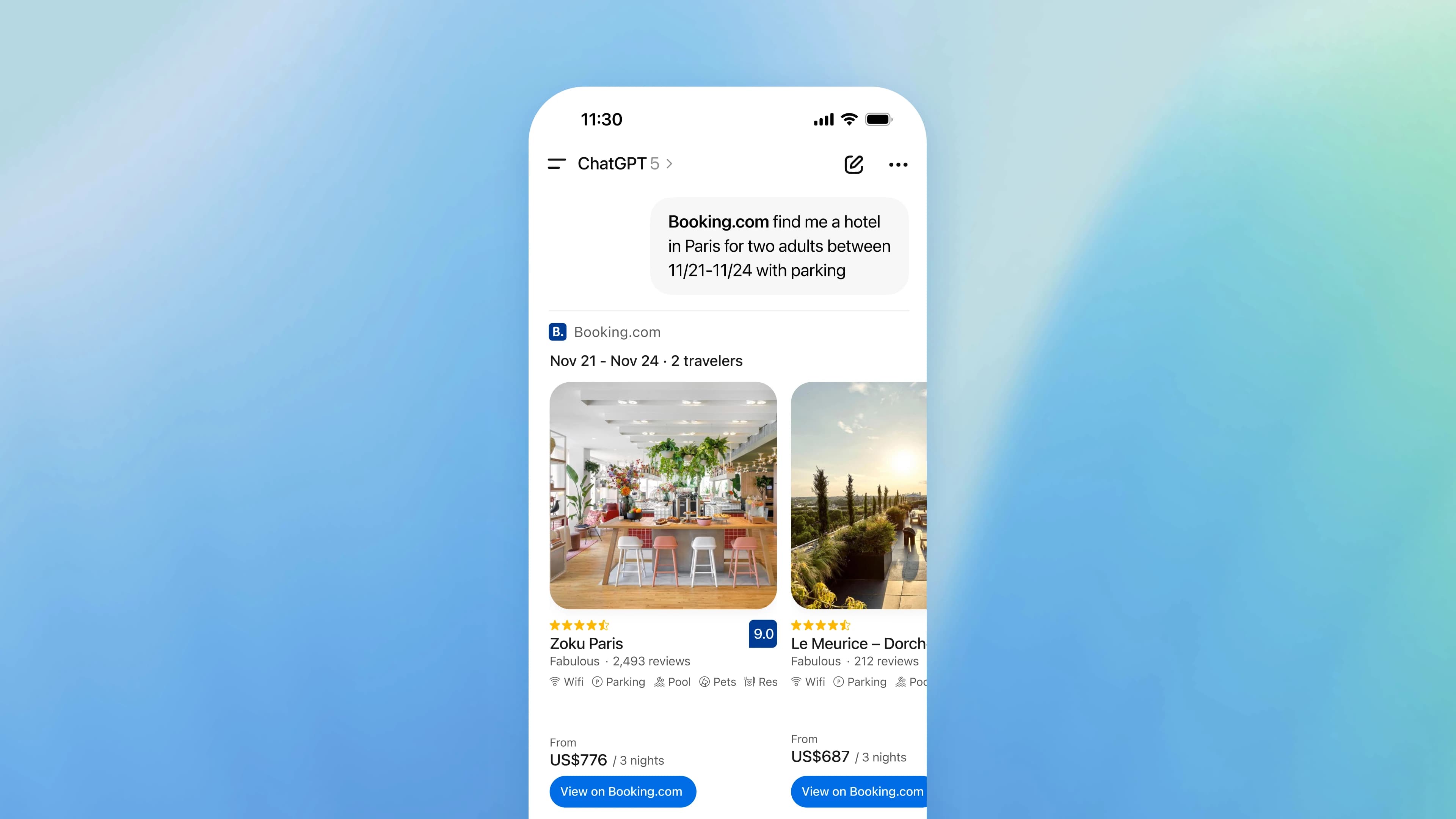
Overview
The Apps SDK is the foundation OpenAI launched for developers who want their product's data, actions, and interface to appear inside ChatGPT. It uses the Model Context Protocol (MCP): a remote server exposes well-described tools, while an optional web component can render an interactive experience in the conversation.
In 2026, OpenAI moved the Apps SDK documentation into Plugins. That is an evolution rather than a shutdown: existing app-style integrations map to the MCP-and-UI portion of a plugin, while the newer package can also include skills for repeatable ChatGPT and Codex workflows. Teams should follow the current Plugin documentation and directory rules for new builds.
Use cases
The strongest fit depends on the job you need the product to complete, not the size of its feature list.
Bring an existing service's search, data, account context, and carefully scoped actions into ChatGPT.
Build maps, configurators, visualizations, forms, and other experiences that need more than a text response.
Connect governed company systems so approved users can find information and start repeatable workflows.
Expose a standards-based MCP server that can be packaged for OpenAI clients without rebuilding the underlying business logic.
Reuse current authentication, APIs, permissions, and premium entitlements instead of recreating the product inside ChatGPT.
Capabilities
Define structured tools that let the model retrieve data or request actions from a remote service.
Attach optional web UI to a tool result so users can inspect and manipulate richer content in the conversation.
The current Plugin format can bundle instructions, scripts, and resources for repeatable ChatGPT and Codex workflows.
Authentication support lets a plugin respect a product's current users, permissions, and paid features.
Tools can search connected information or propose external actions, with confirmation expected for consequential changes.
OpenAI provides a development connection flow for checking tools, metadata, UI, authentication, and error handling before submission.
Approved packages can be distributed through OpenAI's plugin directory rather than requiring every user to configure a server manually.
OpenAI publishes structured patterns for workflows such as reservations, quotes, and product checkout.
Developers retain control of their server, data layer, business logic, and component code.
Tool names, descriptions, parameters, and package metadata help the model and users understand when the integration is relevant.
Process
Step 1
Start with a specific user outcome and identify the minimum data and actions needed to complete it.
Step 2
Create clear MCP tool names, descriptions, input schemas, outputs, and read-versus-write annotations.
Step 3
Register a component for results that benefit from controls or visualization; keep simple tasks conversational.
Step 4
Add authentication, least-privilege authorization, consent, privacy handling, and confirmations for consequential actions.
Step 5
Check adversarial prompts, permission boundaries, unavailable dependencies, duplicate actions, and mobile or narrow layouts.
Step 6
Host the MCP service securely, package current metadata and assets, submit for review, and monitor behavior after release.
Cost
OpenAI does not list a separate Apps SDK or Plugin SDK charge. Real costs come from the ChatGPT access required by users and from the developer's own hosting, APIs, storage, authentication, and support infrastructure.
No separate SDK fee listed
Use the public documentation, MCP standards, examples, and packaging format to build an integration.
Plan-dependent
Availability of plugins, custom MCP connections, sync, research, and actions can vary by ChatGPT plan, workspace, region, and admin policy.
Usage-based
The developer pays for the remote server and any databases, third-party APIs, model calls, monitoring, or identity services the integration uses.
Pricing checked . Check current pricing at the source ↗
Assessment
Compare
The right alternative depends on the specific output, workflow, controls and budget your project requires.
Agents
Use OpenAI Workspace Agents when the main goal is a managed, shared team agent rather than a public service integration.
Explore Workspace Agents →Business Operations
Use n8n for self-hostable workflow automation across many services when an in-ChatGPT interface is not required.
Explore n8n →Project Management
Use MindPal for a more visual, no-code approach to assembling multi-step AI workflows.
Explore MindPal →Agents
Use Zapier Agents when broad prebuilt app connectivity matters more than owning a custom MCP server and UI.
Explore Zapier Agents →Questions
Yes, but OpenAI now presents the capability under Plugins. The former Apps SDK documentation routes developers to the current Plugin platform, where MCP connections and optional in-chat UI sit alongside reusable skills.
It can expose structured MCP tools for finding information or requesting actions and can attach an interactive component when the result needs controls, visualization, or a richer layout.
OpenAI does not list a separate SDK fee. Developers still pay for their own infrastructure and third-party services, while end-user access depends on the relevant ChatGPT plan and workspace settings.
Not necessarily. The integration contract is the MCP server and package behavior. Your backend can use existing business logic and services, though separate model or API calls may add their own costs.
Yes. The platform supports authentication so the integration can respect existing accounts, permissions, and entitlements. The implementation must still minimize scopes and handle revocation safely.
It can expose write actions, but consequential actions should show the user what will happen and require appropriate confirmation. Developers also need authorization checks, idempotency, and auditable error handling.
Follow the current Plugin workflow: build and secure the MCP service, add optional UI or skills, package the required metadata, test the installed experience, and submit it through OpenAI's publishing process.
No. Apps SDK, now part of Plugins, connects external tools, data, and optional UI to OpenAI clients. The Agents SDK is a separate framework for orchestrating model-driven agents in your own application.
Bottom line
OpenAI's Apps SDK remains a strong route for established products that want their data and workflows inside ChatGPT, but the name and distribution model have evolved. Build against the current Plugin documentation, start with narrow read-heavy tools, and treat authorization, confirmations, privacy, and operational reliability as core product work rather than submission cleanup.
Visit Apps SDK website ↗
Google's frontier AI model for complex coding, knowledge work, and defensive cybersecurity, initially available to selected testers.
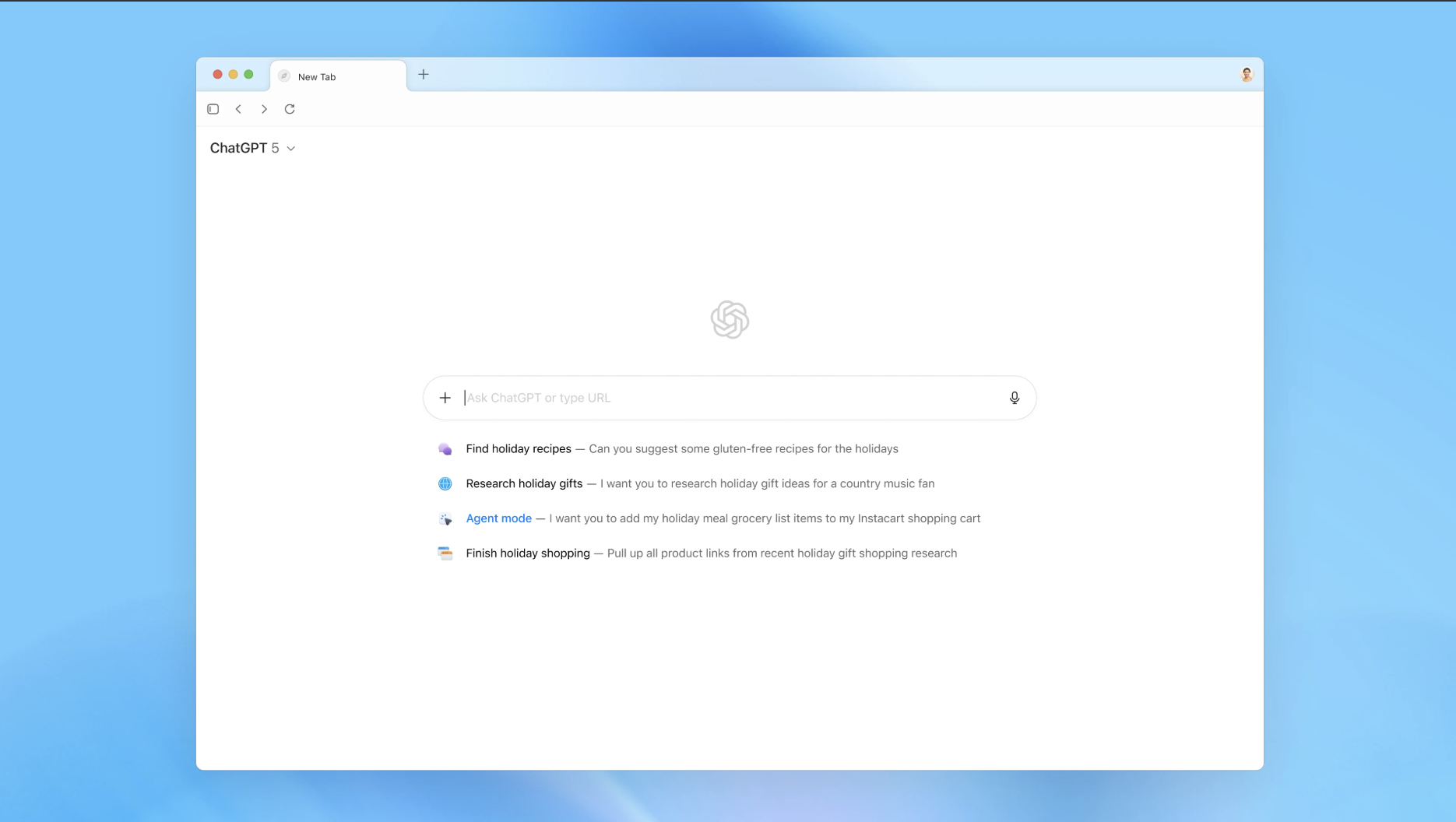
Atlas - OpenAI's new web browser built with ChatGPT at its core
OpenAI's model for complex coding, computer use, and professional work, with a 1.05M-token context window.

Scribe v2 Realtime- ElevenLabs' accurate, real-time transcription model with 150ms latency across 90+ languages

Get access to all our AI courses, hundreds of real-world AI use cases, live expert-led workshops, an exclusive network of AI early adopters, and more.
Get unlimited access to all of our current & upcoming industry-specific AI courses for the duration of your subscription.
To keep up with the rapid pace of AI, our team publishes AI implementation guides daily. Our library contains 300+ practical use cases to automate real-world work.
Join weekly, live, interactive sessions with industry leaders who are at the forefront of AI for hands-on implementation guidance and exclusive insights.
Network with an exclusive community of AI-first professionals who are working smarter with AI. Learn how early adopters are using AI in their work and businesses.