Enterprise knowledge work
Search company repositories, files, applications, databases, and public sources from a governed work assistant.
Independent tool overview
Amazon Quick, formerly Amazon Quick Suite, is AWS's AI workspace for searching company knowledge, conducting research, analyzing data, creating deliverables, and automating actions across business apps.
Visit the official Amazon Quick site ↗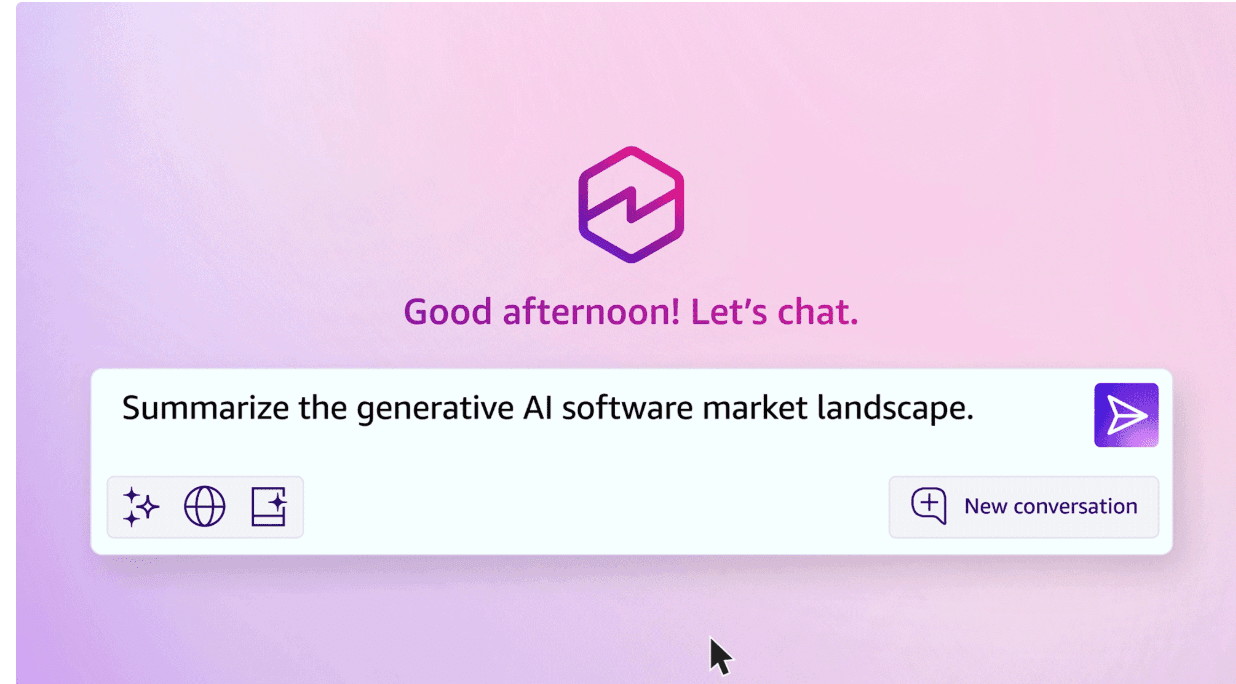
Overview
Amazon Quick combines an AI assistant with enterprise search, research, business intelligence, workflow automation, app creation, and connected actions. It can index company sources, organize shared context in Spaces, query structured and unstructured data, generate documents and dashboards, and use Flows or Automate to move from an answer to work performed across other systems.
AWS shortened the product name from Amazon Quick Suite to Amazon Quick in 2026 and added self-serve Free and Plus plans alongside Professional and Enterprise. The product now serves two different audiences: individuals and small teams seeking a connected work assistant, and AWS-managed organizations that need Quick Sight analytics, advanced automation, corporate identity, governance, and data controls. Buyers should compare the whole cost because enterprise plans add an account infrastructure fee, metered agent hours, storage overages, and optional BI charges.
Use cases
The strongest fit depends on the job you need the product to complete, not the size of its feature list.
Search company repositories, files, applications, databases, and public sources from a governed work assistant.
Create cited reports that combine internal context with public information and extended analysis.
Ask questions across datasets, build editable dashboards, and turn analysis into narrative or presentation-ready deliverables.
Use Quick Flows or autonomous agents for repeated reporting, follow-up, preparation, monitoring, and coordination tasks.
Use Quick Automate for longer processes that cross applications, browser interfaces, departments, and approval steps.
Centralize access, identity, data regions, administration, audit, and billing around an existing AWS environment.
Capabilities
Ask questions, draft content, create agents, and take supported actions from a conversational workspace.
Connect and index company sources across applications, repositories, AWS services, and supported databases.
Organize files, dashboards, knowledge, and agents around a project or team, with shared Spaces on eligible plans.
Create task- or style-specific assistants grounded in selected guidance, sources, tools, and organizational context.
Run extended research over company data, public information, and third-party sources to produce cited analysis and reports.
Build repeatable workflows in natural language for recurring work such as reports, meeting prep, and follow-up.
Set agents to work continuously with autonomy ranging from step-by-step approval to broader goal-based execution.
Coordinate complex, multi-step processes across systems with testing, deployment, computer use, and operational controls.
Create, query, publish, and govern dashboards and analytics, including generated analyses from natural-language requests.
Query across multiple structured sources without pre-joining every dataset, while inheriting available catalog semantics and permissions.
Generate and refine reports, documents, decks, spreadsheets, images, charts, and infographics from chat; some visual features remain preview.
Use built-in integrations, OpenAPI, MCP, and third-party agents to read from and act in business applications.
Work through the web, a preview desktop app, browser extensions, and Microsoft 365 surfaces on eligible plans.
Review prioritized updates, provide feedback, reply to messages, and approve supported requests without opening every source app.
Process
Step 1
Start with a measurable task such as weekly account review, research briefing, campaign analysis, or purchase-order triage.
Step 2
List the exact sources Quick may read, the records or messages it may change, the data region, retention needs, and prohibited information.
Step 3
Use the narrowest identity, scopes, repositories, datasets, and actions needed for the pilot rather than connecting the whole organization.
Step 4
Test common requests, ambiguous inputs, permission boundaries, stale data, conflicting sources, adversarial content, and known correct outcomes.
Step 5
Require human confirmation for external messages, record changes, payments, deletions, submissions, and other consequential actions.
Step 6
Track subscription seats, infrastructure fee, agent and research hours, index storage, BI capacity, connector costs, and human review.
Step 7
Only broaden autonomy or add departments after access reviews, audit logging, owner assignment, exception handling, and rollback procedures are working.
Cost
Amazon Quick has Free, Plus, Professional, and Enterprise plans. Self-serve plans avoid an AWS account and infrastructure fee. AWS-managed Professional and Enterprise plans add a $250 monthly account fee, pooled index storage, included agent hours, and consumption charges for overages and optional BI features.
$0/user/month
Single-user starting plan for core chat, research, Spaces, Flows, apps, integrations, and deliverable creation.
$20/user/month billed annually
Self-serve plan for individuals and teams that adds desktop access, expanded usage, shared Spaces, custom agents, and extensions.
$20/user/month + $250/account/month
AWS-managed organizational plan with governance, identity, centralized billing, business intelligence, and enterprise data connectivity.
$40/user/month + $250/account/month
Highest-governance plan with more included storage and agent usage plus certification and advanced administrative controls.
Pricing checked . Check current pricing at the source ↗
Assessment
Compare
The right alternative depends on the specific output, workflow, controls and budget your project requires.
Business Operations
Choose Microsoft Copilot when Microsoft 365, Teams, SharePoint, and the broader Microsoft security stack are the center of work.
Explore Microsoft Copilot →Business Operations
Choose Gemini Enterprise when Google Workspace, Google Cloud search, and Google's enterprise agent platform are a better fit.
Explore Gemini Enterprise →Business Operations
Choose ChatGPT for a simpler general-purpose assistant and research experience with less AWS-specific infrastructure.
Explore ChatGPT →Questions
Amazon Quick is AWS's connected AI workspace for chat, company knowledge, deep research, analytics, deliverable creation, custom agents, and workflow automation across business systems.
Yes. Amazon shortened the Quick Suite name to Amazon Quick in 2026 while expanding self-serve plans, desktop access, agents, analytics, and integrations.
Yes. The Free plan is $0 per user per month and does not require an AWS account. New self-serve accounts also receive a 30-day Plus trial.
AWS lists Plus at $20 per user per month billed annually. It adds desktop access, shared team Spaces, custom chat agents, and eligible browser and Microsoft 365 extensions.
Professional is $20 per user per month and Enterprise is $40 per user per month. Both also carry a $250 per-account monthly infrastructure fee, plus potential agent-hour, storage, and BI charges.
AWS states that customer data and queries are not used to train models on any Amazon Quick plan. Organizations still need to configure connectors, permissions, retention, sharing, and regional controls correctly.
Flows targets repeatable everyday workflows created from prompts. Automate targets more complex, longer, cross-system processes that need testing, deployment, computer use, monitoring, and enterprise controls.
Yes. Quick Sight supports analytics and dashboards, while chat can create Word, PDF, PowerPoint, and Excel deliverables. Some visual-generation features remain preview and plan eligibility varies.
Test source permissions, answer accuracy, data lineage, connector actions, autonomy boundaries, approval and rollback paths, regional processing, audit logs, agent-hour consumption, index growth, and the full monthly cost.
Bottom line
Amazon Quick has evolved from an enterprise launch bundle into a broad work platform with a credible free entry point. Its differentiator is the connection between grounded answers, deep research, Quick Sight analytics, and actions across business tools. For individuals, Free or Plus is easy to test. For organizations, the platform can be powerful but is not inexpensive or turnkey: the infrastructure fee, agent-hour model, connector permissions, governance, and workflow operations must all be part of the buying decision.
Visit Amazon Quick website ↗
Moby Agents

HunyuanOCR - Tencent's SOTA open-source visual understanding model

Create an AI version of yourself that answers questions in your voice, captures leads, and supports coaching clients between sessions.
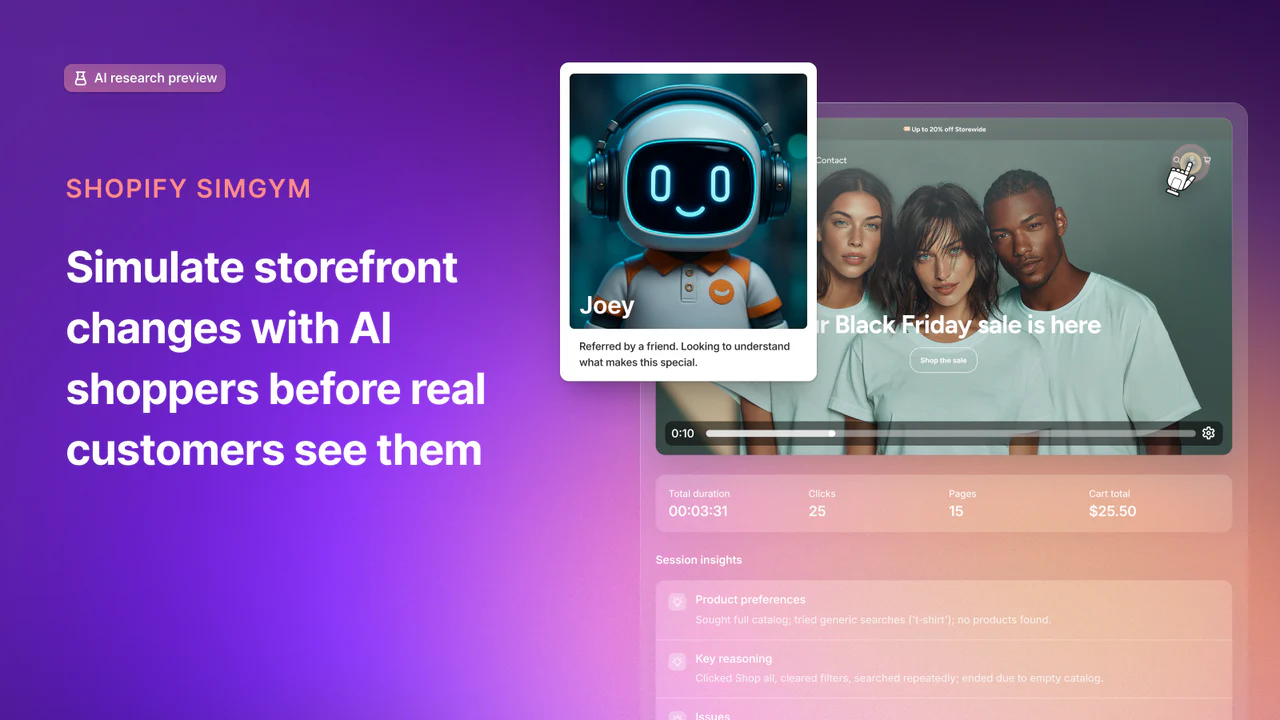
Shopify SimGym - Simulate buyer behavior with AI shoppers and gain the confidence of high traffic brands before launch.

Get access to all our AI courses, hundreds of real-world AI use cases, live expert-led workshops, an exclusive network of AI early adopters, and more.
Get unlimited access to all of our current & upcoming industry-specific AI courses for the duration of your subscription.
To keep up with the rapid pace of AI, our team publishes AI implementation guides daily. Our library contains 300+ practical use cases to automate real-world work.
Join weekly, live, interactive sessions with industry leaders who are at the forefront of AI for hands-on implementation guidance and exclusive insights.
Network with an exclusive community of AI-first professionals who are working smarter with AI. Learn how early adopters are using AI in their work and businesses.