Product and wardrobe swaps
Replace a visible product, prop, accessory, or outfit without rebuilding the whole shot.
Independent tool overview
Runway Aleph 2.0 is an in-context video editing model that changes a selected frame, then carries that edit across the rest of a clip while trying to preserve everything you did not ask it to change.
Visit the official Runway Aleph site ↗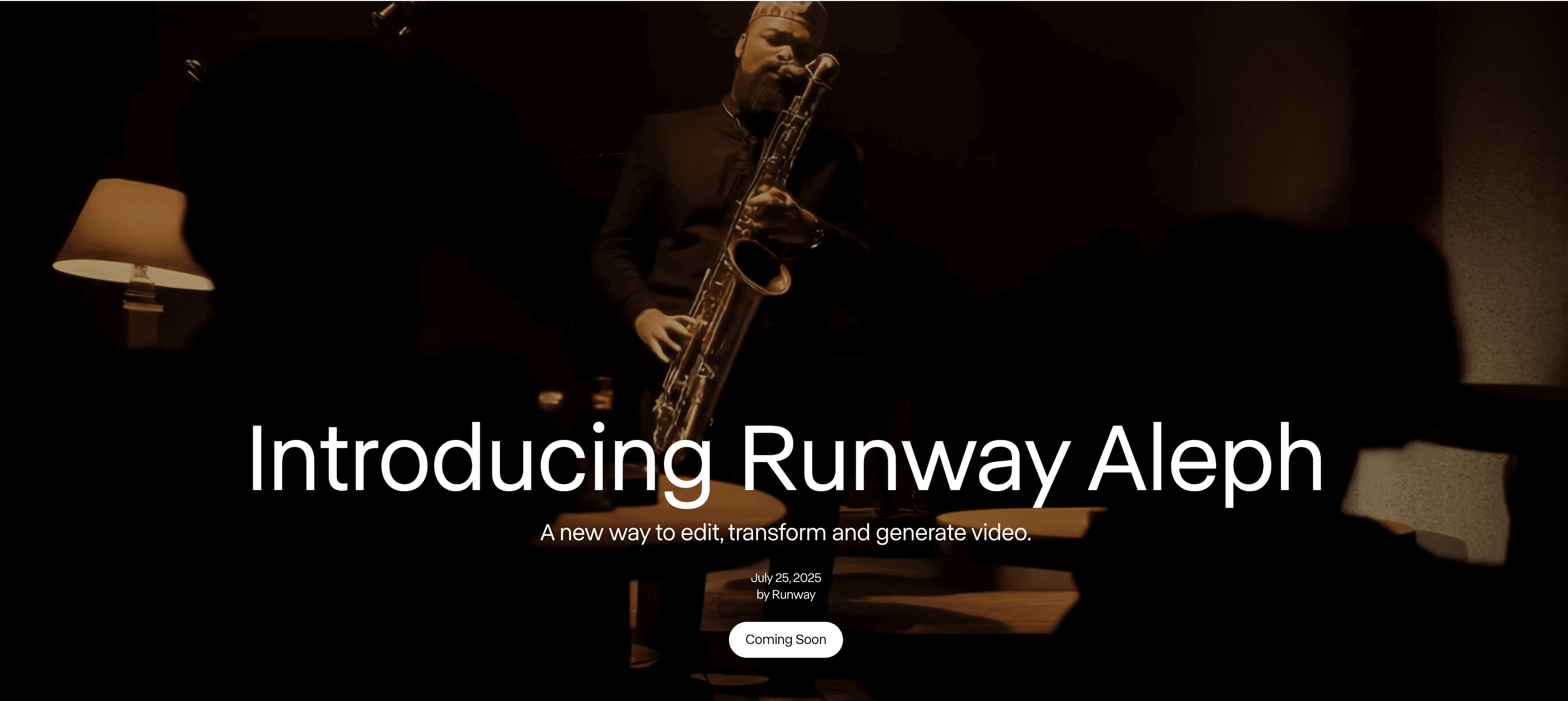
Overview
Runway Aleph has evolved from a general prompt-based video transformation model into Aleph 2.0, the engine behind Runway's Edit Studio. Instead of generating a shot from scratch, it starts with existing footage and a chosen keyframe so creators can target a specific visual change.
Typical uses include replacing products or characters, removing objects, changing a background or wardrobe, relighting a shot, adding visual effects, changing weather, and applying a new style. A reference image can guide the keyframe, while an optional motion prompt describes movement that is not visible in the original footage or edited frame.
Aleph is most useful for controlled creative revisions and rapid VFX concepts. It does not replace a full nonlinear editor: creators still need to assemble shots, handle audio, make exact frame-level corrections, and verify continuity in conventional post-production software.
Use cases
The strongest fit depends on the job you need the product to complete, not the size of its feature list.
Replace a visible product, prop, accessory, or outfit without rebuilding the whole shot.
Move footage into a new setting or change weather, season, and time of day while retaining the subject.
Add or remove visual elements, relight footage, and test stylized treatments before committing to a manual effects workflow.
Generate multiple campaign or social variations from a strong source clip and selected keyframe.
Capabilities
Choose a representative frame, preview the visual change as an image, and use the approved frame to guide the video transformation.
Aleph 2.0 is designed to change the requested element while maintaining surrounding composition, lighting, background, and motion where possible.
Attach a character, product, object, or style reference when words alone are not specific enough for the keyframe edit.
Add a separate motion prompt for movement that should emerge after the visual keyframe has been established.
Apply a transformation to a selected portion of a clip so credits are used only for the edited range.
Max, legacy Unlimited, and Enterprise plans can generate ProRes or PNG sequences for full-clip edits at an additional credit cost.
Process
Step 1
Use conventional-aspect-ratio footage between 2 and 30 seconds, 480p to 1080p, 24 to 30 FPS, with no more than 10 cuts.
Step 2
Upload the video or select an existing Runway asset, then choose a frame that clearly shows the part you want to change.
Step 3
Write a short, direct instruction using an action such as add, remove, replace, change, relight, or restyle; attach a reference image if needed.
Step 4
Compare keyframe variations and refine the image edit until the target subject, product, or environment looks right.
Step 5
Apply the edit to the whole shot or a selected range, then check edges, identity, motion, lighting, and temporal consistency frame by frame.
Step 6
Export the best version and use conventional editing or compositing software for timing, audio, masks, cleanup, and final delivery.
Cost
Aleph 2.0 is available through paid Runway plans and uses the workspace's shared credit pool. It costs 28 web-app credits per edited second with a 56-credit minimum. Runway API credits cost $0.01 each, making the listed API rate $0.28 per second.
$0
A limited trial tier that may not include Aleph 2.0.
$15/month per editor
Entry paid tier for light experimentation with Aleph and other Runway models.
$35/month per editor
For creators who need more monthly generations and export options.
$95/month per editor
High-volume plan replacing Unlimited for new subscribers.
Custom
Organization plan with contracted credits, controls, and support.
$0.28 per second
Developer access billed separately from web-app plan credits.
Pricing checked . Check current pricing at the source ↗
Assessment
Compare
The right alternative depends on the specific output, workflow, controls and budget your project requires.
Content Creator
Choose Luma Dream Machine for a broader video-generation workspace with strong text-to-video, image-to-video, and modification workflows.
Explore Luma AI (formerly Dream Machine) →Content Creator
Choose Pika for fast, approachable short-form effects and transformations aimed at social content.
Explore Pika →Content Creator
Choose CapCut when templates, captions, timelines, audio, and everyday social-video editing matter more than high-end generative shot transformation.
Explore CapCut VideoGPT →Questions
Aleph 2.0 is Runway's in-context video editing model. It uses an edited keyframe, a prompt, and optional references to carry a targeted visual change across an existing video clip.
It can replace products, objects, characters, wardrobes, and backgrounds; change lighting, weather, or style; remove unwanted elements; and add visual effects.
In Runway's web app, Aleph 2.0 costs 28 credits per edited second with a 56-credit minimum. The API is listed at $0.28 per second and uses a separate credit balance.
Edit Studio accepts conventional aspect ratios, 2-to-30-second clips, 480p to 1080p footage, 24 to 30 FPS, and videos with no more than 10 cuts. Longer videos are trimmed and higher frame rates are downsampled.
Aleph's core job is visual video transformation. Plan to handle dialogue, music, sound effects, mixing, and detailed timing in a separate editing workflow.
Yes, but ProRes and PNG sequence output is limited to Max, legacy Unlimited, and Enterprise plans, adds 5 credits per second, and is not available for ranged edits.
Bottom line
Aleph 2.0 is one of Runway's most practical production tools because it starts with footage you already have and targets a visible revision. The keyframe-first workflow is especially useful for product swaps, background changes, relighting, and rapid VFX concepts. Budget for iteration, inspect temporal consistency closely, and treat the result as a shot to finish—not a complete editing pipeline.
Visit Runway Aleph website ↗
LTXV - Lighttrick's open-source video model with 60-second outputs and real-time streaming
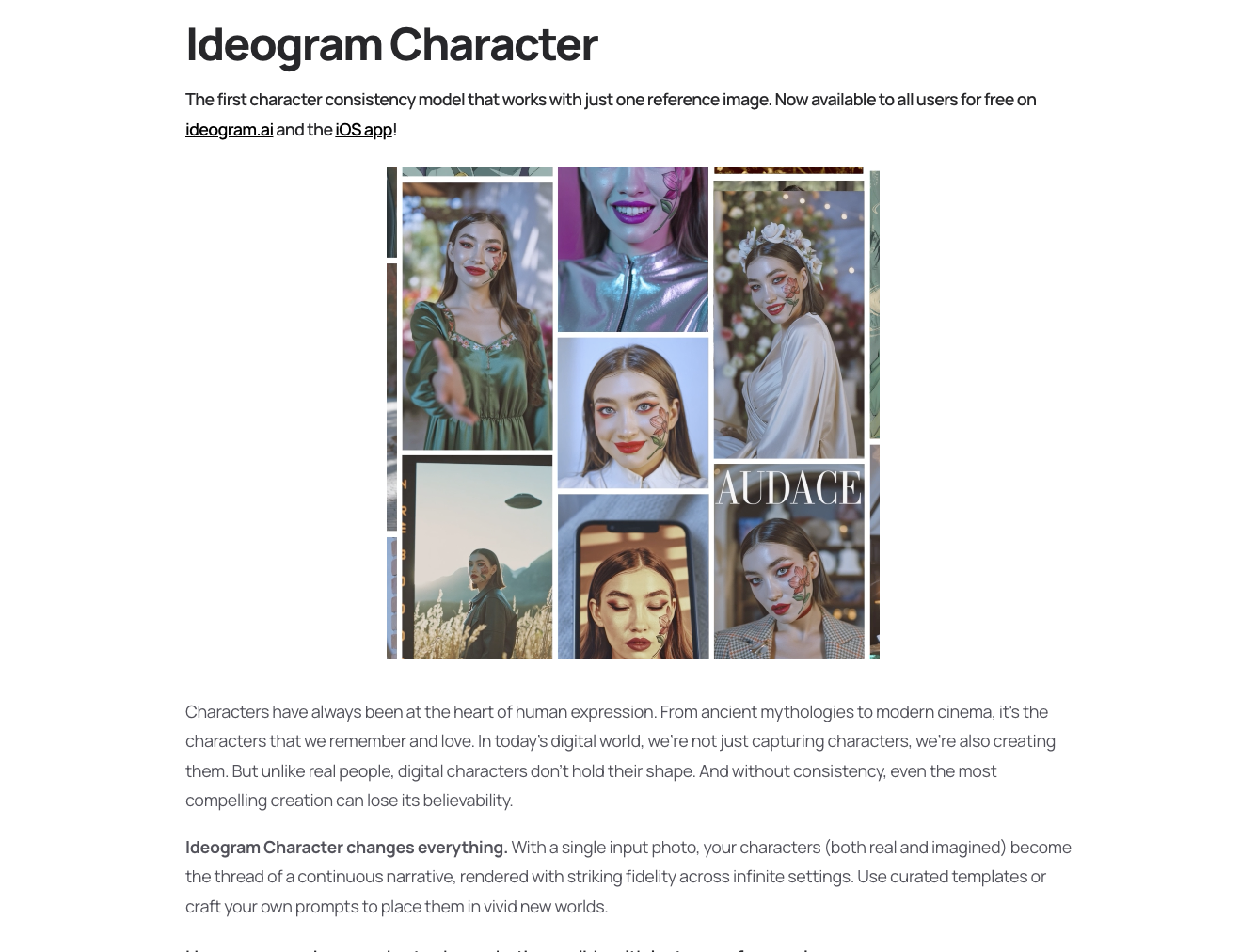
Character - Ideogram's character consistency model that works with just one reference image

Marey - A filmmaker-focused AI video model trained exclusively on licensed content that gives directors granular control over scenes
Wan2.2-S2V - Audio-Driven Cinematic Video Generation

Get access to all our AI courses, hundreds of real-world AI use cases, live expert-led workshops, an exclusive network of AI early adopters, and more.
Get unlimited access to all of our current & upcoming industry-specific AI courses for the duration of your subscription.
To keep up with the rapid pace of AI, our team publishes AI implementation guides daily. Our library contains 300+ practical use cases to automate real-world work.
Join weekly, live, interactive sessions with industry leaders who are at the forefront of AI for hands-on implementation guidance and exclusive insights.
Network with an exclusive community of AI-first professionals who are working smarter with AI. Learn how early adopters are using AI in their work and businesses.