Visual knowledge workers
Move between a written page, spatial whiteboard, mind map, database, and presentation without rebuilding the context in separate tools.
Independent tool overview
AFFiNE AI is the assistant layer inside AFFiNE's open-source, local-first knowledge workspace, helping users chat with notes, edit writing, extract actions, generate mind maps, and create presentation drafts across documents and visual whiteboards.
Visit the official AFFiNE AI site ↗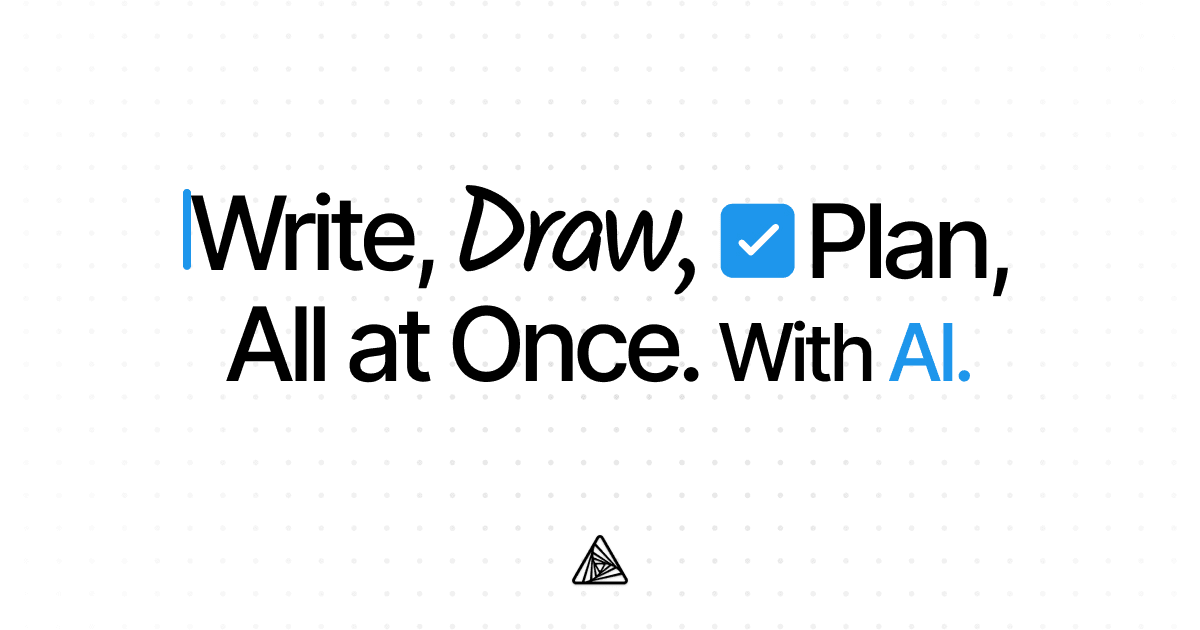
Overview
AFFiNE combines structured documents, Edgeless whiteboards, databases, local workspaces, cloud collaboration, and self-hosting in one knowledge environment. AFFiNE AI works across those surfaces: it can answer questions, rewrite or summarize selected blocks, extract action items, transform notes into mind maps, and generate presentation drafts. That makes it most useful when the source material and the resulting work should stay connected instead of moving through separate chat, notes, and design apps.
The key distinction is that AFFiNE's local-first editor does not currently mean fully local AI. The official AI service runs through AFFiNE Cloud and requires sign-in; version 0.27 added experimental bring-your-own-key support, while fully local model support remains a future direction. Buyers should therefore evaluate the editor, sync, self-hosted backend, AI processing, and model-provider path separately rather than assuming one privacy or licensing model applies to the entire stack.
Use cases
The strongest fit depends on the job you need the product to complete, not the size of its feature list.
Move between a written page, spatial whiteboard, mind map, database, and presentation without rebuilding the context in separate tools.
Keep the core editor and local workspaces available on desktop while adding optional cloud sync and AI services where appropriate.
Collect reading notes, transcripts, PDFs, and ideas, then summarize, compare, outline, and reorganize them inside a connected workspace.
Draft, continue, translate, rewrite, correct, summarize, and turn working notes into tasks or a visual plan.
Combine shared docs, whiteboards, databases, comments, version history, and AI assistance in one hosted workspace.
Inspect the open client, run the supported backend deployment, and compare data-control requirements with AFFiNE's license and operational constraints.
Capabilities
Ask questions and generate insights alongside the documents and visual material already stored in AFFiNE.
Select text or blocks to improve tone, fix spelling and grammar, translate, continue writing, or produce a summary.
Turn meeting notes, plans, or drafts into an initial list of next steps that can be reviewed and organized.
Transform an outline or body of notes into a structured mind map on the visual canvas.
Generate presentation-ready slide drafts from a prompt or outline; AFFiNE currently labels this capability beta.
Create structured notes, specifications, journals, long-form documents, and linked knowledge.
Arrange cards, drawings, connectors, notes, frames, and diagrams spatially on an extendable whiteboard.
Organize pages, projects, research, and tasks into sortable and filterable structured views.
Use unlimited local workspaces in the desktop editor and choose whether a particular workflow also needs cloud sync.
Share workspaces, collaborate in real time, retain version history, and synchronize across supported devices according to plan limits.
Deploy AFFiNE's full stack on controlled infrastructure, subject to the backend license, upgrade requirements, and operational work.
Version 0.27 introduced an experimental route for bringing an API key to AI workflows.
Expose authorized AFFiNE workspace content to compatible tools such as coding agents through an MCP connection.
Use desktop, mobile, browser, and importers for products including Notion, Obsidian, OneNote, and Bear, with feature parity varying by platform.
Process
Step 1
Decide whether the project should remain local, use AFFiNE Cloud for sync and AI, or be deployed on a self-hosted server.
Step 2
Bring in notes, documents, transcripts, PDFs, ideas, and references, then remove secrets or personal data the AI does not need.
Step 3
Use pages, links, databases, collections, and Edgeless canvases so the assistant works around an understandable information system.
Step 4
Ask for a summary, comparison, rewrite, set of action items, mind map, explanation, or presentation outline rather than a vague transformation.
Step 5
Place useful output back into the document or canvas, verify it against the source, and revise the wording and structure manually.
Step 6
Turn the approved result into tasks, a database entry, a visual plan, a presentation, or an authorized MCP-assisted workflow.
Step 7
Regularly test exports, backups, workspace permissions, AI provider settings, and restore procedures before the knowledge base becomes business-critical.
Cost
AFFiNE separates the workspace plans from the AFFiNE AI add-on. The AI page advertises $8.90 per month when billed annually. Workspace hosting ranges from free to paid Pro, Team, and Enterprise plans; self-hosting also has distinct license and infrastructure implications.
Free forever
Core editor access, unlimited local workspaces, and a limited hosted collaboration tier.
$8.90/month billed annually
Adds the hosted AI assistant to supported AFFiNE writing, drawing, planning, and presentation workflows.
$6.75/month billed annually
Hosted workspace upgrade for individuals, families, and small teams.
$10/seat/month
Hosted or supported team capabilities for larger collaborative workspaces.
Custom pricing
Contracts for 100-plus seats, regulated organizations, and custom or hybrid deployments.
$499.99 one time
A published lifetime personal-use offer tied to Pro features.
Pricing checked . Check current pricing at the source ↗
Assessment
Compare
The right alternative depends on the specific output, workflow, controls and budget your project requires.
Project Management
Notion AI is the closest mainstream alternative for teams prioritizing mature databases, documents, search, and hosted collaboration.
Explore Notion AI →Students
Google NotebookLM is a more focused option for source-grounded research, study guides, and synthesis from a defined document collection.
Explore Gemini Notebook (formerly NotebookLM) →Business Operations
ChatGPT is a stronger general-purpose assistant when users do not need the AI embedded inside a local-first docs and whiteboard system.
Explore ChatGPT →Questions
AFFiNE AI is the assistant built into AFFiNE's docs, whiteboards, and knowledge workflows. It supports chat, inline editing, summaries, action extraction, mind maps, and beta presentation generation.
AFFiNE's core local and basic cloud workspace has a free tier, but the official AI add-on is advertised at $8.90 per month when billed annually. Use the trial and current checkout to confirm limits and plan inclusion.
Not yet. AFFiNE says the current AI service runs through AFFiNE Cloud and requires sign-in. Version 0.27 added experimental BYOK, while fuller local AI support remains planned.
The editor and most of the codebase are MIT-licensed and publicly available. The self-hosted backend uses the source-available AFFiNE Enterprise Edition license, so review its commercial restrictions before modifying or redistributing it.
Yes. AFFiNE publishes a Docker-based self-hosting path. The organization operating it remains responsible for infrastructure, backups, security, updates, monitoring, identity, and license compliance.
Yes. It can turn a prompt or outline into presentation-ready slide drafts, but AFFiNE currently labels the capability beta, so expect to revise structure, facts, layout, and visual consistency.
Edgeless is AFFiNE's spatial whiteboard surface. Users can arrange notes, drawings, connectors, frames, and other elements visually and invoke AI on selected content.
Bring your own key lets a user connect an external model API credential rather than relying only on the default AI route. AFFiNE introduced it as an experimental feature, so check current provider support, billing, retention, and security behavior.
AFFiNE is more compelling for local-first use, self-hosting evaluation, open-source inspection, and a tight document-to-whiteboard workflow. Notion is generally more mature for databases, integrations, enterprise administration, and a large template ecosystem.
Bottom line
AFFiNE AI is most distinctive when a project naturally moves between prose, diagrams, structured collections, and presentations. Its local-first and open-source foundations are meaningful, but buyers must read the fine print: the current AI layer is cloud-based, BYOK is experimental, and the backend has a different license from the editor. Test the exact deployment, export, collaboration, and AI path you intend to use before consolidating a critical knowledge system.
Visit AFFiNE AI website ↗
Get access to all our AI courses, hundreds of real-world AI use cases, live expert-led workshops, an exclusive network of AI early adopters, and more.
Get unlimited access to all of our current & upcoming industry-specific AI courses for the duration of your subscription.
To keep up with the rapid pace of AI, our team publishes AI implementation guides daily. Our library contains 300+ practical use cases to automate real-world work.
Join weekly, live, interactive sessions with industry leaders who are at the forefront of AI for hands-on implementation guidance and exclusive insights.
Network with an exclusive community of AI-first professionals who are working smarter with AI. Learn how early adopters are using AI in their work and businesses.