Creative project planning
Keep inspiration, notes, files, tasks, and a visual direction together instead of spreading them across separate apps.
Independent tool overview
Walling is a visual workspace that combines flexible pages, boards, tables, calendars, tasks, files, and AI generation for organizing and presenting ideas.
Visit the official Walling site ↗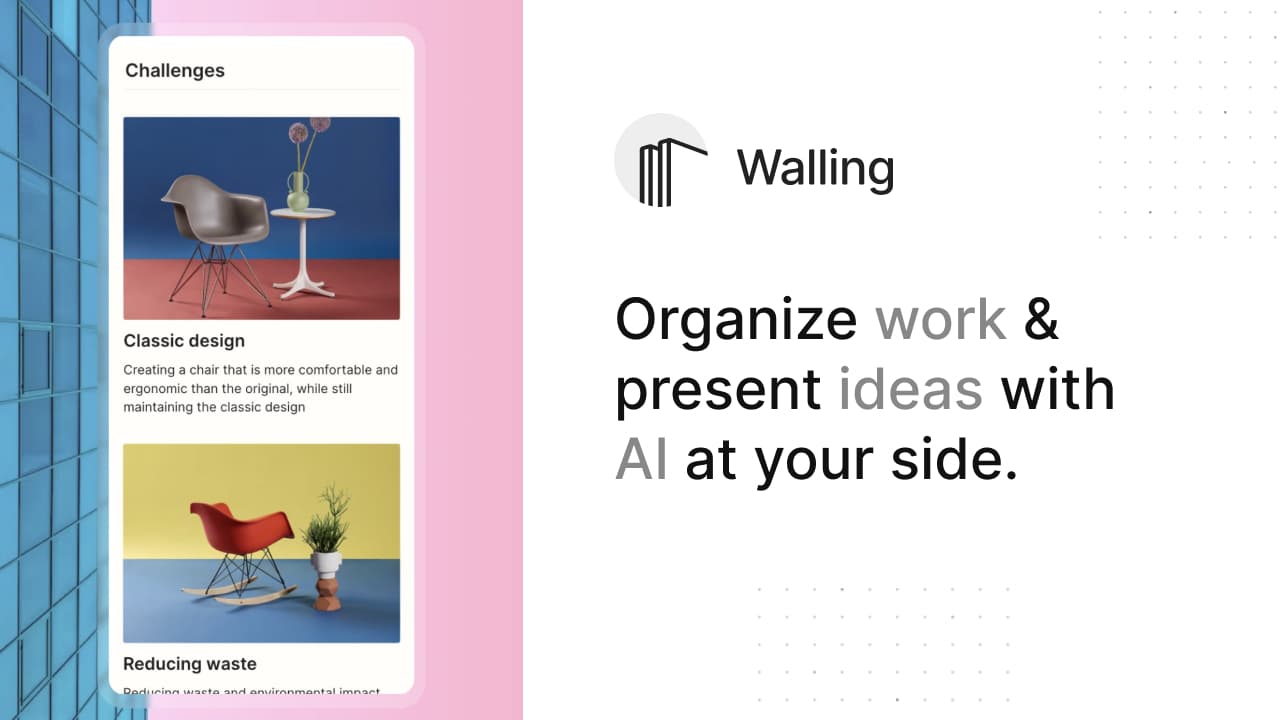
Overview
Walling replaces a linear document with a visual canvas called a wall. Each wall is divided into sections and smaller content blocks called bricks, so a project can combine notes, images, tasks, links, files, tables, calendars, and context in one shareable view.
Walling AI can generate an entire wall, a section, individual bricks, text ideas, images, or moodboards from a prompt. The useful distinction is that generated content lands in an editable project structure rather than remaining a standalone chat response.
The product fits visually oriented planning, research, pitches, moodboards, and lightweight project coordination. It is less suited to organizations that need deep workflow automation, complex dependencies, advanced reporting, or a mature enterprise knowledge system.
Use cases
The strongest fit depends on the job you need the product to complete, not the size of its feature list.
Keep inspiration, notes, files, tasks, and a visual direction together instead of spreading them across separate apps.
Build campaign plans, content calendars, moodboards, briefs, and presentations in a shareable visual format.
Organize research and course material spatially, then publish selected sections for classmates or learners.
Use comments, votes, assignments, due dates, and shared walls for lightweight coordination.
Capabilities
Describe a project and generate a structured starting point with sections, tasks, ideas, and supporting content.
Mix boards, tables, lists, calendars, images, links, files, and text on one wall.
Generate visuals from prompts and revisit previous generations through image history.
Invite collaborators, collect comments and votes, or publish selected wall sections through a shareable link.
Assign work and add due dates and reminders inside the same visual project context.
Export wall content to PDF, HTML, Markdown, or JSON for archiving and reuse.
Process
Step 1
Name the project, audience, deadline, desired sections, and output format rather than prompting for a generic plan.
Step 2
Let Walling AI draft the wall, start from a template, or create a blank wall with the views you need.
Step 3
Edit AI-generated ideas, add real files and sources, assign owners, and remove unsupported claims.
Step 4
Keep the wall private, invite named collaborators, or publish only the sections intended for an external audience.
Step 5
Save a PDF, Markdown, HTML, or JSON copy when the wall contains records you may need outside the service.
Cost
Walling offers a free tier and lists Premium and Team at $6 per month when billed yearly. Confirm current monthly checkout pricing before subscribing.
$0
For testing Walling with a limited number of walls and AI credits.
$6/month billed yearly
For individuals who need unlimited walls, AI credits, guests, and richer customization.
$6/member/month billed yearly
Adds shared team organization and permissions to Premium features.
Pricing checked . Check current pricing at the source ↗
Assessment
Compare
The right alternative depends on the specific output, workflow, controls and budget your project requires.
Project Management
A stronger fit for teams that prefer documents, databases, search, and a broader knowledge workspace.
Explore Notion AI →Project Management
Another collaborative visual organization tool for collecting and presenting project material.
Explore Aboard →Content Creator
Best when the main need is turning text into polished explanatory visuals rather than managing a whole project wall.
Explore Napkin AI →Questions
A wall is a visual page made of sections and smaller bricks. It can combine notes, images, files, links, tasks, tables, calendars, and other project context.
Walling says its AI can generate complete walls, sections, individual bricks, ideas, tasks, tables, images, and moodboards from prompts.
Yes. Walling lists a Free plan with limited walls and AI credits. Its public pricing page lists Premium and Team options for expanded usage.
Walling lists Premium at $6 per month when billed yearly. Confirm the current monthly price, taxes, and plan limits at checkout.
Yes. A wall can be shared through a public link, and users can choose which sections to publish. Review every shared section and file first.
Walling's help center lists PDF, HTML, Markdown, and JSON exports for wall sections and bricks.
Bottom line
Walling is appealing for people who think spatially and want project notes, visuals, tasks, and presentation in one attractive canvas. Its AI is most valuable as a fast starting structure; teams with complex delivery workflows or large knowledge bases may need a more specialized system.
Visit Walling website ↗
Get access to all our AI courses, hundreds of real-world AI use cases, live expert-led workshops, an exclusive network of AI early adopters, and more.
Get unlimited access to all of our current & upcoming industry-specific AI courses for the duration of your subscription.
To keep up with the rapid pace of AI, our team publishes AI implementation guides daily. Our library contains 300+ practical use cases to automate real-world work.
Join weekly, live, interactive sessions with industry leaders who are at the forefront of AI for hands-on implementation guidance and exclusive insights.
Network with an exclusive community of AI-first professionals who are working smarter with AI. Learn how early adopters are using AI in their work and businesses.