News and research desks
Add a watermark check to a broader provenance investigation before publishing a claim.
Independent tool overview
SynthID Detector is Google’s public portal for checking whether an image, video or audio file contains a supported SynthID watermark.
Visit the official SynthID Detector site ↗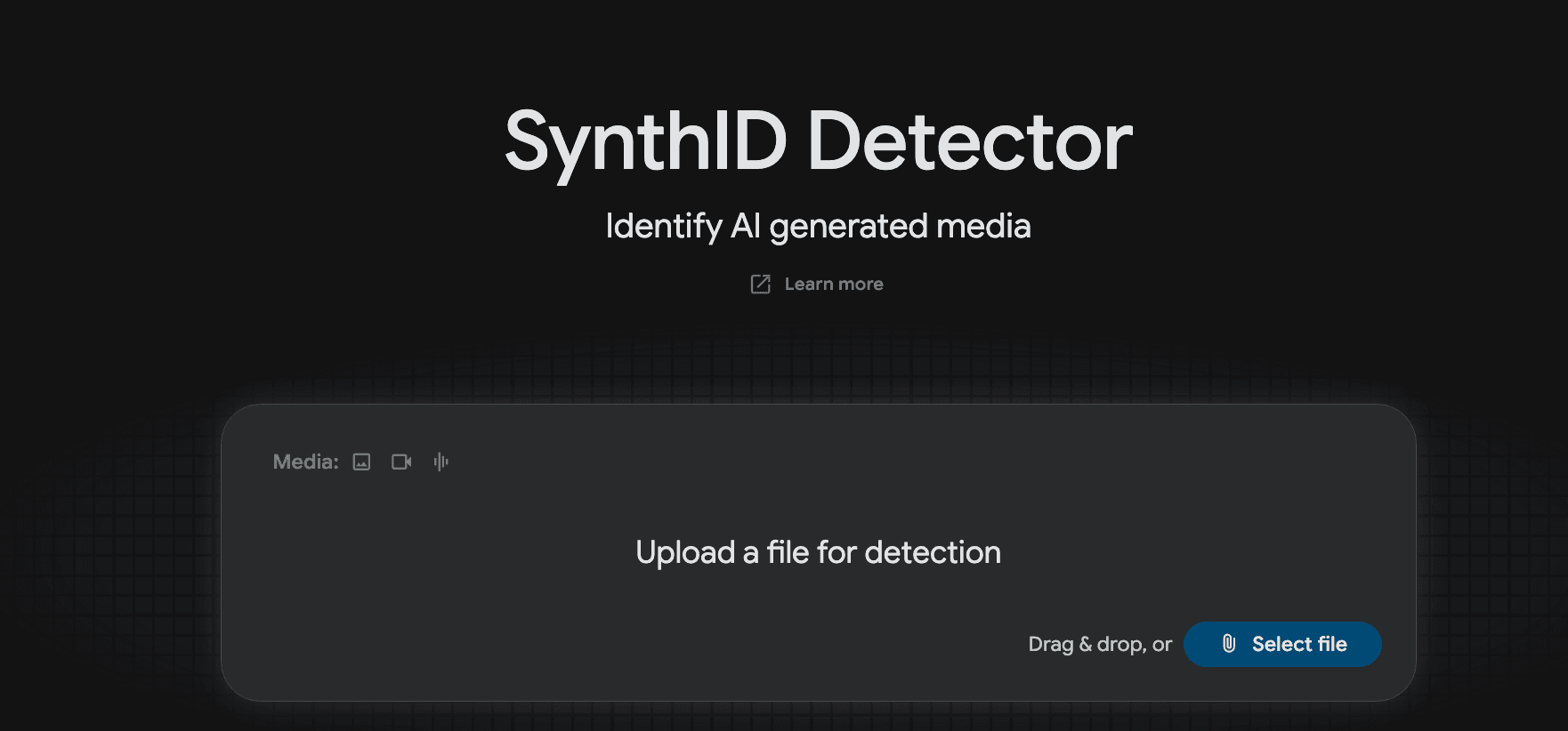
Overview
Google expanded the detector from an early media-professional trial to global English-language access in October 2026. A user can upload an image, video or audio file at synthid.com and receive an indication of whether a watermark from supported Google or partner generation systems is present. Google names OpenAI, NVIDIA and Kakao among partners, with Apple planned. The broader SynthID technology also watermarks some AI text, but the announced Detector portal describes image, video and audio checks; it should not be described as a universal text-authenticity test.
A positive watermark is evidence that a compatible generator or edit path marked the media. A negative result does not prove a file was made by a human: many AI generators do not use SynthID, some content may be outside supported types, and transformations or missing provenance can complicate interpretation. Google says its marks are intended to withstand common changes such as crops or compression, but this desk review did not test tamper resistance. Journalists, moderators and brand teams should combine the result with source tracing, metadata, reverse search and direct confirmation when a decision is consequential.
Use cases
The strongest fit depends on the job you need the product to complete, not the size of its feature list.
Add a watermark check to a broader provenance investigation before publishing a claim.
Triage suspicious media while preserving a separate route for unsupported generators.
Check whether media made with participating tools carries a detectable mark.
Learn by doing
Explore the latest step-by-step AI guides from The Rundown University.
Capabilities
The portal accepts image, video or audio files for checking.
Looks for embedded markers in compatible AI-generated or edited media.
The October announcement names Google and several partners, with some expansion planned.
SynthID is embedded at generation time and intended to be imperceptible.
Google describes watermark verification in Gemini, Search and Chrome alongside the dedicated portal.
Process
Step 1
Keep the highest-quality copy and note its source, date and chain of custody.
Step 2
Use synthid.com for a supported image, video or audio file and record the exact result.
Step 3
A detected mark indicates a compatible AI path; no detected mark leaves many possibilities open.
Step 4
Check metadata, publication history and the claimed creator before labeling or removing content.
Cost
Google’s October announcement says the English-language Detector is available to anyone globally. It does not describe a paid subscription or usage-based price for the public portal. File limits, login requirements and regional conditions should be checked in the live tool.
No public fee announced
Google describes global English access for anyone.
Pricing checked . Check current pricing at the source ↗
Assessment
Compare
The right alternative depends on the specific output, workflow, controls and budget your project requires.
Coding
Use Google’s developer environment to create or inspect AI media workflows rather than verify an outside file.
Explore Google AI Studio →Content Creator
Compare an image-generation product; its outputs may be within partner watermark coverage but it is not a forensic verifier.
Explore ChatGPT Images →Data Analysis
Research surrounding claims and source history as a separate step from watermark detection.
Explore Perplexity →Questions
No. A missing supported watermark does not prove authenticity or human origin.
Google describes SynthID watermarking for some text, but the public Detector announcement specifically offers image, video and audio file checks.
Google lists its own tools and participating partners including OpenAI, NVIDIA and Kakao, with Apple planned. Coverage depends on the particular output and watermark.
Google announced global English access for anyone and did not post a public fee in that announcement; inspect the current portal for usage conditions.
Bottom line
SynthID Detector is a useful signal in an authenticity workflow when a compatible watermark is found. It should never be used alone to certify that unmarked media is genuine or to make a high-stakes accusation; combine it with provenance and contextual evidence.
Visit SynthID Detector website ↗
Google's tiny open model for on-device search across media
xAI's new top-rated speech-to-speech AI model

Cohere's workplace agent platform, now with memory and spending caps
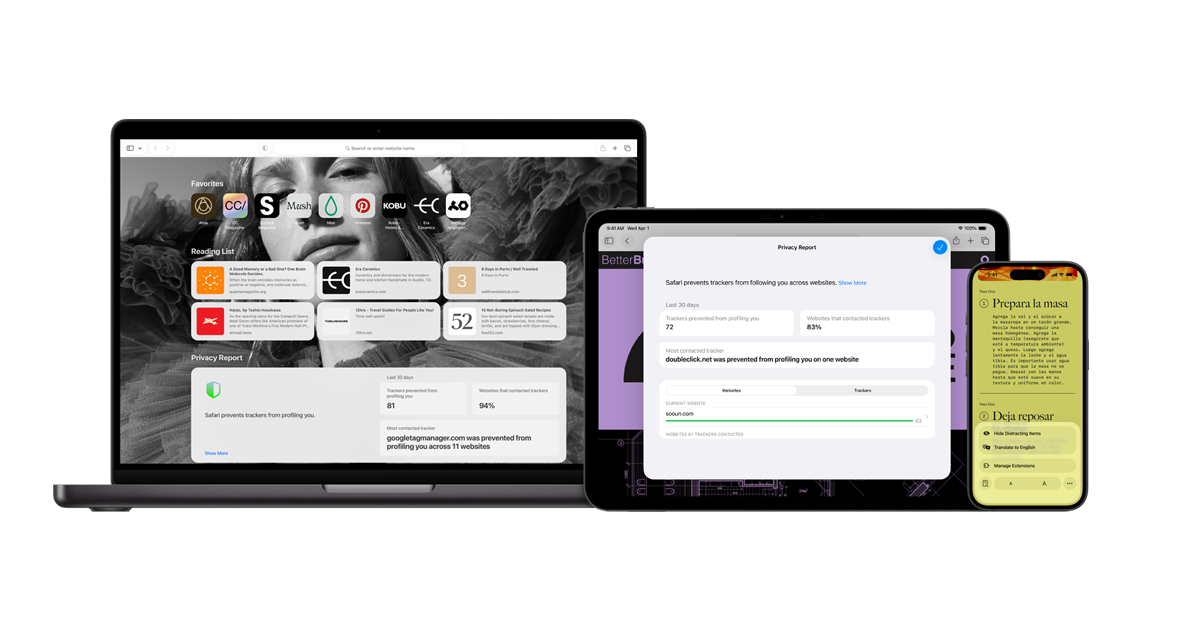
Safari is Apple’s web browser for running AI web apps, researching original sources, and checking how generated websites behave on Apple devices.

Get access to all our AI courses, hundreds of real-world AI use cases, live expert-led workshops, an exclusive network of AI early adopters, and more.
Get unlimited access to all of our current & upcoming industry-specific AI courses for the duration of your subscription.
To keep up with the rapid pace of AI, our team publishes AI implementation guides daily. Our library contains 300+ practical use cases to automate real-world work.
Join weekly, live, interactive sessions with industry leaders who are at the forefront of AI for hands-on implementation guidance and exclusive insights.
Network with an exclusive community of AI-first professionals who are working smarter with AI. Learn how early adopters are using AI in their work and businesses.


