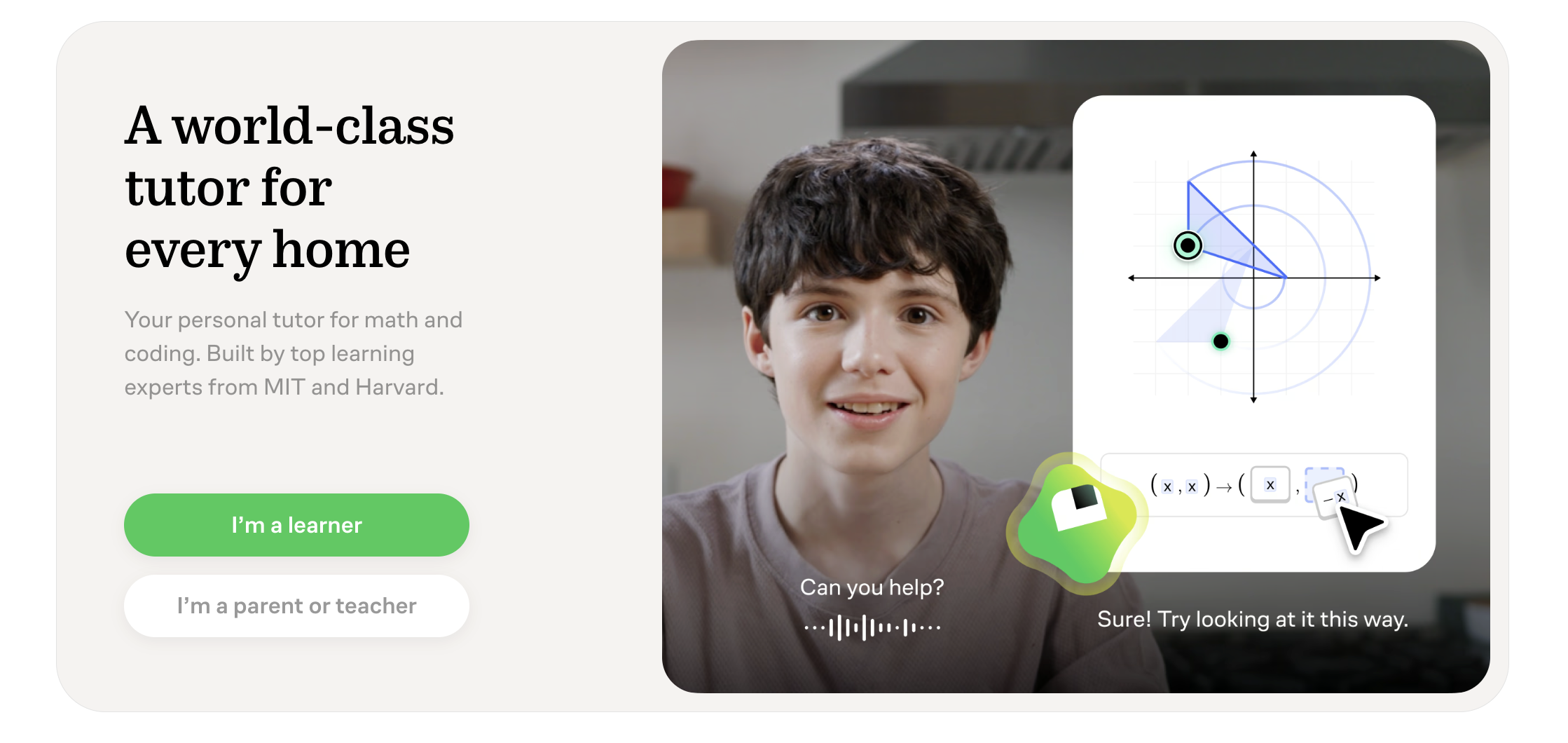
Concept tutoring
Build understanding through layered explanations, analogies, and questions calibrated to the learner's current level.
Independent tool overview
ChatGPT Study Mode is a learning workflow that favors guiding questions, hints, scaffolded explanations, practice, and checks for understanding over immediately supplying a final answer. It is available globally across ChatGPT plans on web, iOS, and Android at no separate charge. It can be a useful tutor and study partner, but it still makes mistakes, does not verify mastery, and must be used within course AI policies.
Visit the official ChatGPT Study Mode site ↗
Overview
Study Mode changes the style of a regular ChatGPT conversation. It asks what the learner already knows, where they are stuck, or what step they would try next, then adapts the explanation to the learner's responses instead of treating the task as a one-shot answer request.
Students can use it to learn a concept, work through a practice problem, prepare for an exam, generate flashcard-style review, explain why an answer is wrong, or break a large topic into smaller parts. When uploads are available, it can reference notes, slides, syllabi, worksheets, textbook excerpts, PDFs, and photos of problems.
OpenAI says the behavior was designed with educators, scientists, and pedagogy experts around scaffolding, cognitive-load management, metacognition, active participation, curiosity, and feedback. In 2026 the company also emphasized that measuring AI's long-term effect on learning remains an open research problem, so the product should not be treated as proof of improved outcomes.
Study Mode runs on the same model, account, memory, message limits, upload limits, and data controls as the rest of ChatGPT. It may still reveal a direct answer, misread a source, give incorrect feedback, or confidently explain a false premise. Learners should verify important material against assigned sources and show their own work.
Use cases
The strongest fit depends on the job you need the product to complete, not the size of its feature list.
Build understanding through layered explanations, analogies, and questions calibrated to the learner's current level.
Work through math, science, coding, or other structured problems one step at a time without requesting the final answer first.
Create targeted quizzes, flashcard-style prompts, retrieval practice, and feedback around course material.
Use permitted notes, readings, slides, or a syllabus as context for explanations and practice.
Capabilities
Prompts the learner to explain prior knowledge, attempt a step, or reason through a choice before moving forward.
Can start simply and add detail, examples, analogies, or technical depth when requested.
Creates open-ended questions and quizzes, waits for an answer, and gives corrective feedback.
Can reference supported files, images, and PDFs from the current chat.
May use saved learning goals, preferences, and past chats when Memory is available and enabled.
Works with voice dictation or conversation when those capabilities are available, supporting spoken explanation practice.
Linked guardians can schedule Study hours, and eligible ChatGPT Edu administrators may require Study Mode for regular conversations.
Process
Step 1
Name the course, topic, level, assessment type, deadline, and what you should be able to explain or do at the end.
Step 2
Upload only materials you are allowed to use, point to the exact pages or problem, and remove personal or confidential information.
Step 3
Tell Study Mode to use hints, ask one question at a time, wait for your attempt, and avoid revealing the full solution prematurely.
Step 4
Write or say each step in your own words so the assistant can diagnose the misunderstanding rather than merely restate an answer.
Step 5
Check definitions, calculations, citations, and conventions against the textbook, instructor materials, answer key, or a qualified teacher.
Step 6
Close the notes, solve a fresh problem or explain the concept from memory, then ask for feedback on gaps.
Step 7
Keep a short error log and bring unresolved questions to an instructor, tutor, study group, or office hours.
Cost
Study Mode has no separate price and is available across ChatGPT plans. Free access uses the Free plan's model, message, file, image, and tool limits. Paid individual and organizational plans may offer higher limits or workspace controls, but they do not make Study Mode infallible.
$0
Includes Study Mode on web, iOS, and Android with Free-plan limits.
Optional; varies by plan and market
Study Mode uses the higher model and usage allowances available to the subscribed account.
Organization pricing
Adds institution or workspace administration and different default data protections.
Pricing checked . Check current pricing at the source ↗
Assessment
Compare
The right alternative depends on the specific output, workflow, controls and budget your project requires.
Students
Better when the priority is source-grounded study and synthesis across a curated collection of documents.
Explore Gemini Notebook (formerly NotebookLM) →Educators
A more curriculum-oriented tutoring option connected to Khan Academy's educational content and teacher tools.
Explore Khanmigo →Students
A narrower custom GPT for converting lecture notes into concise review summaries.
Explore Study Summary GPT →Questions
It changes a regular ChatGPT conversation into a more guided learning experience using questions, hints, step-by-step explanations, quizzes, and feedback instead of defaulting to a final answer.
Yes. It is included on the Free plan and all paid ChatGPT plans at no separate charge. The model, messages, files, and tools available still depend on the account's plan and limits.
On the web, visit chatgpt.com/studymode or type @study in a regular conversation and select Study. On mobile, open the tools menu and search for Study. Menu placement can vary by app version.
It can use supported uploads such as notes, slides, PDFs, worksheets, or photos when file tools are available. Upload only material you are authorized to use, point it to the relevant section, and verify its reading against the original.
No. OpenAI says it may sometimes give a direct answer. Ask it to provide one hint at a time, wait for your attempt, and hold the complete solution until you have explained your reasoning.
Use it only within your instructor's or institution's AI policy. It is best for learning and practice; submitting generated work as your own may violate academic-integrity rules.
It can use saved memories and past chats when Memory is available and enabled. Review Settings > Personalization to manage those controls. It still works without Memory.
OpenAI says linking parental controls does not give a parent access to the teen's conversations, history, or real-time activity. Parents can manage selected settings and Study hours and may receive limited safety notifications in specified circumstances.
Not consistently enough to use as a sole authority. Verify important explanations, calculations, citations, and feedback against assigned sources, answer keys, or a qualified instructor.
Its design encourages practices associated with learning, such as retrieval, scaffolding, and reflection. OpenAI also acknowledges that existing research does not yet capture the full long-term effect of AI on learning, so improved outcomes should be measured rather than assumed.
Bottom line
ChatGPT Study Mode is a better default than answer-first chat for learners who actively attempt problems, explain their reasoning, and verify the feedback. Its value comes from the study behavior it encourages—not from guaranteed accuracy. Use it as a patient practice partner inside a teacher-approved workflow, then prove understanding without the assistant.
Visit ChatGPT Study Mode website ↗
Get access to all our AI courses, hundreds of real-world AI use cases, live expert-led workshops, an exclusive network of AI early adopters, and more.
Get unlimited access to all of our current & upcoming industry-specific AI courses for the duration of your subscription.
To keep up with the rapid pace of AI, our team publishes AI implementation guides daily. Our library contains 300+ practical use cases to automate real-world work.
Join weekly, live, interactive sessions with industry leaders who are at the forefront of AI for hands-on implementation guidance and exclusive insights.
Network with an exclusive community of AI-first professionals who are working smarter with AI. Learn how early adopters are using AI in their work and businesses.
.avif)