Game and interactive-media teams
Generate style-consistent 2D, video, audio and 3D assets for Unity, Unreal or custom pipelines.
Independent tool overview
Scenario is an API-first creative production platform for generating and managing images, video, 3D and audio, with custom model training aimed at consistent game, brand and product assets.
Visit the official Scenario site ↗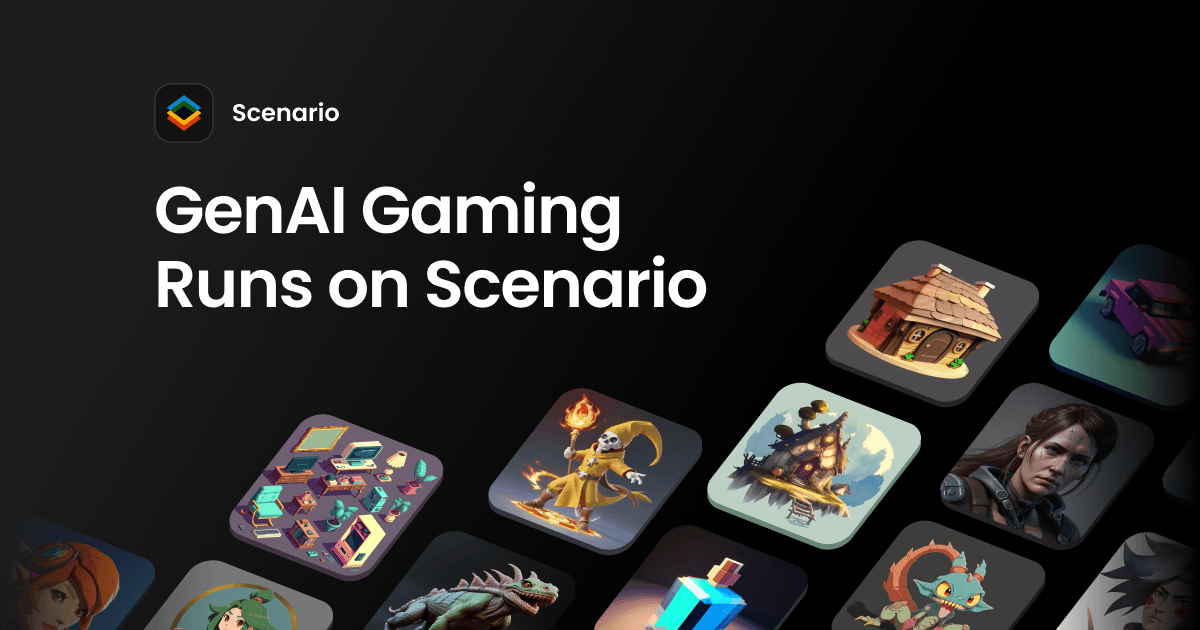
Overview
Scenario has expanded beyond its original game-asset image generator into a multi-modal creative infrastructure platform. It provides a common workspace and REST API across hundreds of foundation and utility models for images, video, 3D, audio and editing.
Its clearest differentiator is custom model training. Teams can train styles, characters or objects from their own reference set, combine LoRAs and use the resulting models in web workflows or production APIs.
The platform meters work in credits or Compute Units, and costs vary significantly by model, resolution, duration, batch size and training settings. Teams should use Scenario's generator estimate, dry-run API option or Compute Planner instead of assuming that one credit equals one asset.
Use cases
The strongest fit depends on the job you need the product to complete, not the size of its feature list.
Generate style-consistent 2D, video, audio and 3D assets for Unity, Unreal or custom pipelines.
Train custom LoRAs from owned reference material and reuse them across campaigns.
Expose multi-provider generation and editing inside an application through one API.
Capabilities
Accesses image, video, 3D, audio and editing models from multiple providers through one workspace.
Trains style, character and object LoRAs from a curated set of owned reference images.
Combines trained styles and subjects so teams can generate consistent variations.
Supports generation, workflows, asset management, model access and asynchronous jobs programmatically.
Automates recurring generation, editing and asset-processing pipelines at scale.
Exports common image, video, audio and 3D formats, including game-ready meshes and textures.
Process
Step 1
Specify the style guide, characters, formats, engine constraints, licensing and approval criteria.
Step 2
Benchmark included foundation models, then train custom models only where consistency justifies the extra cost.
Step 3
Use the live generator cost, Compute Planner or API dry run before high-resolution, video, 3D or batch jobs.
Step 4
Check anatomy, continuity, brand safety and rights, then export or automate approved assets through the API.
Cost
Scenario offers free evaluation credits and three self-serve monthly plans. Credits do not roll over, generation stops when the balance is exhausted, and paid add-ons can extend usage. Annual billing is advertised at 33% below month-to-month.
$0
Evaluation access to public image models.
$15 per month
Single-user workspace for casual creation.
$45 per month
Higher-performance creation and custom models.
$75 per month
Team workspace for production use.
Custom
Governed deployment for organizations running at scale.
Pricing checked . Check current pricing at the source ↗
Assessment
Compare
The right alternative depends on the specific output, workflow, controls and budget your project requires.
Content Creator
Choose Krea for an interactive designer-focused image and video canvas with fast visual iteration.
Explore Krea →Design
Choose Rodin when high-quality image-to-3D asset generation is the primary requirement.
Explore Rodin →Coding
Choose Rosebud AI Gamemaker when the goal is to generate and iterate playable games, not only creative assets.
Explore Rosebud AI Gamemaker →Questions
Scenario is used to generate, edit, train and manage images, video, 3D and audio through a web app or API, with a focus on consistent production assets.
Monthly plans currently start at $15 for Starter, $45 for Pro and $75 for Max. Enterprise is custom, and a limited free tier is available for evaluation.
Yes. Pro and higher plans can train style, character or object models from owned reference images and combine them through Multi-LoRA workflows.
Scenario says paid plans include commercial usage rights for generated assets. Free-tier outputs are limited to personal and evaluation use, and teams must still ensure their inputs and outputs do not infringe third-party rights.
Yes. Scenario provides a REST API for models, generation, workflows, jobs and assets. Current help documentation says API keys are available on Starter and higher plans.
Bottom line
Scenario is strongest when a team needs consistent creative assets across several modalities and wants custom models embedded in a production pipeline. Its value depends on controlled art direction and careful credit budgeting, not just access to a large model catalog.
Visit Scenario website ↗
Get access to all our AI courses, hundreds of real-world AI use cases, live expert-led workshops, an exclusive network of AI early adopters, and more.
Get unlimited access to all of our current & upcoming industry-specific AI courses for the duration of your subscription.
To keep up with the rapid pace of AI, our team publishes AI implementation guides daily. Our library contains 300+ practical use cases to automate real-world work.
Join weekly, live, interactive sessions with industry leaders who are at the forefront of AI for hands-on implementation guidance and exclusive insights.
Network with an exclusive community of AI-first professionals who are working smarter with AI. Learn how early adopters are using AI in their work and businesses.