Houseplant triage
Organize common causes of yellowing, wilting, spots, browning or slow growth before taking low-risk corrective steps.
Independent tool overview
Plant Doctor is a custom GPT in ChatGPT for uploading plant photos and asking about identification, symptoms and growing conditions. It can organize likely causes and suggest low-risk observation or care steps, but a photo alone cannot reliably distinguish watering stress, nutrient problems, pesticide injury, pests and diseases that look alike. Use it as a conversational troubleshooting aid—not as a definitive diagnosis or a basis for hazardous pesticide, crop-loss or invasive-species decisions.
Visit the official Plant Doctor site ↗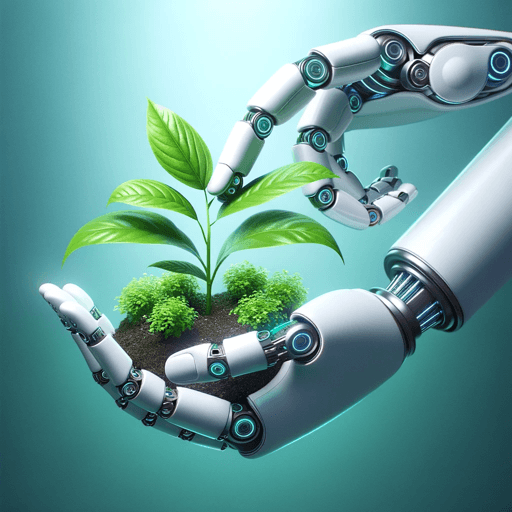
Overview
The public Plant Doctor listing remains available in ChatGPT. Its value comes from a guided back-and-forth: users can attach multiple images, identify the plant and describe light, watering, soil, weather, symptom progression and recent treatments instead of relying on one isolated leaf photo.
A useful response should produce a differential—several plausible biotic and abiotic causes—along with observations that would distinguish them. University Extension guidance emphasizes identifying the plant, inspecting the whole plant and environment, looking for patterns and signs, reviewing care history and confirming difficult cases with a sample or diagnostic clinic.
Plant Doctor has no separately published subscription. Access depends on ChatGPT's current plans, settings and usage limits. OpenAI says GPTs and image inputs are available on Free and paid plans, with limited uploads and vision on Free.
Use cases
The strongest fit depends on the job you need the product to complete, not the size of its feature list.
Organize common causes of yellowing, wilting, spots, browning or slow growth before taking low-risk corrective steps.
Turn observations and images into a concise history to share with a nursery, Extension educator or diagnostic clinic.
Check whether light, watering, drainage, temperature, humidity or fertilization may be contributing to stress.
Capabilities
Uses ChatGPT's image understanding to discuss visible plant characteristics, symptoms and possible pests.
Can ask about species, environment, care routine, timing and symptom progression to narrow the possibilities.
Suggests likely plant identities from visible features, which should be confirmed before species-specific treatment.
Can compare possible watering, light, soil, nutrient, temperature, insect and disease explanations.
Offers steps such as inspecting roots, adjusting drainage, isolating a plant, monitoring changes or collecting better evidence.
ChatGPT supports additional images in later turns, making it possible to show the full plant, close-ups, both leaf surfaces, stem, roots and growing site.
Can produce a structured symptom and treatment history for a horticulture professional when a case needs escalation.
Process
Step 1
Provide the plant's name if known and separate it from other plants when a contagious pest or disease is plausible.
Step 2
Upload sharp natural-light photos of the entire plant and site, affected and healthy tissue, both leaf surfaces, stems, soil line, roots and any visible pest or residue.
Step 3
State when symptoms began, how they spread, light and temperature, watering and drainage, fertilizer, repotting, weather, nearby plants and every recent chemical treatment.
Step 4
Request ranked possible causes, evidence for and against each one, safe observations to make next and explicit uncertainty.
Step 5
Use a local Extension service, qualified horticulturist, licensed applicator or plant diagnostic laboratory before costly, regulated or irreversible action.
Cost
Plant Doctor does not advertise a separate fee. It runs inside ChatGPT, where discovering and using GPTs and image inputs are available on Free and paid plans subject to current account settings and limits. The Free plan has limited file uploads and vision; paid plan prices and availability vary by plan and market, so check ChatGPT's live pricing page.
$0
Can use GPTs and image inputs with limited upload, vision and message capacity.
See live regional pricing
Provide expanded model, upload and vision access depending on the selected individual or business plan.
Pricing checked . Check current pricing at the source ↗
Assessment
Compare
The right alternative depends on the specific output, workflow, controls and budget your project requires.
Business Operations
Use regular ChatGPT when you want the same image-and-follow-up workflow with transparent control over your own prompt and sources.
Explore ChatGPT →Data Analysis
Consider Perplexity for source-linked research into a confirmed plant, pest or condition, while still validating recommendations with local Extension guidance.
Explore Perplexity →Questions
It is a custom ChatGPT that uses uploaded plant photos and conversation context to suggest likely identities, possible causes of symptoms and care or investigation steps.
There is no separate published fee. ChatGPT Free users can discover GPTs and upload images within plan limits, while paid plans provide expanded access depending on the current offering.
It can suggest possibilities, but it cannot provide a reliable definitive diagnosis from one photo. Many diseases, pests, nutrient problems and environmental stresses produce similar symptoms.
Include the whole plant and its surroundings, affected and healthy tissue, close-ups, both sides of leaves, stems, the soil line, roots if safely accessible and any visible insects or residue. Use sharp natural light.
Provide the plant identity, location, light, temperature, soil, drainage, watering, fertilizer, repotting, weather, symptom timeline, nearby plant symptoms and recent pesticide or herbicide use.
Not without confirming the pest and checking the actual product label, plant, location and local law. For meaningful risk, ask Extension staff or a qualified applicator before treatment.
Escalate when symptoms spread quickly, a valuable tree or crop is involved, the identity is uncertain, roots or internal tissue need examination, a regulated pest is possible or any treatment could be toxic, costly or irreversible.
Bottom line
Plant Doctor is useful when it slows a gardener down and turns a vague visual symptom into a structured investigation. It is risky when a plausible-sounding answer is treated as a confirmed disease or chemical prescription. Provide several good images and a complete history, ask for competing explanations and safe next checks, and send difficult or high-consequence cases to a local Extension office or plant diagnostic clinic.
Visit Plant Doctor website ↗
Unleash your culinary creativity with our recipe generator.

Helps plan meals for achieving weight loss.
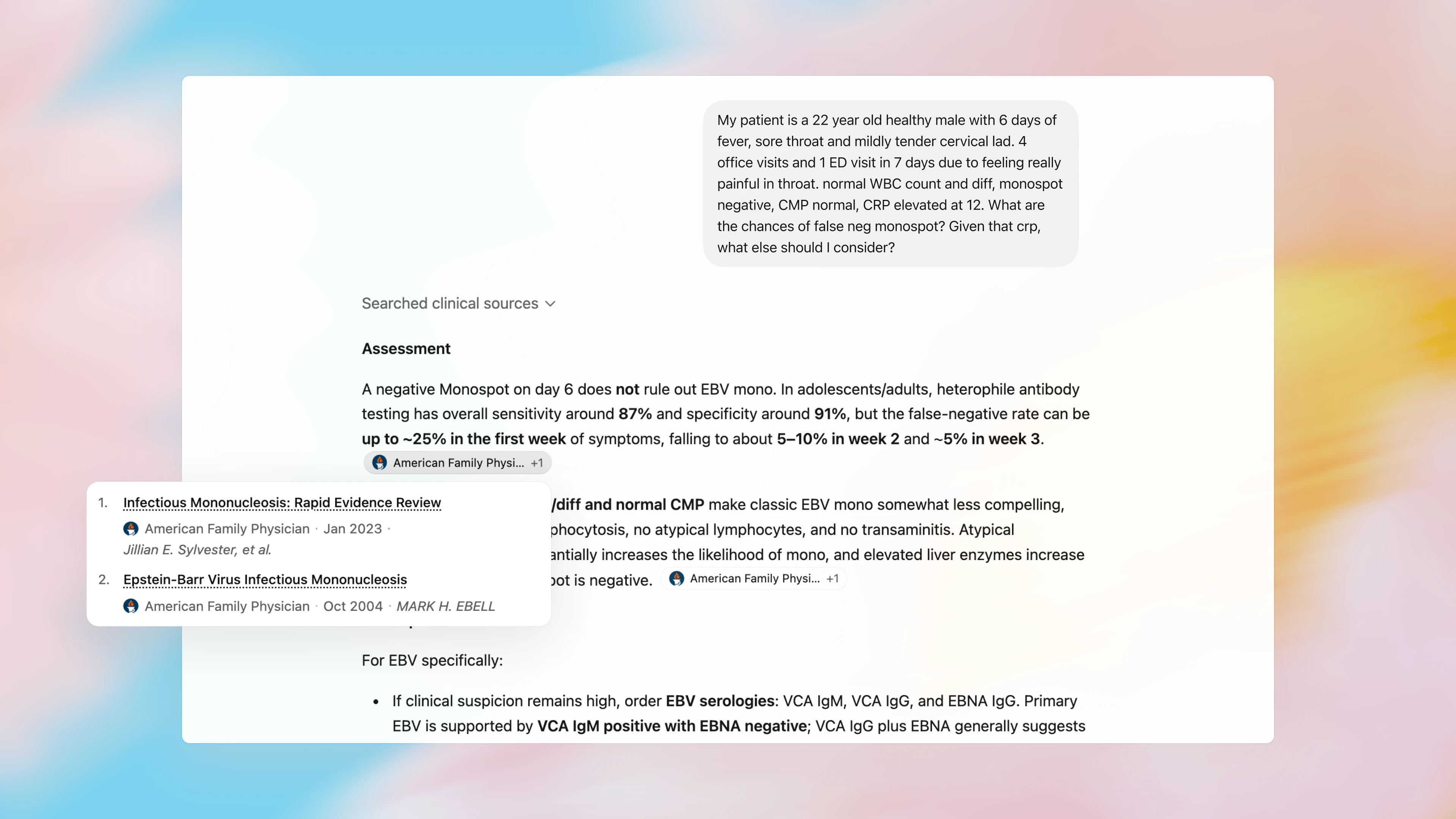
ChatGPT for Clinicians - OpenAI's free clinical version for verified U.S. doctors with HIPAA support

Your personal running coach for marathon training.

Get access to all our AI courses, hundreds of real-world AI use cases, live expert-led workshops, an exclusive network of AI early adopters, and more.
Get unlimited access to all of our current & upcoming industry-specific AI courses for the duration of your subscription.
To keep up with the rapid pace of AI, our team publishes AI implementation guides daily. Our library contains 300+ practical use cases to automate real-world work.
Join weekly, live, interactive sessions with industry leaders who are at the forefront of AI for hands-on implementation guidance and exclusive insights.
Network with an exclusive community of AI-first professionals who are working smarter with AI. Learn how early adopters are using AI in their work and businesses.