Game and VFX studios
Capture body performance at production scale without putting performers in marker suits or sending every take to a cloud-processing queue.
Independent tool overview
Move AI Genesis is an enterprise markerless motion-capture system that uses six to twelve synchronized cameras and local Nvidia GPU processing to produce multi-actor animation data without suits or body markers.
Visit the official Move AI Genesis site ↗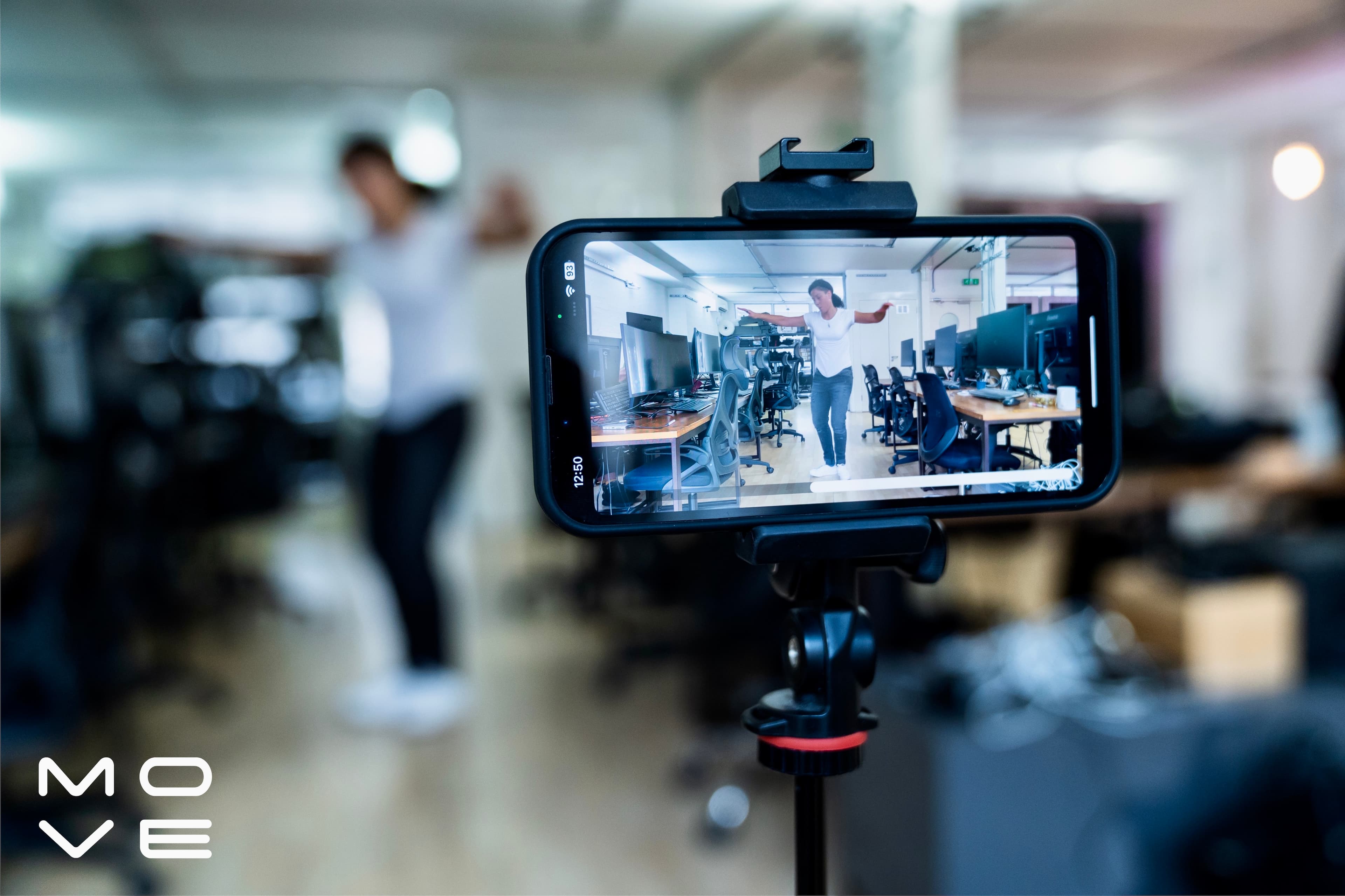
Overview
Move AI's current public product focus is Genesis, a permanently wired, enterprise-grade markerless motion-capture system for VFX, games, entertainment, and animation studios. It replaces suits and reflective markers with synchronized video, computer vision, and a motion engine trained to infer human movement over time.
Genesis is materially different from the older cloud and consumer framing many people associate with Move AI. The current system is a locally processed desktop deployment built around professional Z CAM hardware, calibrated multi-camera volumes, an Nvidia GPU, and integration with studio capture and animation pipelines.
Move AI still links to its Move One platform for existing web-platform users, but its public sales pages do not list a current self-serve subscription or consumer price. New buyers are directed to configure a Genesis system, request a sample or demonstration, and obtain a quote.
Use cases
The strongest fit depends on the job you need the product to complete, not the size of its feature list.
Capture body performance at production scale without putting performers in marker suits or sending every take to a cloud-processing queue.
Install a calibrated, synchronized multi-camera volume for repeated shoots and locally processed motion data.
Add markerless processing to compatible Vicon or OptiTrack camera feeds while retaining parts of an existing stage investment.
Capabilities
Capture one to eight performers through video without body markers or inertial suits, reducing performer setup while preserving natural wardrobe and movement.
Run the desktop motion engine on-premises with compatible RTX 30-, 40-, 50-series or Nvidia A-series hardware instead of uploading every capture for cloud processing.
Build a permanently wired stage from approximately 4 × 4 meters to 20 × 20 meters using six to twelve Z CAM cameras, appropriate lenses, and checkerboard calibration.
Align camera feeds and captured motion to a master clock so the resulting data can fit into a broader production and editorial pipeline.
Use Peel Capture for camera control, synchronized start and stop, file naming, and shoot data management in a unified session workflow.
Process RGB or grayscale feeds from compatible existing Vicon or OptiTrack systems, using their camera quality and calibration for markerless extraction.
Process unlimited takes on owned infrastructure, add processing hubs, and keep source footage and motion processing within a studio's network and security boundary.
Process
Step 1
Specify volume size, actor count, movement type, target skeleton, frame rate, timecode, downstream DCC or engine, turnaround, and data-security requirements.
Step 2
Use Move's system configurator as an initial estimate, then validate camera count, lenses, placement, lighting, cabling, GPU, and network design with Move's onboarding team.
Step 3
Mount and synchronize the camera array, set the master clock, complete checkerboard calibration, and verify useful coverage across the entire working volume.
Step 4
Capture the actual movement classes the production needs—including occlusion, floor contact, fast limbs, multiple actors, props, and costume variations—and request raw comparison data.
Step 5
Generate motion data on the designated GPU infrastructure, then inspect foot sliding, jitter, spine motion, finger detail, occlusion recovery, scale, and identity assignment.
Step 6
Map the output to the production rig, correct contact and penetration issues, blend or edit takes, and validate the animation inside the engine or DCC that will ship it.
Cost
Move AI no longer publishes a self-serve Genesis software price. New systems are configured and quoted through sales, and buyers must budget for cameras, lenses, synchronization, cabling, mounting, local compute, installation, support, and animation cleanup. Move's live configurator currently uses $3,000 as an illustrative Nvidia GPU estimate, not a complete system price.
Custom quote
A configured on-premises markerless capture system for professional studios.
About $3,000 for the sample GPU line item
The public configurator's illustrative Nvidia GPU estimate, excluding the rest of the stage.
No current public self-serve price
The earlier web platform remains linked for existing users, but the current sales site does not publish a new consumer plan table.
Pricing checked . Check current pricing at the source ↗
Assessment
Compare
The right alternative depends on the specific output, workflow, controls and budget your project requires.
Design
Choose Meshcapade when the larger need is creating, fitting, and animating consistent digital humans rather than installing a dedicated multi-camera capture stage.
Explore Meshcapade →Content Creator
Choose HeyGen Avatar V when the desired output is a generated talking-avatar video from a short performance reference rather than reusable 3D motion-capture data.
Explore Avatar V →Content Creator
Choose Morph Studio when prompt- and image-led character video generation is more useful than studio-grade skeleton animation data.
Explore Morph Studio →Questions
Move AI develops markerless motion-capture systems. Its current flagship, Genesis, uses synchronized cameras and local GPU processing to turn video of one or more performers into 3D animation data without suits or body markers.
Yes. Move AI's current website sells Genesis through configured systems, demonstrations, and custom quotes. Its earlier Move One platform is still linked, but the main product focus is now enterprise on-premises capture.
Move AI does not publish a complete Genesis price. The current configurator uses about $3,000 as an illustrative GPU line item, while cameras, lenses, synchronization, installation, and software are configured separately. Contact sales for a real quote.
Move AI currently describes six to twelve Z CAM cameras and lenses plus a local Nvidia RTX 30-, 40-, 50-series or A-series GPU. The exact count, lens, compute, and mounting plan depends on the stage.
The current Genesis product page lists capture for one to eight people in volumes ranging from 4 × 4 meters to 20 × 20 meters.
Genesis is designed to run locally through a desktop application and on-premises Nvidia GPUs. This supports offline operation, local data control, and processing without a cloud subscription allowance.
It can reduce reliance on suits and markers, and Move AI claims comparable data quality in its own tests. A studio should still evaluate raw data from representative movement, props, costumes, actor counts, and target rigs before replacing a validated optical workflow.
Bottom line
Move AI Genesis is aimed at studios that want high-volume markerless capture with local data control and can justify a professionally installed multi-camera stage. It is not the casual single-camera subscription the older Move One reputation may imply. The right buying process is a representative test shoot, raw-data evaluation, full hardware and support quote, and cleanup-time comparison against optical, inertial, and lighter-weight markerless alternatives.
Visit Move AI Genesis website ↗
Get access to all our AI courses, hundreds of real-world AI use cases, live expert-led workshops, an exclusive network of AI early adopters, and more.
Get unlimited access to all of our current & upcoming industry-specific AI courses for the duration of your subscription.
To keep up with the rapid pace of AI, our team publishes AI implementation guides daily. Our library contains 300+ practical use cases to automate real-world work.
Join weekly, live, interactive sessions with industry leaders who are at the forefront of AI for hands-on implementation guidance and exclusive insights.
Network with an exclusive community of AI-first professionals who are working smarter with AI. Learn how early adopters are using AI in their work and businesses.


