Concept artists and illustrators
Creative mode can enlarge low-resolution artwork while adding texture, surface detail and prompt-guided interpretation.
Independent tool overview
Magnific AI is a professional image upscaler that can either preserve an image closely or invent new detail as it enlarges it. The original magnific.ai service remains available to existing customers, while new customers subscribe through Magnific.com—the expanded creative platform formerly known as Freepik.
Visit the official Magnific AI site ↗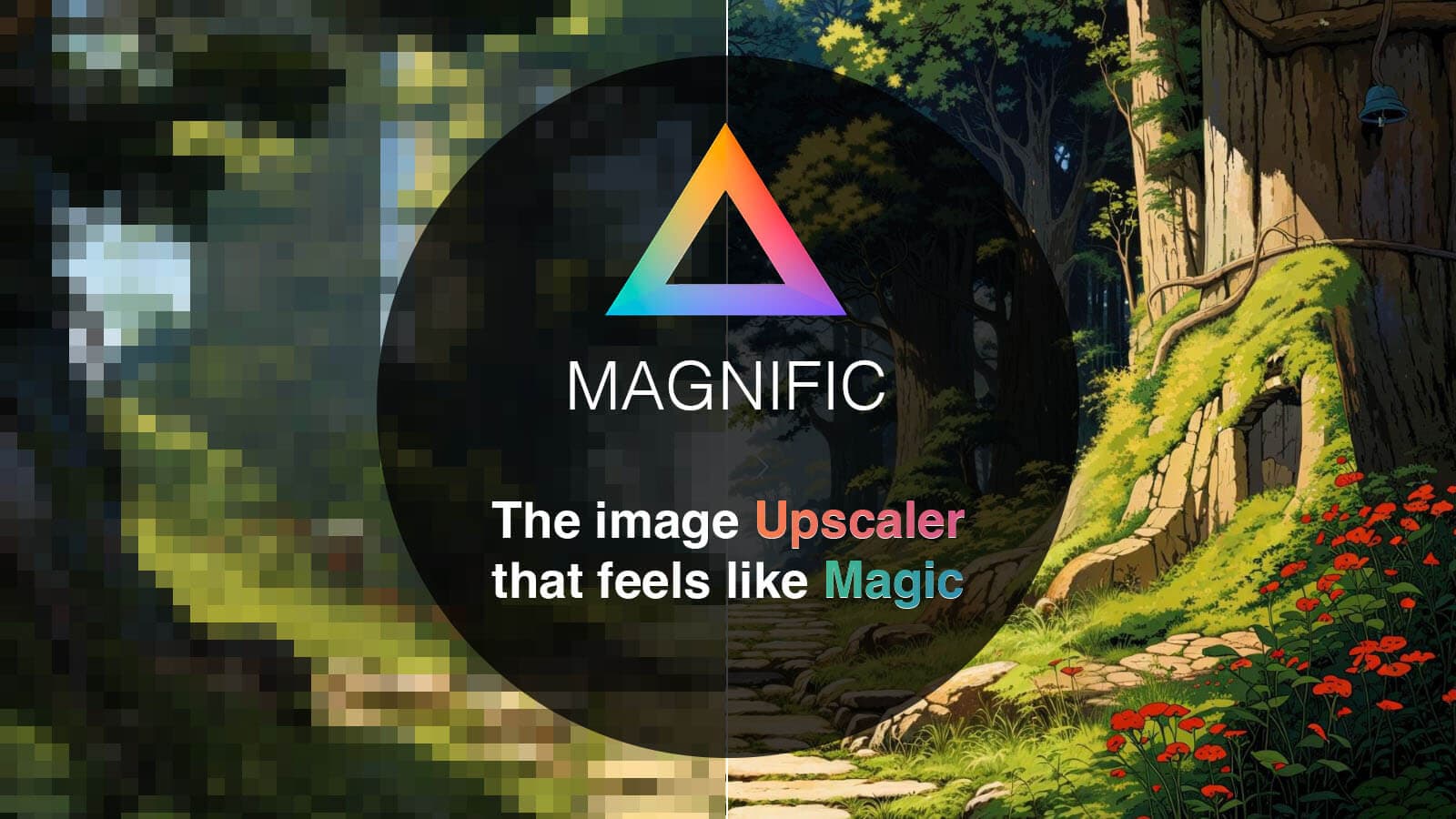
Overview
Magnific AI became popular for generative upscaling: instead of only stretching pixels, it can reconstruct texture and add plausible detail under the direction of a prompt and controls for creativity, HDR and resemblance. This makes it useful for concept art, illustrations, game assets, architectural visuals and other images where a more interpretive result is welcome.
The product now sits inside a larger platform. Freepik acquired the original Magnific upscaler in May 2024 and renamed the full Freepik platform Magnific on April 28, 2026. Magnific.com combines the upscaler with image, video and audio generation, editing, collaborative Spaces and a large stock library.
The original magnific.ai account system is now a legacy service for existing users. Those customers can still access their creations, tools, tokens and subscriptions independently, but new registrations and subscriptions are directed to Magnific.com. That distinction matters because the two services have separate accounts, billing and policies.
Use cases
The strongest fit depends on the job you need the product to complete, not the size of its feature list.
Creative mode can enlarge low-resolution artwork while adding texture, surface detail and prompt-guided interpretation.
Precision mode is designed for more faithful enhancement of photos, products and print-ready images.
The current Magnific platform combines upscaling with generation, editing, stock assets and shared Spaces.
It works best as a finishing step after a team has chosen the strongest generated or rendered images.
Capabilities
Magnific can add prompt-guided detail while enlarging illustrations, 3D renders, fantasy art and other stylized images.
A more conservative workflow focuses on retaining the source composition and details for photography, products and print.
Creative workflows expose controls such as Creativity, HDR and Resemblance, while Precision workflows offer sharpness and grain adjustments.
Users can choose modes and presets suited to portraits, denoising, high-detail visuals and different source material.
A current Magnific subscription also covers image, video and audio models, editing tools, collaborative Spaces and stock content.
Paid plans include credit-based API access plus Magnific MCP and plugins for incorporating the platform into production workflows.
Process
Step 1
Start with the cleanest available file and keep an untouched original. Upscaling cannot recover factual detail that was never captured.
Step 2
Use Creative when interpretation is acceptable; use Precision when faces, products, logos or photography need to stay close to the source.
Step 3
Choose an enlargement level, add a focused prompt when needed and begin with moderate settings before increasing creativity or HDR.
Step 4
Compare several versions rather than relying on a single output, especially when the source contains faces, hands, typography or repeating patterns.
Step 5
Check identity, product geometry, text, edges and fine texture at 100% before approving the image for delivery or print.
Cost
New subscriptions are sold through Magnific.com. Its individual plans cover the full creative suite, not only the upscaler. The prices below are the current US-dollar rates shown on August 29, 2026; annual rates are effective monthly prices billed for the year, taxes may be added and credit costs vary by model and tool. Existing magnific.ai subscriptions remain separate and are no longer open to new customers.
$20 monthly or $14.50/month billed annually
Entry individual plan with 240,000 credits per year on annual billing.
$45 monthly or $33.75/month billed annually
Higher-volume individual plan with 600,000 credits per year on annual billing.
$280 monthly or $210/month billed annually
Professional plan with 4 million credits per year on annual billing.
Custom pricing
Sales-managed plan for organizations needing custom usage, governance and support.
Pricing checked . Check current pricing at the source ↗
Assessment
Compare
The right alternative depends on the specific output, workflow, controls and budget your project requires.
Content Creator
A strong alternative for teams that want real-time generation, editing and enhancement in one visual workspace.
Explore Krea →Design
A narrower image-enhancement option for users who want to experiment with upscaling without a full creative-suite subscription.
Explore Finegrain Image Enhancer →Content Creator
A better fit when the primary requirement is local, dedicated video enhancement rather than a browser-based image workflow.
Explore Topaz Labs Video AI 5 →Questions
Magnific AI enlarges images using either generative Creative upscaling or more faithful Precision upscaling. The current Magnific platform also includes image, video and audio generation, editing, collaboration and stock assets.
Yes. New customers use Magnific.com. The original magnific.ai service remains available to existing users, but it no longer accepts new registrations or subscriptions.
Freepik officially became Magnific on April 28, 2026. Existing Freepik accounts, subscriptions, projects and licenses moved to Magnific.com under the same company and platform.
Creative mode can invent texture and prompt-guided detail, which suits art and renders. Precision mode aims to preserve the source more closely, making it safer for photos, products and print.
Current Magnific.com individual plans start at $20 month-to-month or an effective $14.50 per month when Premium is billed annually. Higher-volume Premium+ and Pro plans are available, while Enterprise pricing is custom.
No AI upscaler can reliably reconstruct factual detail that is absent from the source. Magnific can create a convincing interpretation, but important identities, text and product details must be verified.
Current paid plans advertise a commercial AI license, with music rights included on certain higher tiers. You still need rights to your inputs and should review the applicable license and any model-specific conditions.
Magnific.com advertises a 30-day refund guarantee subject to its refund policy. Legacy magnific.ai billing is separate, so existing users should review the policy attached to that account.
Bottom line
Magnific AI remains one of the more controllable choices for turning selected low-resolution visuals into polished, high-detail assets. Choose Precision when fidelity matters and Creative when tasteful invention is part of the goal. The current Magnific.com subscription makes the most sense for people who will also use its generation, editing and collaboration tools; buyers who only need occasional conventional enlargement may find the credit-based suite excessive.
Visit Magnific AI website ↗
{{super:Var:name}} instantly converts your sketches into functional websites.

Old and blurry face photos restored effortlessly.

Fusion Art AI: Unleash your creativity with AI-generated masterpieces.

I help create UI designs for apps.

Get access to all our AI courses, hundreds of real-world AI use cases, live expert-led workshops, an exclusive network of AI early adopters, and more.
Get unlimited access to all of our current & upcoming industry-specific AI courses for the duration of your subscription.
To keep up with the rapid pace of AI, our team publishes AI implementation guides daily. Our library contains 300+ practical use cases to automate real-world work.
Join weekly, live, interactive sessions with industry leaders who are at the forefront of AI for hands-on implementation guidance and exclusive insights.
Network with an exclusive community of AI-first professionals who are working smarter with AI. Learn how early adopters are using AI in their work and businesses.